Dear Phap
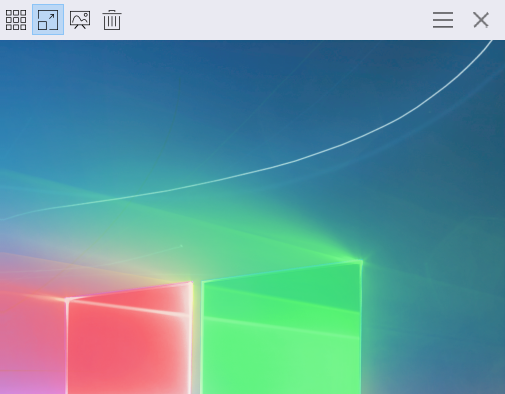
I using ImageGlass in Full-screen mode.
Please add the close button for the toolbar. (Only in Full-screen mode)
 xmha97
All 6 comments
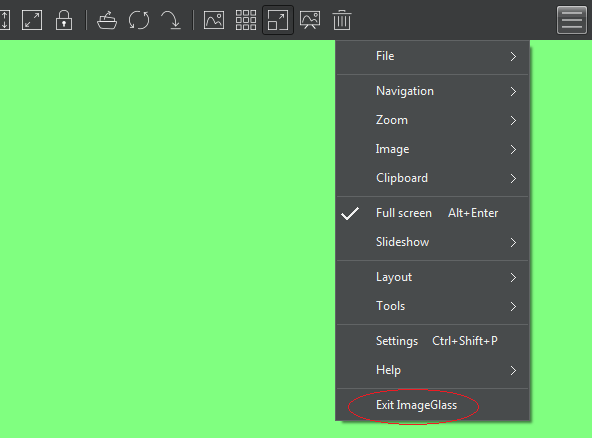
For now you can use the 'Exit Imageglass' option from the main menu:
 fire-eggs
on 21 Aug 2019
fire-eggs
on 21 Aug 2019
For now you can use the 'Exit Imageglass' option from the main menu:
This is not user-friendly.
I need a separate button.
xmha97
on 21 Aug 2019
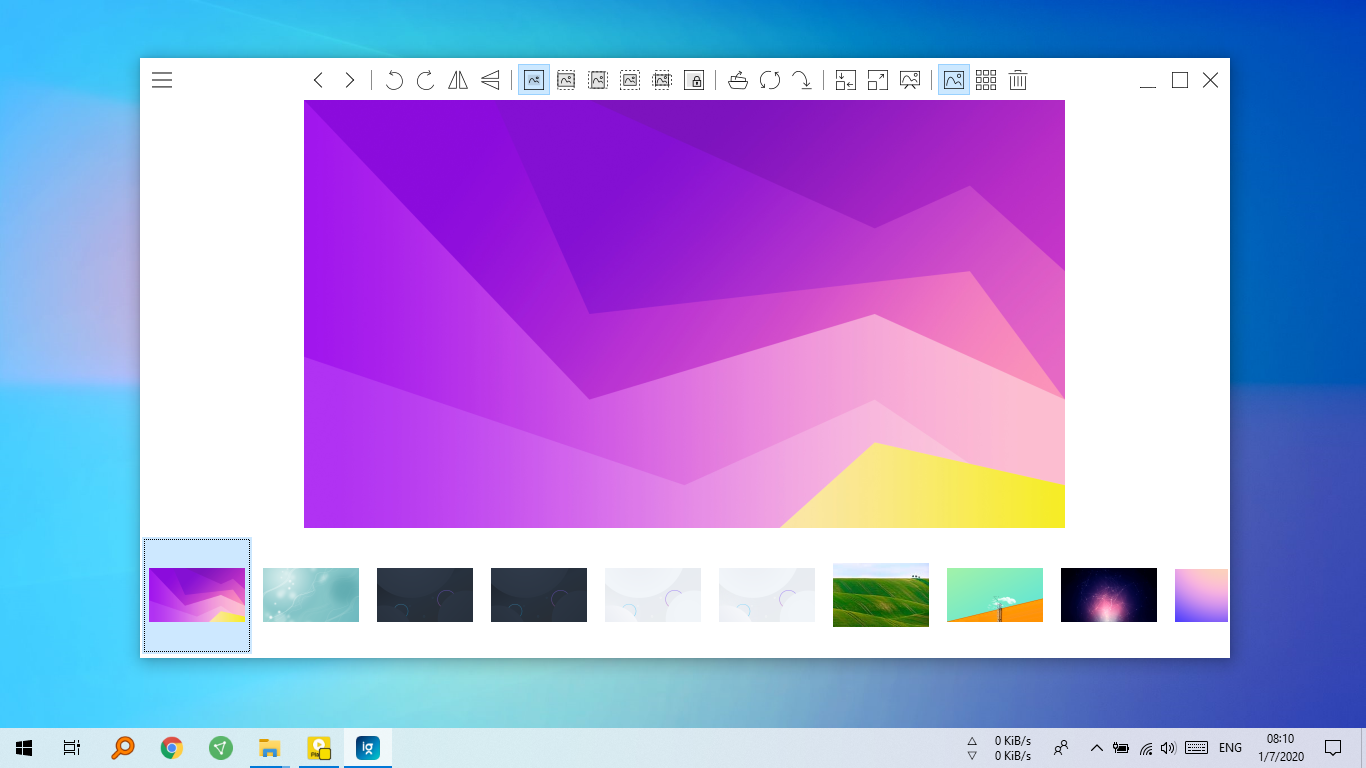
@d2phap Please add titlebar buttons (Close,Maximize,Minimize) to toolbar in Frameless Mode:
xmha97
on 7 Jan 2020
Hi @amirrammari
for now you can use shotcuts: Window + arrow keys instead.
 d2phap
on 7 Jan 2020
d2phap
on 7 Jan 2020
Thank you.
Now I can Minimize the app using Win+Down
xmha97
on 7 Jan 2020
Hoping this isn't too much hijacking, frameless is also lacking any kind of window size control (i.e. those little arrows instead of the mouse pointer when the cursor is over some border).
It's very strange since a lot of of other borderless programs still support that.
 mirh
on 19 Jan 2021
mirh
on 19 Jan 2021
Related issues
 motazalnuweiri
·
5Comments
xmha97
·
4Comments
motazalnuweiri
·
5Comments
xmha97
·
4Comments
 BowChow
·
6Comments
BowChow
·
6Comments
 DraHD
·
5Comments
d2phap
·
4Comments
DraHD
·
5Comments
d2phap
·
4Comments
Most helpful comment
Hi @amirrammari
for now you can use shotcuts:
Window + arrow keysinstead.