Iglistkit: ListCollectionViewLayout Sizing for 2:1 Grid
Hi! First I would like to say thanks for this amazing library! It has truly made working with collection views fun again 😃!
I'm trying to create a grid using IG's ListCollectionViewLayout where the first section controller (or cell) is twice the width of the normal cell. Similar to IGFeed. However, and this is probably due to my sizing (although I believe it is correct), I can't seem to get the third element to layout correctly. It always gets new-lined. As a result, my grid looks like it is missing one cell. Please see the image below. Here is my layout class. Any help would be appreciated.
I see in the docs that an item "newlines" when the max-x position for vertical scrolling, (and I'm guessing max-y position for horizontal) "extends beyond the width of the collection view". But I unsure when my position would be off.
https://instagram.github.io/IGListKit/Classes/IGListCollectionViewLayout.html
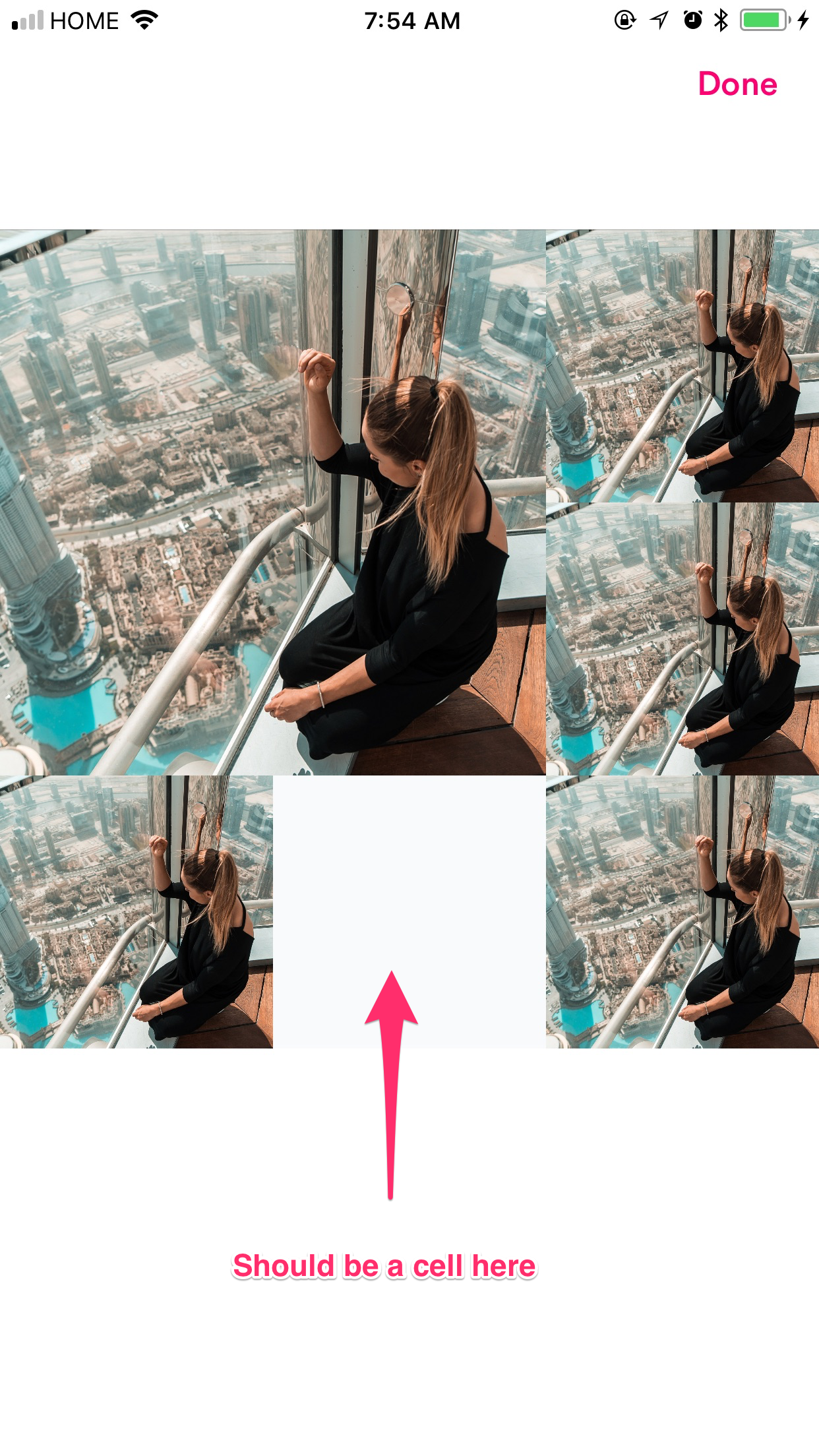
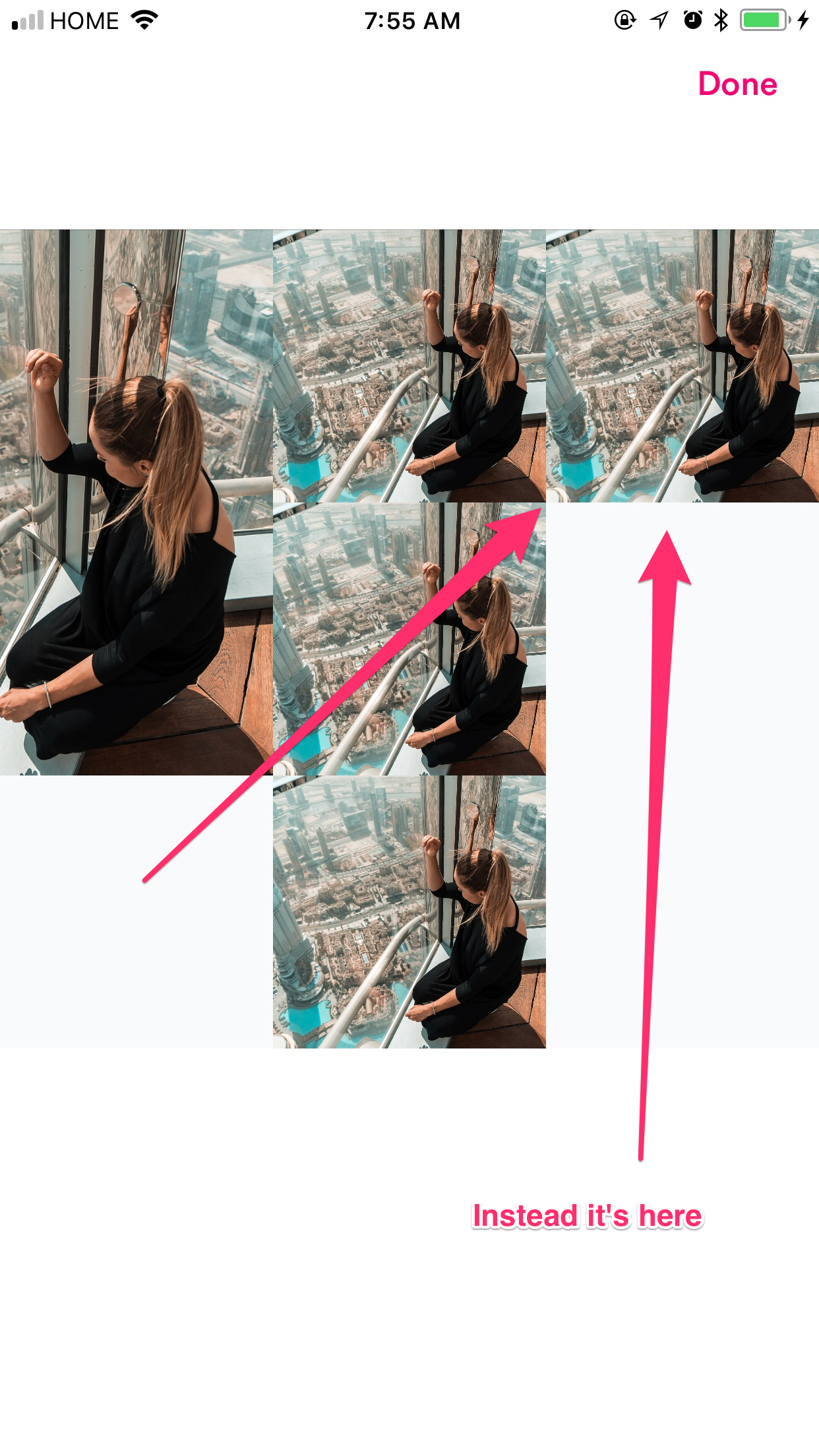
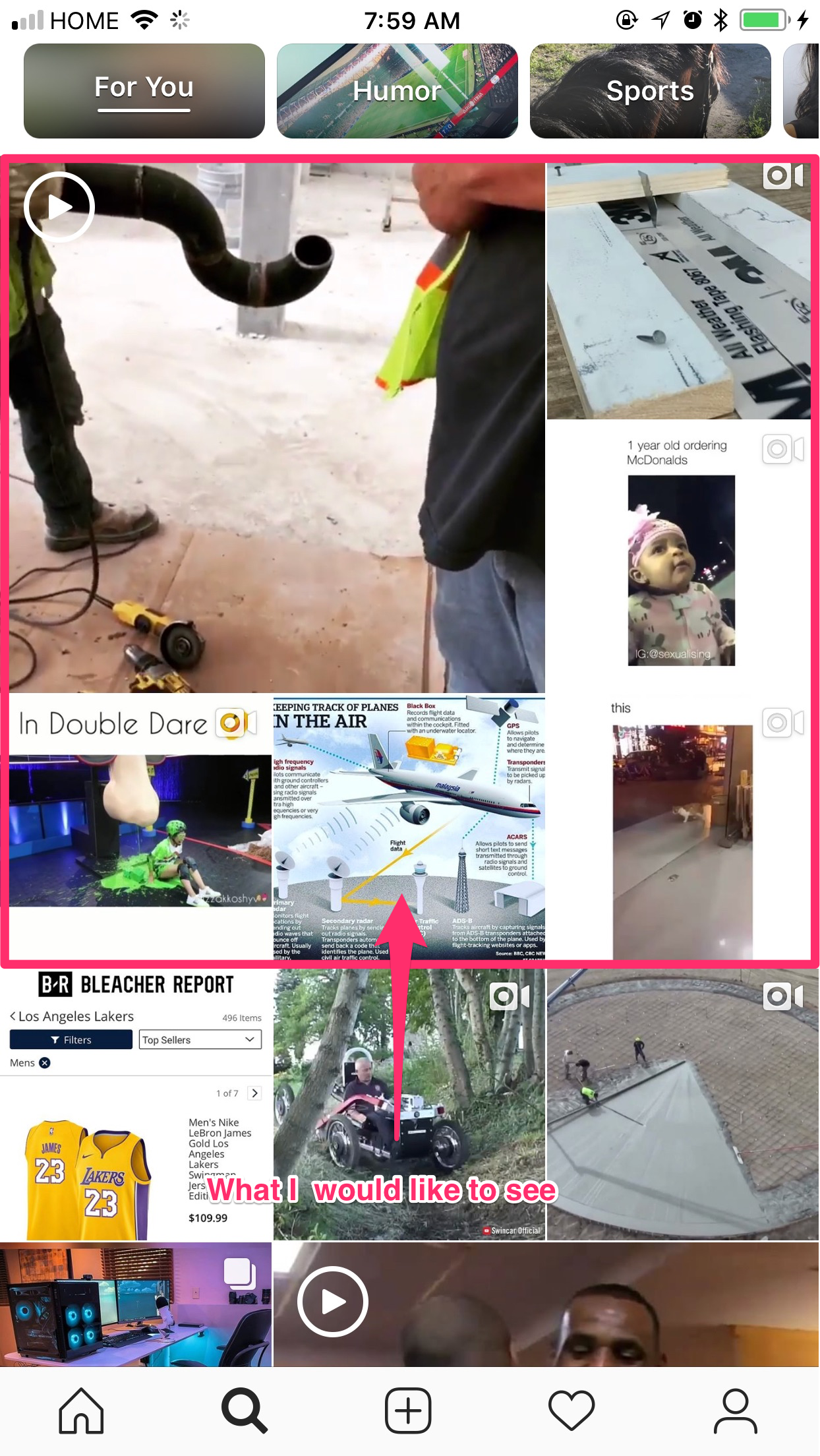
`
import BoltKit
import IGListKit
fileprivate typealias EPPCL = EditProfilePhotoCellLayout
class EditProfilePhotoCellLayout: ListCollectionViewLayout {
required init?(coder aDecoder: NSCoder) {
    super.init(coder: aDecoder)
}

override init(stickyHeaders: Bool, scrollDirection: UICollectionViewScrollDirection, topContentInset: CGFloat, stretchToEdge: Bool) {
    super.init(stickyHeaders: false, scrollDirection: .horizontal, topContentInset: EPPCL.collectionContentInset.top, stretchToEdge: false)
}

private static var spacing:CGFloat = 25
private static var numberItemsPerRow:CGFloat = 3

static var primaryPhotoSize:CGSize {
    let screenWidth = Size.screen.width
    let width = floor(screenWidth / EPPCL.numberItemsPerRow) * 2
    return CGSize(width : width, height: width)
}


static var secondaryPhotoSize:CGSize {
    let screenWidth = Size.screen.width
    let width = floor(screenWidth / EPPCL.numberItemsPerRow)
    return CGSize(width: width, height: width)
}

static var collectionContentInset:UIEdgeInsets = .zero
static var primarySectionInset:UIEdgeInsets = .zero
static var secondarySectionInset:UIEdgeInsets = .zero
}`
New issue checklist
- [x] I have reviewed the
READMEand documentation - [x] I have searched existing issues and this is not a duplicate
General information
IGListKitversion:- iOS version(s):
- CocoaPods/Carthage version:
- Xcode version:
- Devices/Simulators affected:
- Reproducible in the demo project? (Yes/No):
- Related issues:
Debug information
# Please include debug logs using the following lldb command:
po [IGListDebugger dump]
 antonioallen
All 3 comments
@antonioallen we actually use a specialized UICollectionViewLayout for that page. I don't think that this exact layout will work with IGListCollectionViewLayout 😢
 rnystrom
on 9 Jul 2018
rnystrom
on 9 Jul 2018
@antonioallen , HAHA
 antonio081014
on 9 Jul 2018
antonio081014
on 9 Jul 2018
Oh ok, would have been nice haha. Thanks anyways!
antonioallen
on 18 Jul 2018
Related issues
 FazeelAkhtar
·
3Comments
FazeelAkhtar
·
3Comments
 shuhrat10
·
3Comments
rnystrom
·
3Comments
shuhrat10
·
3Comments
rnystrom
·
3Comments
 kanumuri9593
·
3Comments
kanumuri9593
·
3Comments
 lucabartoletti
·
3Comments
lucabartoletti
·
3Comments