Hyper: Large transparent border surrounding Hyper
- [x] I am on the latest Hyper.app version
- [x] I have searched the issues of this repo and believe that this is not a duplicate
- *OS *: macOSX Mojave 10.14.4 (18E226)
- Hyper.app version: 3.0.0
- Link of a Gist with the contents of your .hyper.js: https://gist.github.com/jdrprod/6bcbe2e5c864d36615764dcffca53128
- Relevant information from devtools _(CMD+ALT+I on macOS, CTRL+SHIFT+I elsewhere)_: N/A
- The issue is reproducible in vanilla Hyper.app: When using Hyper without material-theme it just works fine
Issue
The main window of my terminal is surrounded with a large transparent border when I use the material-theme plugin. I tried to modify opacity settings to fix the problem but it does'nt work.
When I add "hyper-material-theme" to the config manually without reloading the configuration file, every thing is OK. But when i quit hyper and restart it, the problem is back.
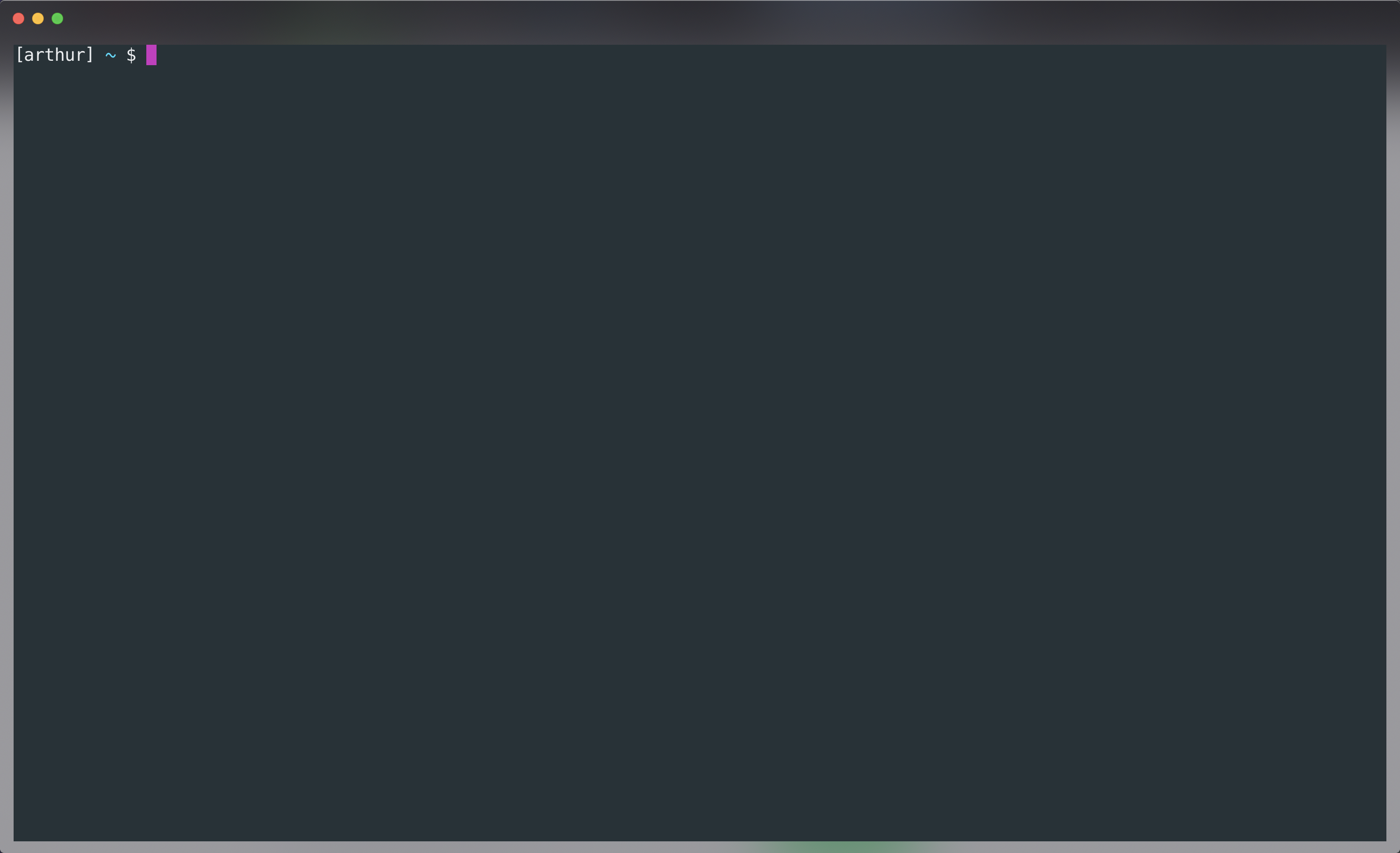
I don't know oh to fix it ^^. If someone can help.
 jdrprod
All 5 comments
+1
 sousandrei
on 6 May 2019
sousandrei
on 6 May 2019
@dpyzo0o @seisenreich @sousandrei Use +1 button on the reported issue, instead of spamming with "me too" comments.
 Igloczek
on 6 May 2019
Igloczek
on 6 May 2019
@Igloczek ok. Sorry. Did not see that I could do that. Thanks for your advise.
 seisenreich
on 6 May 2019
seisenreich
on 6 May 2019
I was able to fix it on my local machine by editing the .hyper.js file. You can open it by going to your Mac OS top bar Hyper -> Preferences.
I made the edit:
module.exports = {
  config: {
     ...,
     css: '.hyper_main { background: rgb(38, 50, 56); }',
    ...,
  },
  ...,
};
Probably would be better to not have to add this to the config though?
 tsiq-jeremy
on 6 May 2019
tsiq-jeremy
on 6 May 2019
Facing the same issue, doing the css fix above doesn't really change the color to the right color, as there seems to be still some transparancy setup in the theme.
When I reinstall hyper and reinstall the themes, it seems to be fixed. After I close hyper and restart it, it reappears.
How can this be resolved in V3?
 vv001
on 7 May 2019
vv001
on 7 May 2019
Related issues
 stan-stripe
·
3Comments
stan-stripe
·
3Comments
 anthonyettinger
·
3Comments
anthonyettinger
·
3Comments
 leo
·
3Comments
leo
·
3Comments
 sarneeh
·
3Comments
sarneeh
·
3Comments
 eoinmurray
·
3Comments
eoinmurray
·
3Comments
Most helpful comment
I was able to fix it on my local machine by editing the
.hyper.jsfile. You can open it by going to your Mac OS top bar Hyper -> Preferences.I made the edit:
Probably would be better to not have to add this to the config though?