Hyper: Config: SyntaxError not being shown in DevTools
Hi there!
Yesterday I updated my iMac to new macOS 10.13 and here are some issues which I came across:
When I add a default window size to the configuration file, the entire configuration scatters and returns to the default settings (fonts, their size, theme, remove all plugins etc.). The same thing happens when I add settings for the Enhanced Tabs Plugin.
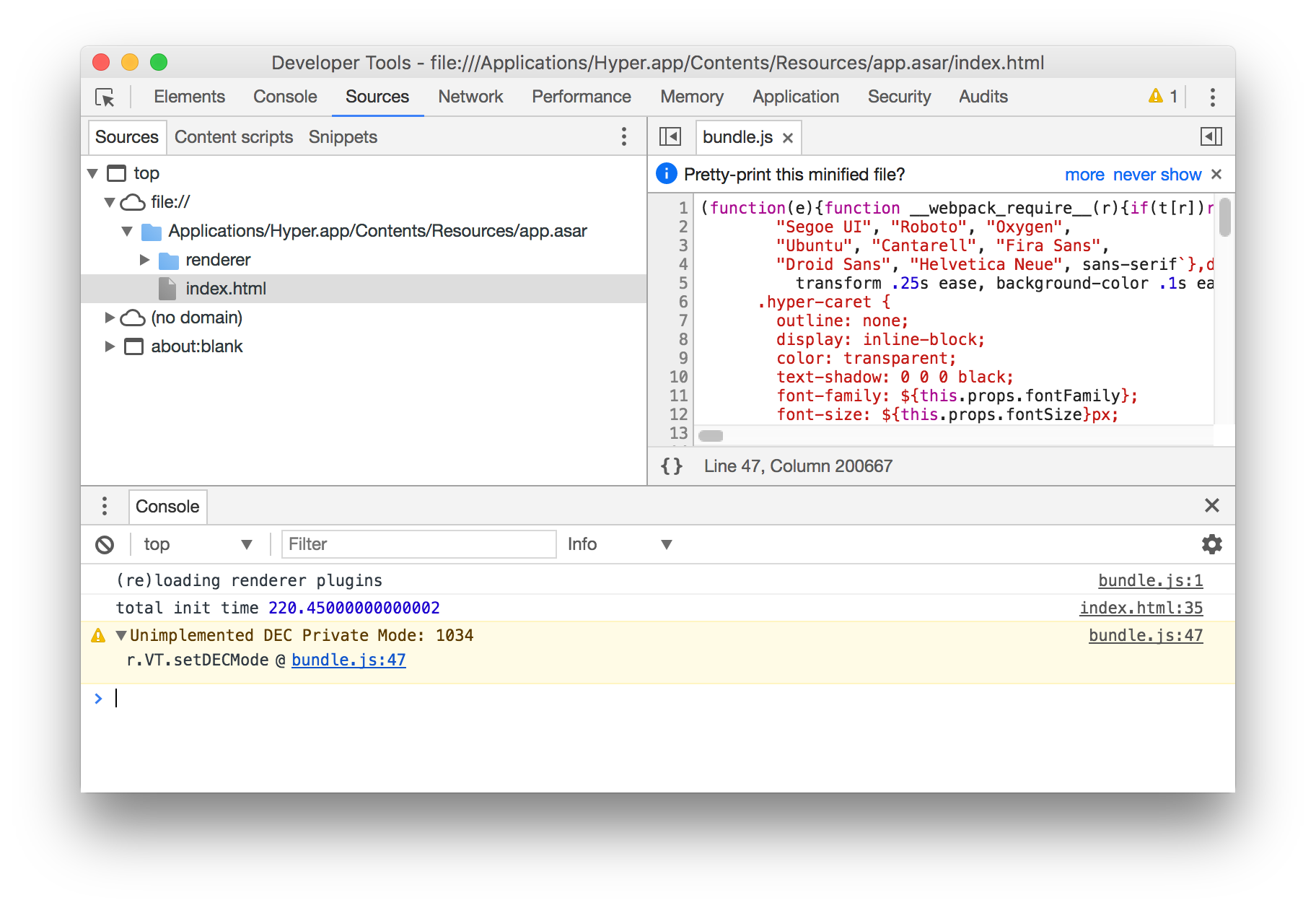
I get an error message when loading settings:

The only entry in the DevTools console leads to:
Another thing is my theme: so under the Sierra everything worked as it should. Under the High Sierra however for some reason I lost rounded corners in the application:

I deleted the app, wipe all settings and reinstalled - this did not help. I removed everything again and installed Canary version - problem still occurs.
OS: macOS 10.13 High Sierra
Hyper version: 1.4.7/2.0.3
My config file: https://gist.github.com/kajka/d333f948c65177a6300a25eb3425e427
 kajka
kajka
All 22 comments
@kajka Do you have an example of rounded edges?
 markozxuu
on 26 Sep 2017
markozxuu
on 26 Sep 2017
@MAPESO Sure! Here you go:
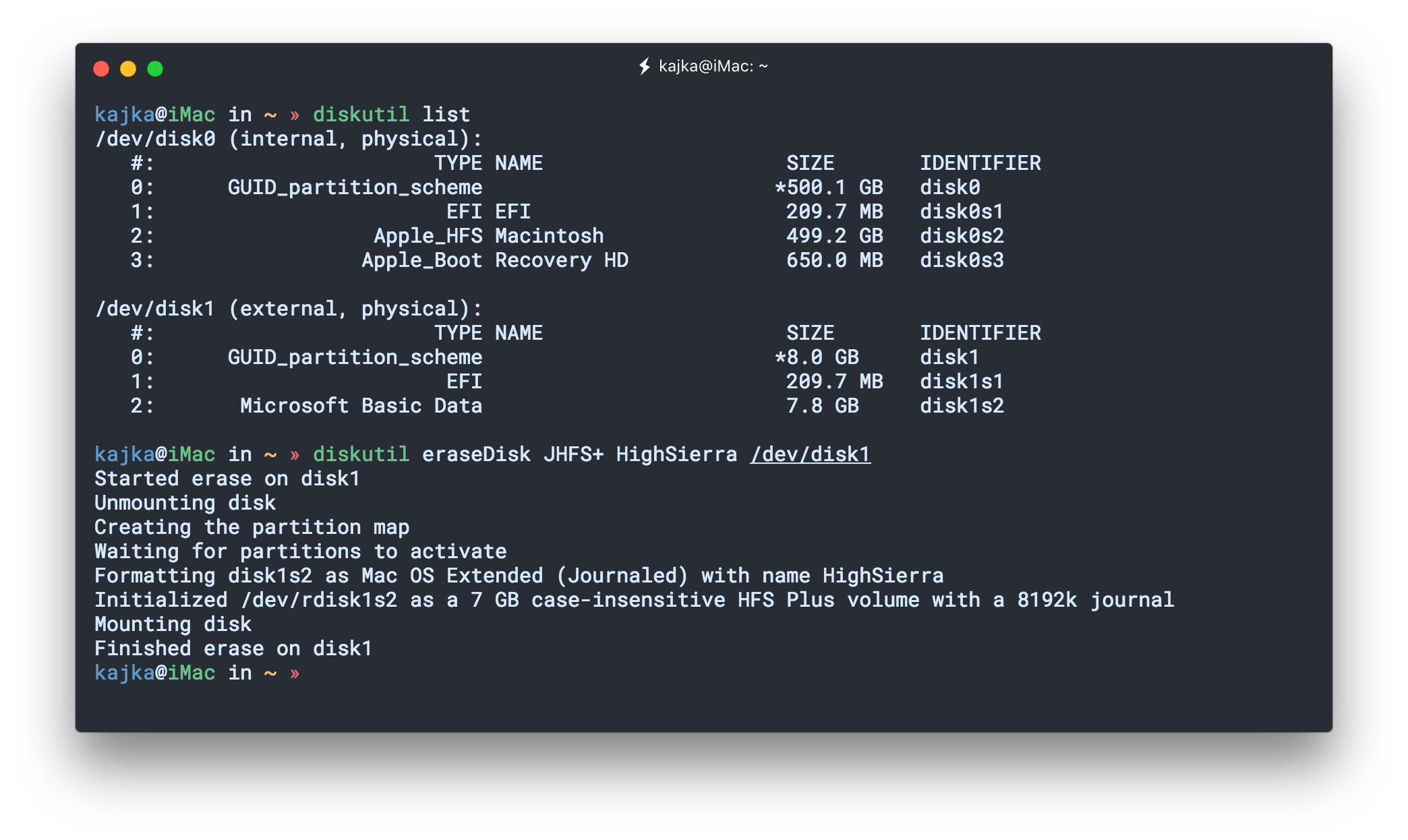
Here is also my theme: https://gist.github.com/kajka/b8bd99c07e788b14f68954ca883c9e69
I use it as local plugin.
kajka
on 26 Sep 2017
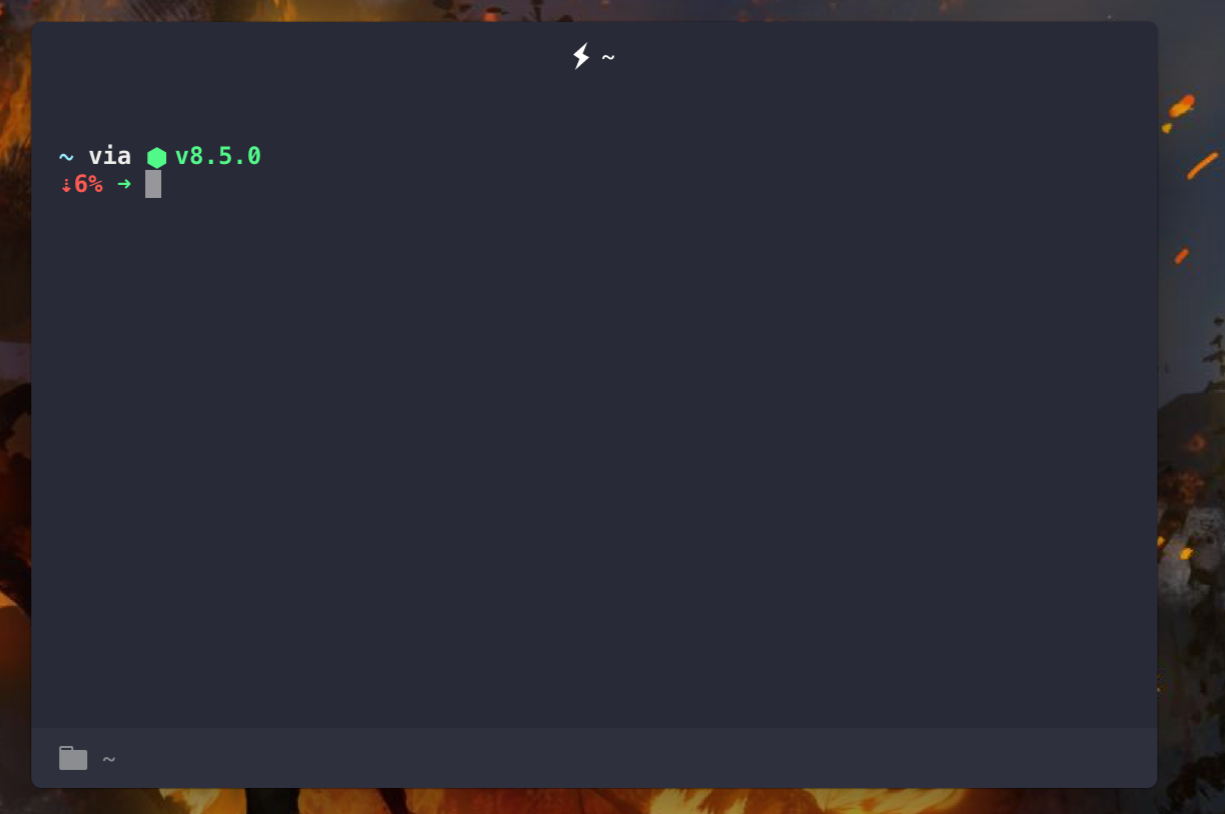
@kajka The hyper-tabs-enhanced plug-in produces an error that causes the minimize and close buttons to disappear.
I recommend that you stop using this plugin, it seems to cause a bug with Hyper 2.0.3 (canary)
markozxuu
on 26 Sep 2017
@MAPESO It's not a case. Remove minimise and close button it's one of the feature of hyper-tabs-enhanced. On Hyper 2.0.3 there is no issue with this plugin:
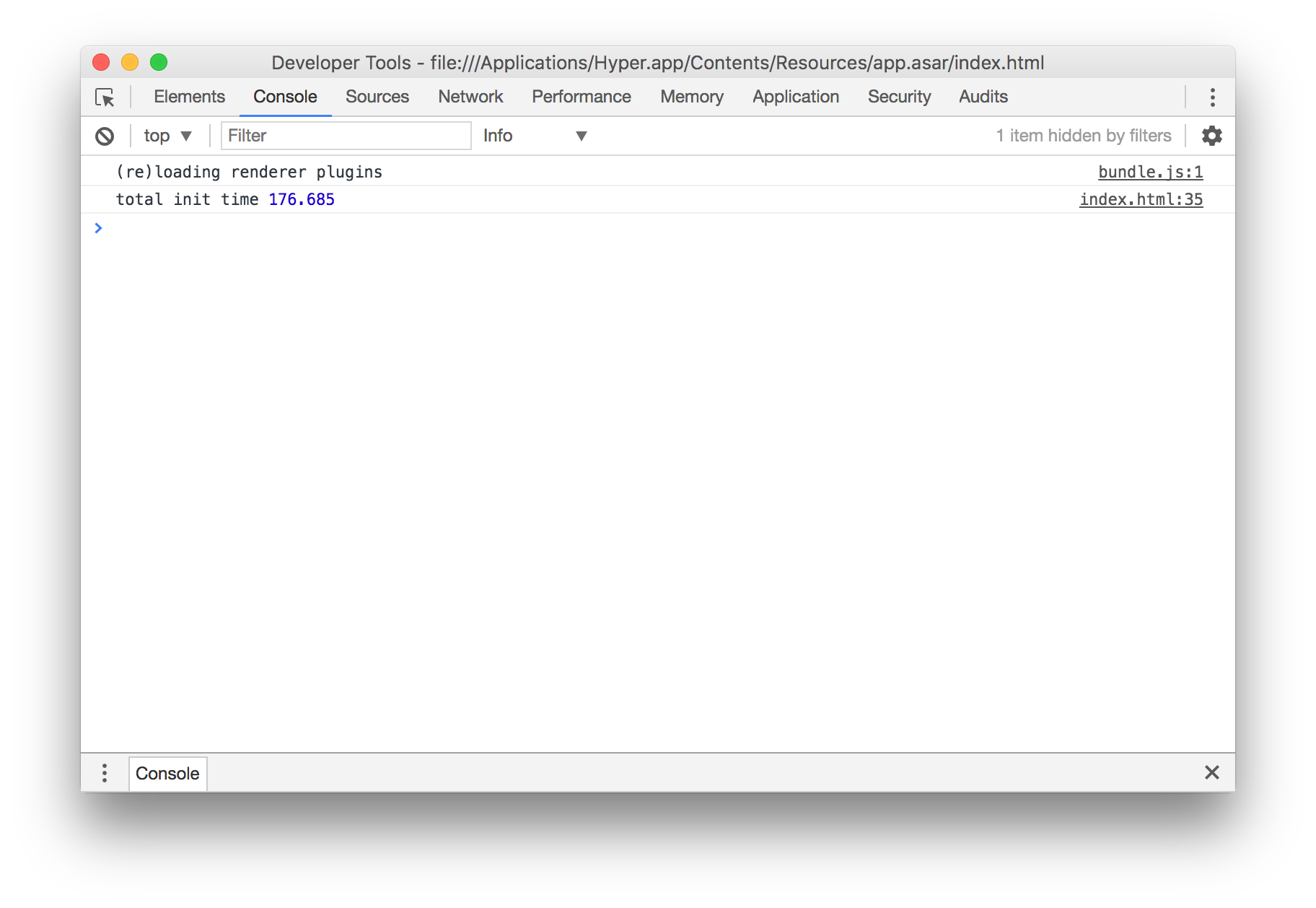
You can enable buttons by using the option:
config: {
...
hyperTabs: {
trafficButtons: true,
}
}
The thing is, when I remove hyper-tabs-enhanced with all settings and add a setting for the default window size using the option, like so:
windowSize: [1020, 700],
There is still a problem loading the settings; all my settings are ignored (my theme, font settings etc.) and the default settings are loaded.
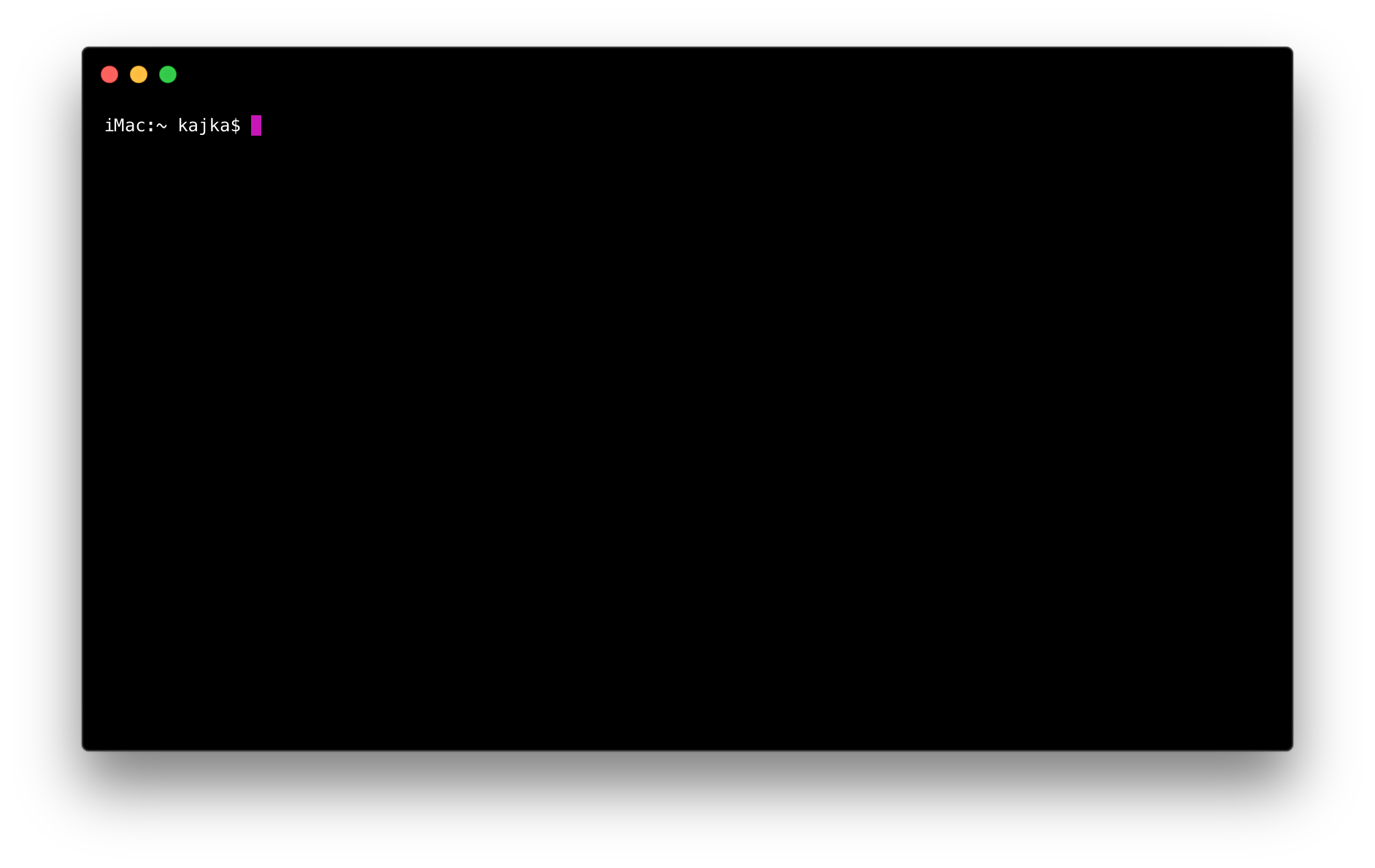
My theme with hyper-tabs-enhanced and its settings worked in this configuration perfectly without any problems on macOS Sierra 10.12.6 (as you can see in the previous comment). After updating to macOS 10.13 everything was scattered. The system was not updated; I reinstalled system it by reformatting the hard drive. It was a clean install.
kajka
on 26 Sep 2017
You have a syntax error on line 101 @kajka https://gist.github.com/kajka/d333f948c65177a6300a25eb3425e427#file-hyper-js-L101
```js
...
bell: 'SOUND',
// if true, selected text will automatically be copied to the clipboard
copyOnSelect: false

// if true, on right click selected text will be copied or pasted if no
// selection is present (true by default on Windows)
...
````
copyOnSelect: false <-- Missing trailing comma
So have you really deleted your ~/.hyper.js? Because then we have a problem with our default config 🤔
Either way, the error needs to be improved and the error should have been shown in the console 💯
 albinekb
on 26 Sep 2017
albinekb
on 26 Sep 2017
@albinekb That's correct! It is very interesting, because I synchronise all settings through iCloud and later only create symlinks in the home directory. On the previous configuration I did not have this problem; interesting what happened to this comma ...
Anyway thank you very much @albinekb for help!
However, the problem of the lack of rounded corners of the application window remains open :(.
kajka
on 26 Sep 2017
Can you create a new Issue for the rounded corners? So we can use this one to track the issue with the syntax error not being shown to you? Or the other way round. But I want one github issue per hyper issue 👍 thanks @kajka
albinekb
on 26 Sep 2017
Of course! Sorry for the confusion.
kajka
on 26 Sep 2017
Let's have this one open, the SyntaxError should have been shown to you in the DevTools, like the notification said 👍 @kajka no problem :)
albinekb
on 26 Sep 2017
On my fresh Hyper install (Sierra 10.12.6). Whenever I delete my ".hyper.js" file, it is regenerated but still lack the coma on the "copyOnSelect" line
 peauc
on 28 Sep 2017
peauc
on 28 Sep 2017
Wow @peauc thats very interesting, thanks for the report 😱 I need to check this out, could be something with the line endings (we replace them because notepad can't understand the correct one)
What version of hyper?
albinekb
on 28 Sep 2017
Found & fixed the problem 😂 thanks for the report @peauc
for reference, here's the fix: https://github.com/zeit/hyper/pull/2305
and @kajka sorry for thinking your config sync was the issue 🙈
albinekb
on 28 Sep 2017
Missing coma is not a syntax error. This is last item of config section.
Could be difficult to show error in devtools because it is evaluated on mainprocess, not on renderer.
 chabou
on 1 Oct 2017
chabou
on 1 Oct 2017
I've solved this problem removing the follow text in .hyper.js file:
the theme to load. Optionally, if you set this to "random"
i // custom css to embed in the terminal window
 felixrigau
on 4 Apr 2018
felixrigau
on 4 Apr 2018
🤔
@felixrigau It seems that you added this. Because we haven't any theme feature by default :)
chabou
on 5 Apr 2018
Having issue with the hyperStatusLine settings which from what I can tell from peoples hyper.js in dotfiles and the readme are correct so this seems to be similar to above.
Tried switching stable -> canary in config but no change.

// Future versions of Hyper may add additional config options,
// which will not automatically be merged into this file.
// See https://hyper.is#cfg for all currently supported options.
module.exports = {
config: {
hyperStatusLine: {
dirtyColor: '#d65d0e',
arrowsColor: '#d65d0e'
}
// Choose either "stable" for receiving highly polished,
// or "canary" for less polished but more frequent updates
updateChannel: 'stable',
// default font size in pixels for all tabs
fontSize: 12,
// font family with optional fallbacks
fontFamily: 'Menlo, "DejaVu Sans Mono", Consolas, "Lucida Console", monospace',
// terminal cursor background color and opacity (hex, rgb, hsl, hsv, hwb or cmyk)
cursorColor: 'rgba(248,28,229,0.8)',
// `BEAM` for |, `UNDERLINE` for _, `BLOCK` for █
cursorShape: 'BLOCK',
// set to true for blinking cursor
cursorBlink: false,
// color of the text
foregroundColor: '#fff',
// terminal background color
backgroundColor: '#000',
// border color (window, tabs)
borderColor: '#333',
// custom css to embed in the main window
css: '',
// custom css to embed in the terminal window
termCSS: '',
// set to `true` (without backticks) if you're using a Linux setup that doesn't show native menus
// default: `false` on Linux, `true` on Windows (ignored on macOS)
showHamburgerMenu: '',
// set to `false` if you want to hide the minimize, maximize and close buttons
// additionally, set to `'left'` if you want them on the left, like in Ubuntu
// default: `true` on windows and Linux (ignored on macOS)
showWindowControls: '',
// custom padding (css format, i.e.: `top right bottom left`)
padding: '12px 14px',
// the full list. if you're going to provide the full color palette,
// including the 6 x 6 color cubes and the grayscale map, just provide
// an array here instead of a color map object
colors: {
black: '#000000',
red: '#ff0000',
green: '#33ff00',
yellow: '#ffff00',
blue: '#0066ff',
magenta: '#cc00ff',
cyan: '#00ffff',
white: '#d0d0d0',
lightBlack: '#808080',
lightRed: '#ff0000',
lightGreen: '#33ff00',
lightYellow: '#ffff00',
lightBlue: '#0066ff',
lightMagenta: '#cc00ff',
lightCyan: '#00ffff',
lightWhite: '#ffffff'
},
// the shell to run when spawning a new session (i.e. /usr/local/bin/fish)
// if left empty, your system's login shell will be used by default
//
// Windows
// - Make sure to use a full path if the binary name doesn't work
// - Remove `--login` in shellArgs
//
// Bash on Windows
// - Example: `C:\\Windows\\System32\\bash.exe`
//
// Powershell on Windows
// - Example: `C:\\WINDOWS\\System32\\WindowsPowerShell\\v1.0\\powershell.exe`
shell: '',
// for setting shell arguments (i.e. for using interactive shellArgs: ['-i'])
// by default ['--login'] will be used
shellArgs: ['--login'],
// for environment variables
env: {},
// set to false for no bell
bell: 'SOUND',
// if true, selected text will automatically be copied to the clipboard
copyOnSelect: false

// if true, on right click selected text will be copied or pasted if no
// selection is present (true by default on Windows)
// quickEdit: true
// URL to custom bell
// bellSoundURL: 'http://example.com/bell.mp3',
// for advanced config flags please refer to https://hyper.is/#cfg
//hyperStatusLine: {
// aheadColor: 'ivory',
// dirtyColor: 'salmon'
//}
},
// a list of plugins to fetch and install from npm
// format: [@org/]project[#version]
// examples:
// `hyperpower`
// `@company/project`
// `project#1.0.1`
plugins: [
'hyper-statusline',
'hyper-transparent-dynamic',
'hyperterm-cursor',
'hyperterm-gruvbox-dark',
'hypercwd',
'hyper-pane',
'hyper-tabs-enhanced'
],
// in development, you can create a directory under
// `~/.hyper_plugins/local/` and include it here
// to load it and avoid it being `npm install`ed
localPlugins: [],
keymaps: {
// Example
// 'window:devtools': 'cmd+alt+o',
}
};
 cdenneen
on 9 Apr 2018
cdenneen
on 9 Apr 2018
@cdenneen what problems do you have?
markozxuu
on 9 Apr 2018
Syntax error causes none of the plugins to load. Default layout.
If I comment out the hyperLineStatus it loads.
>
cdenneen
on 9 Apr 2018
You have to add a comma after copyOnSelect: false if you add something after ;)
chabou
on 9 Apr 2018
line 10 required comma... wish VSCode actually found that for me :(
cdenneen
on 9 Apr 2018
Oh, I was noticed your commented hyperStatusLine part. But you're right.
chabou
on 9 Apr 2018
Hello there. Wanted to give a try to Hyper / As a non programmer / Just launching the app 3.0.2 ( on a MacBook Air running Mojave 10.14.6 ) for the first time and I'm getting an alert message :
" hyper terminal error loading config : syntaxerror see devtools for more info " (then it disappear)
Just in case I uninstalled everything with AppCleaner, re-installed, did the reload thing suggested the first time by the app at the beginning, but each launch give the same alert.
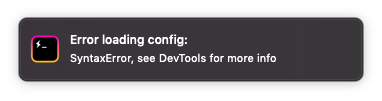
Thx for any help.
 BetterBurnOut
on 2 Nov 2019
BetterBurnOut
on 2 Nov 2019
Related issues
 laur1s
·
3Comments
laur1s
·
3Comments
 weabot
·
3Comments
weabot
·
3Comments
 sarneeh
·
3Comments
sarneeh
·
3Comments
 legomushroom
·
3Comments
legomushroom
·
3Comments
 ConstantinChirila
·
3Comments
ConstantinChirila
·
3Comments
Most helpful comment
You have a syntax error on line 101 @kajka https://gist.github.com/kajka/d333f948c65177a6300a25eb3425e427#file-hyper-js-L101
```js
...
bell: 'SOUND',
...
````
copyOnSelect: false<-- Missing trailing commaSo have you really deleted your
~/.hyper.js? Because then we have a problem with our default config 🤔Either way, the error needs to be improved and the error should have been shown in the console 💯