Description:
Restart kernel (or its keybinding) doesn't work after the latest update.
For instance, this worked fine:
'.platform-linux atom-text-editor':
  'ctrl-r': 'hydrogen:restart-kernel'
Steps to Reproduce:
Stopped working in 1.17
Versions:
Which OS and which version of Hydrogen and Atom are you running?
Atom : 1.18.0
Electron: 1.4.16
Chrome : 53.0.2785.143
Node : 6.5.0
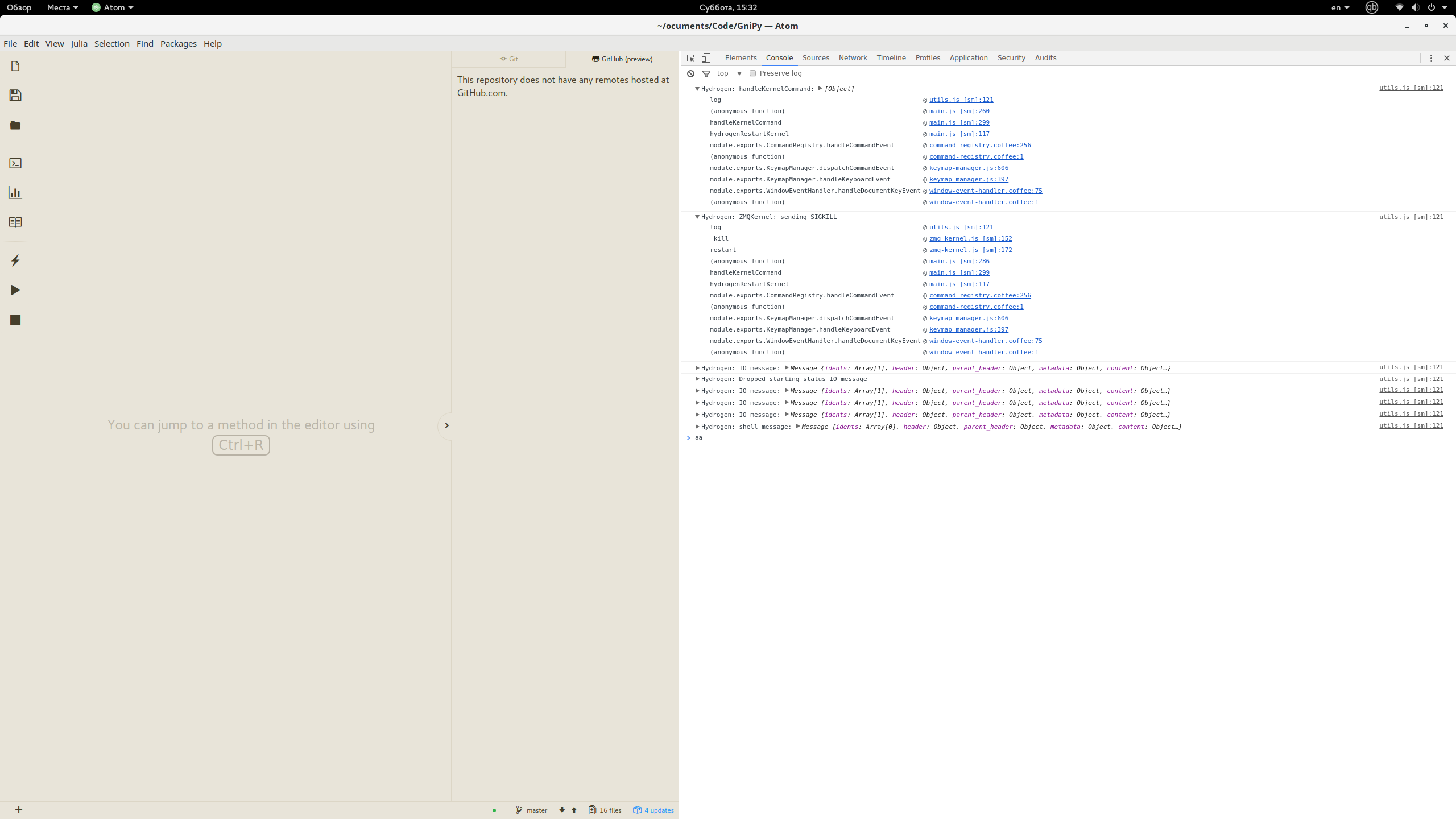
Logs:
 homocomputeris
All 7 comments
From the log it does appear your kernel is restarting. What behavior are you looking for that you are not seeing?
 BenRussert
on 17 Jun 2017
BenRussert
on 17 Jun 2017
Also, are you up to date w/ v1.17.1 of hydrogen?
BenRussert
on 17 Jun 2017
It used to abort any computation, showing Python log with something like "interrupted by the user". Upon the second interruption Atom would pop up something like "No Python kernel used".
Now nothing happens: the calculation animation proceeds, no pop-ups appear.
Yes, I am using the latest version.
homocomputeris
on 18 Jun 2017
Well, it seems that Atom actually disconnects from the kernel, but there are no indication of it.
homocomputeris
on 19 Jun 2017
Thanks for investigating.
We slightly changed the behavior of the kernel restart in b8ec0c3ffaa2841f9c62d333192e9a3f380ae70d. We don't clear result bubbles on restart anymore.
Looks like the spinner now also stays active, which in my opinion shouldn't be the case. I think we should should find a way to remove the spinners or fully revert the commit.
 lgeiger
on 19 Jun 2017
lgeiger
on 19 Jun 2017
Try clicking the kernel status bar at the bottom of your editor (if a kernel is running). The status bar shows the name of your kernel and its status. Alternatively, you can find this command in the atom command palette.
Here is a link to a kernel section in our docs
(Look at the very bottom of the image I highlighted the status bar in pink)

BenRussert
on 9 Jun 2018
@BenRussert Thanks buddy.
 StevenLi-DS
on 10 Jun 2018
StevenLi-DS
on 10 Jun 2018
Related issues
 olegantonyan
·
3Comments
olegantonyan
·
3Comments
 xmen1412
·
3Comments
xmen1412
·
3Comments
 Mike-MU10
·
4Comments
Mike-MU10
·
4Comments
 tobiasbj
·
4Comments
tobiasbj
·
4Comments
 nils-werner
·
3Comments
nils-werner
·
3Comments