Hugo-theme-zzo: [Suggestion] Table of contents should be in the white space outside the content area
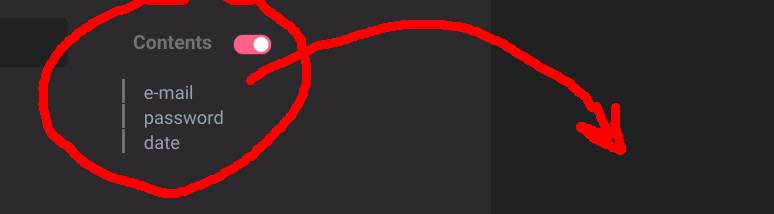
The reasoning behind it is that when the table of contents is enabled it occupies a large portion of the content area.
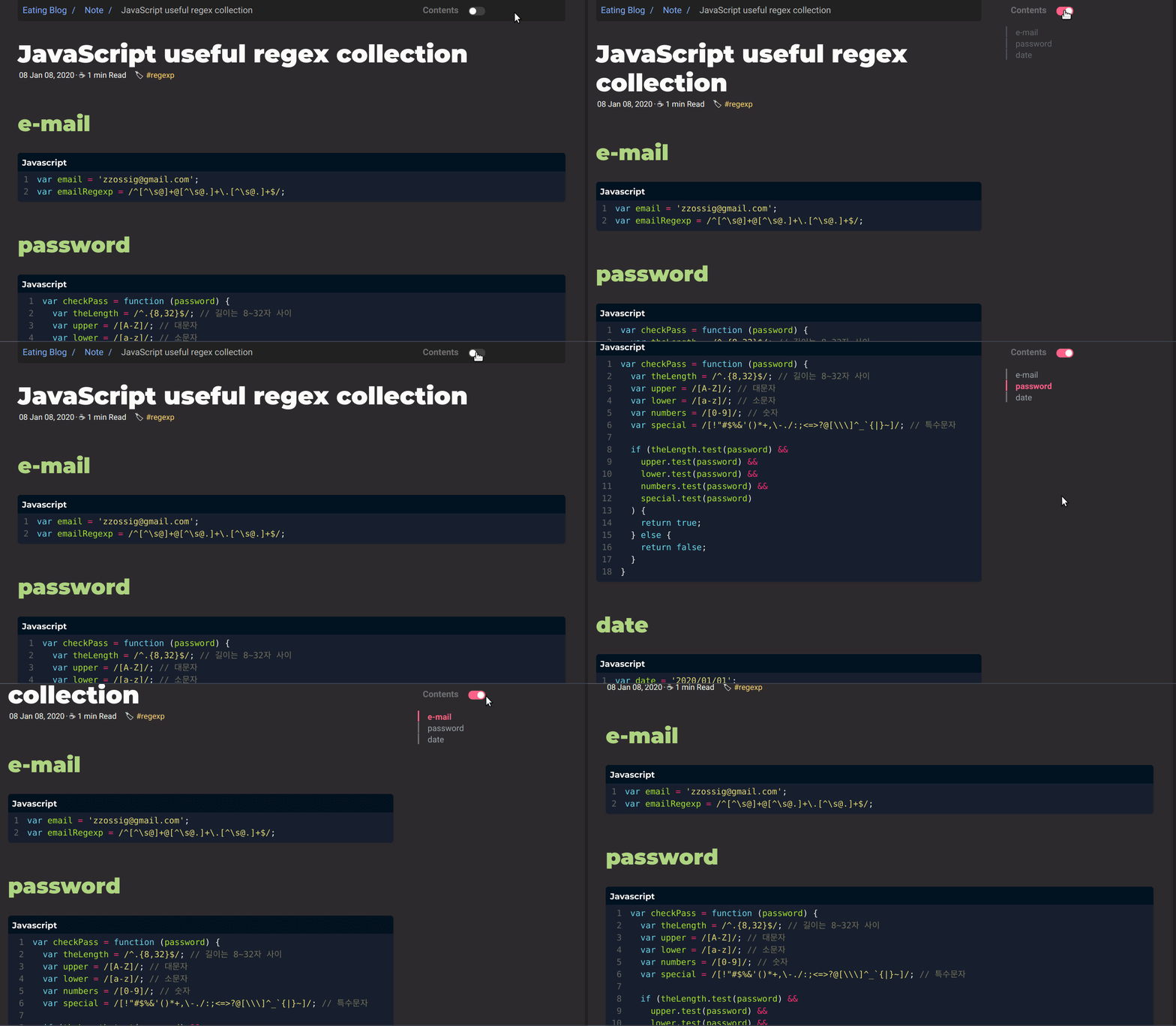
 nisrulz
All 16 comments
I prefer a small content area.
I'll add an option to position it to the outside the content area
 zzossig
on 21 Jan 2020
zzossig
on 21 Jan 2020
We have another param tocPosition
Your params.toml file,
...
tocPosition: outer # inner / outer
...
Question: When the TOC is outside the content section, in the "gutter" region as it is called, then when someone resizes the browser i.e the width is small enough then the TOC should not show at all.
Why?
Because it cannot fit in smaller screens. TOC should only show when the there is enough screen space for it to show in the "gutter" region.
Thoughts?
nisrulz
on 21 Jan 2020
We already hide the toc when screen is small.
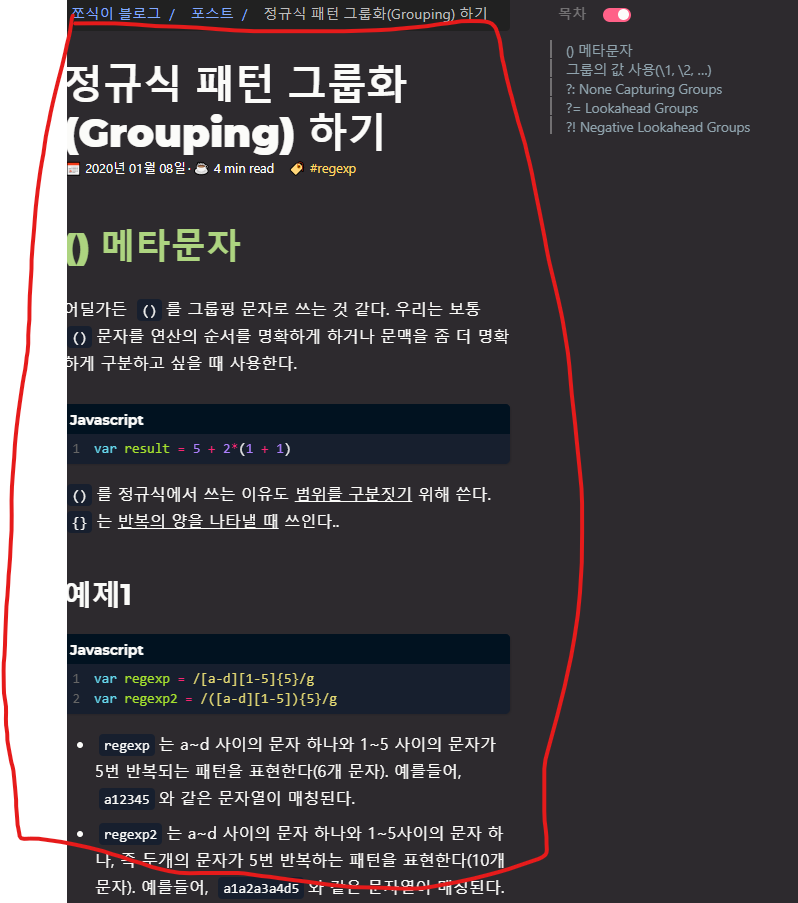
Did you mean this content area is too small?
zzossig
on 21 Jan 2020
Yes, in the small screen the extra space is gone. I will need to re-check. If the TOC is hidden in smaller screen then everything is good 🎉
nisrulz
on 21 Jan 2020
Ok, so I ran this on my blog.
Found 2 problems
when using "inner"
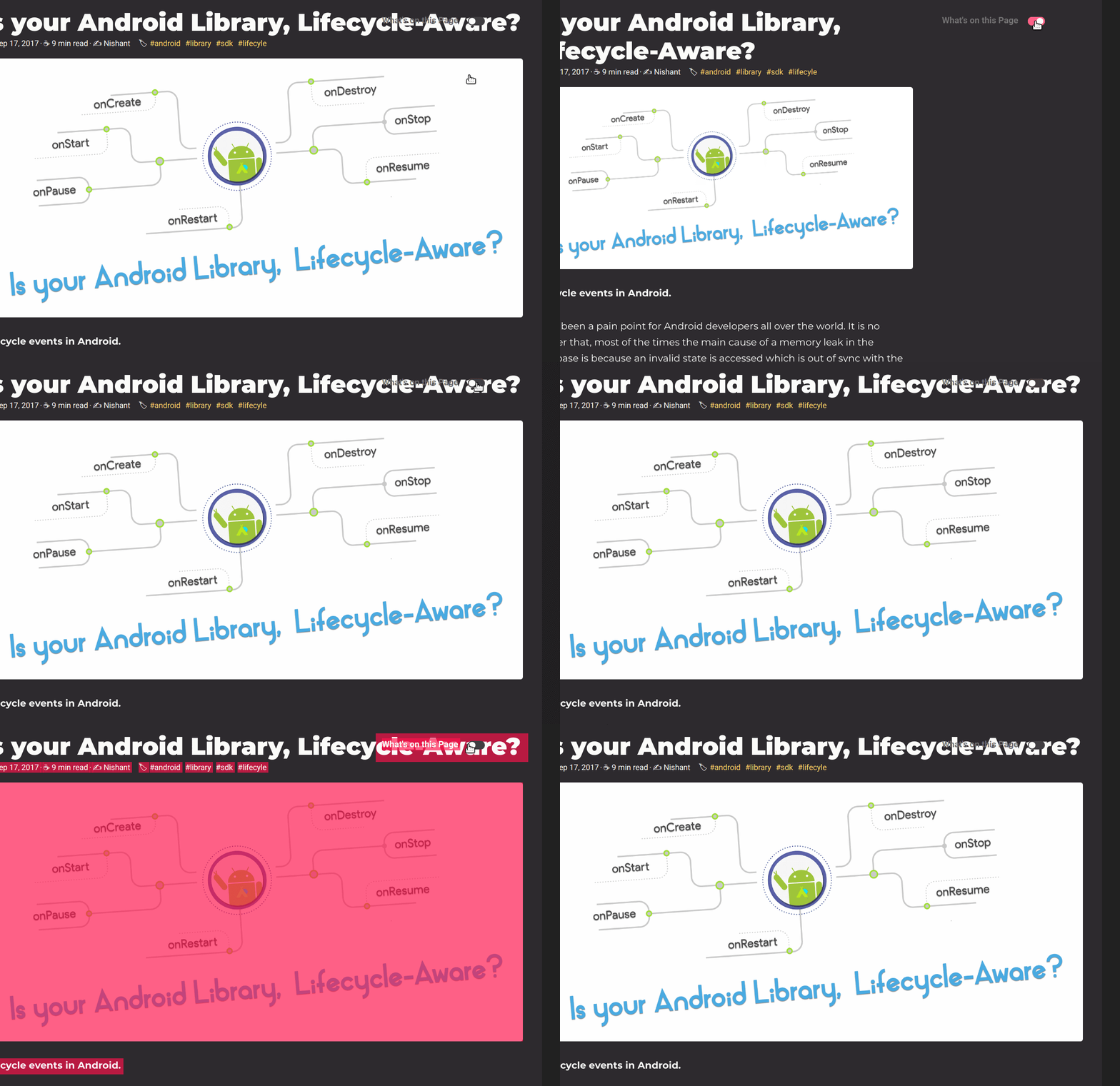
when using "outer"
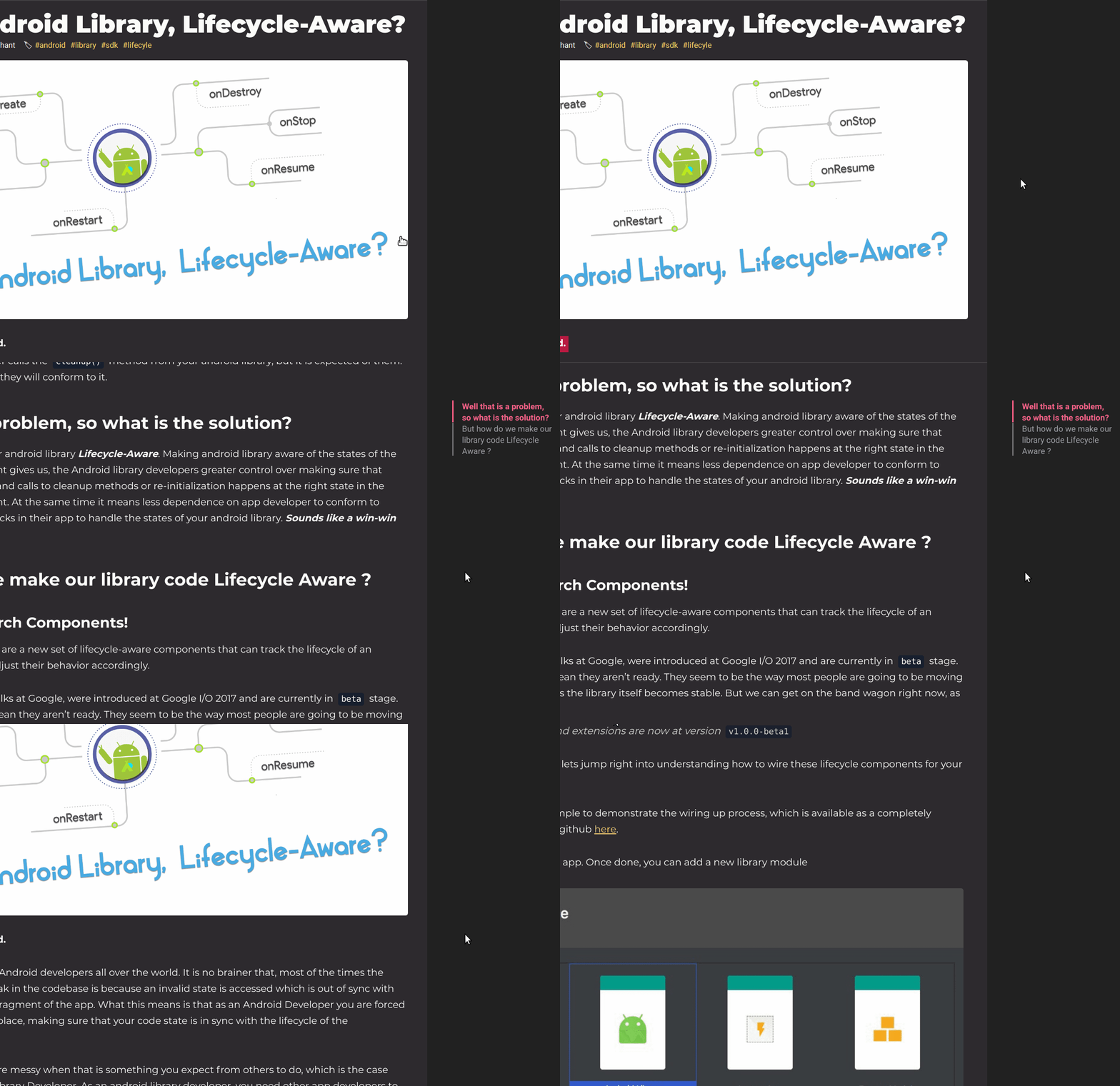
I imagined "outer" will have the toc all the time on side and people can enable disable it using the switch. Right now it is going in and out based on scrolling :thinking:
nisrulz
on 21 Jan 2020
I fixed some issues.
The problem in the gif above, you need to set the Goldmark toc config
In your config.toml file,
...
[markup.tableOfContents]
    endLevel = 4
    ordered = false
    startLevel = 3
...
I found that in your post, the max title level is 3, and min title level is 4.
I know that every post doesn't have the same title level.
I tried to dynamically set the title level. But, I can't find an easy way to do this.
So I asked it to the Hugo community https://discourse.gohugo.io/t/can-i-get-the-goldmark-config-value/22947
-> The main problem is to folding the parent ul component. I'm thinking now that we might need to delete the folding feature
zzossig
on 22 Jan 2020
Interesting find. I did not know this. I will also investigate on my end. Thank you 😄
nisrulz
on 22 Jan 2020
I see your test page and you kind of fixed the TOC section. When I resize the page, I see it is gone, but the switch with text still remains. I think it should be gone too.
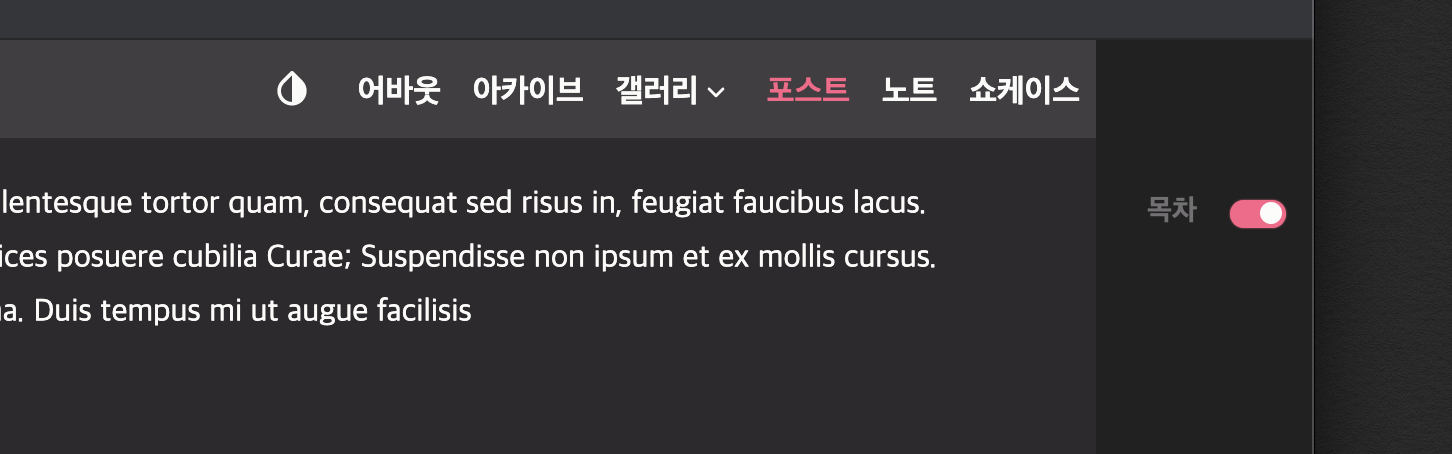
What do you think about this?
nisrulz
on 22 Jan 2020
Ah, I didn't notice it. It should be gone!
zzossig
on 22 Jan 2020
Everything looks fixed by now. Thank you :+1:
I just noticed one small case. This is when there is no titles in the page, then "Whats on this page" should also go away.
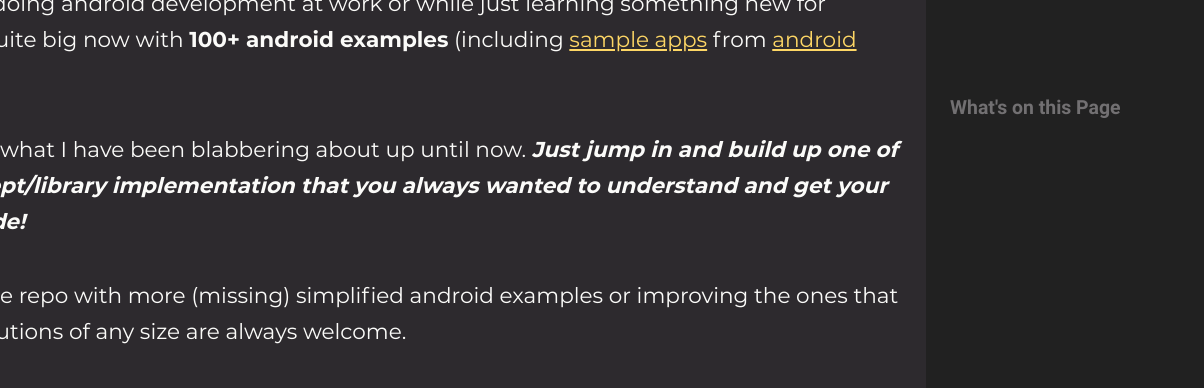
nisrulz
on 23 Jan 2020
when there is no titles in the page
Ah, yes you are right I'll check it
zzossig
on 23 Jan 2020
It's fixed now!
But I found another bug.
When we use the newly added tabs shortcode, toc not properly highlighted.
I'll investigate more about it.
zzossig
on 23 Jan 2020
I think you should open new issue for that and this issue should be closed.
nisrulz
on 24 Jan 2020
Oh, I just uploaded the code.
All fixed now.
@nisrulz
And can you delete the content_font in the data/font.toml file.
I changed the contents fonts stack. Just in case the fonts stack fits your preference
zzossig
on 24 Jan 2020
Closing this issue then, since it is fixed!
nisrulz
on 24 Jan 2020
Related issues
 simicn
·
3Comments
nisrulz
·
5Comments
simicn
·
3Comments
nisrulz
·
5Comments
 jtara
·
7Comments
nisrulz
·
4Comments
jtara
·
7Comments
nisrulz
·
4Comments
 nocquidant
·
5Comments
nocquidant
·
5Comments
Most helpful comment
We have another param
tocPositionYour
params.tomlfile,