Hugo-theme-zzo: [Suggestion] Have an ability to provide multiple version of code (or other cases)
I saw this : https://themes.gohugo.io//theme/hugo-book/docs/shortcodes/tabs/
The use case I see for something like this, in my case would be for providing code in two languages i.e on Android we have Java and Kotlin. Being able to provide both in the same spot would be helpful.
Also helpful to provide some command that works for Linux and another for Windows but to do the same thing.
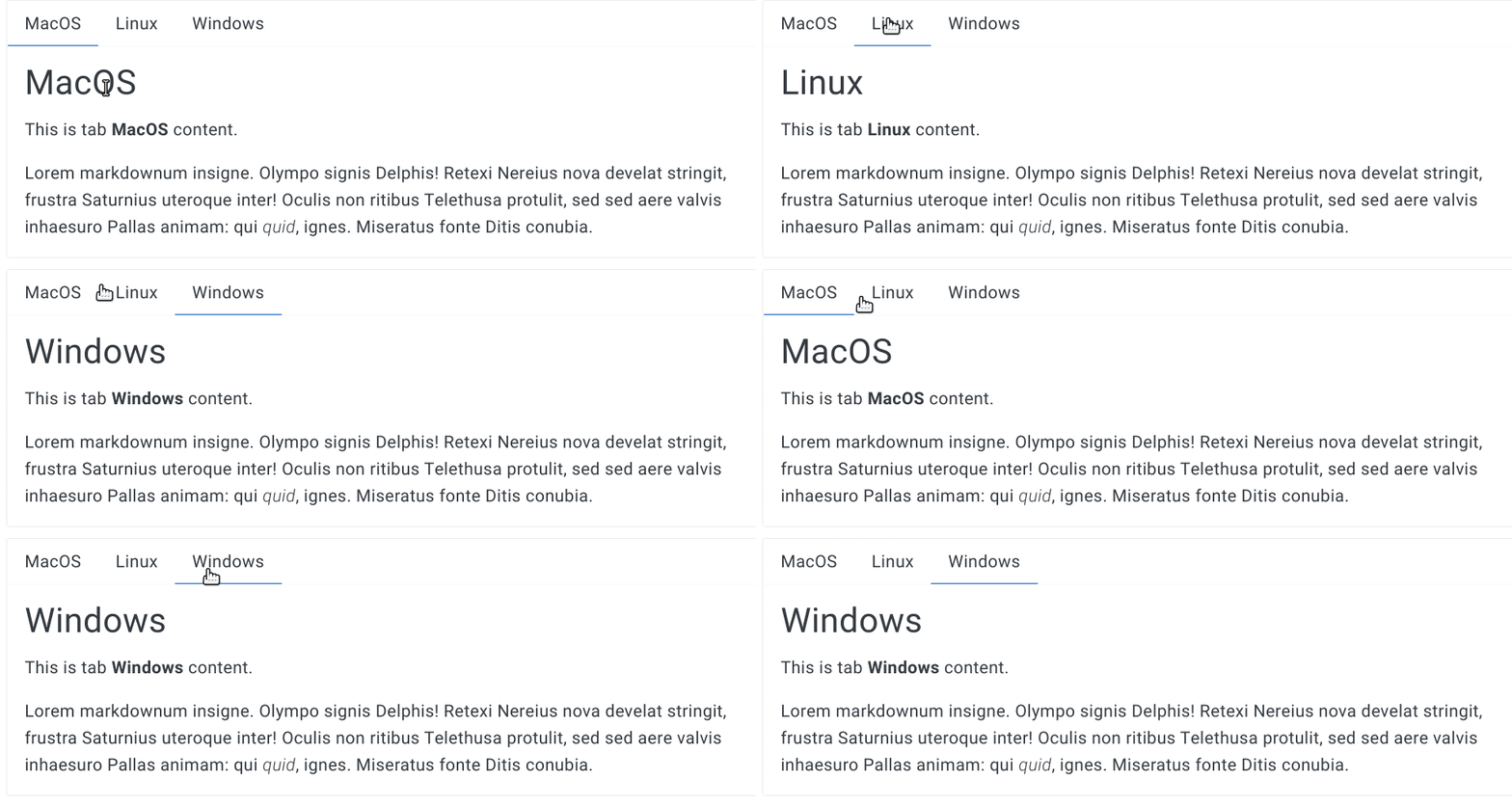
Your thoughts on this?
For implementation you can probably take the same from above theme.
I really like that theme and will probably use it to write my own book :sweat_smile:
 nisrulz
All 10 comments
good morning (or evening?)
It looks like something like this one in the Hugo homepage.
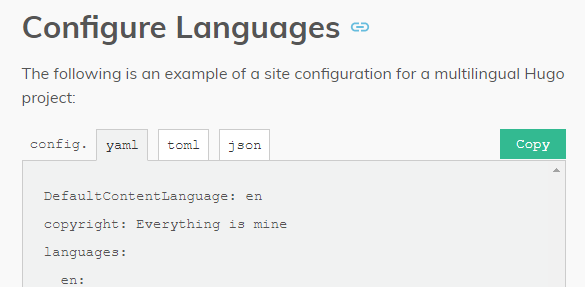
Ok, It would be a good feature😋
 zzossig
on 21 Jan 2020
zzossig
on 21 Jan 2020
I like the version that theme has, the one I linked.
And it is 1:22 am here. I work late on personal stuff because I work during the day :eyes:
nisrulz
on 21 Jan 2020
You better take a rest!
All the bug will be fixed when you wake up
zzossig
on 21 Jan 2020
This is our new shortcode. codes code
{{< codes java javascript >}}
  {{< code >}}
  ```java
  System.out.println('Hello World!');
  ```
  {{< /code >}}
  {{< code >}}
  ```javascript
  console.log('Hello World!');
  ```
  {{< /code >}}
{{< /codes >}}
Actually, this is not the general purpose. Only for the multiple version of code
zzossig
on 22 Jan 2020
Do you have a screenshot or did you put it on your blog? or maybe the question is did you put it in the example website so I can see it?
nisrulz
on 22 Jan 2020
Yes, I just uploaded my test post to my blog https://zzossig.io
zzossig
on 22 Jan 2020

This is sooo awesome! Even the copy button works for each language differently!
This is a going to make life so much easier for me!
Thank you 🎉
nisrulz
on 22 Jan 2020
Thx, But I didn't test it much.
And I'll add general-purpose tab when I have more time
zzossig
on 22 Jan 2020
I added general purpose tabs.
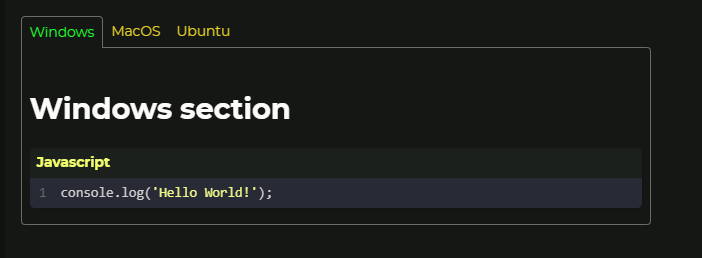
usage:
`````
{{< tabs Windows MacOS Ubuntu >}}
{{< tab >}}
### Windows section
javascript
  console.log('Hello World!');
{{< /tab >}}
{{< tab >}}
### MacOS section
Hello world!
{{< /tab >}}
{{< tab >}}
### Ubuntu section
Great!
{{< /tab >}}
{{< /tabs >}}
`````
I have to mention that the content in the tab should be different from each other.
I make unique id hashes depending on the tab contents.
So, If you just copy-paste the code, since it has the same contents, the tab will not work.
zzossig
on 23 Jan 2020
Got it. Closing this for now.
Thanks!
nisrulz
on 24 Jan 2020
Related issues
 szpak
·
7Comments
szpak
·
7Comments
 Gictorbit
·
6Comments
Gictorbit
·
3Comments
nisrulz
·
3Comments
nisrulz
·
4Comments
Gictorbit
·
6Comments
Gictorbit
·
3Comments
nisrulz
·
3Comments
nisrulz
·
4Comments
Most helpful comment
Thx, But I didn't test it much.
And I'll add general-purpose tab when I have more time