Hugo-theme-zzo: [Suggestion] Each post should include share buttons
Being able to share posts to other media platforms will fall inline with blog's use case.
Here is an example:
You can use the below shield.io badges also:
Code:
<a href="https://twitter.com/intent/tweet?text=EasyDeviceInfo%3A%20Android%20library%20to%20get%20device%20information%20in%20a%20super%20easy%20way%F0%9F%98%8E&url=https://github.com/nisrulz/easydeviceinfo&via=nisrulz&hashtags=AndroidDev">
        <img src="https://img.shields.io/twitter/url/http/shields.io.svg?style=social"/>
    </a></h1>
Preview:

Note: "EasyDeviceInfo%3A%20Android%20library%20to%20get%20device%20information%20in%20a%20super%20easy%20way%F0%9F%98%8E" is a URL encoded string. This can be the title of the blog post but you would need to url encode the title before appending here.
 nisrulz
All 19 comments
Btw, I moved my blog completely to your theme and it is active now: https://crushingcode.nisrulz.com/
Will be making all changes now with this directly instead of on a development branch :tada:
nisrulz
on 20 Jan 2020
Looks good your blog, I'll keep watching it.
I was thinking about the share button. I'll add the feature
 zzossig
on 21 Jan 2020
zzossig
on 21 Jan 2020
Do you need a specific share button?
I did Facebook and twitter but there are a lot of other things.
zzossig
on 22 Jan 2020
I was thinking of Reddit too :thinking:
Code would look like this:
<a href="http://www.reddit.com/submit?url=https://example.com/&title=" target="_blank" title="Submit to Reddit" onclick="window.open('http://www.reddit.com/submit?url=' + encodeURIComponent(document.URL) + '&title=' + encodeURIComponent(document.title)); return false;"><span style="font-size: 2em"><i class="fab fa-reddit-square"></i></span><span class="sr-only">Submit to Reddit </span></a>
Oh, thanks I’ll add it tomorrow:)
zzossig
on 22 Jan 2020
Your Reddit code works Thx!
Now we have social options
params.toml file
...
[share]
  options = ["facebook","twitter", "reddit", "linkedin", "tumblr", "weibo", "douban", "line"]
Nice!
Few observations:
For twitter, only the title is getting populated in the share box. I noticed you don't add this in the link &url=https://github.com/nisrulz/easydeviceinfo&via=nisrulz&hashtags=AndroidDev
So it shows up like this:

The link can take more param:
- url
- via
- hastags
If you did add those params as I shared in the description of this issue, your share link would work like below:
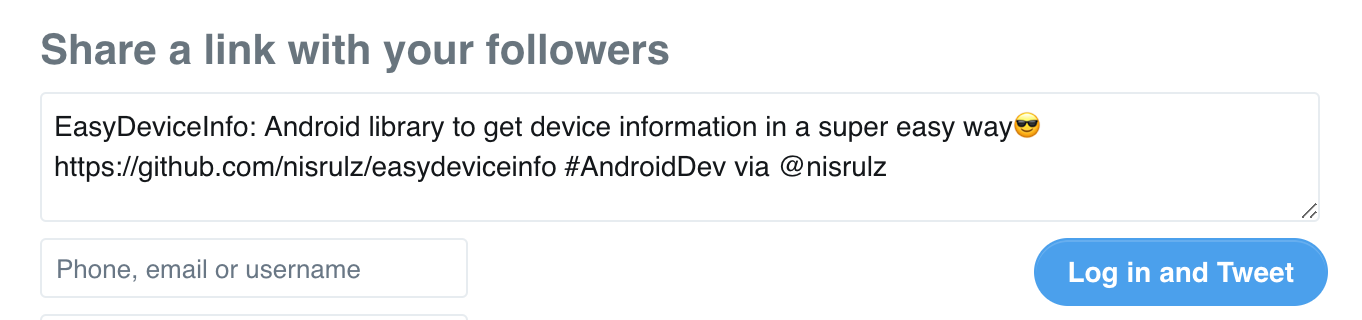
For the theme, the
- hastags would be same as the tags specified in the page. If not specified then don't add this param.
- via would be same as twitter username specified. If not specified then don't add this param.
- url will be the url of the page.
This kind of functionality exists in almost all kind of share url. I can get you the code for those.
Reddit I already shared.
Twitter I just explained.
Facebook and others I can find.
nisrulz
on 23 Jan 2020
Also this text should be Tumbler

nisrulz
on 23 Jan 2020
Thx for testing it again~! I appreciate!
Ok, I didn't know that the twitter parameters.
I'll add the feature.
zzossig
on 23 Jan 2020
I added the hashtags, via, url to the twitter share button
zzossig
on 23 Jan 2020
Did you change something in the layout of share buttons. I just updated the git sub module and I got this:

nisrulz
on 23 Jan 2020
Ops, I’ll change back
zzossig
on 23 Jan 2020
Also, I think you can do away with the outline on the button and the text. Social media is icons are pretty much known to every, so just the logo should be more elegant.
nisrulz
on 23 Jan 2020
The share button layout works well on my end. Can you force refresh the browser?
zzossig
on 23 Jan 2020
I changed the share button to just the logo
zzossig
on 23 Jan 2020
Everything work now :taco:
Thank you!
nisrulz
on 24 Jan 2020
But, I have a plan to redesign the share buttons. It looks like awkward now

zzossig
on 24 Jan 2020
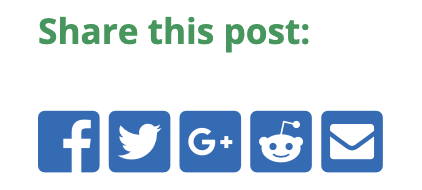
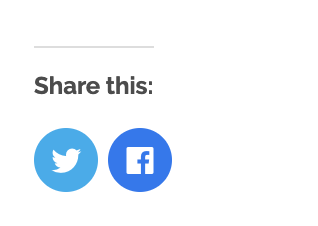
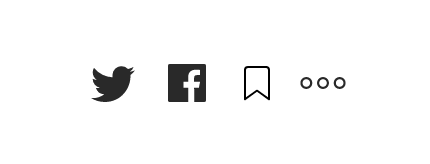
Most blogs I read have them like this:
nisrulz
on 24 Jan 2020
The Facebook share button never worked on the localhost.
I checked that the URL is accurately connected to the button.
When you decode the URL,
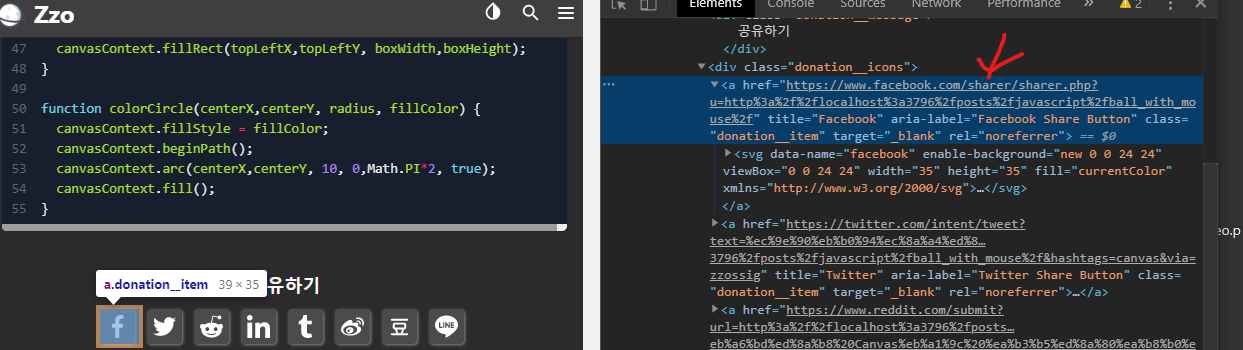
it gives me this text
href="https://www.facebook.com/sharer/sharer.php?u=http://localhost:3796/posts/javascript/ball_with_mouse/"
And this is the right URL.
Just the localhost is the problem.
And I changed the button design😋
zzossig
on 24 Jan 2020
Related issues
 VictorZakharov
·
3Comments
nisrulz
·
7Comments
VictorZakharov
·
3Comments
nisrulz
·
7Comments
 nocquidant
·
5Comments
nocquidant
·
5Comments
 simicn
·
3Comments
zzossig
·
6Comments
simicn
·
3Comments
zzossig
·
6Comments
Most helpful comment
Looks good your blog, I'll keep watching it.
I was thinking about the share button. I'll add the feature