Https-everywhere: Can't add HTTPS Everywhere extension to Chromium 81.0.4044.138 on Ubuntu 20.04 LTS
Type: code issue
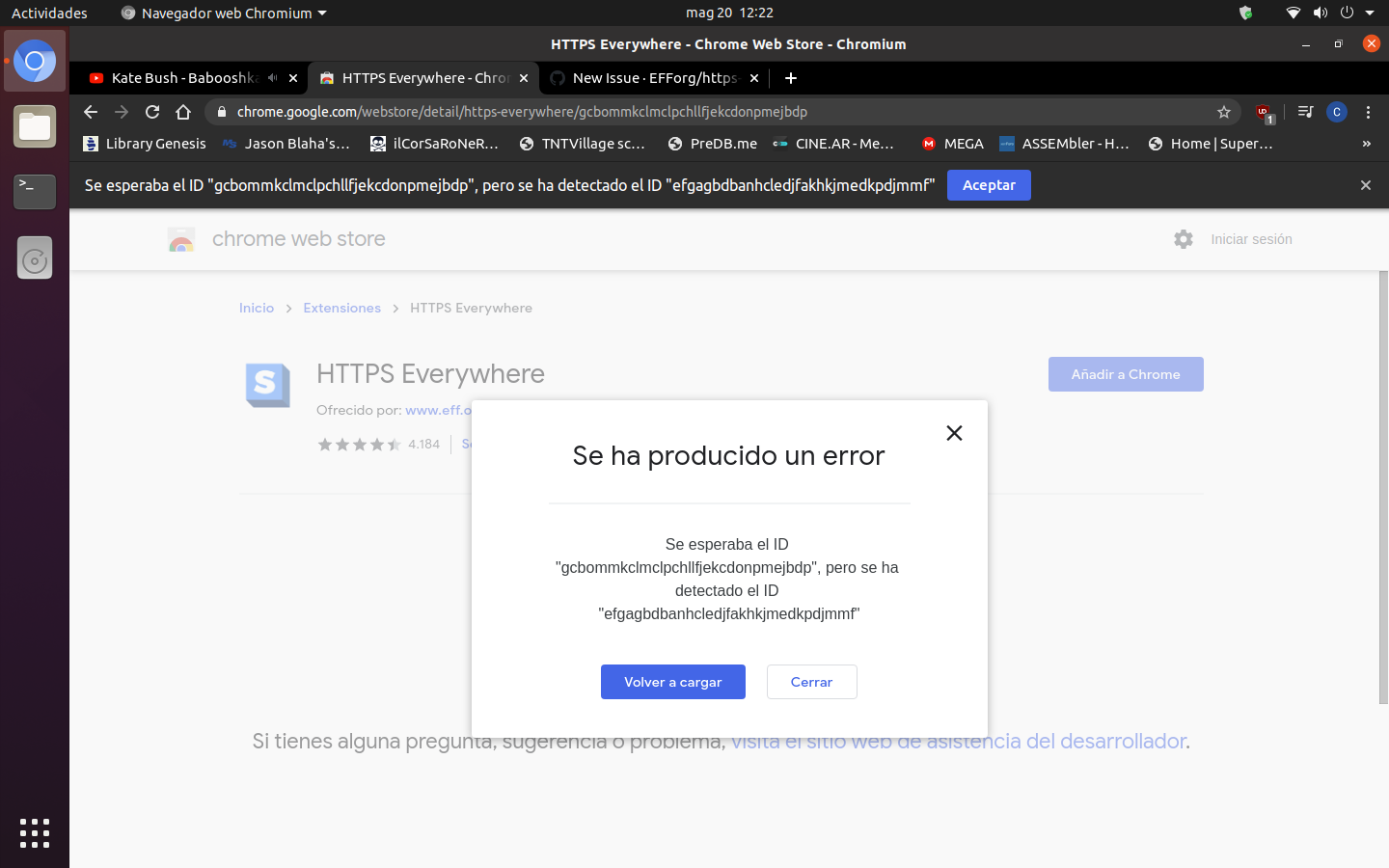
When I try to add HTTPS Everywhere extension to Chromium 81.0.4044.138 on a fresh install of Ubuntu 20.04 LTS gets the error "Se esperaba el ID "gcbommkclmclpchllfjekcdonpmejbdp", pero se ha detectado el ID "efgagbdbanhcledjfakhkjmedkpdjmmf"".
 escarta
All 6 comments
I have the same error..chrome 83
 doopler
on 20 May 2020
doopler
on 20 May 2020
I'm getting the same results in Chromium on a Fedora 31 box. I'm not sure what level this Extension ID mismatch is occurring on, but that seems to be the clear root issue?
 RooneyMcNibNug
on 20 May 2020
RooneyMcNibNug
on 20 May 2020
Confirmed. We need someone at EFF to look at this. @zoracon @Hainish
 pipboy96
on 20 May 2020
pipboy96
on 20 May 2020
Looks like a file discrepancy caused an issue. We are working to deploy an update as soon as possible. Sorry for the inconvenience and thank you for reporting!
 zoracon
on 20 May 2020
zoracon
on 20 May 2020
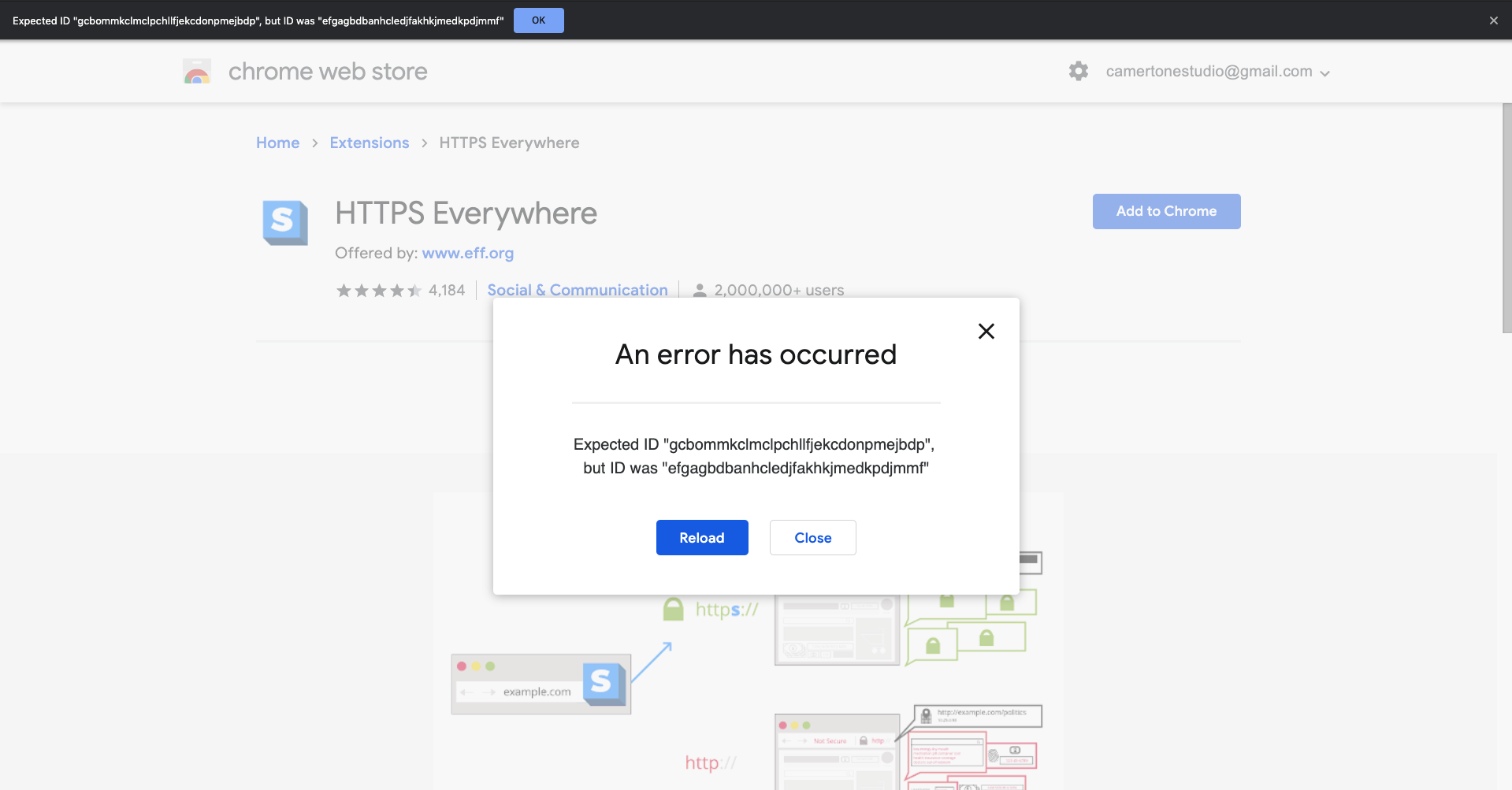
Can't add HTTPS Everywhere extension to Google Chrome version Version 83.0.4103.61 (Official Build) (64-bit) in Ubuntu 20.04 LTS. Error is:
Expected ID "gcbommkclmclpchllfjekcdonpmejbdp", but ID was "efgagbdbanhcledjfakhkjmedkpdjmmf"
 KeithMyers
on 21 May 2020
KeithMyers
on 21 May 2020
This has been resolved in Chrome store! Please go ahead and retry.
zoracon
on 21 May 2020
Related issues
 a0193143
·
4Comments
a0193143
·
4Comments
 raman325
·
4Comments
raman325
·
4Comments
 cschanaj
·
3Comments
cschanaj
·
3Comments
 Jochen-A-Fuerbacher
·
3Comments
Jochen-A-Fuerbacher
·
3Comments
 Lissy93
·
4Comments
Lissy93
·
4Comments
Most helpful comment
Looks like a file discrepancy caused an issue. We are working to deploy an update as soon as possible. Sorry for the inconvenience and thank you for reporting!