Homebrew-emacs-plus: Pending: `librsvg` option does not work for Apple Silicon (M1) due to Rust dependency
Note: It is not really an issue. I am creating it to track the progress about the current state of Emacs Plus package on the latest Apple Silicon (M1) devices.
Homebrew state
Homebrew does not fully support Apple Silicon at the moment. They recommend using Rosetta 2 as a workaround.
- macOS 11 Big Sur compatibility on Apple Silicon #7857
- Homebrew installation on ARM MacBook with macOS 11.0
If you are brave enough, you can try arm64 Homebrew installation. To make it happen, you have to install Homebrew manually with something like this:
sudo rm -Rf /opt/homebrew || true
sudo mkdir -p /opt/homebrew
sudo chown -R $(whoami):staff /opt/homebrew
cd /opt
curl -L https://github.com/Homebrew/brew/tarball/master | tar xz --strip 1 -C homebrew

brew cleanup
brew update
Do not forget to add the /opt/homebrew/bin to your $PATH.
Emacs Plus state
I am using the following options to install, and I did not try the stable version yet.
brew install emacs-plus@28 --with-no-titlebar --without-imagemagick
Dependencies
Note: This is the current state of Homebrew bottles for arm64. Also, you can check this issue - The first ARM (Apple Silicon) bottles are here, help us test them #9488.
| State | Name | Version | Comments |
|:-----:|:-------|:--------|:-----------|
| ✅ | autoconf | 2.69 | Bottle |
| ✅ | gnu-sed | 4.8 | Source |
| ✅ | pkg-config | 0.29.2_3 | Bottle |
| ✅ | texinfo | 6.7 | Source |
| ✅ | gnutls | 3.6.15 | Source |
| 🛑 | librsvg | 2.50.2 | Source, Failed due to Rust dependency |
| ✅ | little-cms2 | 2-2.11 | Bottle |
| ✅ | jansson | 2.13.1 | Source |
| ✅ | imagemagick (recommended) | 7.0.10-48 | Source |
| ✅ | dbus (optional) | 1.12.20 | Source |
| ✅ | mailutils (optional) | 3.10 | Source |
| ✅ | freetype (x11) | 2.10.4 | Source |
| ✅ | fontconfig (x11) | 2.13.1 | Source |
So far, only Rust does not work. There is already a version with proper support of Apple Silicon (at Tier 2), perhaps, Rust team will release it in a few fix. After that, Emacs Plus has to compile on Apple Silicon as well.
 dive
dive
All 12 comments
Wow, nice! Thank you very much! 💯
Related #282
 d12frosted
on 13 Dec 2020
d12frosted
on 13 Dec 2020
I got it going. It's 1.5x faster on an MacBook Air M1 than a top of the line Intel using the simple benchmark I found: https://twitter.com/hagmonk/status/1338955562084495360.
The trick so far was to install rust at --HEAD while also editing the recipe to ensure ninja is one of the build time dependencies. Everything proceeded smoothly after that.
 hagmonk
on 15 Dec 2020
hagmonk
on 15 Dec 2020
Nice! Thanks for this! @hagmonk do you have some pointers about how one would go about doing that for the Homebrew-formulae-editing-un-initiated?
Cheers!
 qazwsxpawel
on 18 Dec 2020
qazwsxpawel
on 18 Dec 2020
As a possible future-proof solution, emacs-mac formula, for example, does not use rsvg by default and provides an option to turn it on via --with-rsvg flag. That's why it is possible to compile the emacs-mac without any problems on Apple Silicon at the moment. Perhaps, we can do the same for emacs-plus.
dive
on 20 Dec 2020
We can allow to opt out from rsvg if that helps. Initially it was opt out, but since there were zero reasons for that, I decided to reduce the amount of indirections in the formula. WDYT?
d12frosted
on 20 Dec 2020
We can allow to opt out from
rsvgif that helps. Initially it was opt out, but since there were zero reasons for that, I decided to reduce the amount of indirections in the formula. WDYT?
It is a fair point about simplicity and cost of support. If you think that the formula has to be as simple as possible, then I tend to believe you. You are maintaining it for a long time and in an excellent shape.
No rush with Apple Silicon support, there are plenty of options to make Emacs (including emacs-plus) work on M1. Enthusiasts can always play with it, but there are no benefits for all other users from the opt-out rsvg option, only the risk of unintended problems and side-effects.
dive
on 21 Dec 2020
I got it going. It's 1.5x faster on an MacBook Air M1 than a top of the line Intel using the simple benchmark I found: https://twitter.com/hagmonk/status/1338955562084495360.
The trick so far was to install rust at
--HEADwhile also editing the recipe to ensureninjais one of the build time dependencies. Everything proceeded smoothly after that.
Could you post a diff @hagmonk (or a PR). I'd like to try this out.
 arjansingh
on 21 Dec 2020
arjansingh
on 21 Dec 2020
@dive well, since there is an issue for some of the users, I'd rather provide help :) So now you can install emacs-plus@28 without librsvg:
$ brew install emacs-plus@28 --without-librsvg
Please let me know if that works for you.
d12frosted
on 22 Dec 2020
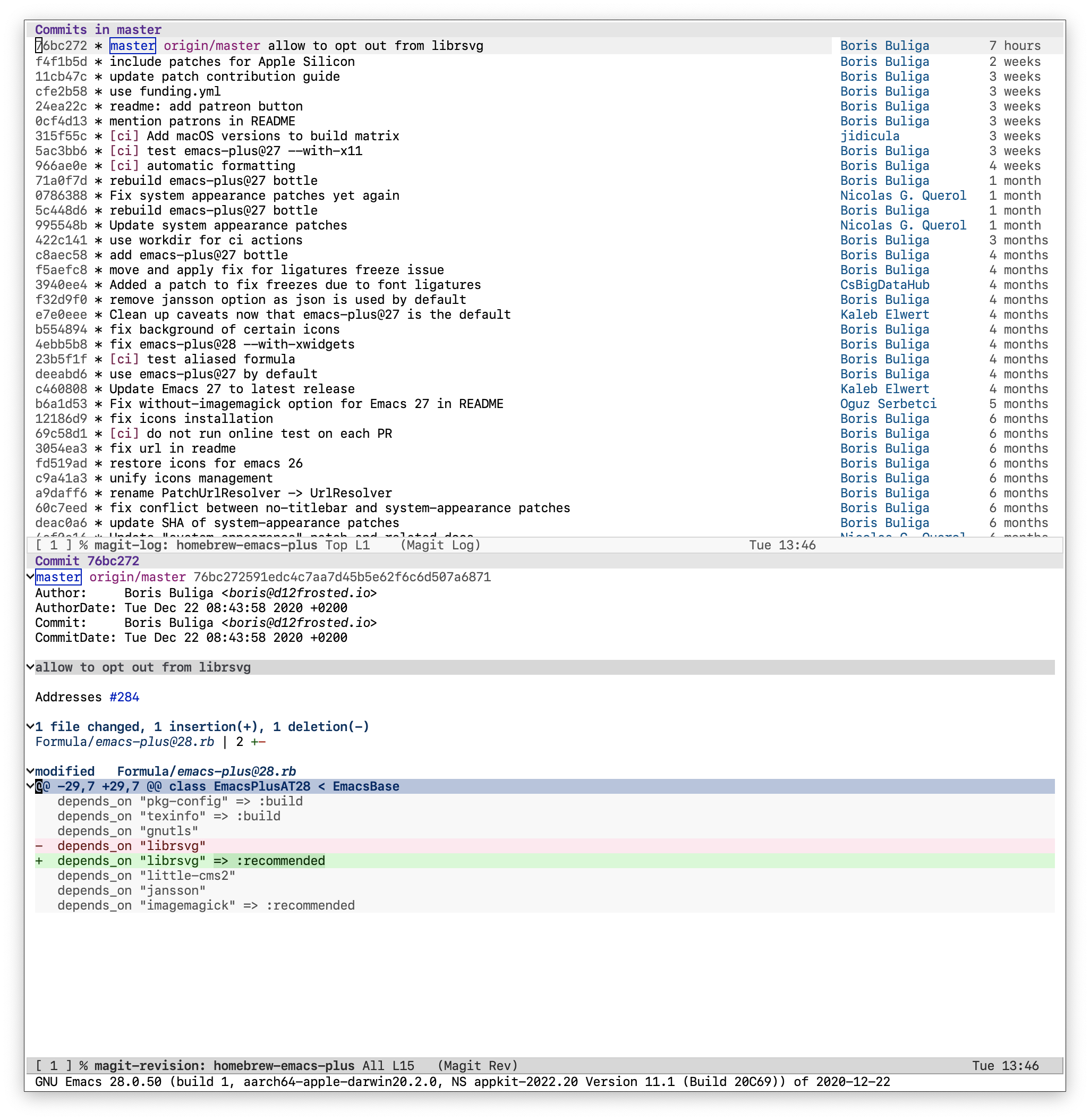
@d12frosted, thank you! I can confirm that it works as expected. The Emacs was installed with the following command:
brew install emacs-plus@28 --with-no-titlebar --without-imagemagick --without-librsvg
The binary information:
~/P/d/dotfiles $ file /opt/homebrew/opt/emacs-plus@28/Emacs.app/Contents/MacOS/Emacs
/opt/homebrew/opt/emacs-plus@28/Emacs.app/Contents/MacOS/Emacs: Mach-O 64-bit executable arm64
Emacs version:
GNU Emacs 28.0.50 (build 1, aarch64-apple-darwin20.2.0, NS appkit-2022.20 Version 11.1 (Build 20C69)) of 2020-12-22
dive
on 22 Dec 2020
@dive happy to hear! thanks for testing it 💯
d12frosted
on 22 Dec 2020
Rust and librsvg have been fixed for m1 in Homebrew as of now.
 hjiang
on 26 Dec 2020
hjiang
on 26 Dec 2020
So that was the last bit, right? I reverted my commit allowing to opt-out since it should work now with librsvg.
d12frosted
on 26 Dec 2020
Related issues
 glepnir
·
6Comments
d12frosted
·
6Comments
glepnir
·
6Comments
d12frosted
·
6Comments
 thomasheartman
·
5Comments
thomasheartman
·
5Comments
 nwolfe
·
6Comments
nwolfe
·
6Comments
 Blaisorblade
·
6Comments
Blaisorblade
·
6Comments
Most helpful comment
@dive well, since there is an issue for some of the users, I'd rather provide help :) So now you can install
emacs-plus@28withoutlibrsvg:Please let me know if that works for you.