Hiddeneye-legacy: Please verify your internet connection.
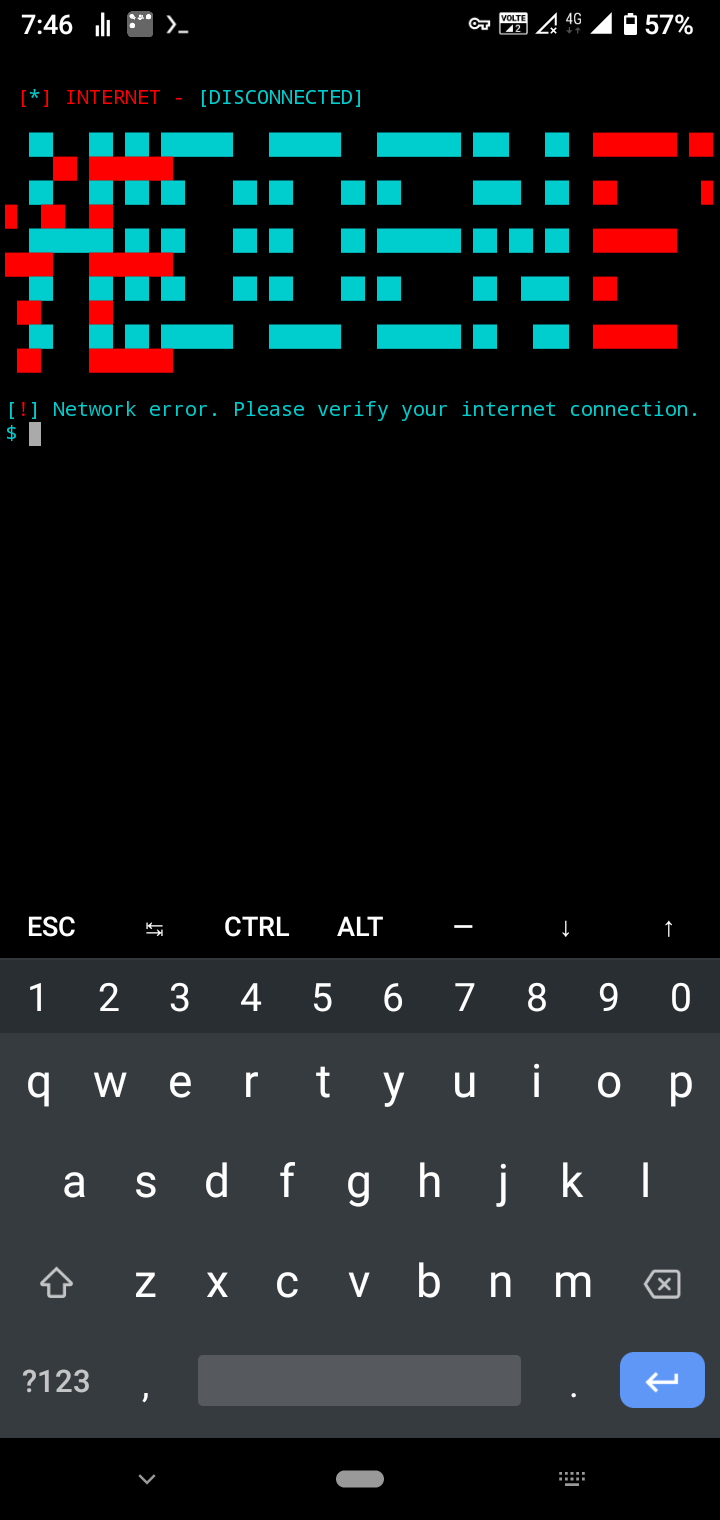
I am using the latest version of hidden eye. I have met every requirements. But still I am getting this error please verify your internet connection. I tried using several vpn but it is not working. I am using termunx apk on android 10 with patch of August.
 Lucifer472
All 34 comments
Issue-Label Bot is automatically applying the label question to this issue, with a confidence of 0.80. Please mark this comment with :thumbsup: or :thumbsdown: to give our bot feedback!
Links: app homepage, dashboard and code for this bot.
![issue-label-bot[bot] picture](https://avatars.githubusercontent.com/in/27079?v=4&s=40) issue-label-bot[bot]
on 8 Sep 2020
issue-label-bot[bot]
on 8 Sep 2020
I requested a file change to change and remove the error
 luscff99
on 9 Sep 2020
luscff99
on 9 Sep 2020
goto: Defs/ActionManaager/simple_informant.py , change line to:
def verify_connection(host='https://google.com'): # Connection check
 tejaswankalluri
on 10 Sep 2020
tejaswankalluri
on 10 Sep 2020
I'm using setoolkit and the following error came up "[*] Error. Unable to clone this specific site. Check your internet connection."
Can someone help me??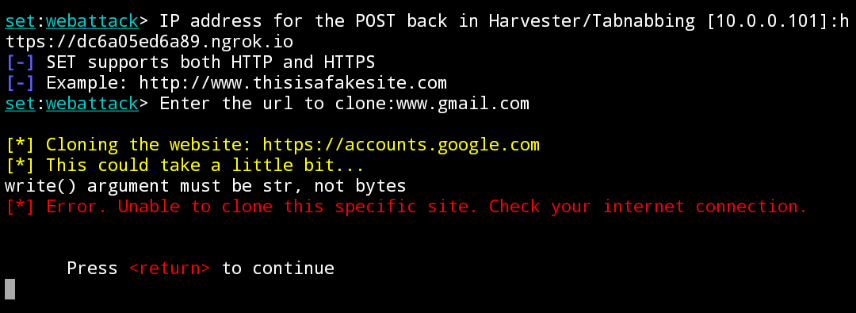
luscff99
on 10 Sep 2020
I have this problem too buddy
 ziadBn
on 10 Sep 2020
ziadBn
on 10 Sep 2020
Can you describe that procces in more details like how to go actually change the data like how to find the file. Because I can't find the specific path in file manger.
Lucifer472
on 10 Sep 2020
This Error is being caused as the script they have written to check for internet access is actually sending a get request to there official website which is now down... so to fix this error as @tejaswankalluri82522 said, cd into Defs/ActionManaager/ directory and edit the simple_informant.py kid lines to
def verify_connection(host='https://google.com'):
 Samurai9954
on 10 Sep 2020
Samurai9954
on 10 Sep 2020
Can you describe that procces in more details like how to go actually change the data like how to find the file. Because I can't find the specific path in file manger.
watch this video : https://www.youtube.com/watch?v=ZTfOSjaTRSM&feature=youtu.be
tejaswankalluri
on 10 Sep 2020
Well i found a fix for this.
cd HiddenEye/Defs/ActionManager

sed -i 's/dark-sec-official.com/google.com/g' simple_informant.py
The problem is, defined is connection with his website, his website is down.
You just replace his website with google and then it's fixed +1
Line 246:
def verify_connection(host='https://google.com'):
 rebl0x3r
on 10 Sep 2020
rebl0x3r
on 10 Sep 2020
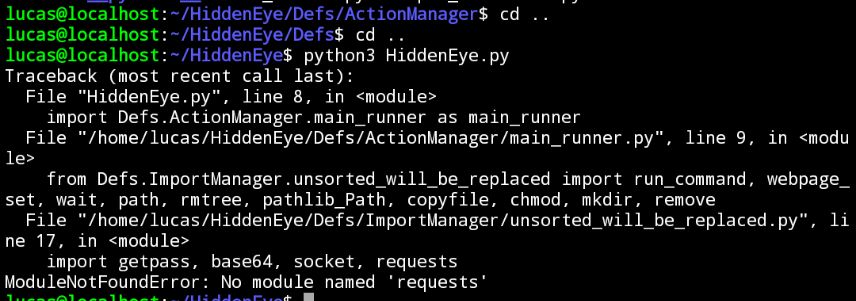
How to resolve, help me pleaseeeee
luscff99
on 10 Sep 2020
How to resolve, help me pleaseeee
sudo pip3 install requests
Samurai9954
on 10 Sep 2020
How to resolve, help me pleaseeeesudo pip3 install requests
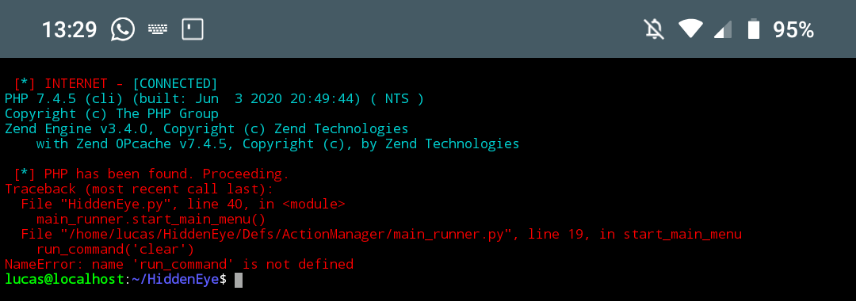
:(
luscff99
on 10 Sep 2020
Ok I done what you asked me to do here look
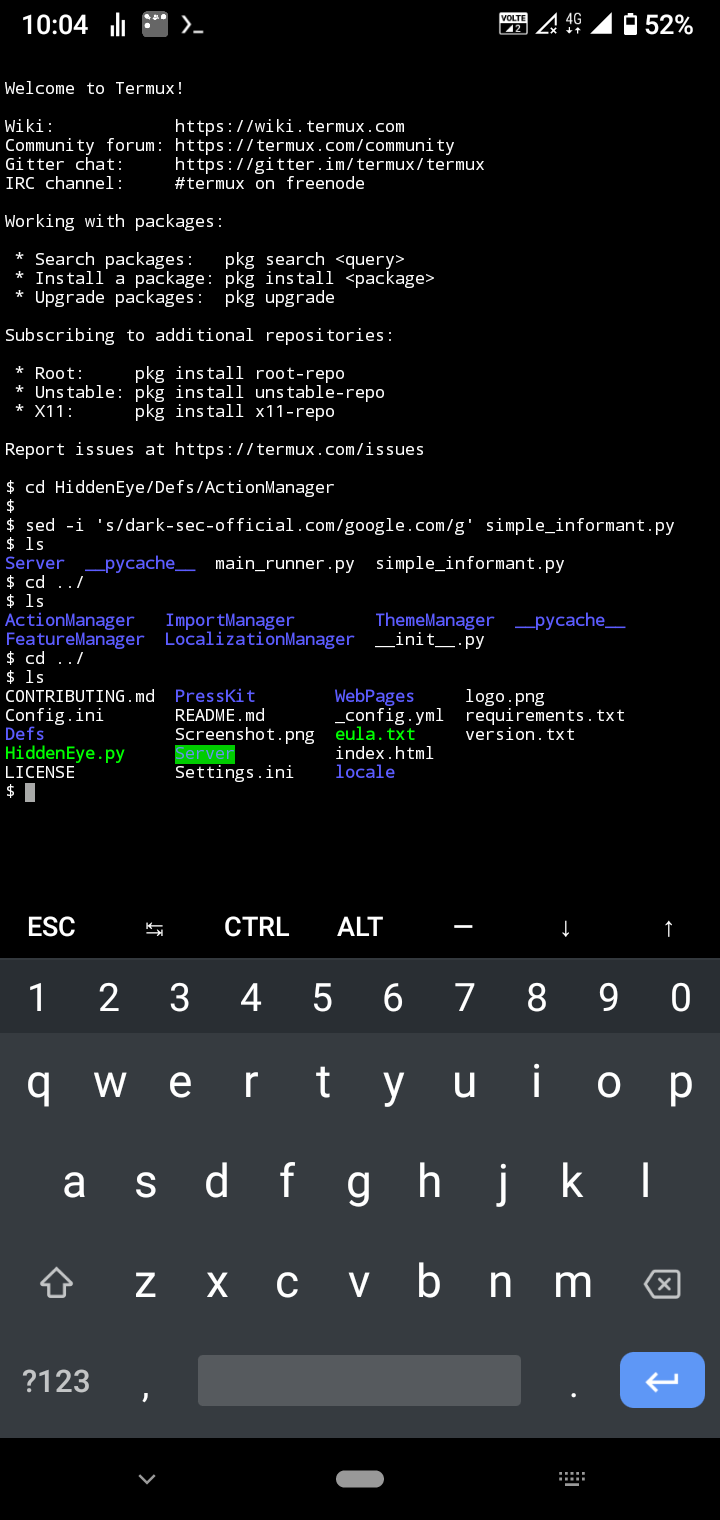
But I am still having the same issue here please fix this.....
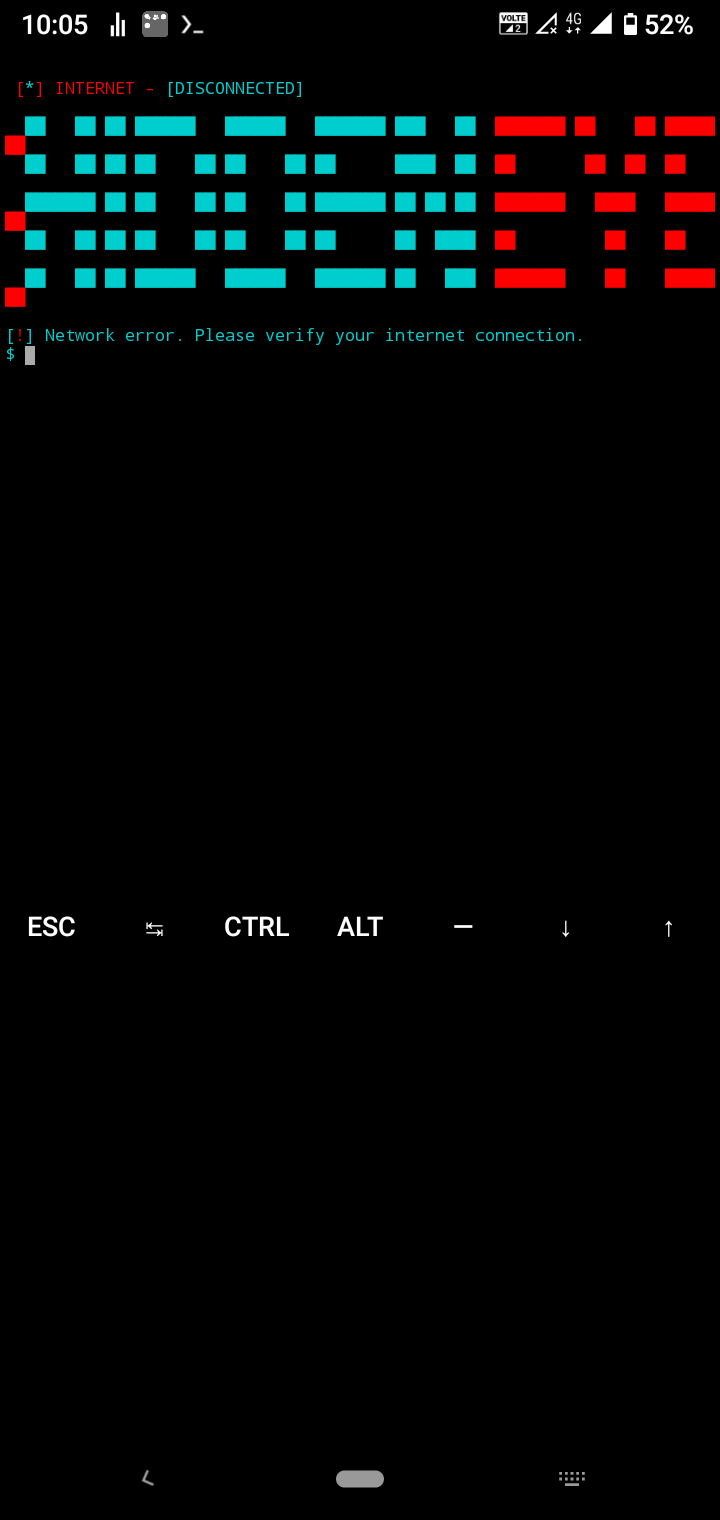
Lucifer472
on 10 Sep 2020
@Lucifer472 Edit the file with vim, just change the Line 246 to:
def verify_connection(host='https://google.com'):
This will fix the issue
if you dont know how to use vim, then ¯_(ツ)_/¯
Samurai9954
on 10 Sep 2020
@Lucifer472 Edit the file with vim, just change the Line 246 to:
def verify_connection(host='https://google.com'):This will fix the issue
if you dont know how to use vim, then ¯_(ツ)_/¯
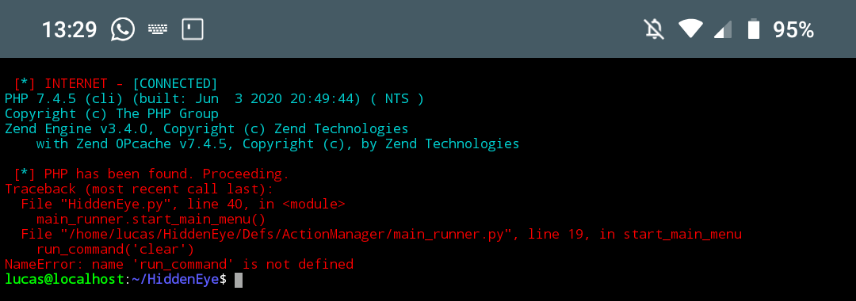 how to resolve bro?
luscff99
on 10 Sep 2020
I think you messed up something, wait i will fork this repo and edit and give the link in 2 minutes :)
Samurai9954
on 10 Sep 2020
Okay now clone this repo - https://github.com/Samurai9954/HiddenEye.git
after doing it try again :D
Samurai9954
on 10 Sep 2020
I think you messed up something, wait i will fork this repo and edit and give the link in 2 minutes :)
Ok
luscff99
on 10 Sep 2020
Okay now clone this repo - https://github.com/Samurai9954/HiddenEye.git
after doing it try again :D
Ok ok
luscff99
on 10 Sep 2020
If getting any new errors, ask here :D i have experience in python and tunneling through ngrok and serveo so i will be here :)
Samurai9954
on 10 Sep 2020
If getting any new errors, ask here :D i have experience in python and tunneling through ngrok and serveo so i will be here :)
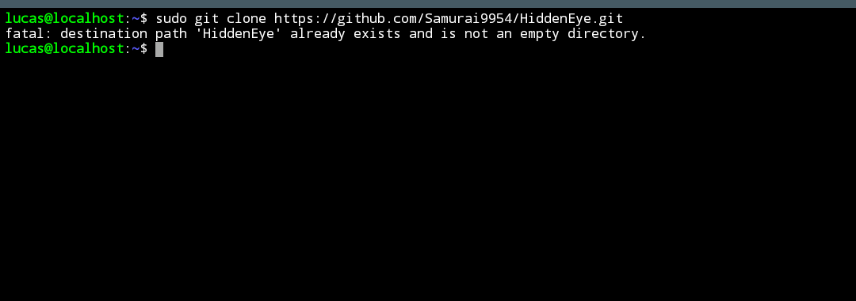
luscff99
on 10 Sep 2020
Ok, delete the already there hiddeneye with the command
rm -r HiddenEye
then try to clone it
Samurai9954
on 10 Sep 2020
Ok, delete the already there hiddeneye with the command
rm -r HiddenEyethen try to clone it
I'm cloning, as soon as I finish I'll be back here
luscff99
on 10 Sep 2020
you done yet? its been 7 minutes XD
Samurai9954
on 10 Sep 2020
you done yet? its been 7 minutes XD
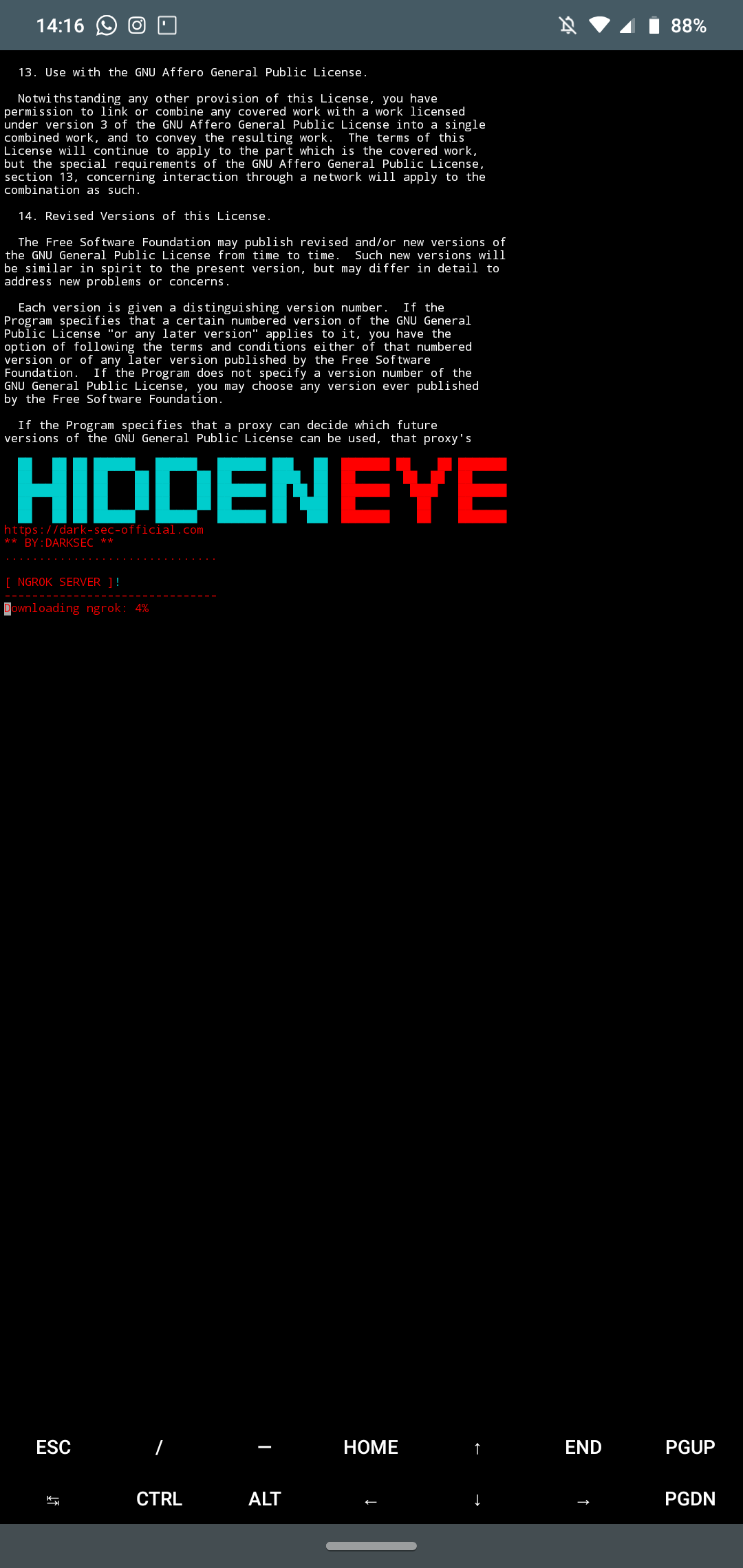
Thank you bro, I love u haha
luscff99
on 10 Sep 2020
you done yet? its been 7 minutes XD
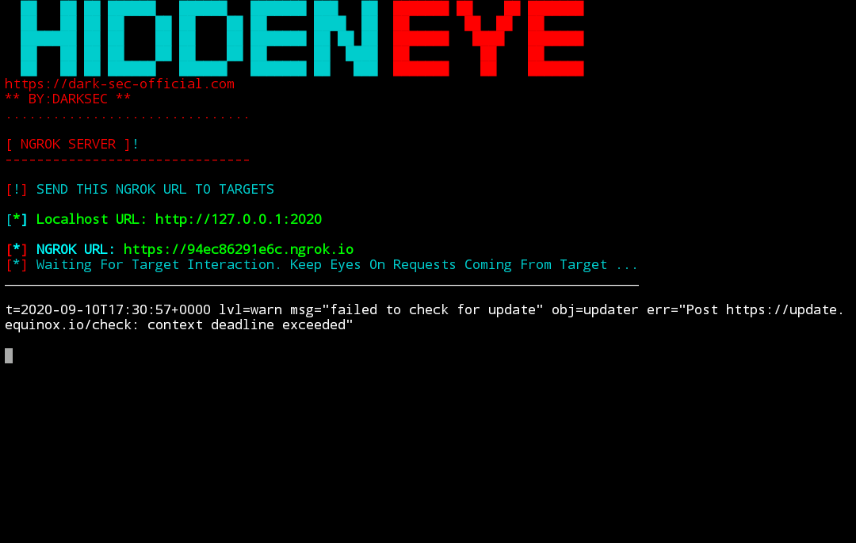
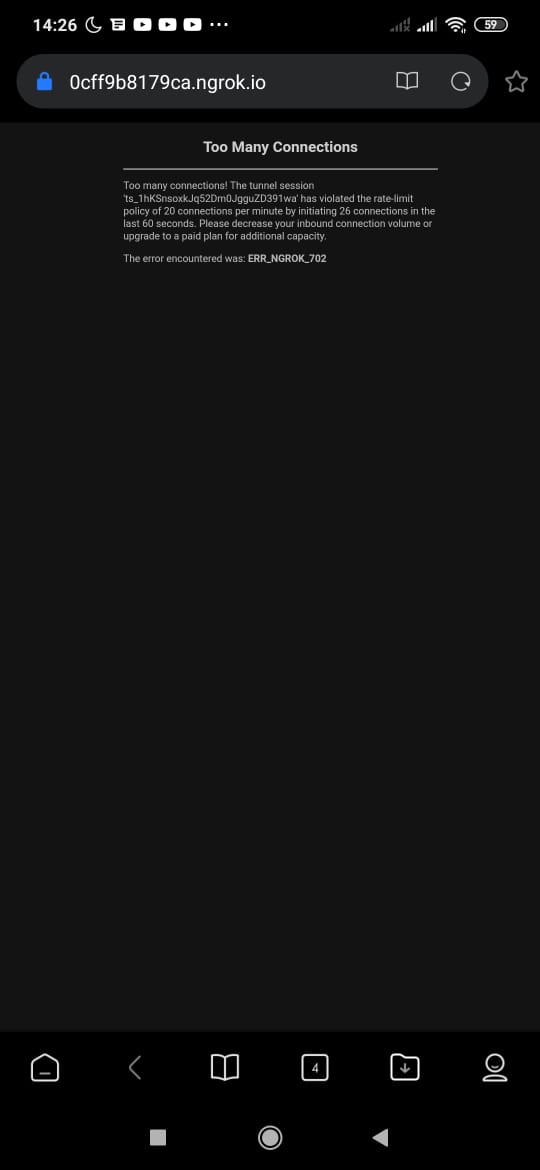
When I try to connect for the second time this appears:
luscff99
on 10 Sep 2020
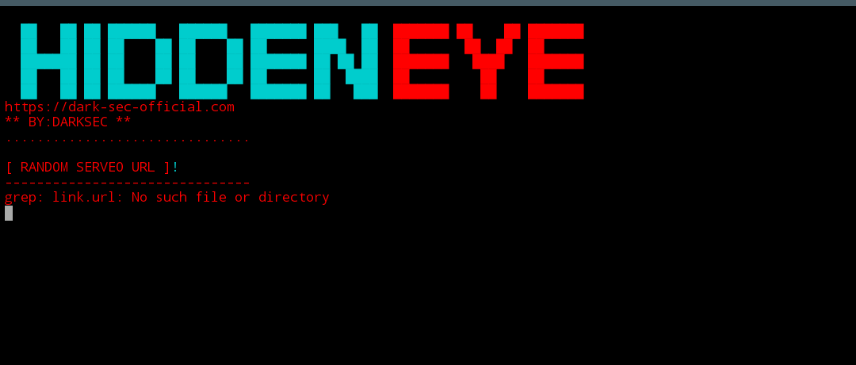
This problem happens when I try to use the "serveo"
luscff99
on 10 Sep 2020
I also had these issues too, to fix them don't do them straight from hiddeneye, choose localhost in hiddeneye, then do start ngrok or serveo in another terminal i repeat not straight from the hiddeneye program... i did the same thing :D
Samurai9954
on 11 Sep 2020
I also had these issues too, to fix them don't do them straight from hiddeneye, choose localhost in hiddeneye, then do start ngrok or serveo in another terminal i repeat not straight from the hiddeneye program... i did the same thing :D
but localhost does not open on external connections
luscff99
on 11 Sep 2020
thats what i said, do it on localhost and then start ngrok or serveo externally through a different terminal in termux
Samurai9954
on 11 Sep 2020
thats what i said, do it on localhost and then start ngrok or serveo externally through a different terminal in termux
as soon as you said i tried and got it, thanks so much for your patience.
luscff99
on 11 Sep 2020
thats what i said, do it on localhost and then start ngrok or serveo externally through a different terminal in termux
My serveo 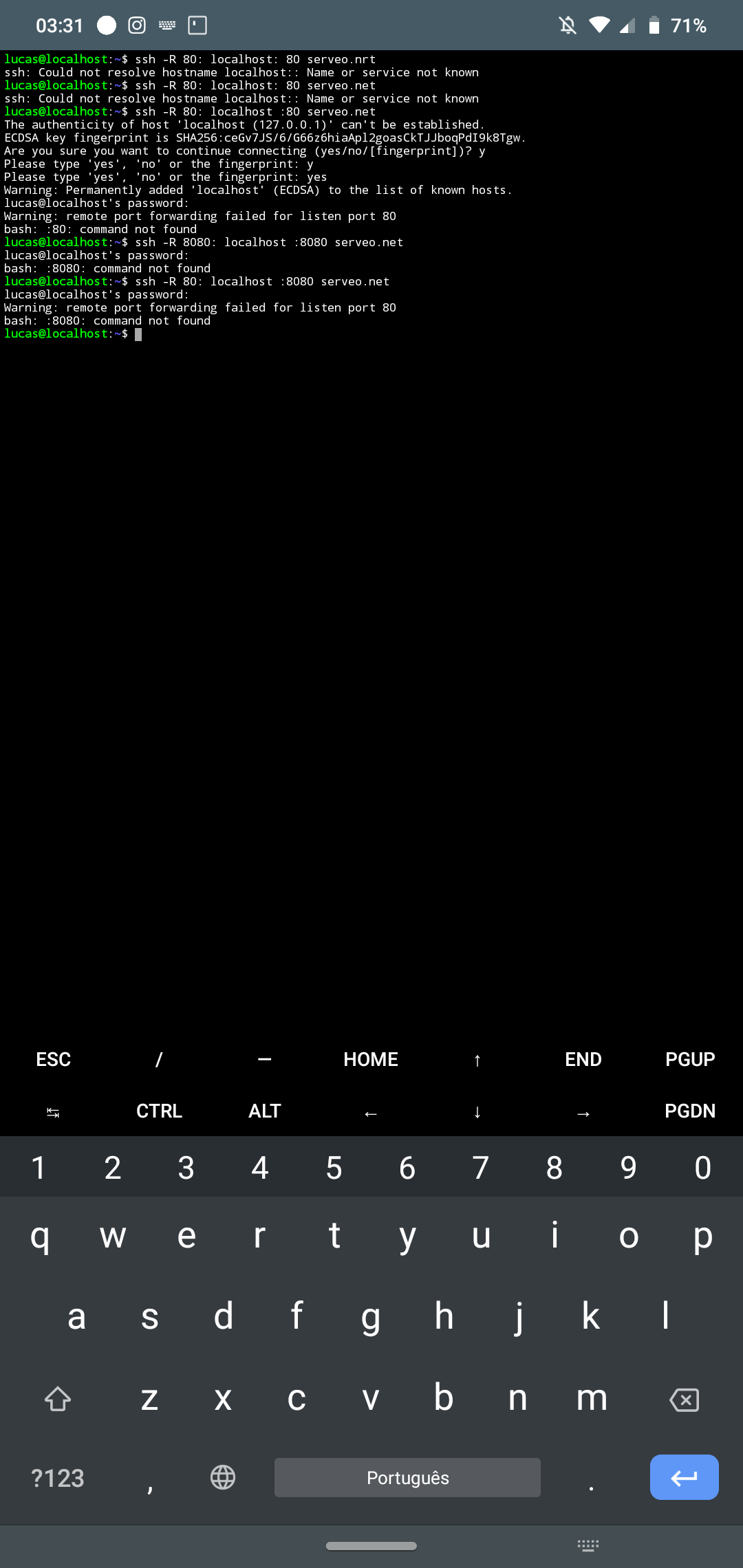 doesn't work
luscff99
on 11 Sep 2020
dude, when starting the hiddeneye on localhost select the port 8080 and then try to run that command again, if doesn't work start it on port 30 then try
Samurai9954
on 11 Sep 2020
Duplicate of #773 , closing here
 sTiKyt
on 11 Sep 2020
sTiKyt
on 11 Sep 2020
Related issues
 torp3do
·
4Comments
torp3do
·
4Comments
 Micrafast
·
7Comments
Micrafast
·
7Comments
 An0nUD4Y
·
6Comments
An0nUD4Y
·
6Comments
 KaleyLenux
·
3Comments
KaleyLenux
·
3Comments
 jigsaw678
·
3Comments
jigsaw678
·
3Comments
Most helpful comment
goto: Defs/ActionManaager/simple_informant.py , change line to:
def verify_connection(host='https://google.com'): # Connection check