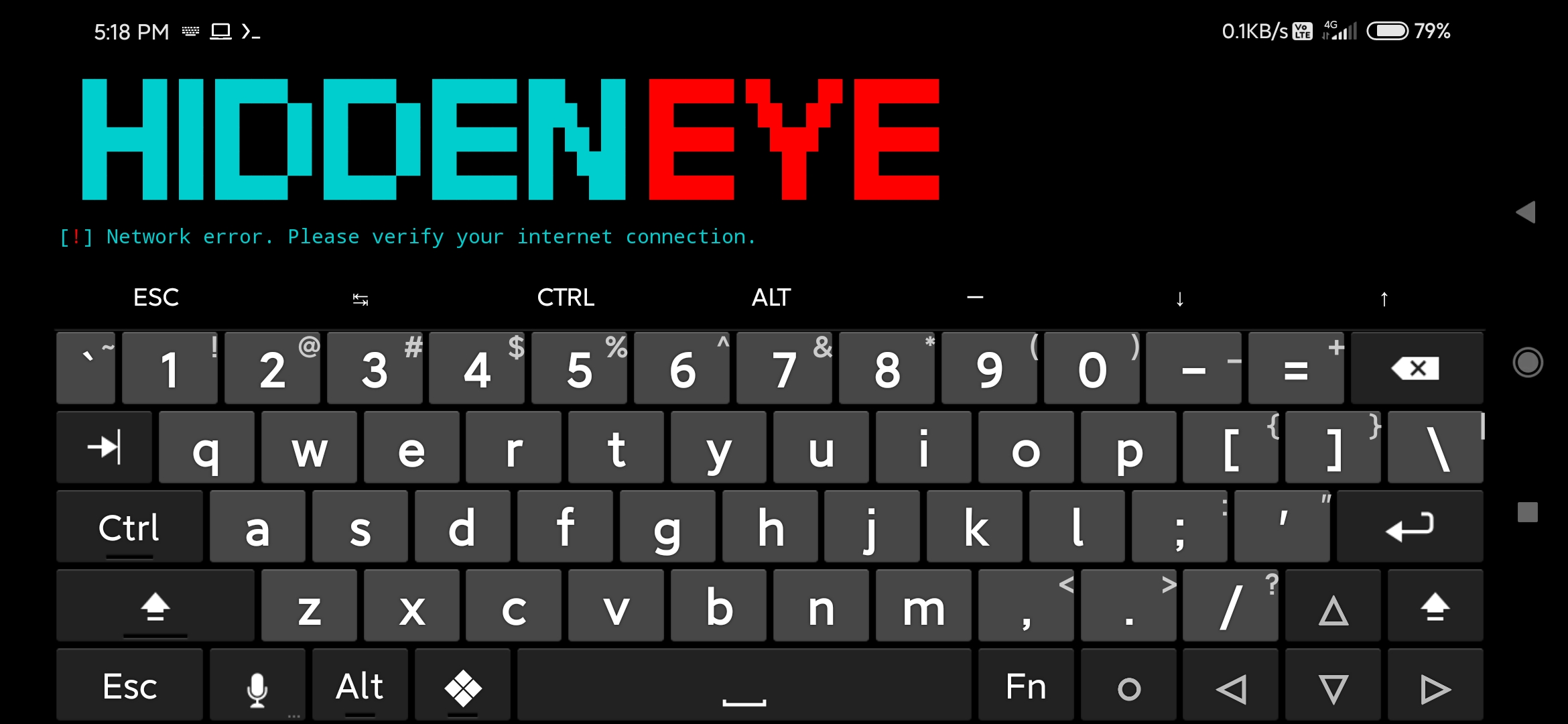
Hiddeneye-legacy: [BUG][!] Network error. Please verify your internet connection.
There are a problem , [!] Network error. Please verify your internet connection.
Can you help us ?
 vqvqo
vqvqo
All 15 comments
Issue-Label Bot is automatically applying the label bug to this issue, with a confidence of 0.80. Please mark this comment with :thumbsup: or :thumbsdown: to give our bot feedback!
Links: app homepage, dashboard and code for this bot.
![issue-label-bot[bot] picture](https://avatars.githubusercontent.com/in/27079?v=4&s=40) issue-label-bot[bot]
on 3 Sep 2020
issue-label-bot[bot]
on 3 Sep 2020
yes same thing to me
 tejaswankalluri
on 3 Sep 2020
tejaswankalluri
on 3 Sep 2020
 trolluu
on 3 Sep 2020
trolluu
on 3 Sep 2020
210:Defs/ActionManaager/simple_informant.py , change line to:
def verify_connection(host='https://google.com'): # Connection check
looks to be a simple KillSwitch.
 jeffjbowie
on 4 Sep 2020
jeffjbowie
on 4 Sep 2020
mine is still saying the same internet connection error please what do I do?
 ryfrfr
on 4 Sep 2020
ryfrfr
on 4 Sep 2020
Please update HiddenEye to the newest version
 darkmidus
on 4 Sep 2020
darkmidus
on 4 Sep 2020
Hey i have the same issue i am not able to edit anything because i use termux is there a fix for this?
 kaianinja
on 5 Sep 2020
kaianinja
on 5 Sep 2020
Just installed HiddenEye and its doing the same thing for me on Kali Linux 2020.3
 Morsmalleo
on 5 Sep 2020
Morsmalleo
on 5 Sep 2020
Can confirm same issue here. Tried a fresh git clone on both Ubuntu 19.10 and Kali 2020.3. Edit: Same issue on Parrot
 0xcarpetman
on 5 Sep 2020
0xcarpetman
on 5 Sep 2020
Hello, im kinda new in Linux and im having the same problem. Google is 100% active in my country !
 ivelinvitanov
on 5 Sep 2020
ivelinvitanov
on 5 Sep 2020
do this pip3 install -r requirements.txt then pip install -r requirements.txt
hiddeneye still runs on python2.7 that should fix the problem
 johndoehack
on 5 Sep 2020
johndoehack
on 5 Sep 2020
@kaianinja I have already said st the top to update your HiddenEye and the issue will be resolved. We fixed it many updates ago.
darkmidus
on 6 Sep 2020
Its got nothing to do with updating HiddenEye I updated hidden eye many times and nothing, I had to follow the YouTube link above yo fix the problem so problem is solved for me
Morsmalleo
on 7 Sep 2020
@Morsmalleo This is a mistake on my part. I forgot to accept the pull request so the update was never pushed. The update fixing the network error should be out.
darkmidus
on 8 Sep 2020
Duplicate of #773 , learn to search before asking... Closing here.
 sTiKyt
on 11 Sep 2020
sTiKyt
on 11 Sep 2020
Related issues
 malikhamza302
·
4Comments
malikhamza302
·
4Comments
 Frosty4819
·
3Comments
Frosty4819
·
3Comments
 Hanzo96
·
6Comments
Hanzo96
·
6Comments
 Palmus84
·
5Comments
Palmus84
·
5Comments
 jigsaw678
·
3Comments
jigsaw678
·
3Comments
Most helpful comment
210:Defs/ActionManaager/simple_informant.py , change line to:
def verify_connection(host='https://google.com'): # Connection checklooks to be a simple KillSwitch.