Hexo-theme-next: NexT V7.2.0:How to change blog background?如何更改博客背景?
我使用的是NexT主题V7.2.0版本,发现原来的\themes\next\source\css_custom路径已经不存在了,我想知道怎么修改博客背景。
English:
I used the NexT theme V7.2.0 version and found that the original \themes\next\source\css_custom path was deleted. I want to know how to change the blog background.
 ArkhalisDragon
All 22 comments
Thanks for opening this issue, maintainers will get back to you as soon as possible!
![welcome[bot] picture](https://avatars.githubusercontent.com/in/4141?v=4&s=40) welcome[bot]
on 14 Jul 2019
welcome[bot]
on 14 Jul 2019
My English is not very good, so if anyone finds out what grammatical mistakes I have, please ignore them.
ArkhalisDragon
on 14 Jul 2019
现在使用自定义CSS的办法:
在_config.yml或next.yml中,设置
custom_file_path:
  style: source/_data/styles.styl
然后,将自定义CSS放进source/_data/styles.styl文件中即可
 stevenjoezhang
on 14 Jul 2019
stevenjoezhang
on 14 Jul 2019
关键是不知道怎么写。。。
以前的用不了了
ArkhalisDragon
on 14 Jul 2019
是指自定义背景图片,还是像canvas-nest这种动态背景?
stevenjoezhang
on 14 Jul 2019
自定义背景图片
ArkhalisDragon
on 14 Jul 2019
类似于这样
body {
  background-image: url(image.png)
}
可以找个教程看一下
stevenjoezhang
on 14 Jul 2019
关键是不知道怎么写。。。
以前的用不了了
你可以参考我的设置试试看~
https://github.com/lei2rock/blog/blob/hexo-source/source/_data/styles.styl
GitHub
My blog based on Hexo NexT. Contribute to lei2rock/blog development by creating an account on GitHub.

 lei2rock
on 14 Jul 2019
lei2rock
on 14 Jul 2019
我看到你的博客自定义背景是生效?
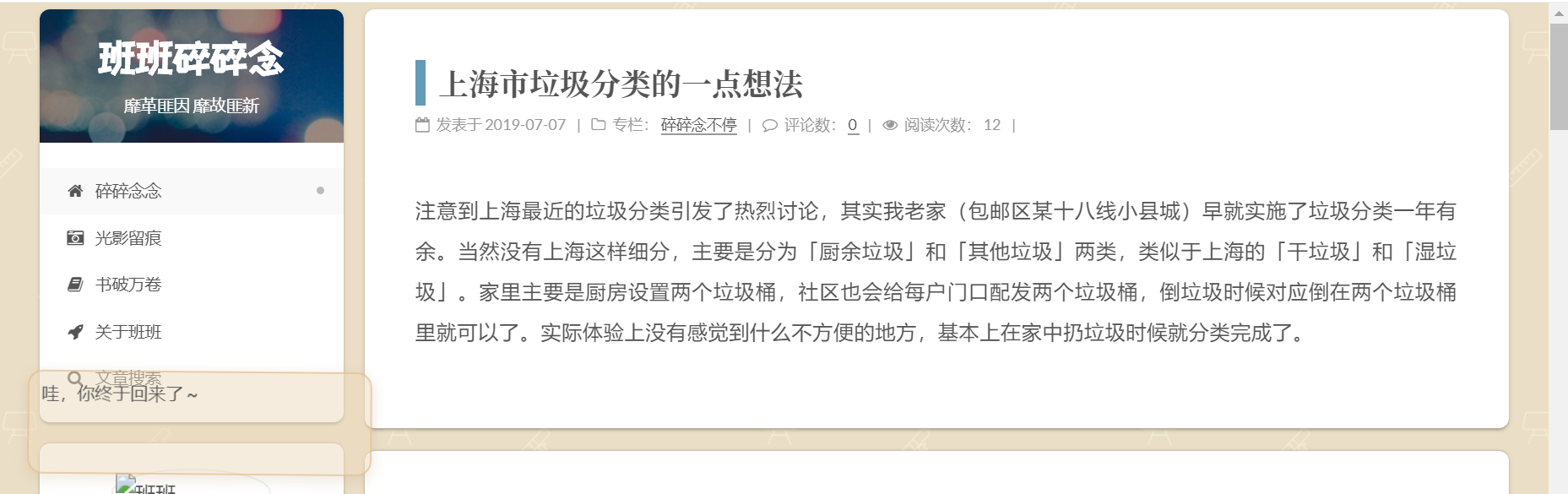
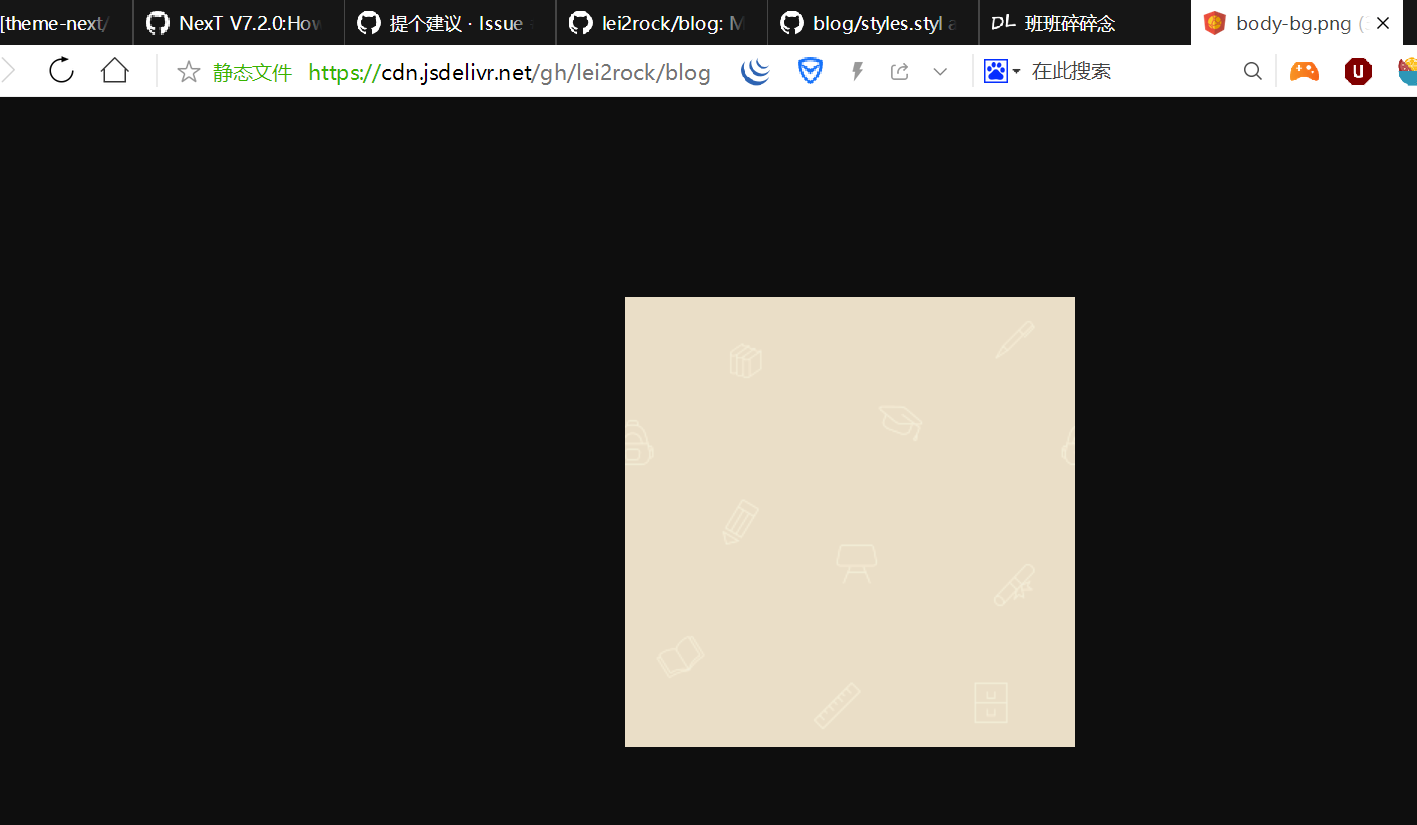
你尝试下在运行前清除缓存hexo clean
 jiangtj
on 14 Jul 2019
jiangtj
on 14 Jul 2019
我看到你的博客自定义背景是生效?
尴尬,看错人了 :joy:
jiangtj
on 14 Jul 2019
关键是不知道怎么写。。。
以前的用不了了你可以参考我的设置试试看~
https://github.com/lei2rock/blog/blob/hexo-source/source/_data/styles.styl
GitHublei2rock/blogMy blog based on Hexo NexT. Contribute to lei2rock/blog development by creating an account on GitHub.
但是Git会报错:
`
ERROR Asset render failed: css/main.css
Error: E:\Blogs\themes\next\source\css\main.styl:45:28
41|
42| // Custom Layer
43| // --------------------------------------------------
44| for $inject_style in hexo-config('injects.style')
45| @import "../../../../" + $inject_style;
----------------------------------^
failed to locate @import file ../../../../style.styl
at Evaluator.visitImport (E:\Blogs\node_modules\stylus\lib\visitor\evaluator.js:915:21)
at Evaluator.Visitor.visit (E:\Blogs\node_modules\stylus\lib\visitor\index.js:28:40)
at Evaluator.visit (E:\Blogs\node_modules\stylus\lib\visitor\evaluator.js:160:18)
at Evaluator.visitBlock (E:\Blogs\node_modules\stylus\lib\visitor\evaluator.js:720:39)
at Evaluator.Visitor.visit (E:\Blogs\node_modules\stylus\lib\visitor\index.js:28:40)
at Evaluator.visit (E:\Blogs\node_modules\stylus\lib\visitor\evaluator.js:160:18)
at visitBody (E:\Blogs\node_modules\stylus\lib\visitor\evaluator.js:433:17)
at Evaluator.visitEach (E:\Blogs\node_modules\stylus\lib\visitor\evaluator.js:449:7)
at Evaluator.Visitor.visit (E:\Blogs\node_modules\stylus\lib\visitor\index.js:28:40)
at Evaluator.visit (E:\Blogs\node_modules\stylus\lib\visitor\evaluator.js:160:18)
at Evaluator.visitRoot (E:\Blogs\node_modules\stylus\lib\visitor\evaluator.js:707:27)
at Evaluator.Visitor.visit (E:\Blogs\node_modules\stylus\lib\visitor\index.js:28:40)
at Evaluator.visit (E:\Blogs\node_modules\stylus\lib\visitor\evaluator.js:160:18)
at Evaluator.evaluate (E:\Blogs\node_modules\stylus\lib\visitor\evaluator.js:247:15)
at Renderer.render (E:\Blogs\node_modules\stylus\lib\renderer.js:86:26)
at Hexo.module.exports (E:\Blogs\node_modules\hexo-renderer-stylus\lib\renderer.js:53:6)
at Hexo.tryCatcher (E:\Blogs\node_modules\bluebird\js\release\util.js:16:23)
at Hexo.ret (eval at makeNodePromisifiedEval (C:\Users\Administrator\AppData\Roaming\npm\node_modules\hexo-cli\node_modules\bluebird\js\release\promisify.js:184:12), <anonymous>:13:39)
at Promise.then.text (E:\Blogs\node_modules\hexo\lib\hexo\render.js:60:20)
at tryCatcher (E:\Blogs\node_modules\bluebird\js\release\util.js:16:23)
at Promise._settlePromiseFromHandler (E:\Blogs\node_modules\bluebird\js\release\promise.js:517:31)
at Promise._settlePromise (E:\Blogs\node_modules\bluebird\js\release\promise.js:574:18)
`
我的style.styl:
body {
    background-image:url(source/images/background.jpg);
    background-repeat: no-repeat;
    background-attachment:fixed;
    background-size: cover;
}
My blog based on Hexo NexT. Contribute to lei2rock/blog development by creating an account on GitHub.
ArkhalisDragon
on 14 Jul 2019
然后我更改了一下我的style.styl:
body {
    background-image:url(//i.loli.net/2019/07/14/5d2b2a21745b650862.jpg);
    background-repeat: repeat;
    background-attachment:fixed;
    background-position:50% 50%;
}
但是好像并没有用,还是一样的问题。。
ArkhalisDragon
on 14 Jul 2019
Error: E:\Blogs\themes\next\source\css\main.styl:45:28
要放在 source/_data 目录下,而且文件名要与 config 保持一致
style: source/_data/styles.styl
 Raincal
on 14 Jul 2019
Raincal
on 14 Jul 2019
Error: E:\Blogs\themes\next\source\css\main.styl:45:28
要放在 source/_data 目录下,而且文件名要与 config 保持一致
style: source/_data/styles.styl
有一样啊,但是没用
ArkhalisDragon
on 15 Jul 2019
他的source文件夹是说的blog的根目录下面的,不是next根目录里面的
 junyuan666
on 15 Jul 2019
junyuan666
on 15 Jul 2019
我也和你出了一样的毛病,仔细一看发现路径不对,你仔细在他的GitHub里面看他的文件路径你就会发现
junyuan666
on 15 Jul 2019
我也和你出了一样的毛病,仔细一看发现路径不对,你仔细在他的GitHub里面看他的文件路径你就会发现
那要怎么使用本地图片呢?background-image: url的路径是以博客根目录的路径为起点还是以styles.styl所处路径为起点
ArkhalisDragon
on 16 Jul 2019
@AltairEzioConor 你什么 url 它就是什么路径,可以相对可以绝对
 1v9
on 16 Jul 2019
1v9
on 16 Jul 2019
依据你实际编译生成的目录结构
jiangtj
on 16 Jul 2019
我也和你出了一样的毛病,仔细一看发现路径不对,你仔细在他的GitHub里面看他的文件路径你就会发现
那要怎么使用本地图片呢?background-image: url的路径是以博客根目录的路径为起点还是以styles.styl所处路径为起点
比如:
images/img.jpg会访问example.com/css/images/img.jpg,本地对应于实际编译生成的目录Hexo目录/public/css/images/img.jpg,因为是相对于生成的public/css/main.css;/images/img.jpg会访问example.com/images/img.jpg,本地对应于实际编译生成的目录Hexo目录/public/images/img.jpg;https://i.loli.net/2019/07/17/5d2eb8c92e2e265357.jpg会直接访问外链图片 https://i.loli.net/2019/07/17/5d2eb8c92e2e265357.jpg
lei2rock
on 17 Jul 2019
我也和你出了一样的毛病,仔细一看发现路径不对,你仔细在他的GitHub里面看他的文件路径你就会发现
那要怎么使用本地图片呢?background-image: url的路径是以博客根目录的路径为起点还是以styles.styl所处路径为起点
比如:
images/img.jpg会访问example.com/css/images/img.jpg,本地对应于实际编译生成的目录Hexo目录/public/css/images/img.jpg,因为是相对于生成的public/css/main.css;/images/img.jpg会访问example.com/images/img.jpg,本地对应于实际编译生成的目录Hexo目录/public/images/img.jpg;https://i.loli.net/2019/07/17/5d2eb8c92e2e265357.jpg会直接访问外链图片 https://i.loli.net/2019/07/17/5d2eb8c92e2e265357.jpg
多谢多谢
ArkhalisDragon
on 17 Jul 2019
更新说明加到这里了,欢迎关注:https://github.com/theme-next/hexo-theme-next/issues/1217
stevenjoezhang
on 16 Oct 2019
Related issues
 yidasanqian
·
5Comments
yidasanqian
·
5Comments
 leeyongda
·
3Comments
leeyongda
·
3Comments
 imcco
·
5Comments
imcco
·
5Comments
 utkuufuk
·
6Comments
utkuufuk
·
6Comments
 MakiseVon
·
7Comments
MakiseVon
·
7Comments
Most helpful comment
要放在 source/_data 目录下,而且文件名要与 config 保持一致
style: source/_data/styles.styl