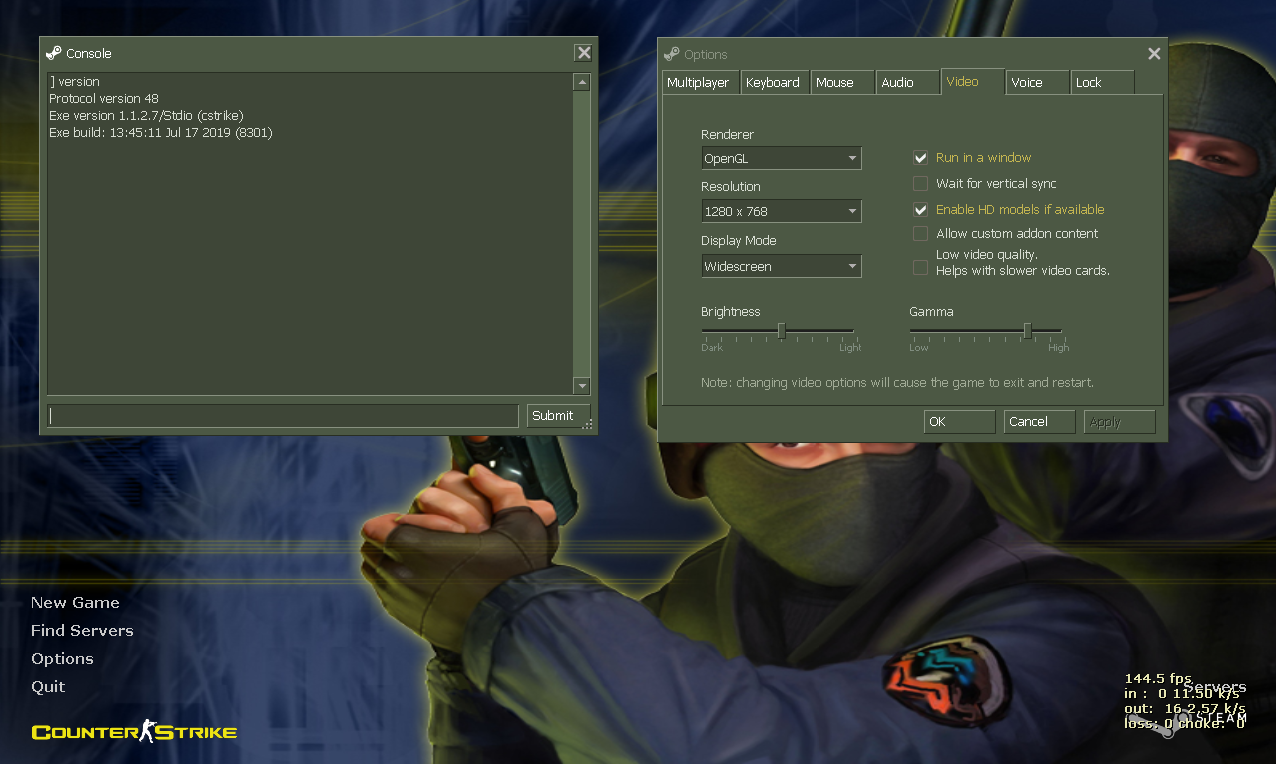
Halflife: 1280x768 does not show Friend Icon anymore. [Latest beta update]
AFAIK this is happening with several resolutions but it was tested on 1280x768
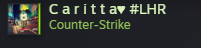
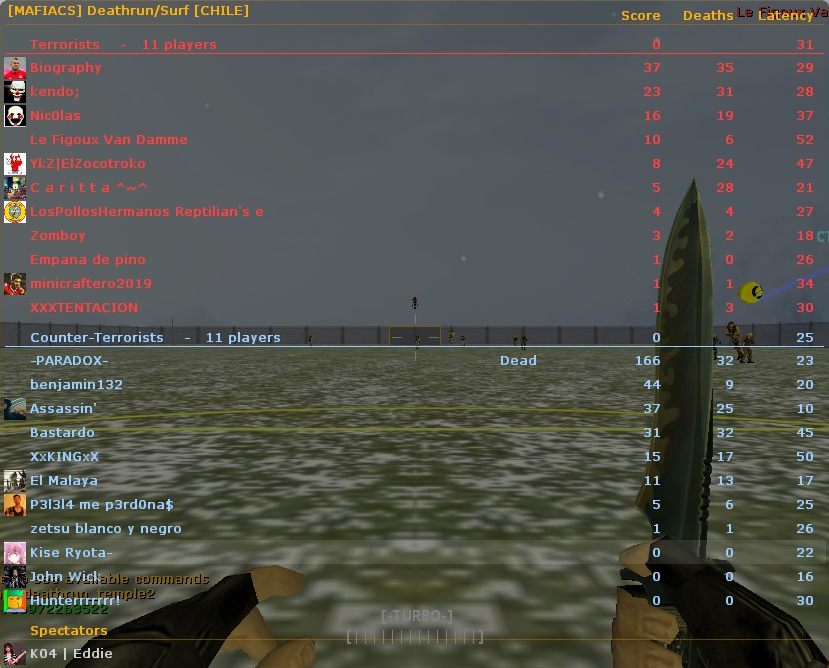
C a r i t t a ^~^ is on my friend list and his friend icon doesn't appear on Scoreboard tab.
 metita
All 8 comments
It occurs in all resolutions.
I tested in: 640x480, 1024x768, 1280x768, 1280x960, 1280x1024.
 oaus
on 19 Jul 2019
oaus
on 19 Jul 2019
Thanks for the report. I was testing different ways to increase the size of the avatar at lower resolutions without changing the other column sizes and I didn't realize that space was used to show the friend icon. I'll add that space back in.
 mikela-valve
on 19 Jul 2019
mikela-valve
on 19 Jul 2019
This should be fixed now, let me know if anything else doesn't look correct. Thanks!
mikela-valve
on 19 Jul 2019
Can confirm this is now fixed, thanks.
metita
on 19 Jul 2019
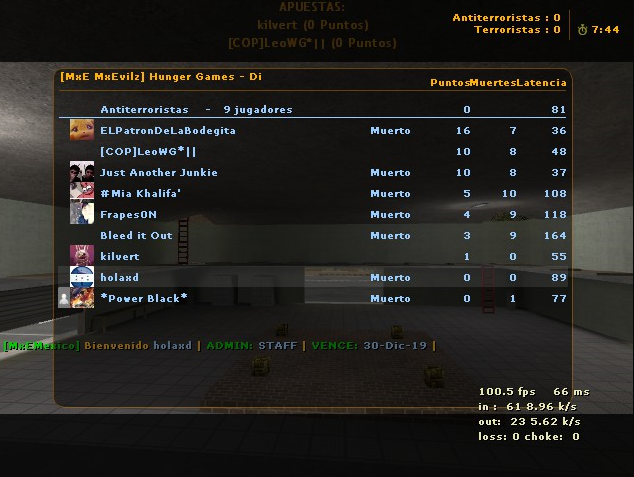
Friend icon is now working but Steam Avatar are not being displayed correctly. (Looks like avatars are being cut up a bit)
640x480
metita
on 19 Jul 2019
That’s expected currently at 640x480. The issue is that the space available in the row is rectangular but Steam avatars are square and there isn’t enough vertical space in the line at 640x480 to show the entire avatar at a good size.
So the options are cutting off part of the avatar like that but having it fill the space well or showing the entire avatar and having it look smaller on-screen. See #2155 for more details.
mikela-valve
on 19 Jul 2019
Thanks, I will close this then.
metita
on 19 Jul 2019
Thanks, definitely feel free to make a comment on #2155 if you think of ways it could look better.
mikela-valve
on 19 Jul 2019
Related issues
 ghost
·
66Comments
ghost
·
66Comments
 Solokiller
·
46Comments
metita
·
57Comments
Solokiller
·
46Comments
metita
·
57Comments
 dgibbs64
·
36Comments
dgibbs64
·
36Comments
 Kremnev
·
32Comments
Kremnev
·
32Comments
Most helpful comment
This should be fixed now, let me know if anything else doesn't look correct. Thanks!