Gutenberg: Widgets Editor - Existing Widgets disappear when closing sidebar
Describe the bug
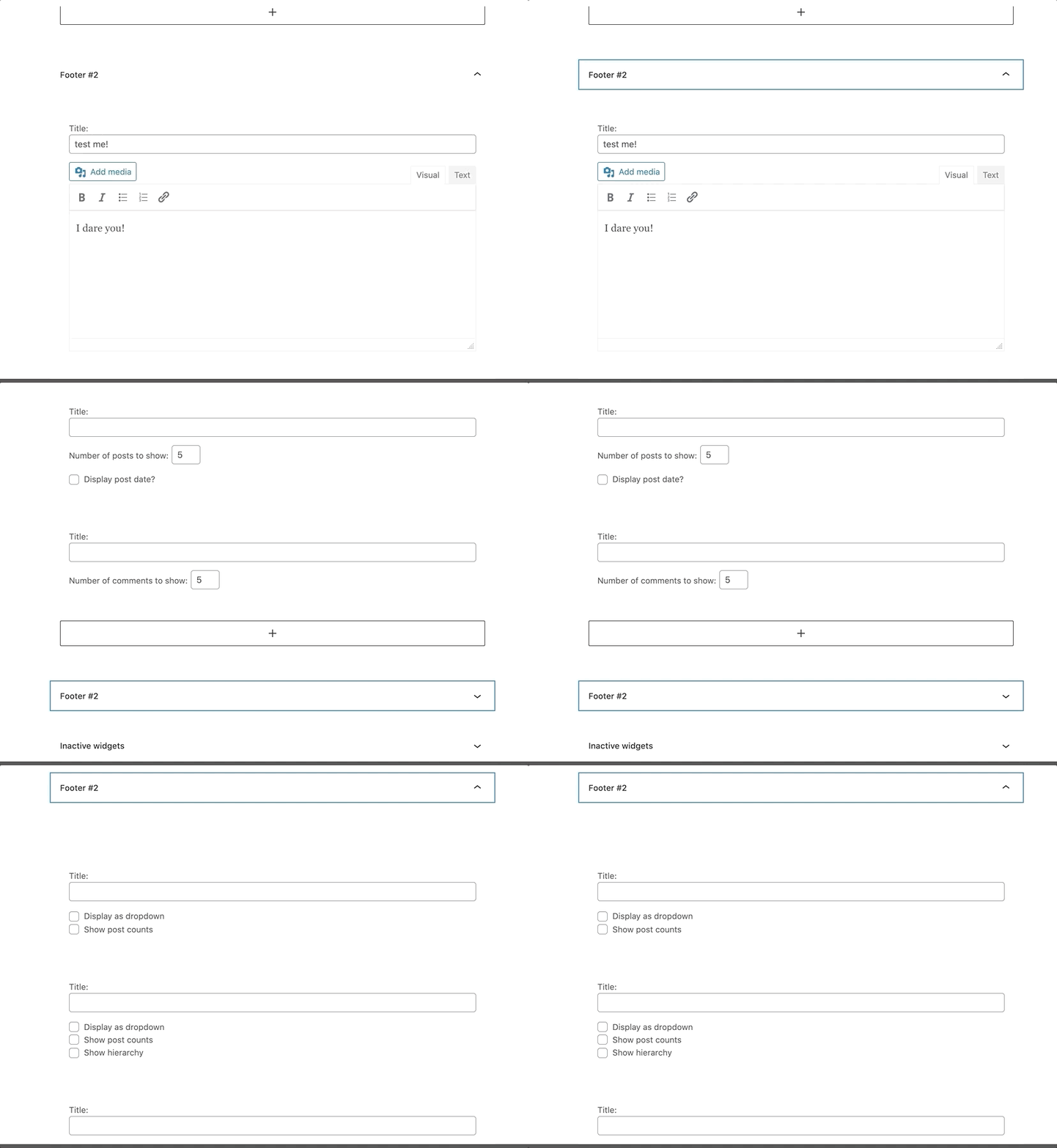
When I first enter the Widgets Editor, my main sidebar has a number of different widgets displayed. If you close the sidebar and then reopen it, they all disappear
Vid: https://share.getcloudapp.com/L1uJLZlW
To reproduce
Steps to reproduce the behavior:
- Go to Widgets screen
- Close a sidebar containing widgets and then reopen it
- See widgets disappear
Expected behavior
My widgets shouldn't disappear
Editor version (please complete the following information):
- WordPress version: 5.5.1
- Does the website has Gutenberg plugin installed, or is it using the block editor that comes by default? Gutenberg plugin
- If the Gutenberg plugin is installed, which version is it? 9.0.0
Desktop (please complete the following information):
- OS: macOS Catalina 10.15.6
- Browser: Firefox 80.0.1
 maddisondesigns
All 6 comments
@maddisondesigns I wasn't able to replicate this using WordPress 5.5.1 & Gutenberg 9.0. However, I was testing this by first adding blocks to the widget screen and then seeing if they appeared when checking the drop downs. Can you give a bit more information about whether these widgets existed before updating to Gutenberg 9.0 and if they are disappearing after? I did run into a problem with adding the classic block though so am going to leave this as needs testing for now: https://github.com/WordPress/gutenberg/issues/25595
 annezazu
on 24 Sep 2020
annezazu
on 24 Sep 2020
@annezazu These widgets existed before updating to Gutenberg 9.0. This was the first time I've been to the new Widgets screen since updating the Gutenberg plugin to 9.0.
maddisondesigns
on 24 Sep 2020
Brilliant! I was able to replicate this. Changing this to a bug. Thanks for reporting :)
annezazu
on 24 Sep 2020
Thank you for reporting! I just confirmed it's indeed a problem - this is specific to text widget, it seems like TinyMCE is getting removed once the tab is collapsed.
 adamziel
on 25 Sep 2020
adamziel
on 25 Sep 2020
And it's likely for the same reasons as new text widgets not getting properly initialized with TinyMCE.
adamziel
on 25 Sep 2020
Merging https://github.com/WordPress/gutenberg/pull/25645 should have fixed the problem - I'm closing this issue. If you find the issue is still there, by all means please comment / reopen!
adamziel
on 28 Sep 2020
Related issues
 youknowriad
·
3Comments
youknowriad
·
3Comments
 cr101
·
3Comments
cr101
·
3Comments
 davidsword
·
3Comments
davidsword
·
3Comments
 spocke
·
3Comments
spocke
·
3Comments
 pfefferle
·
3Comments
pfefferle
·
3Comments