Gutenberg: Widgets experimental: Block panel too high and goes under the top black admin bar
Describe the bug
Twenty Twenty
Gutenberg plugin 8.2.1
WP 5.4
Chrome
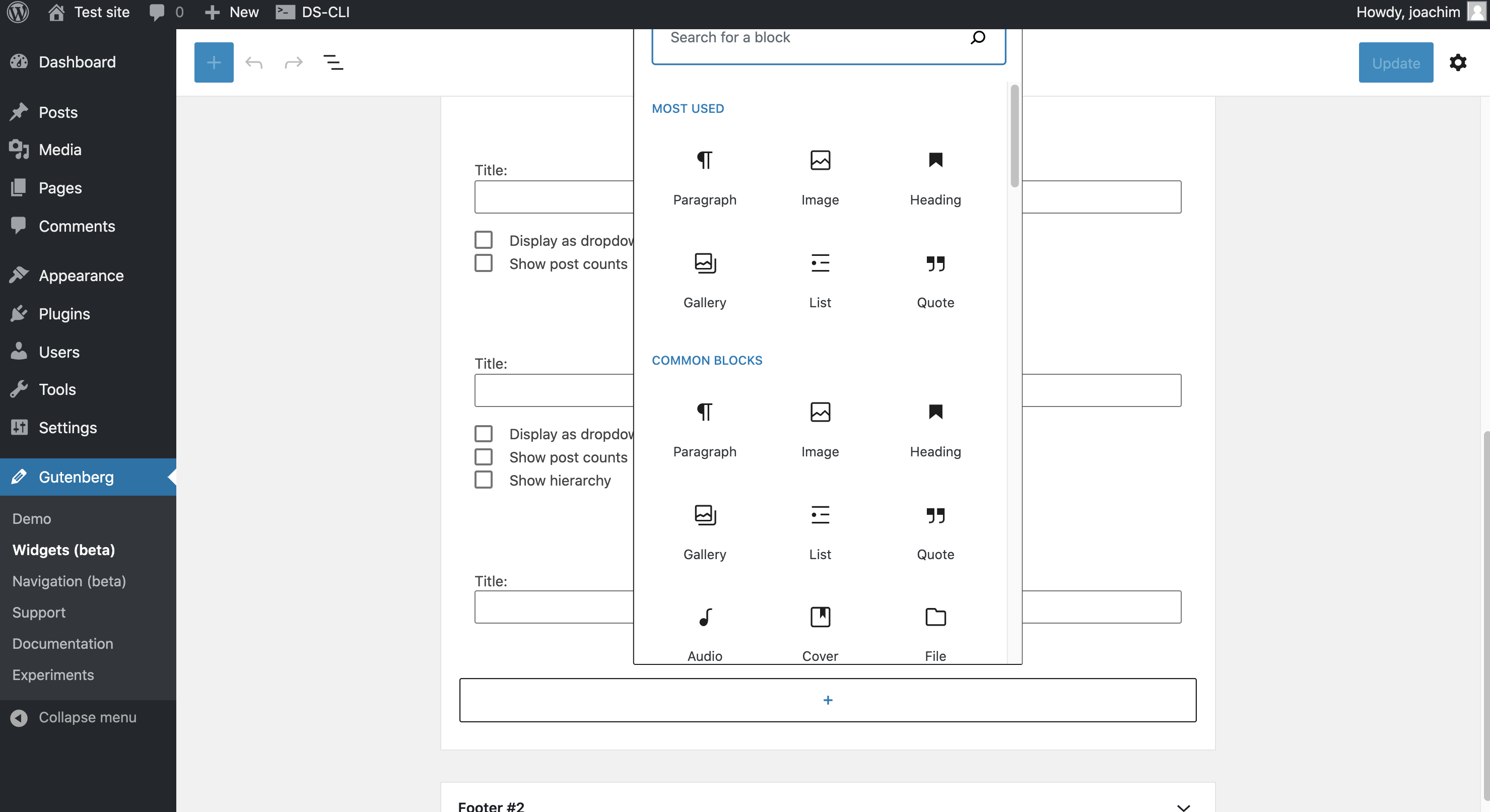
Block panel is too high for the Widgets screen, and also goes under the top black admin bar:
To reproduce
Steps to reproduce the behavior:
- Turn on Widgets experimental.
- Go to Gutenberg -> Widgets (beta)
- Click to insert a block.
- See result.
 paaljoachim
All 5 comments
Initially I thought we can just use the new quick inserter now, but that "browse" button requires the Block Library panel to open and I know we don't have that on this page.
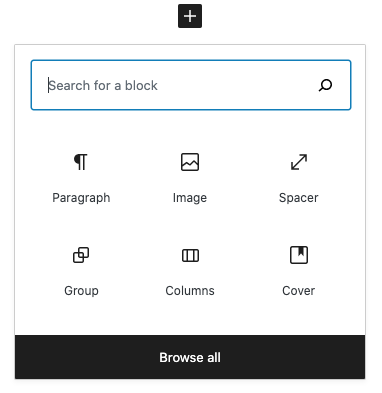
So looks like this will just require some dev to position the quick Inserter nicely within the viewable area without it being cut off.
 mapk
on 18 Jul 2020
mapk
on 18 Jul 2020
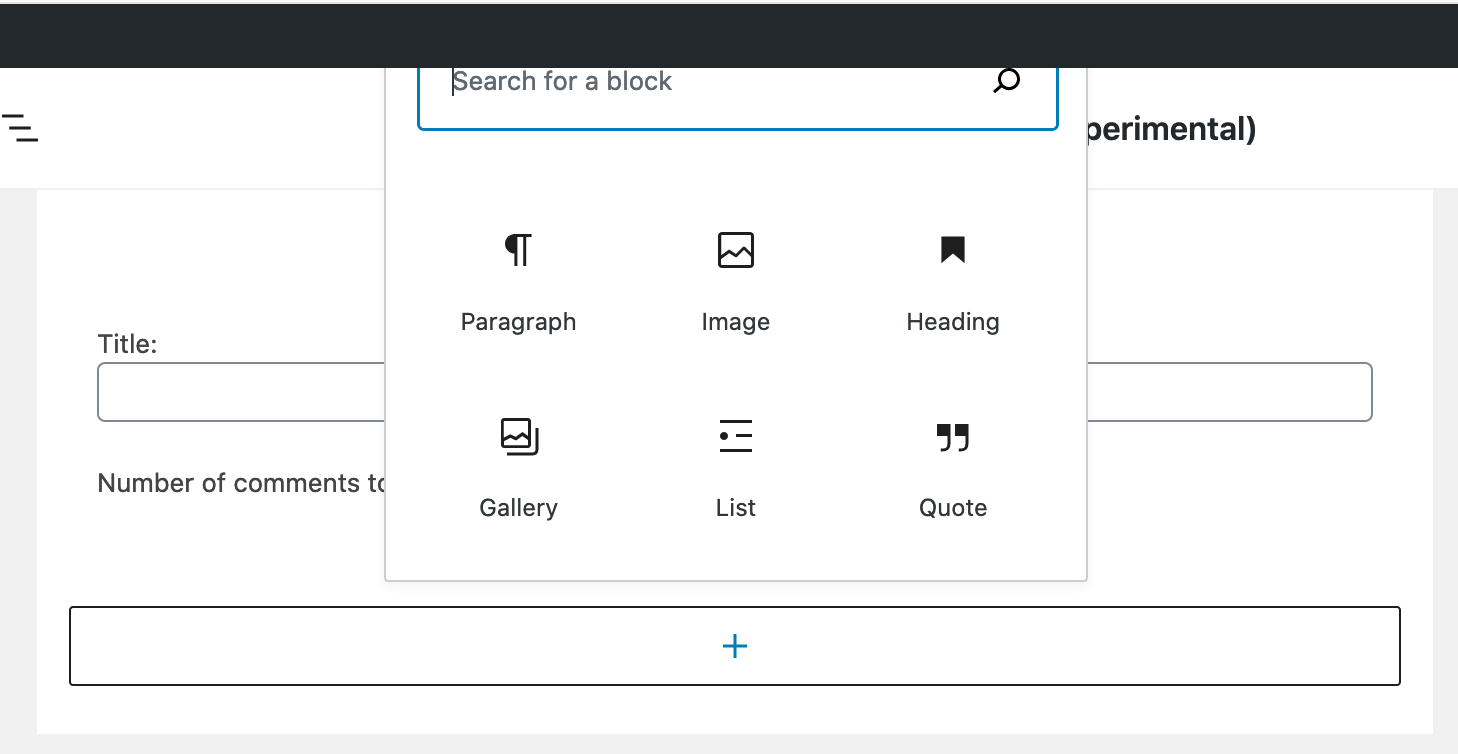
This seems to work now.
 noisysocks
on 14 Aug 2020
noisysocks
on 14 Aug 2020
I read this issue wrong. The inserter appears underneath the black bar but should appear on top of it.
noisysocks
on 14 Aug 2020
This happens in the Editor too, but I don't think it's a problem.
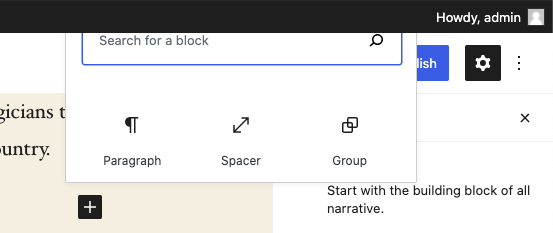
Looking at the elevation of elements, I would expect the top black bar to be at a higher elevation than anything in the Editor canvas.
And with the smaller inserter popover now in the Widgets screen, it less likely this elevation collision 😄 will happen.
mapk
on 18 Aug 2020
I am thinking with a new widget screen layout design the problem will just go away..:)
paaljoachim
on 19 Aug 2020
Related issues
 franz-josef-kaiser
·
3Comments
franz-josef-kaiser
·
3Comments
 aaronjorbin
·
3Comments
aaronjorbin
·
3Comments
 davidsword
·
3Comments
davidsword
·
3Comments
 wpalchemist
·
3Comments
wpalchemist
·
3Comments
 cr101
·
3Comments
cr101
·
3Comments