Gutenberg: InnerBlock doesnt render the "template" on the intial insert
Hi Wordpress Team.
Describe the bug
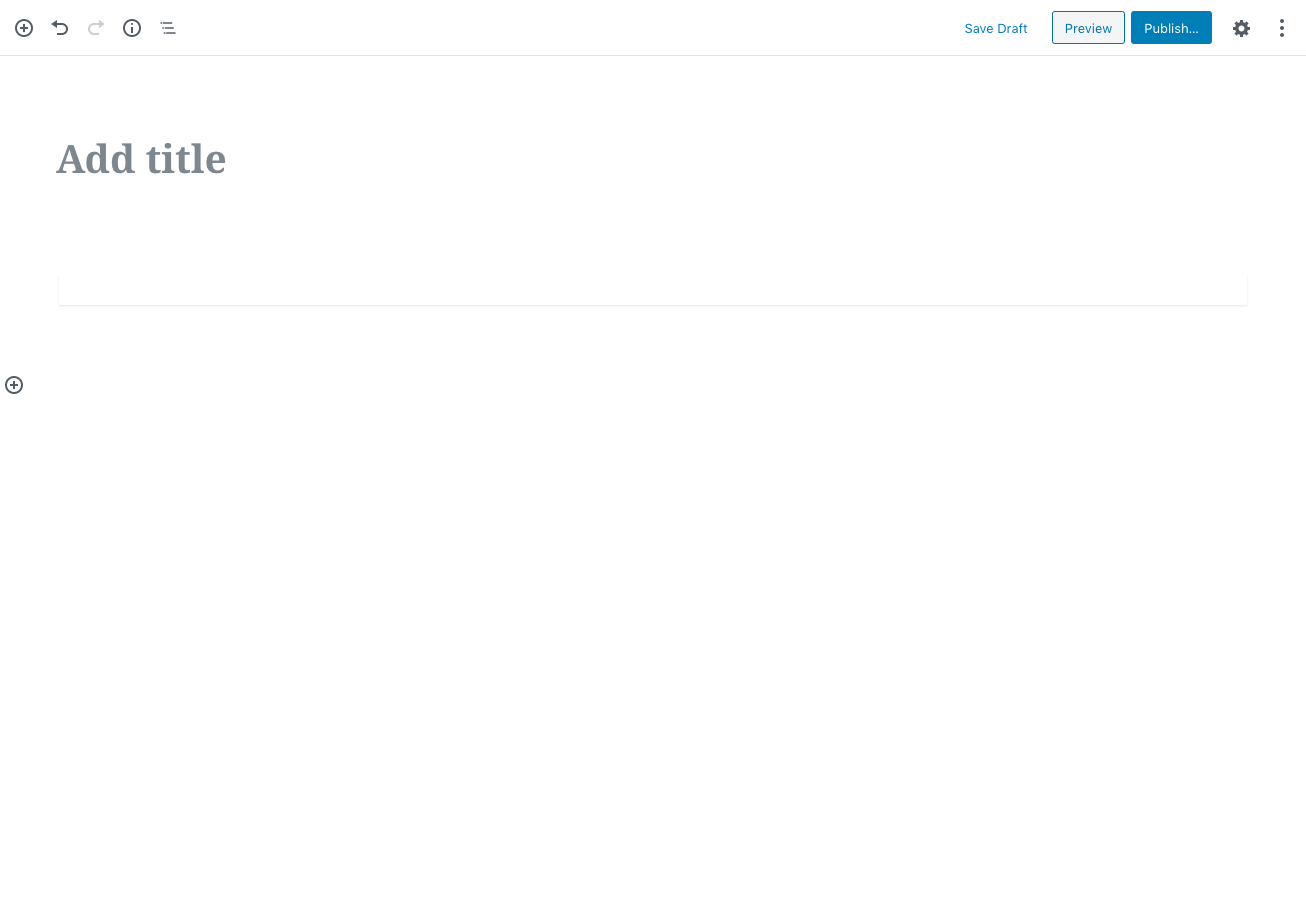
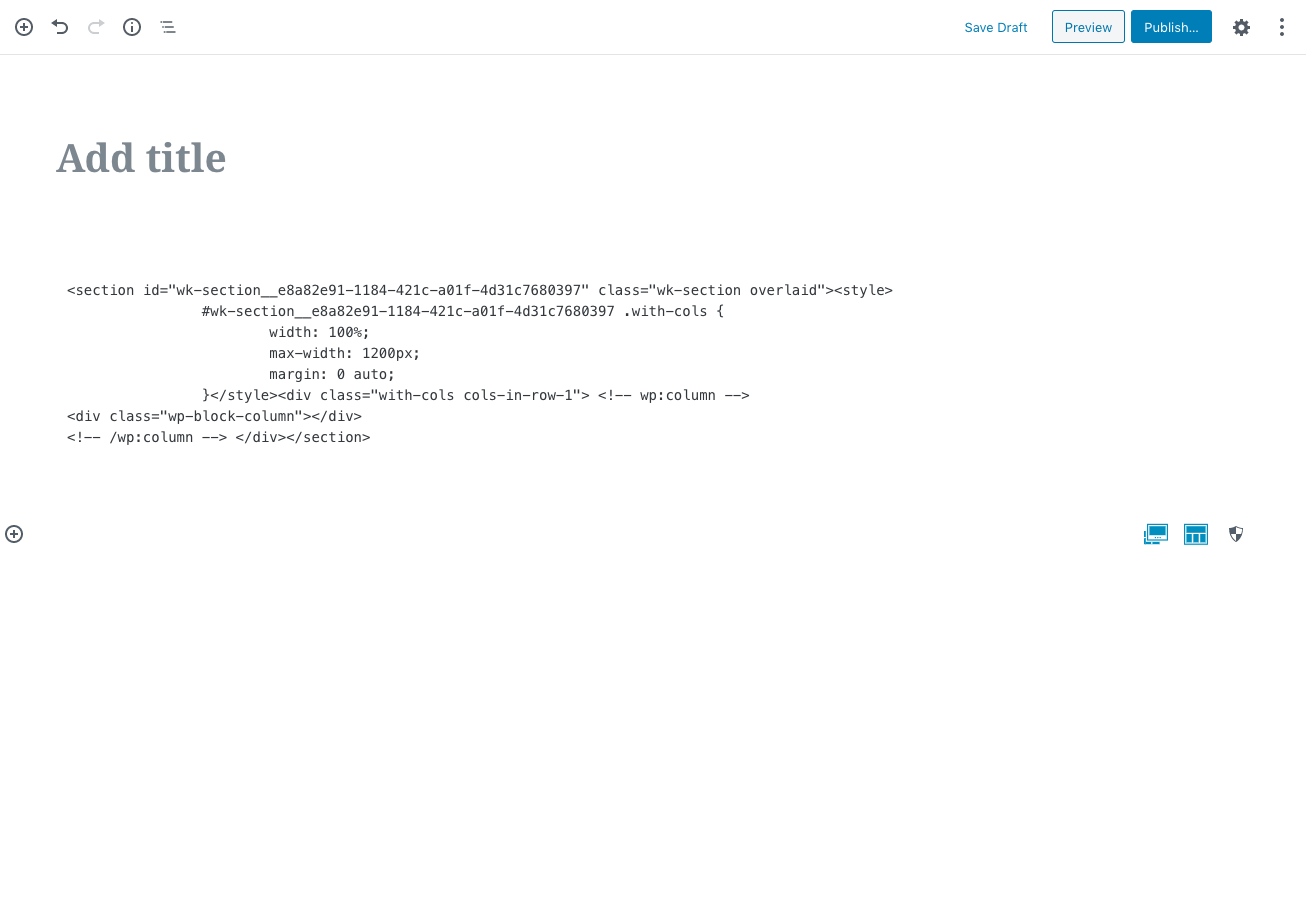
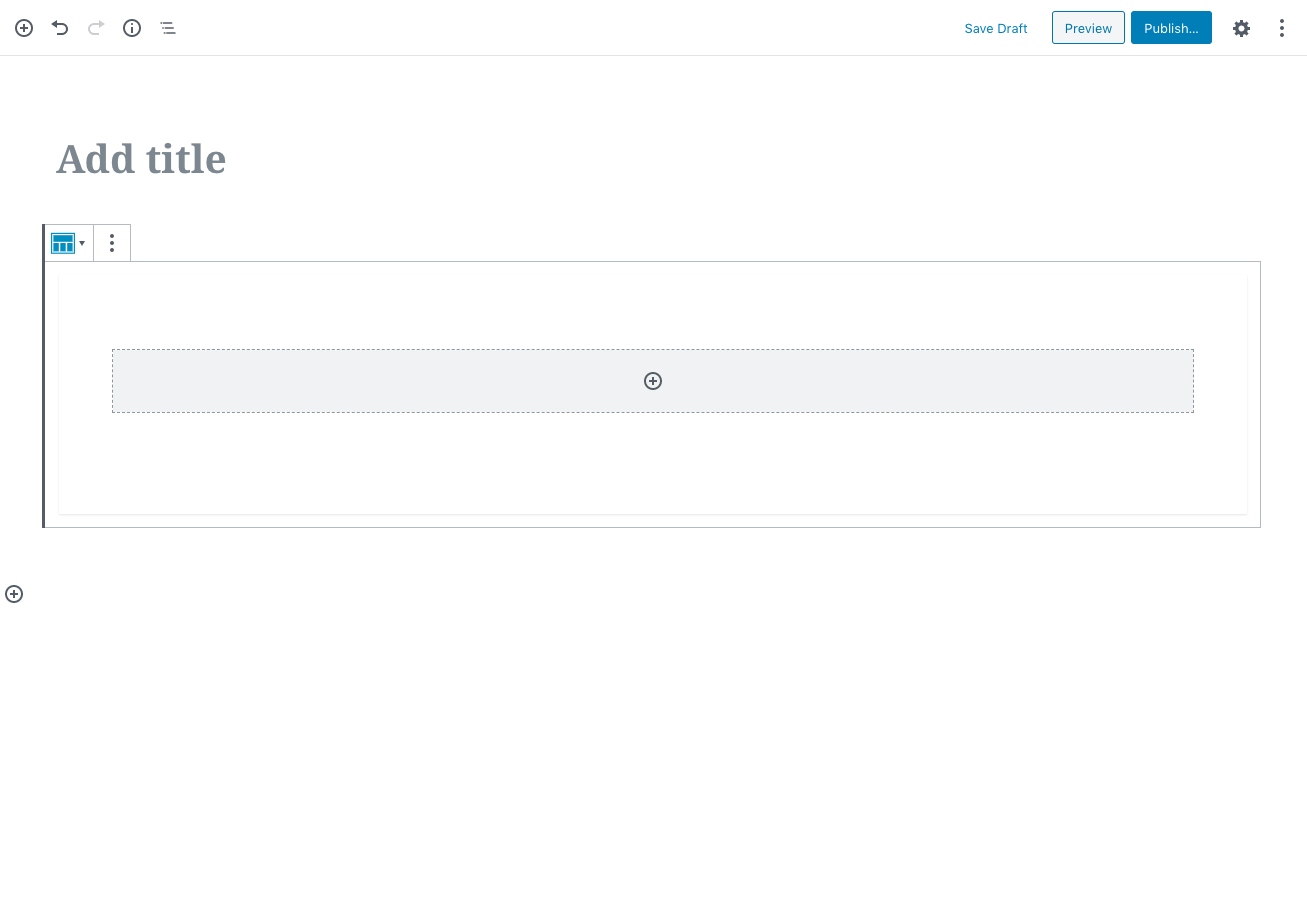
I didn't have this issue with my custom blocks on the previous version of WP. But now the custom block doesn't load the template on initial insert. Please see images below for reference.
*Initial Insert*
*Forced Change Content*
In this case, i switched to html edit.
*Then it worked when I switch back to visiual edit*
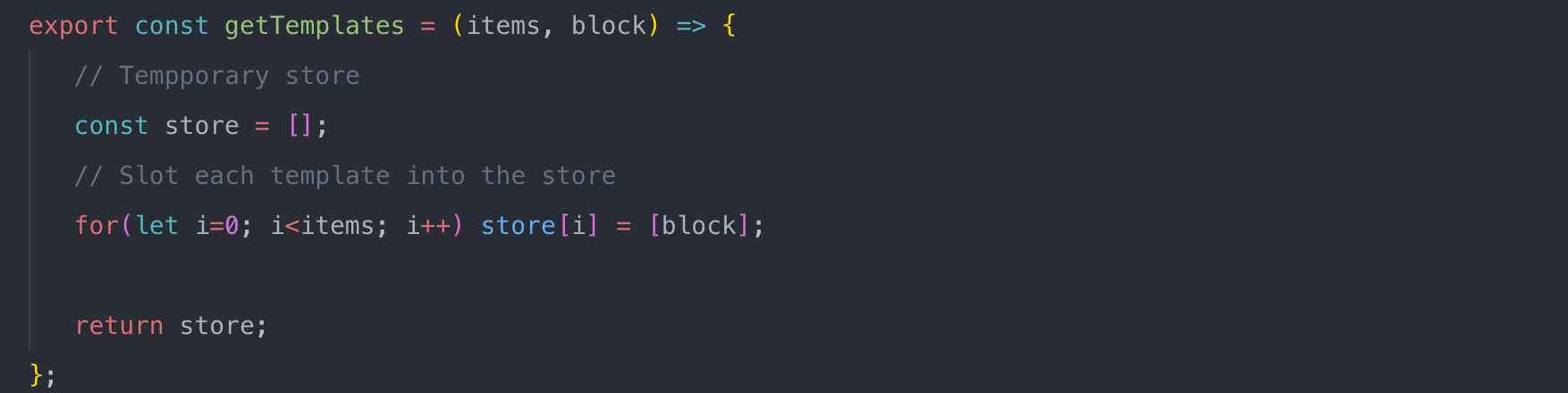
*My codes*


Look forward to your advise.
Kind regards,
Wenyu
 WYKDev
All 6 comments
Hi @WYKDev,
I tried to replicate this issue and I was not able to. I pasted this code in the browser console:
( function() {
    var registerBlockType = wp.blocks.registerBlockType;
    var el = wp.element.createElement;
    var InnerBlocks = wp.blockEditor.InnerBlocks;
    var TEMPLATE = [
        [ 'core/column' ],
    ];

    var save = function() {
        return el( InnerBlocks.Content );
    };

    registerBlockType( 'test/test-inner-blocks-locking-all', {
        title: 'Test InnerBlocks locking all',
        icon: 'cart',
        category: 'common',

        edit: function( props ) {
            return el(
                InnerBlocks,
                {
                    template: TEMPLATE,
                    templateLock: 'all',
                }
            );
        },

        save,
    } );

} )();
I added the block Test InnerBlocks locking all and the block worked as expected with a columns block inside.
Is there any chance getTemplates is not returning the templates as expected during the first call? Could you add some console.log calls to make sure?
The column block is a child block of columns so it should only be used inside columns, right now it seems the block is working when used in a template, but there are no guarantees that it will work like that in the future as the fact it works now is not expected. I suggest the group block as an alternative to the column block.
 jorgefilipecosta
on 9 Feb 2020
jorgefilipecosta
on 9 Feb 2020
Hi @jorgefilipecosta .
I check getTemplates. It is returning the correct data structrure "[ [...] ]".
I generate a test block, and It is not loading the template on initial. It is not just 'core/column' that having issue on me. I have other custom block that using 'core/gallery', and the same thing happens.
Please see the test block code below.
config.js
export const attributes= {
   clientId: {
        type: 'string',
        default: ''
    },
};

export const IB_OPTIONS = {
    allowedBlocks: [],
    templateLock: 'all'
};
meta.json
{
   "title": "title",
   "icon": "shield",
   "description": "Some Descriptions..."
}
index.js
import { attributes } from './config';
import { category, keywords } from '../common_meta_info';
import { title, description, icon } from './meta.json';
import edit from './edit'
import save from './save'
import deprecated from './deprecated';

// Import __() from wp.i18n
// Import registerBlockType() from wp.blocks
const { __ } = wp.i18n;
const { registerBlockType } = wp.blocks;

// Remove the Wordpress className prefix
wp.hooks.addFilter(
    'blocks.getBlockDefaultClassName',
    'wk/tester-custom-class-name',
    (className, blockName) => blockName === 'wk/tester' ? 'wk-tester' : className
);

const Icon = typeof(icon) === 'object' && <svg width="40px" height="40px" viewBox="0 0 40 40" version="1.1" xmlns="http://www.w3.org/2000/svg">
    <g { ...icon.g }>
        { icon.rects && icon.rects.map( rect => (
            <rect { ...rect }></rect>
        ))}
    </g>
</svg>

// Initiate the Block's ame and Settings
registerBlockType(
    'wk/tester',
    {
        // Block title.
        // Block icon from Dashicons → https://developer.wordpress.org/resource/dashicons/.
        // Block category — Group blocks together based on common traits E.g. common, formatting, layout
        title: __( title ),
        icon: Icon || 'shield',
        keywords: [ ...keywords, __(title) ],
        description: __( description ),

        category,
        attributes,

        /**
         * The edit function describes the structure of your block in the context of the editor.
         * This represents what the editor will render when the block is used.
         * The "edit" property must be a valid function.
         * @link https://wordpress.org/gutenberg/handbook/block-api/block-edit-save/
         */
        edit,

        /**
         * The save function defines the way in which the different attributes should be combined
         * into the final markup, which is then serialized by Gutenberg into post_content.
         * The "save" property must be specified and must be a valid function.
         * @link https://wordpress.org/gutenberg/handbook/block-api/block-edit-save/
         */
        save,

        // If you need provide a deprecated block, you can uncomment this
        // Configure the deprecated property on the separate file ./deprecated.js
        // deprecated: deprecated({ attributes })
    }
);
edit.js
import { IB_OPTIONS, } from './config';

// Import WP Gutenberg Components
const { InnerBlocks, InspectorControls } = wp.blockEditor;
const { Fragment } = wp.element;
const {
    PanelBody,
} = wp.components;

/**
 *
 * @param {Object} contains properties like attributes, className, setAttributes
 *                 which they are passed down from the registerBlockType()
 */
export default function ({ clientId, attributes, className, setAttributes }) {

   const {

   } = attributes;

   // Common options needed for each Panel Control on right side of the editor
   const PanelCommonOptions = { attributes, setAttributes, PanelBody };

   // Cache the auto clientId from WP
   setAttributes({ clientId })

   // console.log(IB_OPTIONS)

   return (
      <Fragment>
         <InspectorControls>

         </InspectorControls>

         <div className={ className } >
            <InnerBlocks { ...IB_OPTIONS }
            template={[ ['core/paragraph', {placeholder: 'Just Another Block...'}] ]}
            />
         </div>
      </Fragment>
   );
}
Hi @jorgefilipecosta
After many attempts, I stumbled upon the culprit, setAttributes. It jams the initial render of inner markup when invoke it on the components itself directly.
I changed it to setTimeout( () => setAttributes({ clientId }), 1000 ) and everything is back to normal.
Would you be able provide some thoughts why this might occurs?
Kind regards,
Wenyu
WYKDev
on 9 Feb 2020
I am having the same issue as @WYKDev with a custom Button-Group Block that renders custom Button Blocks. I can confirm that setting a timeout as @WYKDev suggests solves the issue.
The issue occurs when the Button-Group block is nested inside another block (i.e. a Hero Block), in this case the Hero Block & Button-Group Block render fine, but the buttons nested inside the Button-Group Block don't render.
Interestingly enough, if there is also a Button-Group Block on the page that is not nested, the nested buttons in the Hero Block render fine.
_Screenshot: Another Button-Group Block exists on the page, placed directly into the editor. I can update & refresh the page - everything renders fine._

_Screenshot: After deleting the other Button-Group Block, updating & refreshing the page._

It appears it might be a timing/asynchronous issue? If setAttributes is called too soon then it inhibits template rendering.
 inspirewebdesigns
on 11 Feb 2020
inspirewebdesigns
on 11 Feb 2020
Hi @WYKDev,
The render function of a react component should be pure e.g: it should just render things and should not have any side effects (for example changing attributes).
In order to have side effects useEffect should be used something like:
useEffect( () => setAttributes({ clientId }), [ clientId ] );
But I discourage storing an id for blocks as an attribute, the clientId will change on each post reload, this would make the post contain changes right away. Besides changing an attribute creates an undo level, if the user undoes the user is confused because it seems nothing happened, but the undo may remove the id and break the block. If the block gets duplicated, we will have multiple blocks with the same id.
Normally the use case for having an id in the block is to be able to reference the block elsewhere. Instead of something else referencing the block, the block should be the source of true and reference something else.
I hope this information is useful, I'm going to close the ticket for now.
jorgefilipecosta
on 11 Feb 2020
Thank you. That make sense.
But, how do we get this clientId in "save" function? It doesn't get pass to props.
WYKDev
on 11 Feb 2020
Related issues
 spocke
·
3Comments
spocke
·
3Comments
 cr101
·
3Comments
cr101
·
3Comments
 ellatrix
·
3Comments
ellatrix
·
3Comments
 wpalchemist
·
3Comments
wpalchemist
·
3Comments
 franz-josef-kaiser
·
3Comments
franz-josef-kaiser
·
3Comments