Gutenberg: Too many inconsistencies with how Block displays on front-end, in the editor, and what's selected in Block Toolbar
Describe the bug
I have four Gallery Blocks in the one page.
Toolbar shows Wide Alignment selected. Additional CSS has no classes. Shows as Wide Aligned on front-end
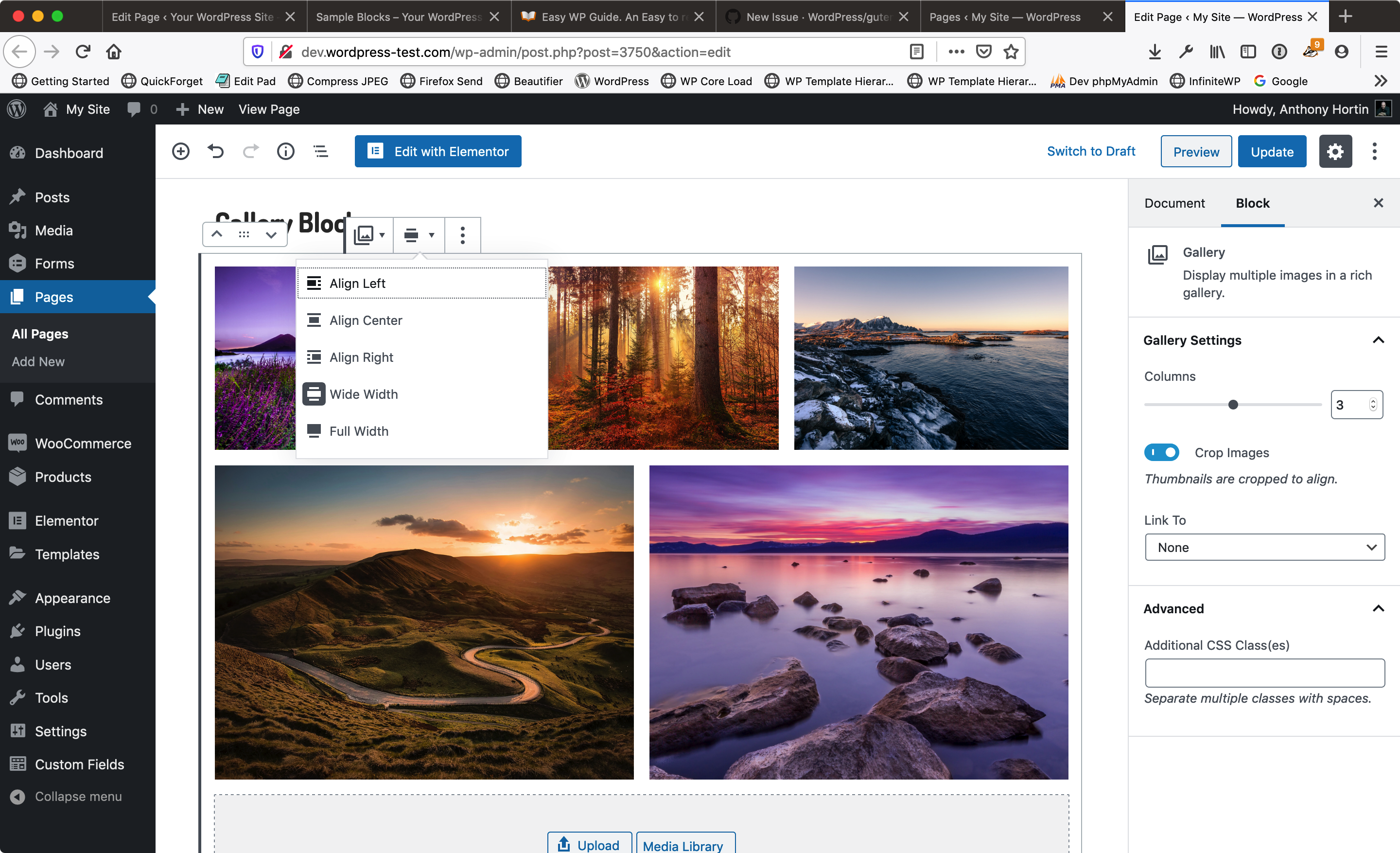
Toolbar shows No Alignment selected. Additional CSS has 'alignwide' class. Shows as Wide Aligned on front-end
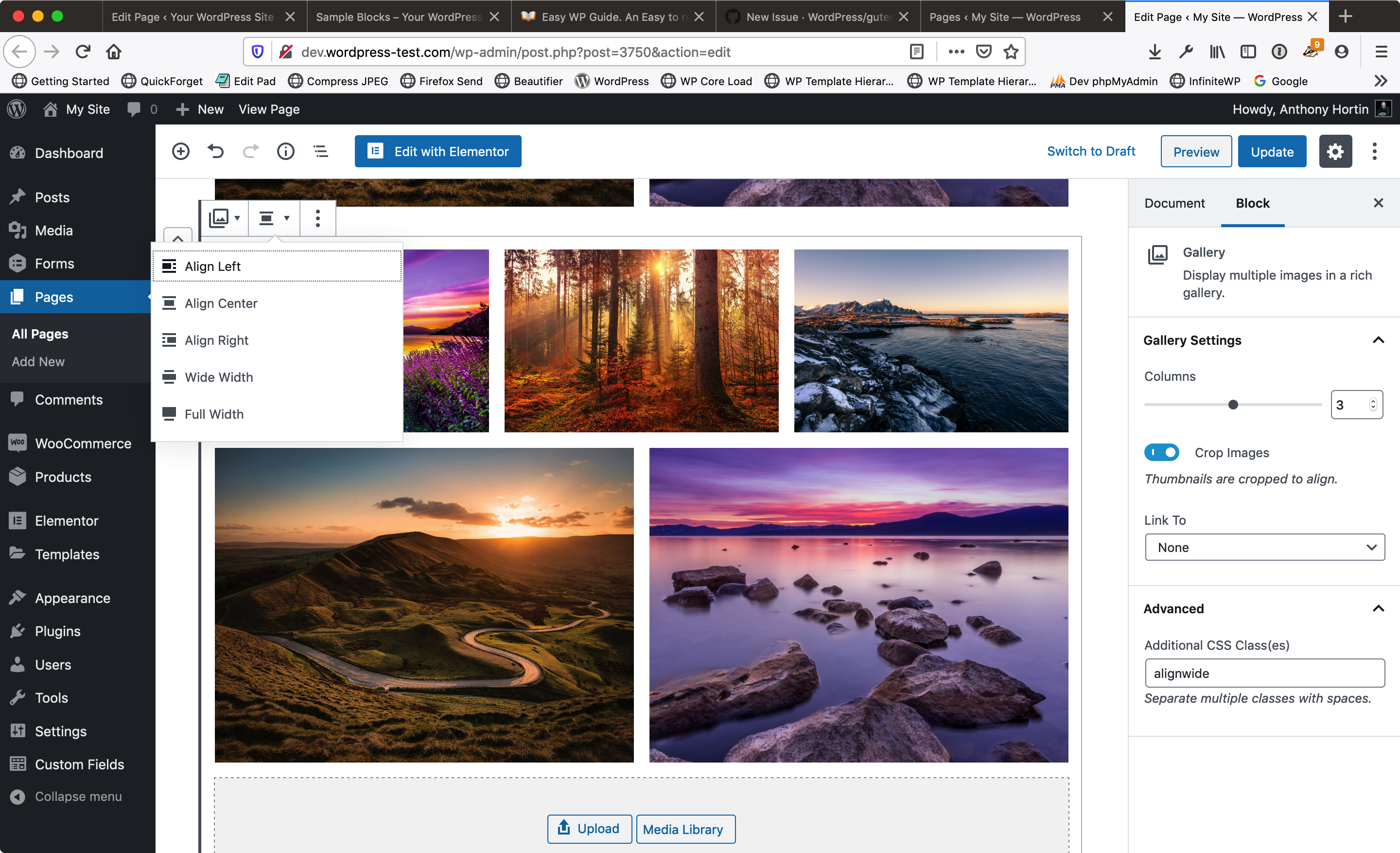
Toolbar shows No Alignment selected. Additional CSS has 'alignfull' class. Shows as Full Aligned on front-end
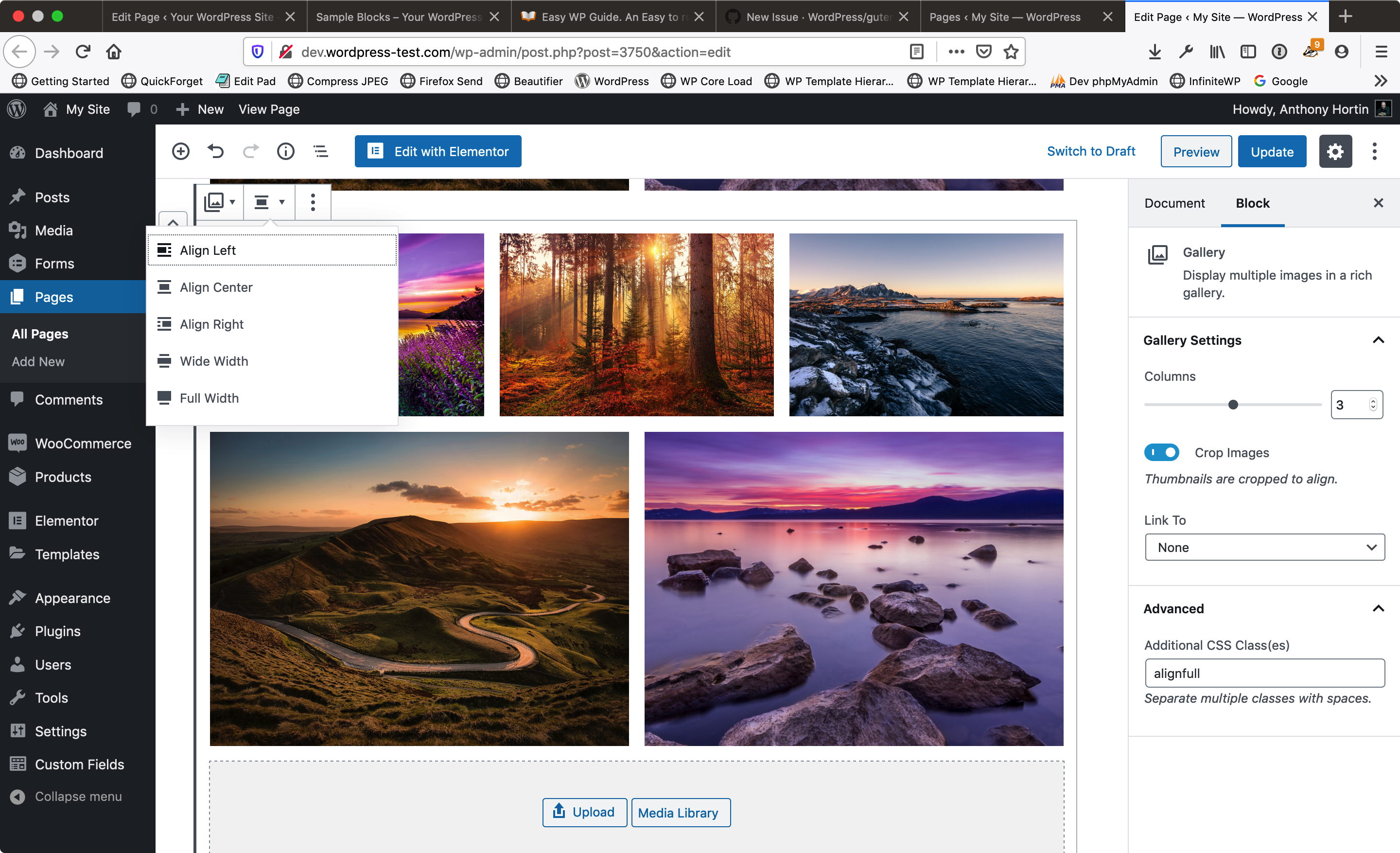
Toolbar shows No Alignment selected. Additional CSS has no classes. Shows as no alignment on front-end
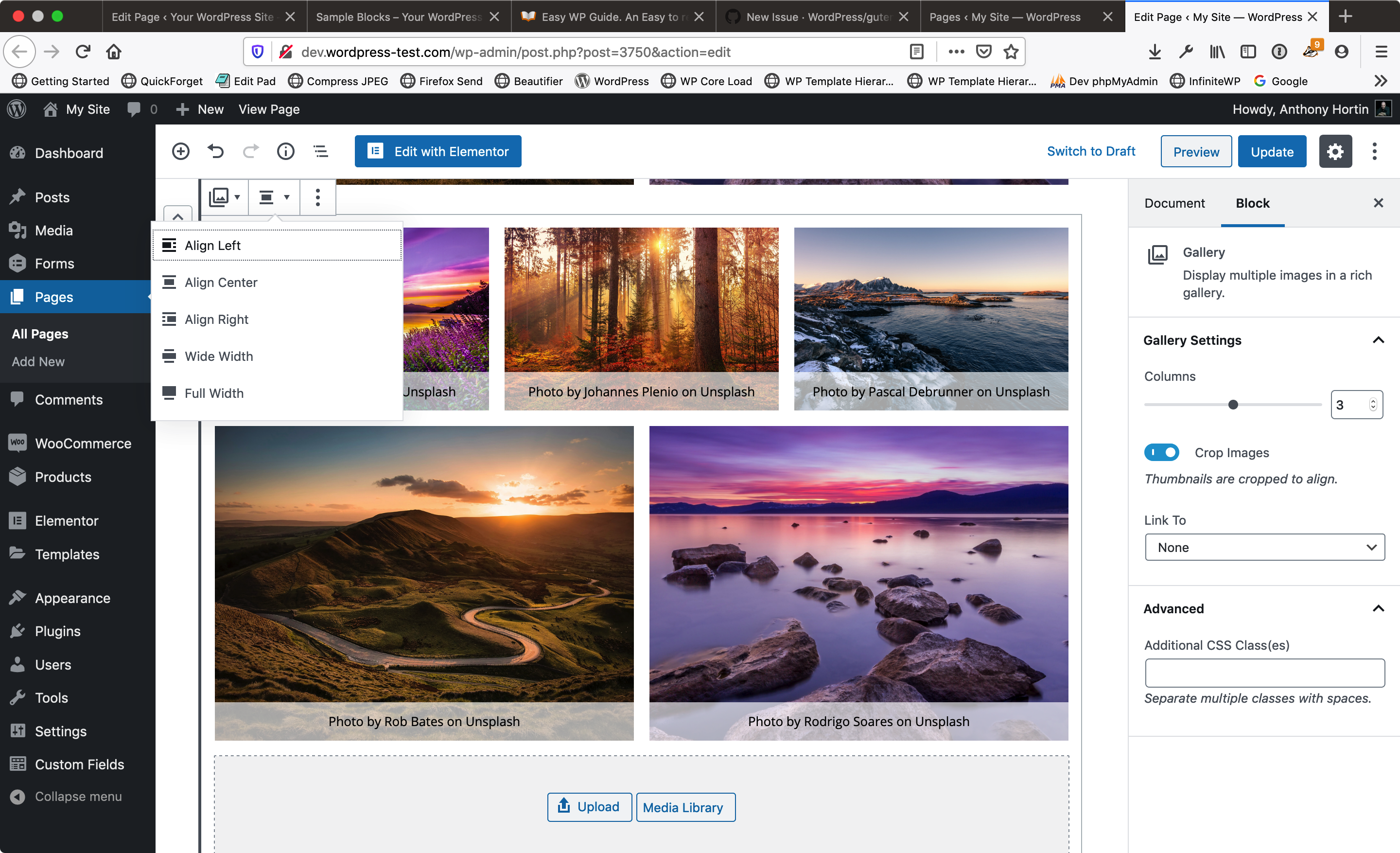
Why do some Blocks have a CSS class added to the Additional CSS field? This is not something that I added.
If there is a class in the Additional CSS field, why isn't this reflected in the Toolbar selection as well?
When I change the Alignment in the Toolbar, there's no css classes added into the Additional CSS field.
How are people supposed to know how their blocks are going to display when there's so many inconsistencies between what's shown in the Alignment option on the Block toolbar, and how the block actual displays both in the Editor and on the front-end?
If this is due to changes in the Gallery Block over previous versions of WordPress, then there needs to be better management of those changes from version to version. I shouldn't have to edit every single block on every single page when a block changes.
Expected behavior
Blocks need to behave more consistently
Desktop (please complete the following information):
- OS: macOS Mojave 10.14.6
- Browser: Firefox 70.0.1
- Version: WP 5.3-RC4-46680
 maddisondesigns
All 2 comments
@maddisondesigns Thanks for reporting this. I think your hunch is correct, I could reproduce this by using the markup from an older version of the gallery block. Repro steps:
- Paste this older version of the gallery block into the Code Editor view (note it has wide alignment attribute set correctly).
<!-- wp:gallery {"ids":["1421","1440","1362"],"align":"wide"} -->
<figure class="wp-block-gallery columns-3 is-cropped alignwide">
    <ul class="blocks-gallery-grid">
        <li class="blocks-gallery-item">
            <figure>
                <img src="https://sergioestevaofolio.files.wordpress.com/2016/09/cropped-img_9054-1.jpg?w=190" alt="" data-id="1421" class="wp-image-1421"/>
            </figure>
        </li>
        <li class="blocks-gallery-item">
            <figure>
                <img src="https://sergioestevaofolio.files.wordpress.com/2017/09/cropped-l1001498-1.jpg?w=580" alt="" data-id="1440" class="wp-image-1440"/>
            </figure>
        </li>
        <li class="blocks-gallery-item">
            <figure>
                <img src="https://sergioestevaofolio.files.wordpress.com/2017/05/cropped-l1005945-2-2.jpg?w=580" alt="" data-id="1362" class="wp-image-1362"/>
            </figure>
        </li>
    </ul>
</figure>
<!-- /wp:gallery -->
- Switch to the Visual Editor
- Observe that the new gallery block doesn't have an alignment set. Also observe that the
alignwideclass is present in the Additional CSS Classes field.
 talldan
on 9 Jan 2020
talldan
on 9 Jan 2020
I've discovered what the issue is and have a fix in #19522. Unfortunately the fix won't apply retroactively if a post was saved while the bug was present, but if a post is unchanged it should resolve things.
talldan
on 9 Jan 2020
Related issues
 davidsword
·
3Comments
davidsword
·
3Comments
 JohnPixle
·
3Comments
JohnPixle
·
3Comments
 mhenrylucero
·
3Comments
mhenrylucero
·
3Comments
 BE-Webdesign
·
3Comments
BE-Webdesign
·
3Comments
 jasmussen
·
3Comments
jasmussen
·
3Comments
Most helpful comment
@maddisondesigns Thanks for reporting this. I think your hunch is correct, I could reproduce this by using the markup from an older version of the gallery block. Repro steps:
alignwideclass is present in the Additional CSS Classes field.