Gutenberg: Most used blocks reset every time I change post
Describe the bug
When I edit a post/page, my most used blocks are collected (columns, image etc.) However, when I create a new post/page, it resets my most used blocks entirely. I don't think this is meant to happen...
To Reproduce
Steps to reproduce the behavior:
- Create new post/page
- Use a few blocks
- Create another new post/page
- See error
Expected behavior
I expected my most used blocks to be synced across multiple pages/posts.
Desktop (please complete the following information):
- OS: [Windows 10]
- Browser [Firefox]
- Version [63.0.3]
Additional context
- I am using WordPress 5.0
 Wingo5315
All 7 comments
Are you using any browser add-ons that clear cache or cookies more often than normal?
 designsimply
on 8 Dec 2018
designsimply
on 8 Dec 2018
No, I am not.
Wingo5315
on 8 Dec 2018
This happened to me while using Grammarly Firefox addon.
Grammarly changes the content of the block. But after publishing the post it does not get reflected.
 masterimmu
on 10 Dec 2018
masterimmu
on 10 Dec 2018
I don't use Grammarly... But this would be helpful for those who do.
Wingo5315
on 10 Dec 2018
I tested using WordPress 5.0.2 and no active plugins with the following steps an was unable to reproduce the problem.
- Go to Posts > Add New.
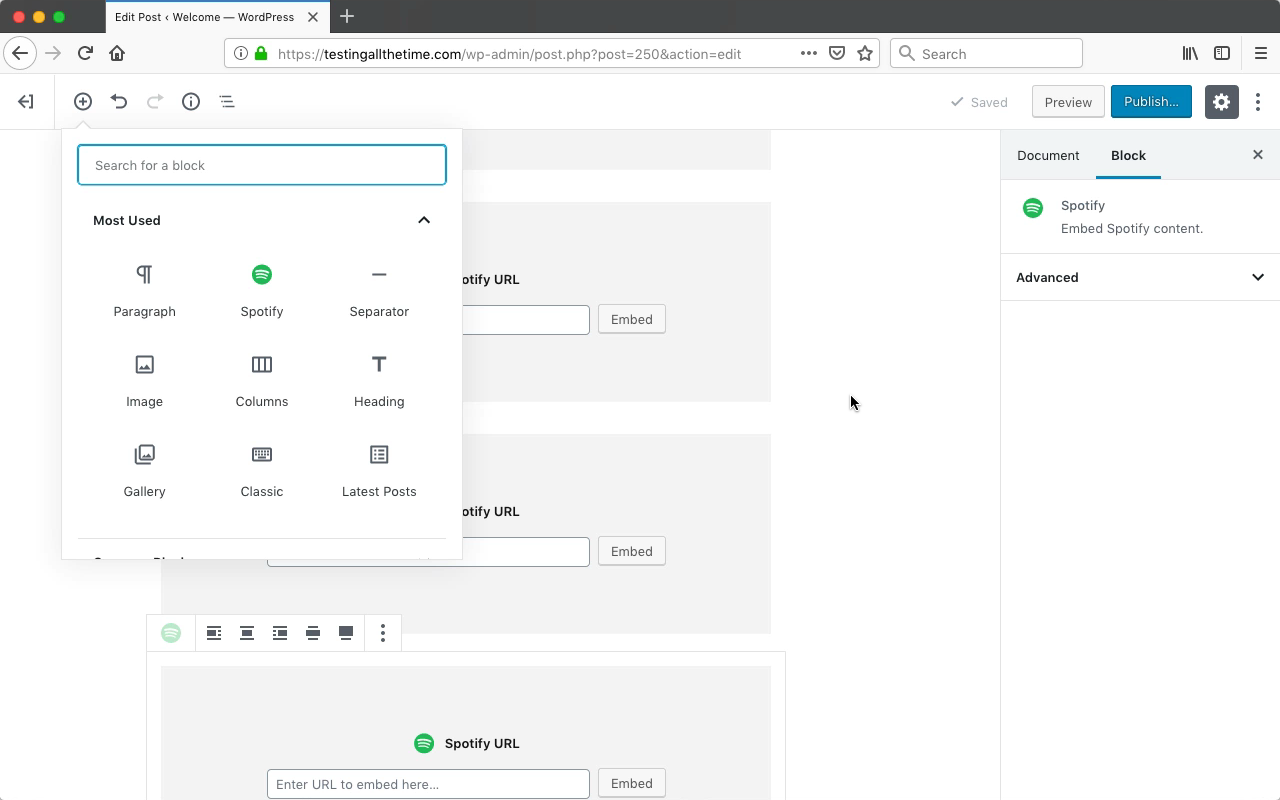
- Note order of things in the "Most used" section of the block library.
- Add several image blocks.
- Add several separator blocks.
- Add several Spotify embed blocks.
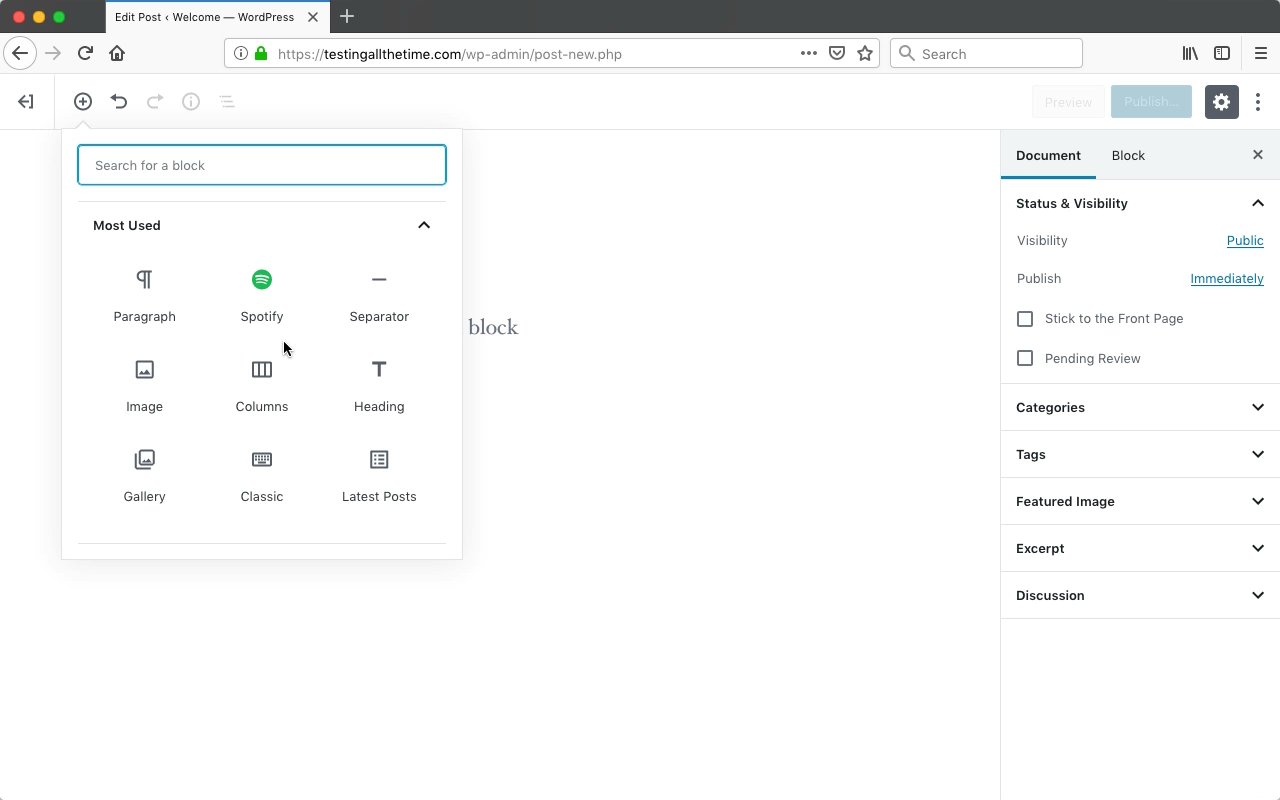
- Note order of things in the "Most used" section of the block library.
- Start a new post.
- Compared order of things in the "Most used" section of the block library to the last time it was checked.
Result: the order of the "Most Used" plugins stayed the same when closing one post and creating another. (3m30s)
Before opening a new post:
After opening a new post:
Because I was not able to reproduce this problem and because another commenter mentioned a Firefox add-on was the source of the problem in their case, I am going to close this issue with the recommendation to continue troubleshooting in the forums at https://wordpress.org/support/forums/ and if you can think of something different in my testing compared to yours or if you can get help there to narrow down the cause of the issue and still think it's related to Gutenberg and not something local, please re-open this issue!
designsimply
on 20 Dec 2018
It really drives me crazy. I can work all the day in backend without logging out, and "Most Used" is allways reset to default, from new Post to new Post. Sometimes it is resistant, but random, no logic behind.
- Chromium latest engine (Vivaldi browser)
- Extensions: uBlock Origin, Lastpass, Back to top, Google translate (native extension)
- When opening Inspector (F12) Network tab is NOT selected on "Disable cache".
 StaggerLeee
on 20 Apr 2019
StaggerLeee
on 20 Apr 2019
@StaggerLeee I tested again today using a jurassic.ninja test site running WordPress 5.2 and Jetpack 7.3.1 as the only active plugin and I was able to see the "most used" blocks change from new post to new post. (1m25s)
When I tested, I noticed the setting is limited to each browser session (which I believe is expected). If you have anything clearing cache or if you log out and log back in or if you are destroying localStorage for any reason or if you have a browser extension with a security focus (or possibly even a security plugin?) doing any of those things then it could be the reason you aren't seeing them change in your case but I don't feel this is a bug in the software and that the function is working as intended for the default setup which is the main concern for bug reports in this repository. If you do continue to have trouble though, please consider working through this issue at https://wordpress.org/support/forums/ where support volunteers may be able to offer more in-depth troubleshooting.
designsimply
on 14 May 2019
Related issues
 mhenrylucero
·
3Comments
mhenrylucero
·
3Comments
 spocke
·
3Comments
spocke
·
3Comments
 aduth
·
3Comments
aduth
·
3Comments
 franz-josef-kaiser
·
3Comments
franz-josef-kaiser
·
3Comments
 youknowriad
·
3Comments
youknowriad
·
3Comments