Gutenberg: Spacer block breaks after importing page from another site
Describe the bug
The spacer block breaks after importing a page (maybe post too) from another site to a new site using Gutenberg on both sites.
I have not tested this with posts, only with pages so far.
To Reproduce
Steps to reproduce the behavior:
- Create a page on the first installation, add contents to it, including a spacer block somewhere. Save that page.
- Export the pages via Tools -> Export.
- Import the pages with the default WordPress Importer on the second installation.
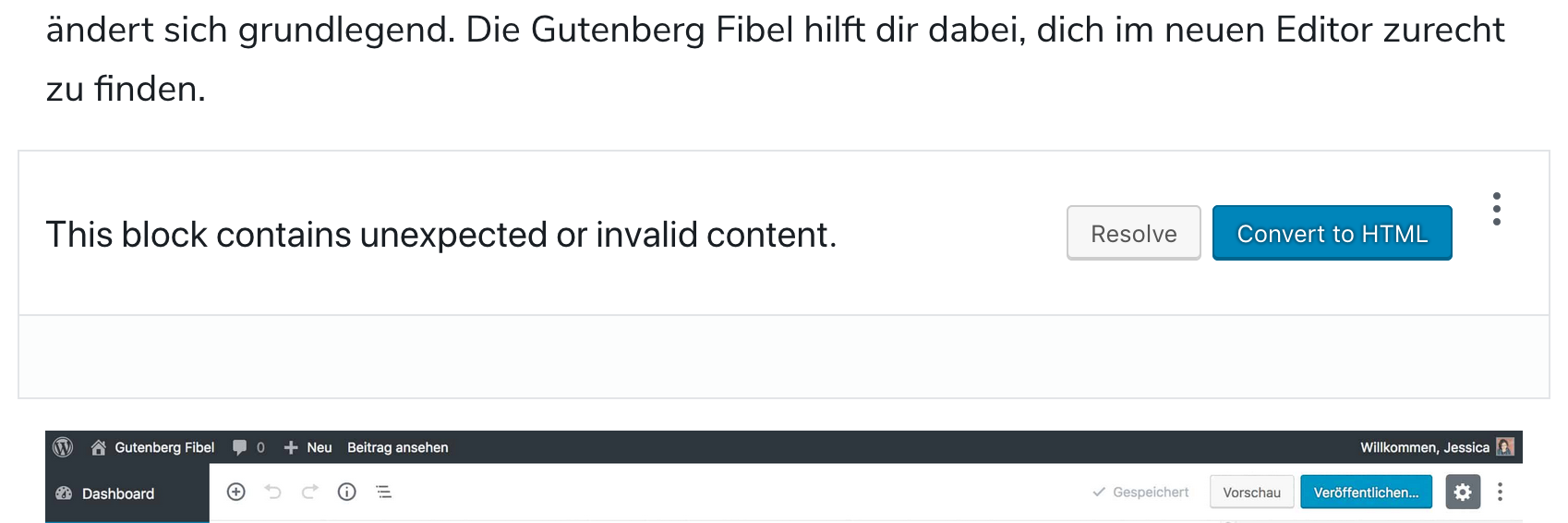
- Open the imported site, the spacer blocks are broken.
Expected behavior
Spacer blocks should work as on the original site.
Screenshots
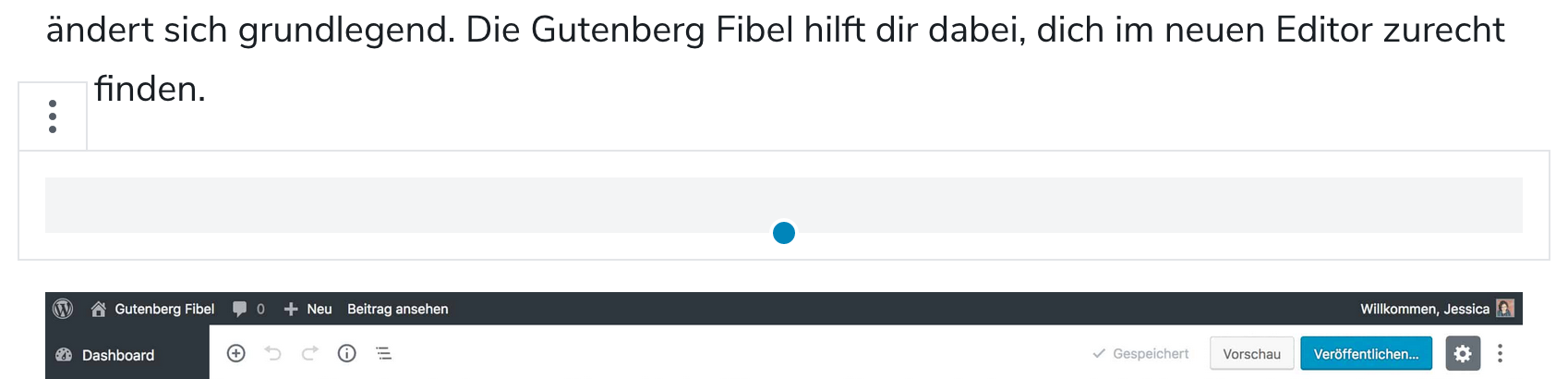
Spacer block on the original page:
Spacer block on the imported page:
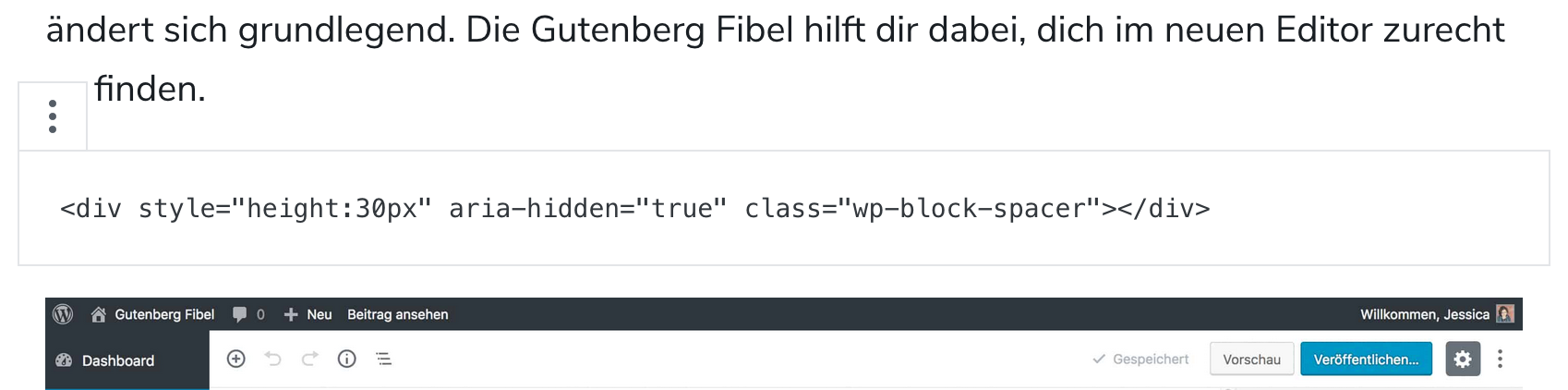
Spacer block on the original page, HTML view:
Resolving modal on the imported page:
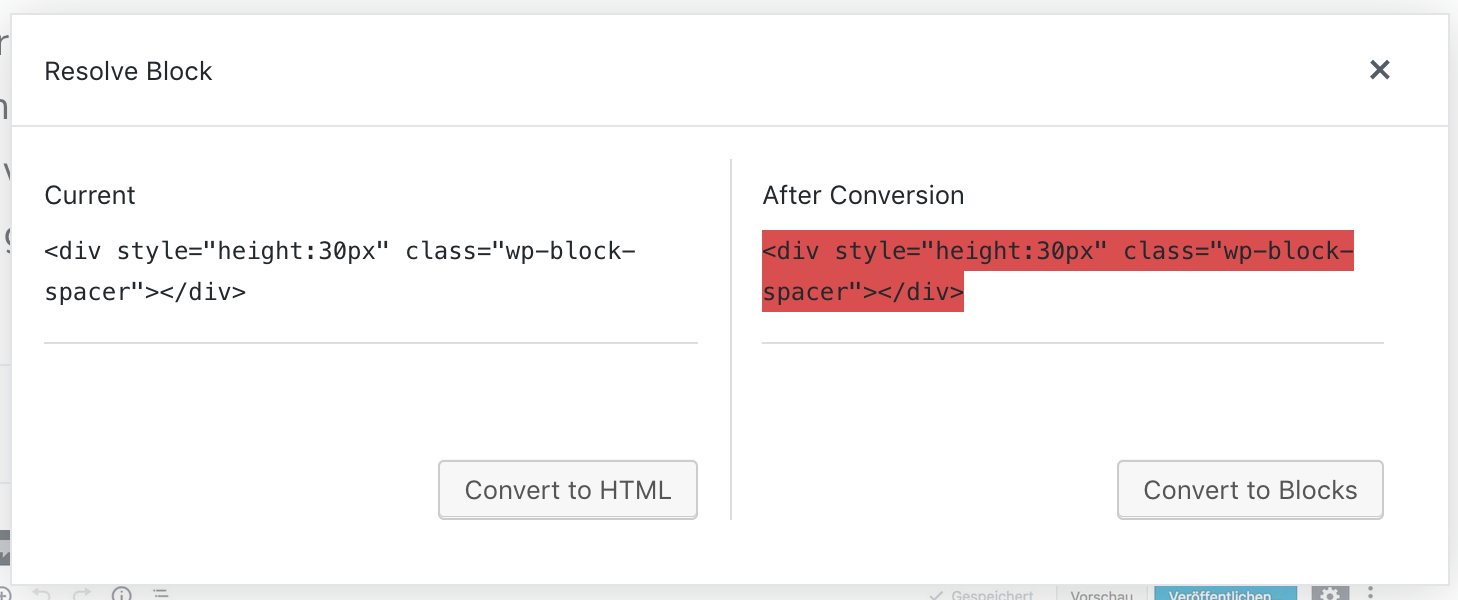
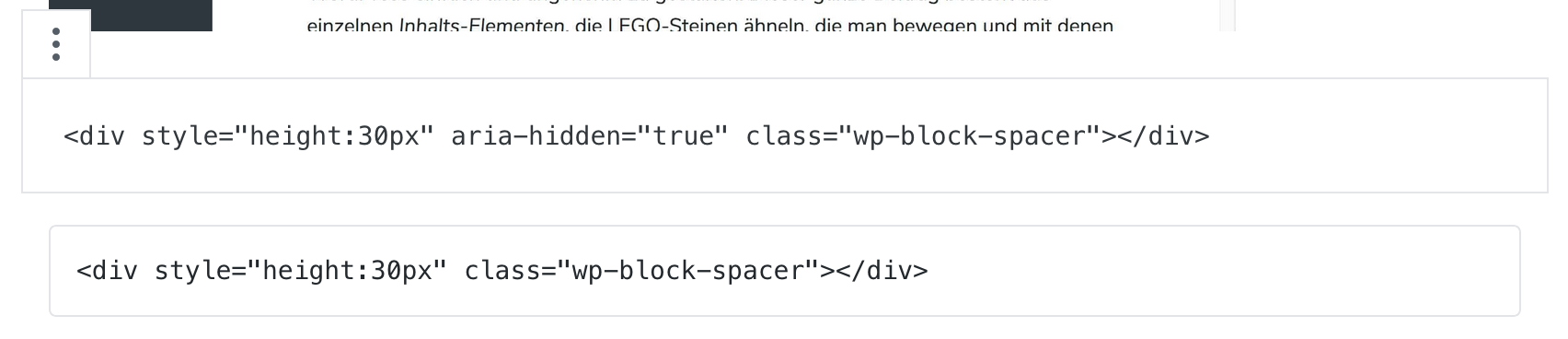
Comparing a new spacer and the broken spacer, converted to HTML in the imported page:
Desktop (please complete the following information):
- OS: macOS 10.14 Mojave
- Browser: Firefox
- Version: 63
Smartphone (please complete the following information):
Not tested
Additional context
Gutenberg: 4.1.1
WordPress: 4.9.8
 luminuu
>All comments
Hello @luminuu, thanks for the report! This is caused by WordPress stripping any aria- attributes at the moment. This has been already fixed in core and will be part of WordPress 5.0.
 ocean90
on 4 Nov 2018
ocean90
on 4 Nov 2018
Related issues
 jasmussen
·
74Comments
jasmussen
·
74Comments
 maddisondesigns
·
79Comments
maddisondesigns
·
79Comments
 tofumatt
·
86Comments
tofumatt
·
86Comments
 davidAIS
·
129Comments
davidAIS
·
129Comments
 afercia
·
73Comments
afercia
·
73Comments
Most helpful comment
Hello @luminuu, thanks for the report! This is caused by WordPress stripping any
aria-attributes at the moment. This has been already fixed in core and will be part of WordPress 5.0.