Gutenberg: Emtpy cover block becomes black box in frontend
Describe the bug
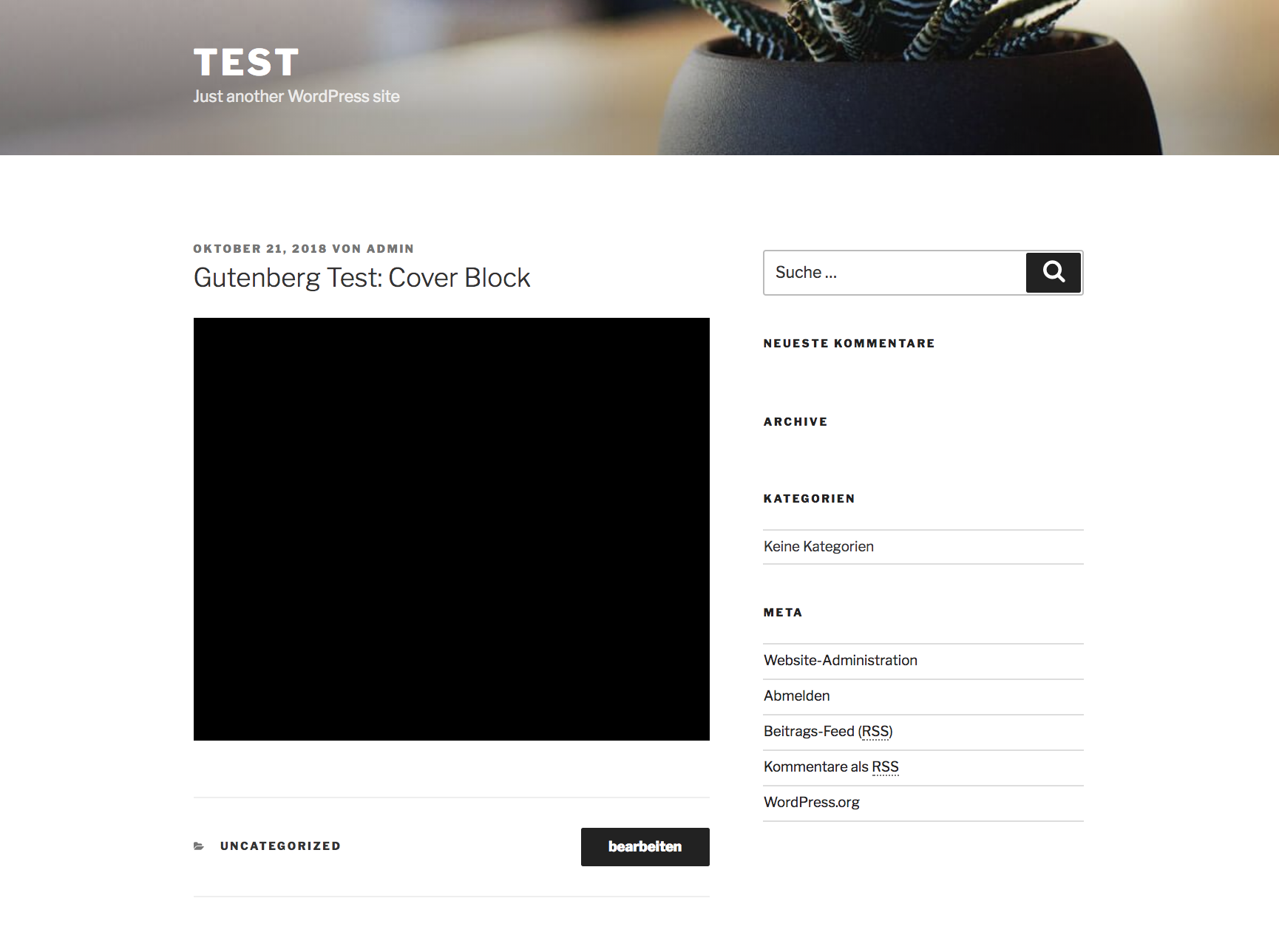
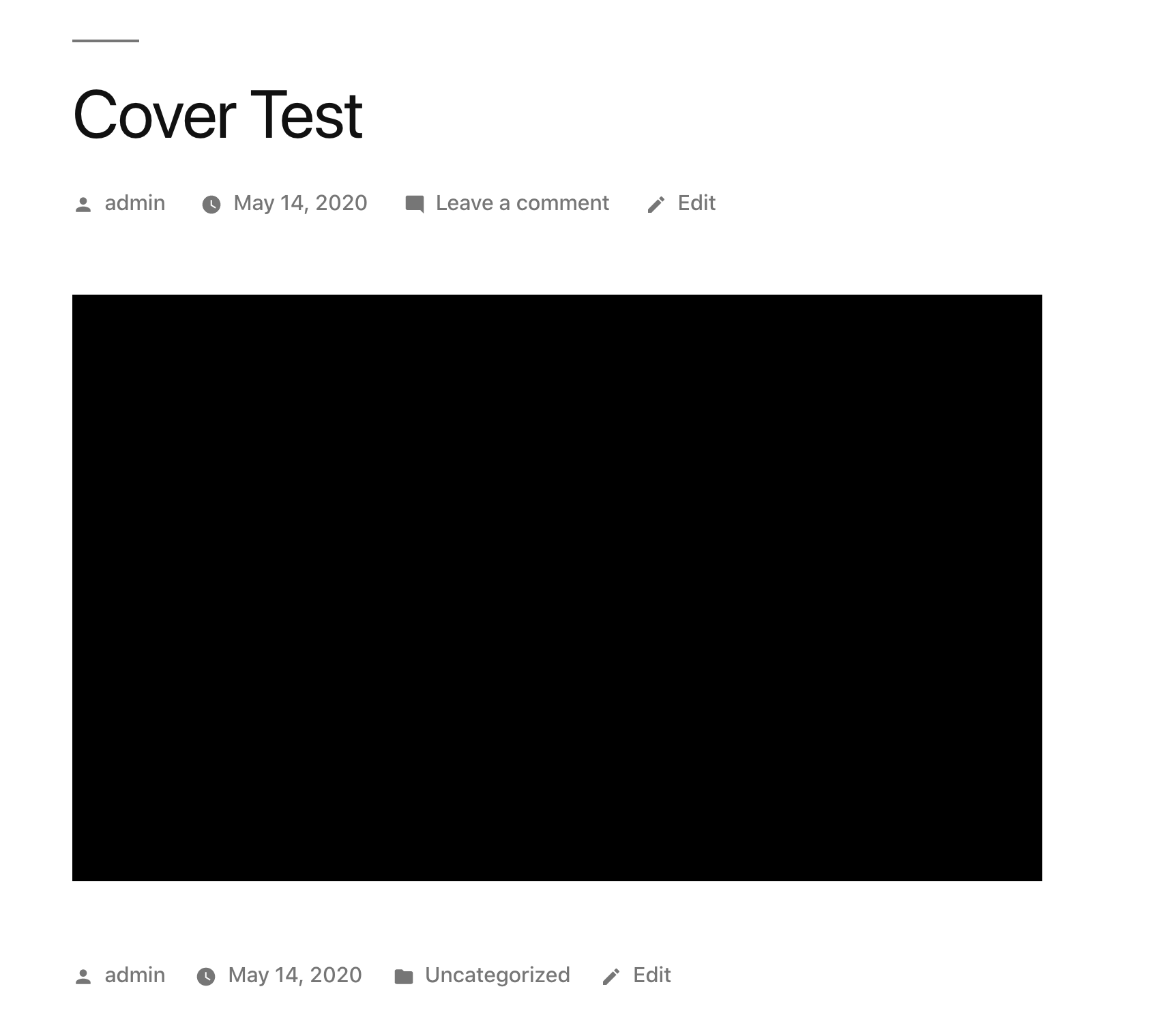
If you insert a cover block and don't upload any image or video, it will appear as a black box in the frontend.
Expected behavior
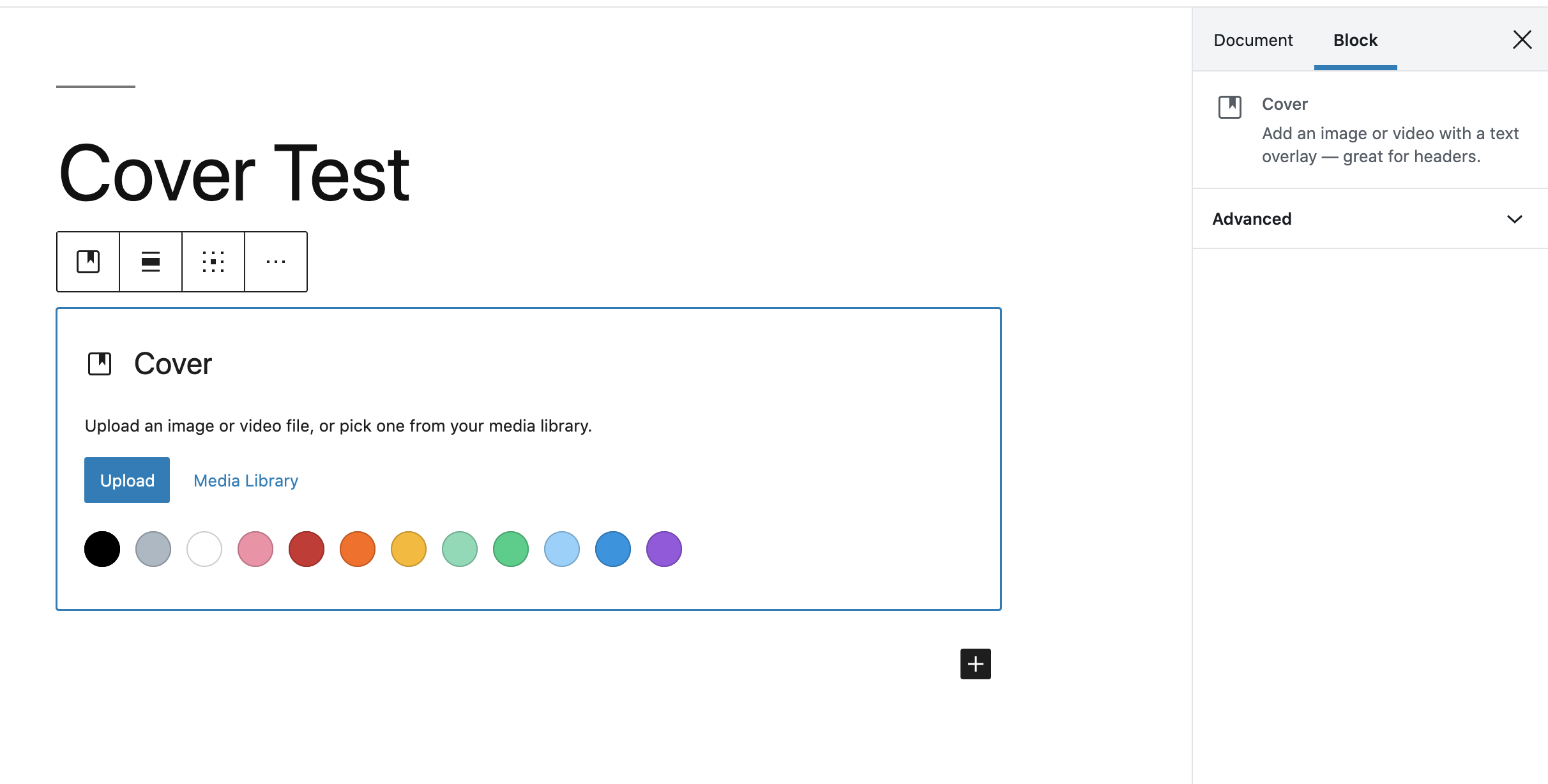
If the block in the backend is empty, I would expect the placeholder not to render any content.
Tested with Gutenberg 4.1 RC 1 + Twenty Seventeen as well as Twenty Nineteen.
 Leefke
All 4 comments
I tested this and was able to reproduce it. @mtias I wonder why don't you consider this a bug? If I add an image and the placeholder is empty nothing is shown on the front end.
 draganescu
on 20 Apr 2020
draganescu
on 20 Apr 2020
You can use the cover block for text with a background color and no image. So we definitely should still render a background color on the front-end even without media.
In the instance like from #21709, where you insert a cover block, but don't upload any media or select an overlay color, then it falls back to the default, which is black. That is also what is happening here. We should possibly clarify in the placeholder that a black background is selected by default, or else show the sidebar controls the whole time. Right now we aren't rendering them until the user selects media or a color.
Technically speaking, the black background comes from the has-background-dim class. It's adding that if the block has a dimRatio of anything other than 0. The default dimRatio is 40. So it's appending that class by default.
We could maybe be smarter about not showing anything if no text is entered or media is selected. But we still render markup for other "empty"/non-configured blocks (video and image blocks are good examples), so I'm not sure that's the right solution. Even if we stop rendering the background until one is selected, we'd still have a 430px tall empty space.
I think the solution here is probably to clarify that black is already selected for the user, or else make the default completely transparent and change it to another value once media is selected.
 earnjam
on 14 May 2020
earnjam
on 14 May 2020
Yes, it seems like a small side-effect of how the defaults interact when no media or content is set, that's why I removed the "bug" as it's more of a "need clarification". For example, even if we were to say the overlay is completely transparent when showing the placeholder, the front would still render an empty area, which can also be weird. I think perhaps nothing should be rendered if there's no inner content, no media & no user-set color.
 mtias
on 8 Jun 2020
mtias
on 8 Jun 2020
I think this may have an easy solution
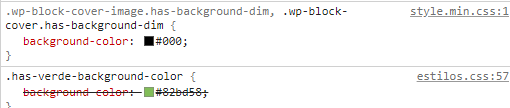
In my case when I create a new "background block" if I choose a predefined color in the wordpress theme, it is not respected and it looks black because the file "wp-includes / css / dist / block-library / style. min.css "is being called after the style file for gutenberg theme settings.
However, it does respect when I generate a color from the color palette because it generates a style in the html of the "background block"
An easy solution would be to first call the file "wp-includes / css / dist / block-library / style.min.css" and then the style.css of the Gutenberg theme configuration. This way you always respect the customer's customization when using the default theme colors.
 JappIC
on 18 Nov 2020
JappIC
on 18 Nov 2020
Related issues
 hedgefield
·
3Comments
hedgefield
·
3Comments
 aaronjorbin
·
3Comments
aaronjorbin
·
3Comments
 jasmussen
·
3Comments
jasmussen
·
3Comments
 maddisondesigns
·
3Comments
maddisondesigns
·
3Comments
 spocke
·
3Comments
spocke
·
3Comments
Most helpful comment
You can use the cover block for text with a background color and no image. So we definitely should still render a background color on the front-end even without media.
In the instance like from #21709, where you insert a cover block, but don't upload any media or select an overlay color, then it falls back to the default, which is black. That is also what is happening here. We should possibly clarify in the placeholder that a black background is selected by default, or else show the sidebar controls the whole time. Right now we aren't rendering them until the user selects media or a color.
Technically speaking, the black background comes from the
has-background-dimclass. It's adding that if the block has adimRatioof anything other than 0. The defaultdimRatiois 40. So it's appending that class by default.We could maybe be smarter about not showing anything if no text is entered or media is selected. But we still render markup for other "empty"/non-configured blocks (video and image blocks are good examples), so I'm not sure that's the right solution. Even if we stop rendering the background until one is selected, we'd still have a 430px tall empty space.
I think the solution here is probably to clarify that black is already selected for the user, or else make the default completely transparent and change it to another value once media is selected.