Gutenberg: Blank screen when editing content
Describe the bug
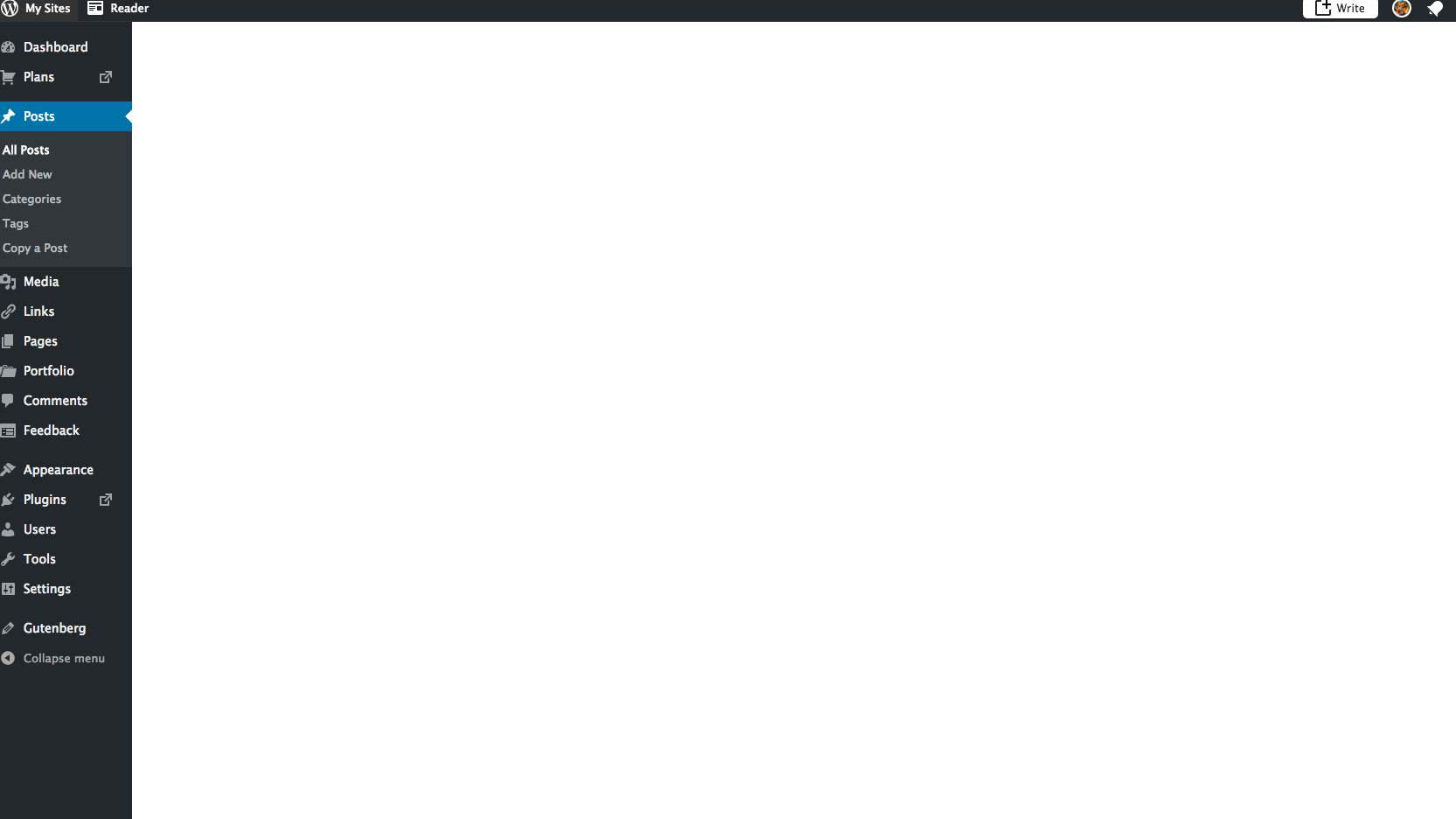
Simply put, nothing appears except for the black column on the left and the black bar on top. Screenshots explain better.
To Reproduce
Steps to reproduce the behaviour:
- Go to the posts page on the WordPress.com dashboard
- Select a published post written using Gutenberg
- Click "Edit"
- A blank screen will appear
Expected behavior
The post editor should appear, complete with the already published content, ready for me to enter. It still works on the classic editor.
Screenshots
Desktop (please complete the following information):
- Mac 10.6.8
- Chrome
- Version 49
Additional context
Seems rather random to appear. At first I suspected it occurred after editing the post in the Classic Editor, and then trying to edit it in Gutenberg. This seemed to be consistent with several posts on my main blog, but didn't seem to be the case when I tried it on my test blog.
Using the Gutenberg version rolled out on WordPress.com.
 Aurorum
All 11 comments
I tried testing using Chrome 68.0.3440.106 on macOS 10.13.6 with Gutenberg on WordPress.com and I was unable to get a blank screen to show up when editing previously published posts via WP Admin.
When you see the blank screen appear, are you able to check the browser console to see if any errors show up there? It may help to narrow down the source of the problem.
 designsimply
on 12 Sep 2018
designsimply
on 12 Sep 2018
Hi there, is this what you are referring to? https://prnt.sc/ktpjtu

Aurorum
on 12 Sep 2018
Exactly! Thank you for the screenshot. I'm noting the errors from that screenshot for reference:
Uncaught TypeError: Cannot read property 'toLowerCase' of undefined
TypeError: Illegal invocation
Unhandled promise rejection TypeError: Illegal invocation
May I also note that you should be able to drag images into GitHub directly, and it's nice to have them uploaded to issues that way in case the images become unavailable from an outside resource in the future for some reason.
designsimply
on 12 Sep 2018
Thank you! Ah, didn't realise, sorry, never used GitHub before today! Will do! :)
Aurorum
on 12 Sep 2018
Same here after new update of Gutenberg.

 chienline
on 13 Sep 2018
chienline
on 13 Sep 2018
same here after last update using gutenberg theme atomic blocks AND vantage.
one would suppose if they are letting gutenberg out to the open, it should NOT break itself with an update anymore.
is there some workaround yet?
 overcatbe
on 13 Sep 2018
overcatbe
on 13 Sep 2018
same here after last update using gutenberg theme atomic blocks AND vantage.
one would suppose if they are letting gutenberg out to the open, it should NOT break itself with an update anymore.
is there some workaround yet?
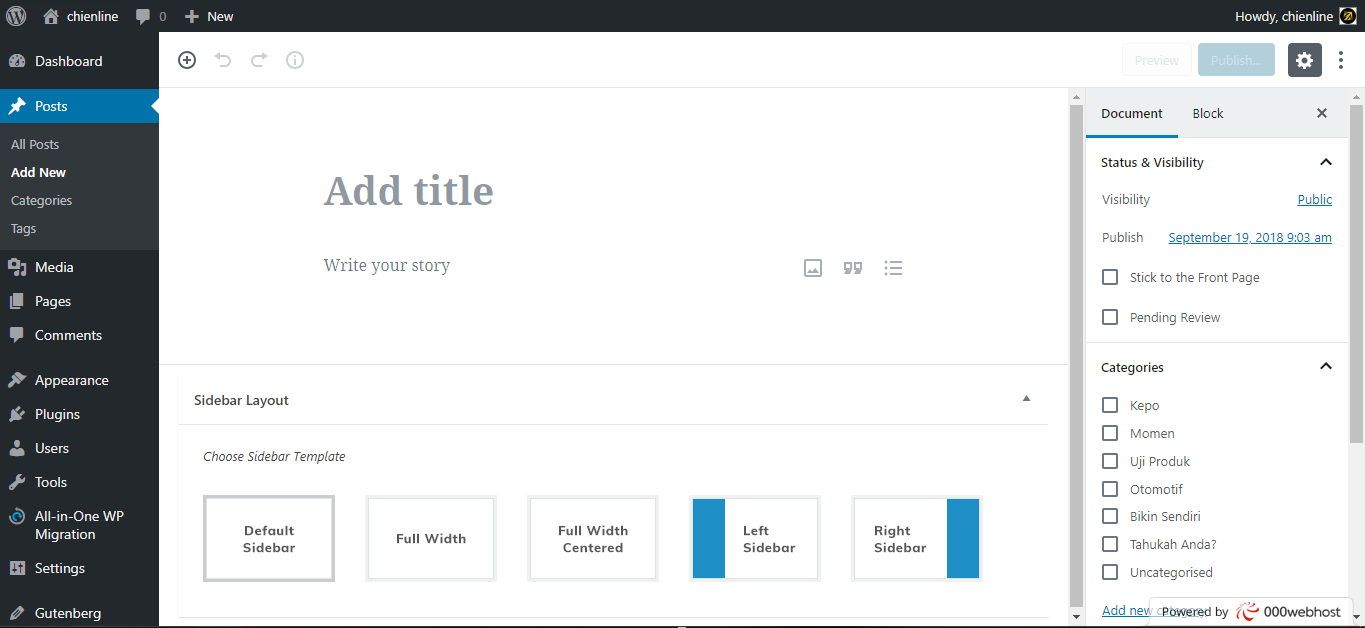
It stuck on my desktop Chrome Version 69.0.3497.92 (Official Build) (64-bit) but somehow it works on my mobile Chrome. So today I give a try with Microsoft Edge and everything is working.
I try to clear Chrome cookies and history and now everything works good on my desktop Chrome.
Hope that this will work for you too.
chienline
on 14 Sep 2018
@torres126 I re-tested and I still cannot see the same problem happen. May I ask for you to confirm which version of Chrome you are using and if you are able to clear cache and cookies to see if that makes the problem go away in your case?
@chienline thank you for including a screenshot and reporting back about what fixed the problem for you!
@overcatbe can you try clearing your browser cache and cookies to see if that helps? If you're still having trouble after that, would you please confirm what version of WordPress and Gutenberg you are running and would you be able to check the web console in your browser developer tools to confirm which errors are showing there?
designsimply
on 18 Sep 2018
Wordpress version 4.9.8
Gutenberg version 3.8.0
Chrome version 69.0.3497.100 (Official Build) (64-bit)
Everything works well after clearing cache and history on Chrome.
I also did deactivate a couple of unused plugins, but I am not sure if that is the problem, because it worked on my smartphone soon as I found this blank screen on my desktop.
Or maybe it is something to do with webhosting compability. I am using a free 000webhost hosting and possibly they did a fast response regarding Wordpress compatibility issues because they are partnering with Wordpress to provide easy web building.
chienline
on 19 Sep 2018
@designsimply Version 49 of Chrome, and clearing cache/cookies was effective...for now at least. I'm still hoping that this won't be addressed as fixed despite being able to solve it when clearing cache because a) not everyone will know/expect to clear cache, especially with an issue so basic as writing a post and b) writing a post is one of the most basics things which can be done with WordPress. It's frustrating to have to frequently clear cache over this.
In all honesty, I've stopped using Gutenberg, and only partly due to this reason. I wish it all the best, but it ruins the idea of being able to easily and accessibly publish content on WordPress.com.
Aurorum
on 23 Sep 2018
Looks like it has been fixed and I don't see any actionable item here.
 youknowriad
on 3 Nov 2018
youknowriad
on 3 Nov 2018
Related issues
 maddisondesigns
·
3Comments
maddisondesigns
·
3Comments
 JohnPixle
·
3Comments
youknowriad
·
3Comments
JohnPixle
·
3Comments
youknowriad
·
3Comments
 franz-josef-kaiser
·
3Comments
franz-josef-kaiser
·
3Comments
 ellatrix
·
3Comments
ellatrix
·
3Comments