Gutenberg: InnerBlocks component saves only first nested block
Issue Overview
Hello, I've come across a weird issue with the InnerBlocks component on Gutenber, tried to create a custom tabs block with the use of InnerBlocks, and I can make use of the editor so it creates nested "TAB" blocks within my "TABS" block. However if I add multiple nested elements (e.g. 2+), the editor saves the blocks on publish/update in post and can display my output on the frontend.
If I refresh the editor I only see the first nested block and the others are scratched. Since the usage of InnerBlocks and the syntax is quite limited, I'm having hard time figuring out where the problem resides.
Code Examples
Tabs.js edit & save functions
//no arguments set in this block, not necessary at this point I think
edit(props) {
    return(
            <div className={props.className}>
                <h4>Tabs</h4>
                <div className={'Tabs'}>
                    <div className={'Tabs-wrap'}>
                        <InnerBlocks template={[['gity/tab', {}]]} layout={{}} />
                    </div>
                </div>
            </div>
        )
    },
save(props) {
        return(
            <div className={'Tabs'}>
                <div className={'Tabs-nav'}></div>
                <div className={'Tabs-wrap'}>
                    <InnerBlocks.Content />
                </div>
            </div>
        )
    }
tab.js
registerBlockType( 'gity/tab', {
...
parent: ['gity/tabs'],
    attributes: {
        title: {
            type: 'string',
            source: 'text',
            selector: '.Tabs-title'
        },
        body: {
            type: 'array',
            source: 'children',
            selector: '.Tabs-body'
        }
    },
    supports: {
        ...
    },
    edit(props) {
        let content = props.attributes
    return(
            <div className={props.className}>
                <strong>
                    <PlainText
                        onChange={ content => props.setAttributes({title: content}) }
                        value={ content.title }
                        placeholder="Titulek záložky"
                        className="Tabs-title"
                        formattingControls={ [] }
                        isSelected={props.isSelected}
                    />
                </strong>
                <RichText
                    onChange={ content => props.setAttributes({body: content}) }
                    value={ content.body }
                    multiline="p"
                    placeholder="Obsah záložky"
                    className="Tabs-body"
                    isSelected={props.isSelected}
                />
            </div>
        )
    },
    save(props) {
        let content = props.attributes
        return(
            <div className={props.className}>
                <span className={'Tabs-title'}>{content.title}</span>
                <div className={'Tabs-body'}>{content.body}</div>
            </div>
        )
    }
Steps to Reproduce (for bugs)
- Create a new parent block tabs.js
- Create a child block tab.js
- Make sure values are being saved
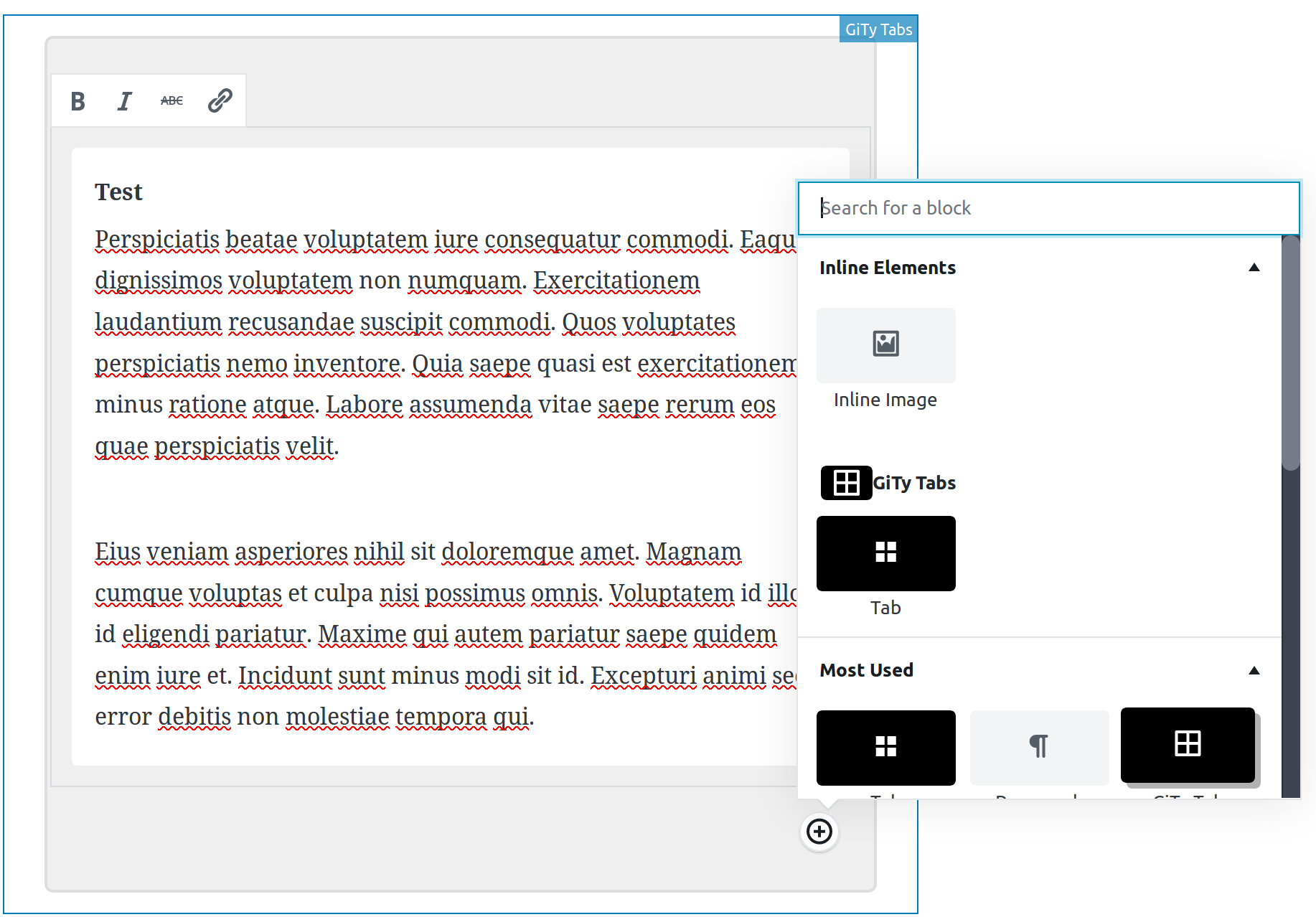
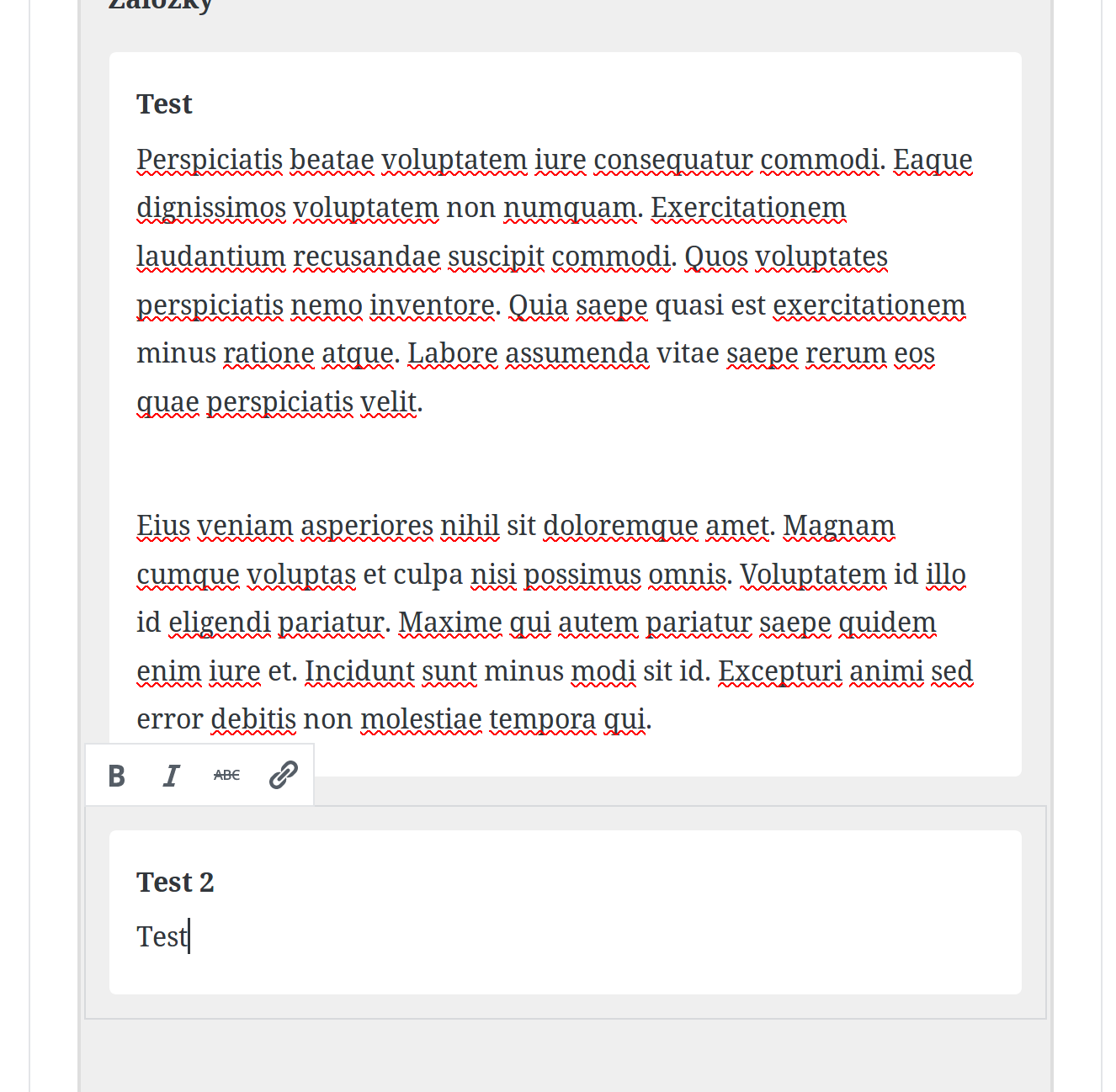
- Add multiple nested elements in editor
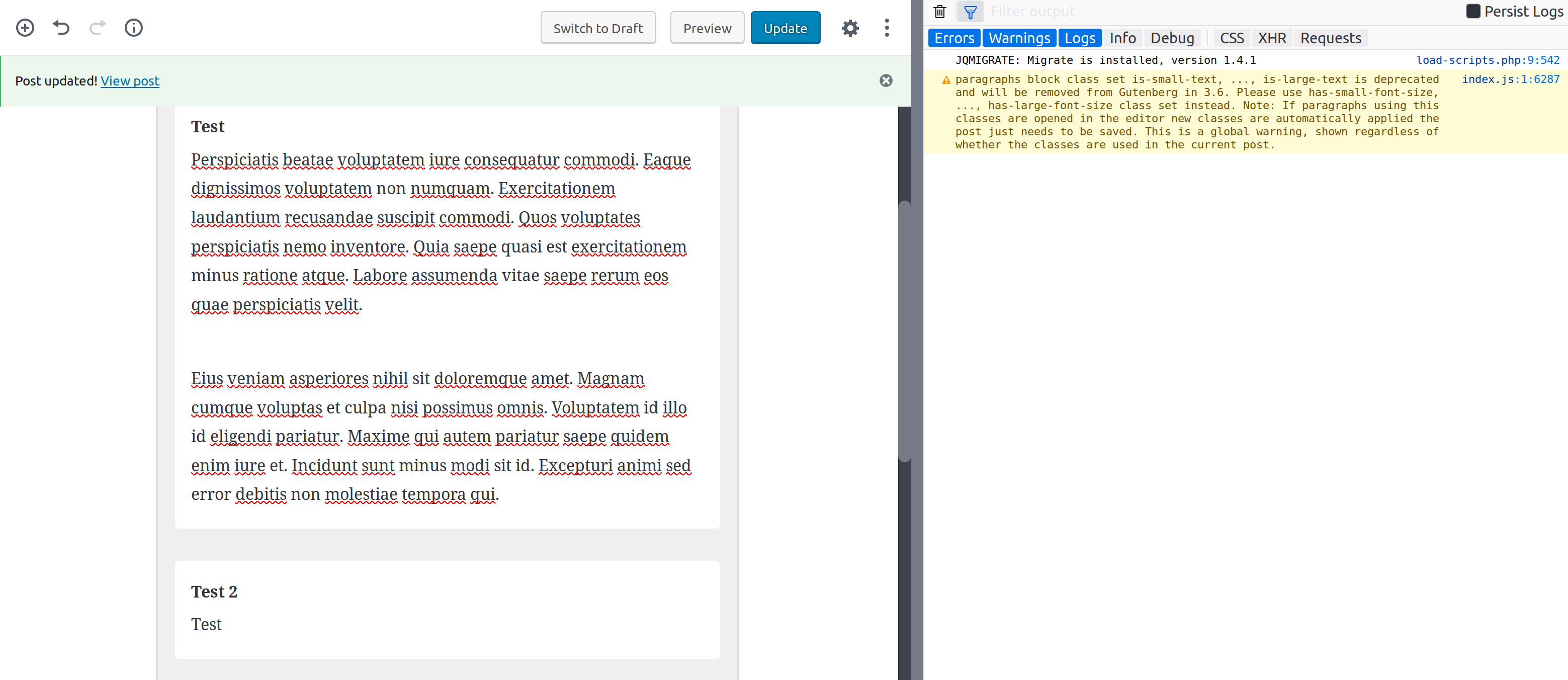
- Update post & refresh
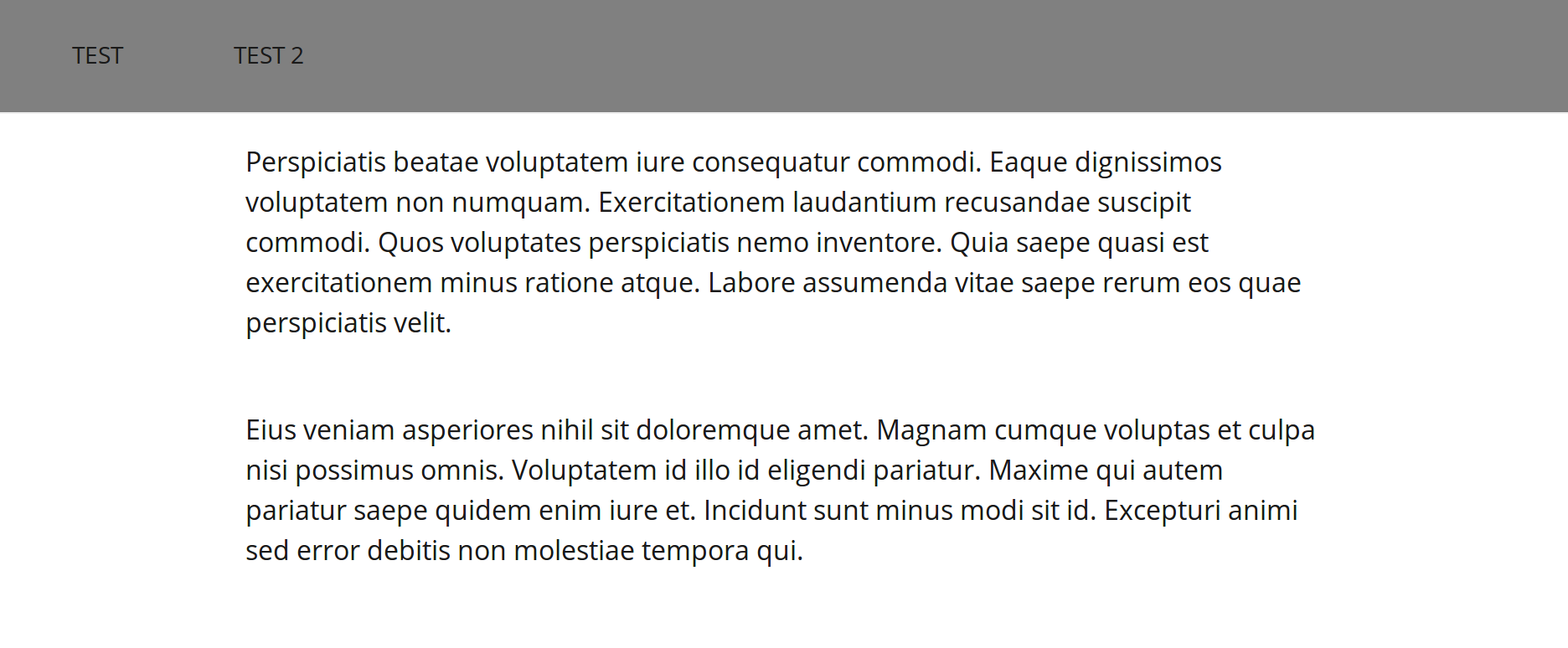
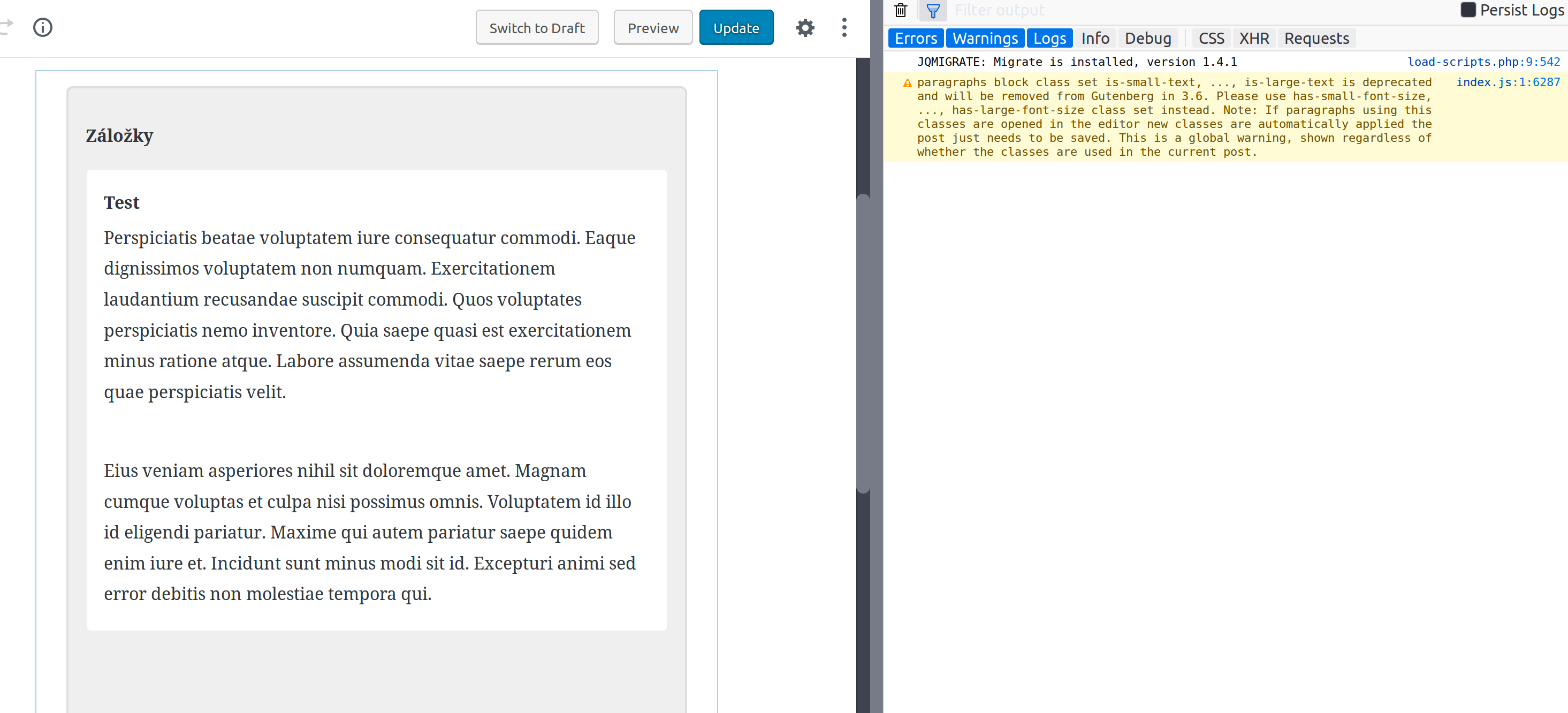
- Only the top nested element is now available for edit...
- View post
- Values from other nested elements appear to be saved but can't be edited in editor
- update post & view post
- other nested values are missing...
Screenshots / Video
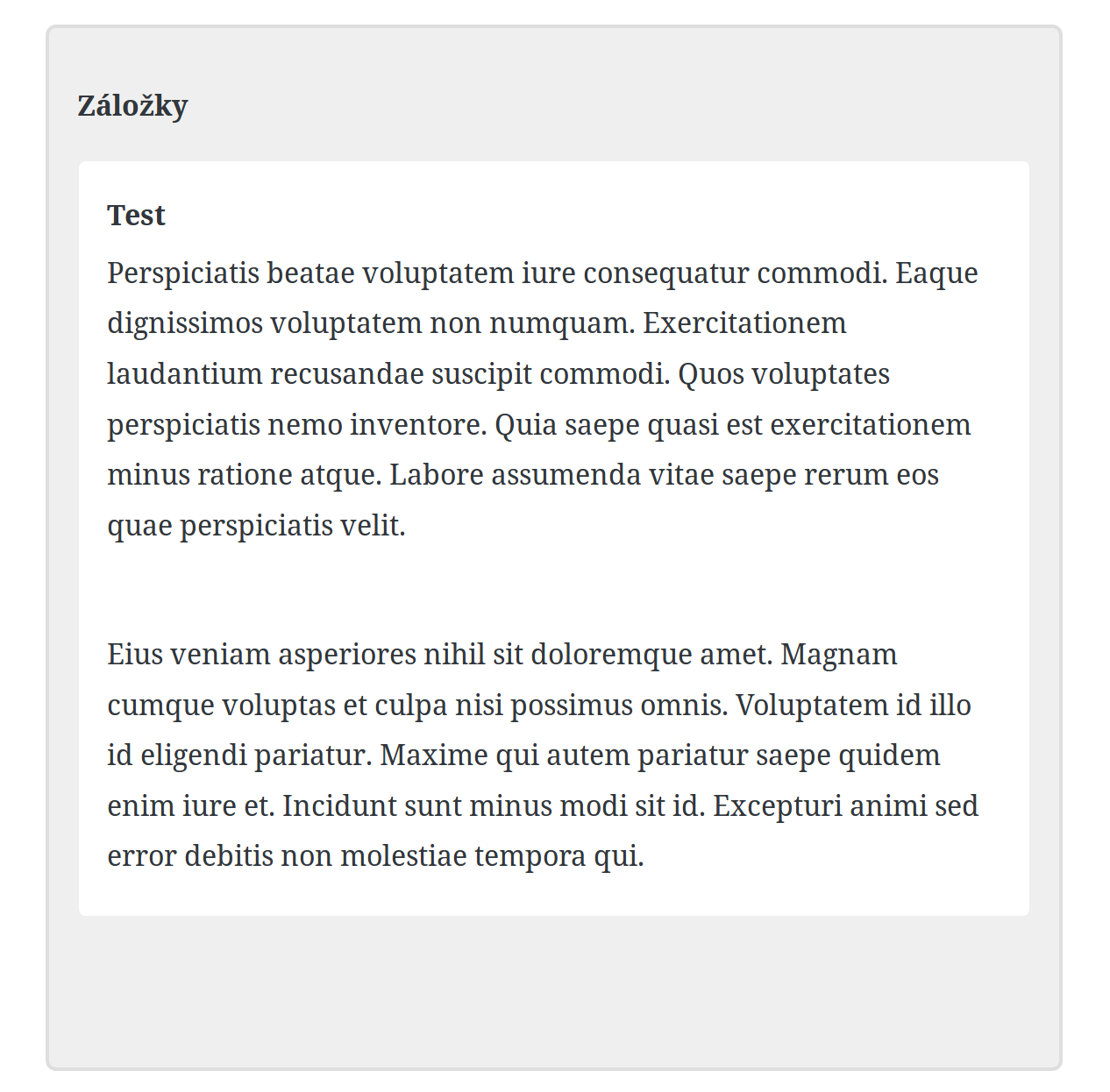
Step 1
Step 2
Step 3
Step 4
Step 5
Step 6

Step 7
Any suggestions? Is this normal behaviour?
 p4veI
p4veI
All 8 comments
<InnerBlocks template={[['gity/tab', {}]]} layout={{}} />
The template includes only 1 tab so the rest are removed.
Maybe there's some hack to determine how many tabs are added and set the template accordingly
 ktmn
on 10 Aug 2018
ktmn
on 10 Aug 2018
Interesting so if I assign no template nor layout it works.. But then it's quite difficult to add the nested component in editor whilst there's no "empty template" prepared after adding the parent block into the editor.
Anyways thanks for help.
By replacing:
<InnerBlocks template={[['gity/tab', {}]]} layout={{}} /> for simply <InnerBlocks />, I'm able to work with the other nested tabs. How did I not try this...
p4veI
on 10 Aug 2018
I'm seeing this issue too – if I set a template on an InnerBlocks, any content that doesn't match the template gets cleared out on editor reload. I think this is happening in componentDidMount.
This doesn't feel like intended behaviour to me. I understand templates to be a default initial state - that's the way we're using them. The templateLock option suggests that any other blocks or changes should be respected and saved.
My thinking is that if the "reset to match the template" behaviour is needed, it should be optional, or perhaps on-demand. Maybe this option could be provided through templateLock parameter?
 haszari
on 14 Sep 2018
haszari
on 14 Sep 2018
@hazari The way I currently do it is I remove the template and templateLock after the template has loaded for the first time.
For example I have this block that displays options to pick from multiple presets. When a preset is picked it outputs InnerBlocks with the selected template locked in and then in componentDidUpdate I toggle a boolean resulting in a re-render of just InnerBlocks without a template or lock, but the previous template's content remains, allowing the user to edit/add/remove anything.
Here's the gist of it:
const blockAttributes = {
    ...
    preset: {
        type: 'string',
    },
    templateLock: {
        type: 'boolean',
        default: true,
    },
};

class Edit extends wp.element.Component {

    componentDidUpdate(prevProps) {
        /**
         * Remove templateLock after loading a preset.
         */
        if(this.props.attributes.templateLock) {
            if(typeof prevProps.attributes.preset === 'undefined' && this.props.attributes.preset) {
                this.props.setAttributes({templateLock: false});
            }
        }
    }

    render() {
        const {attributes} = this.props;
        const {
            preset,
            templateLock,
        } = attributes;

        return [
            <div>
                {preset && (
                    templateLock ? (
                        <wp.editor.InnerBlocks
                            template={getPresetTemplate(preset)}
                            templateLock='all'
                        />
                    ) : (
                        <wp.editor.InnerBlocks />
                    )
                )}
                {!preset && (
                    <React.Fragment>
                        {/* displays preset picking options here */}

                        {/* this clears any previous innerblocks content after preset has been cleared */}
                        <div style={{display:'none'}}>
                            <wp.editor.InnerBlocks
                                template={[]}
                                templateLock='all'
                            />
                        </div>
                    </React.Fragment>
                )}
            </div>
        ];
    }

}
 websevendev
on 14 Sep 2018
websevendev
on 14 Sep 2018
@websevendev Thanks for that idea. I'm hoping this can be supported directly in core, but that's an interesting a fallback option.
haszari
on 14 Sep 2018
The following PR should (hopefully) fix this issue.
haszari
on 17 Sep 2018
After spending a lot of times, I found this. So yay, my code works, it's a bug (or a behavior for some reason?) Thanks for reporting. :)
 HardeepAsrani
on 4 Oct 2018
HardeepAsrani
on 4 Oct 2018
Fixed up by #9674
 danielbachhuber
on 30 Apr 2019
danielbachhuber
on 30 Apr 2019
Related issues
 aaronjorbin
·
3Comments
aaronjorbin
·
3Comments
 mhenrylucero
·
3Comments
mhenrylucero
·
3Comments
 youknowriad
·
3Comments
youknowriad
·
3Comments
 hedgefield
·
3Comments
hedgefield
·
3Comments
 ellatrix
·
3Comments
ellatrix
·
3Comments
Most helpful comment
<InnerBlocks template={[['gity/tab', {}]]} layout={{}} />The template includes only 1 tab so the rest are removed.
Maybe there's some hack to determine how many tabs are added and set the template accordingly