Gutenberg: InnerBlocks Template Adjustments Cause Content Loss
Describe the bug
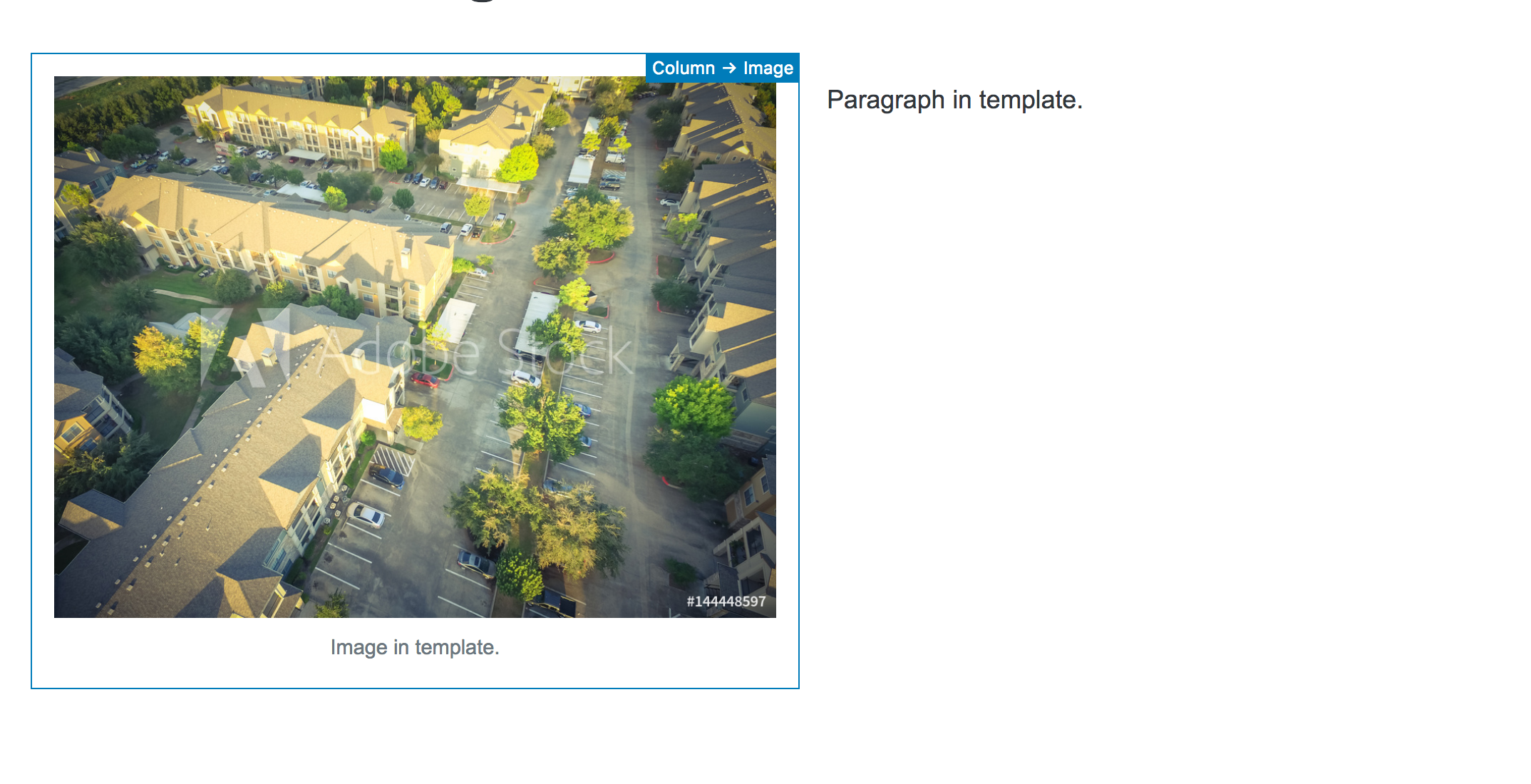
I've been playing around with the InnerBlocks template options found here InnerBlocks. I've noticed when removing an existing block or adding a new block that the template will remove new blocks and re-add any of the missing template blocks. The same is also true if you use templateLock={ false }.
To Reproduce
Steps to reproduce the behavior:
Create a basic InnerBlocks with a template that can be found here InnerBlocks.
Once you have a custom block template add it to the editor and insert or remove a template block. Next update the page/post and refresh the editor.
Expected behavior
I expected that an unlocked template would keep it's current state upon save / editor refresh if a block has been added or removed instead of reverting back to the original template.
Screenshots
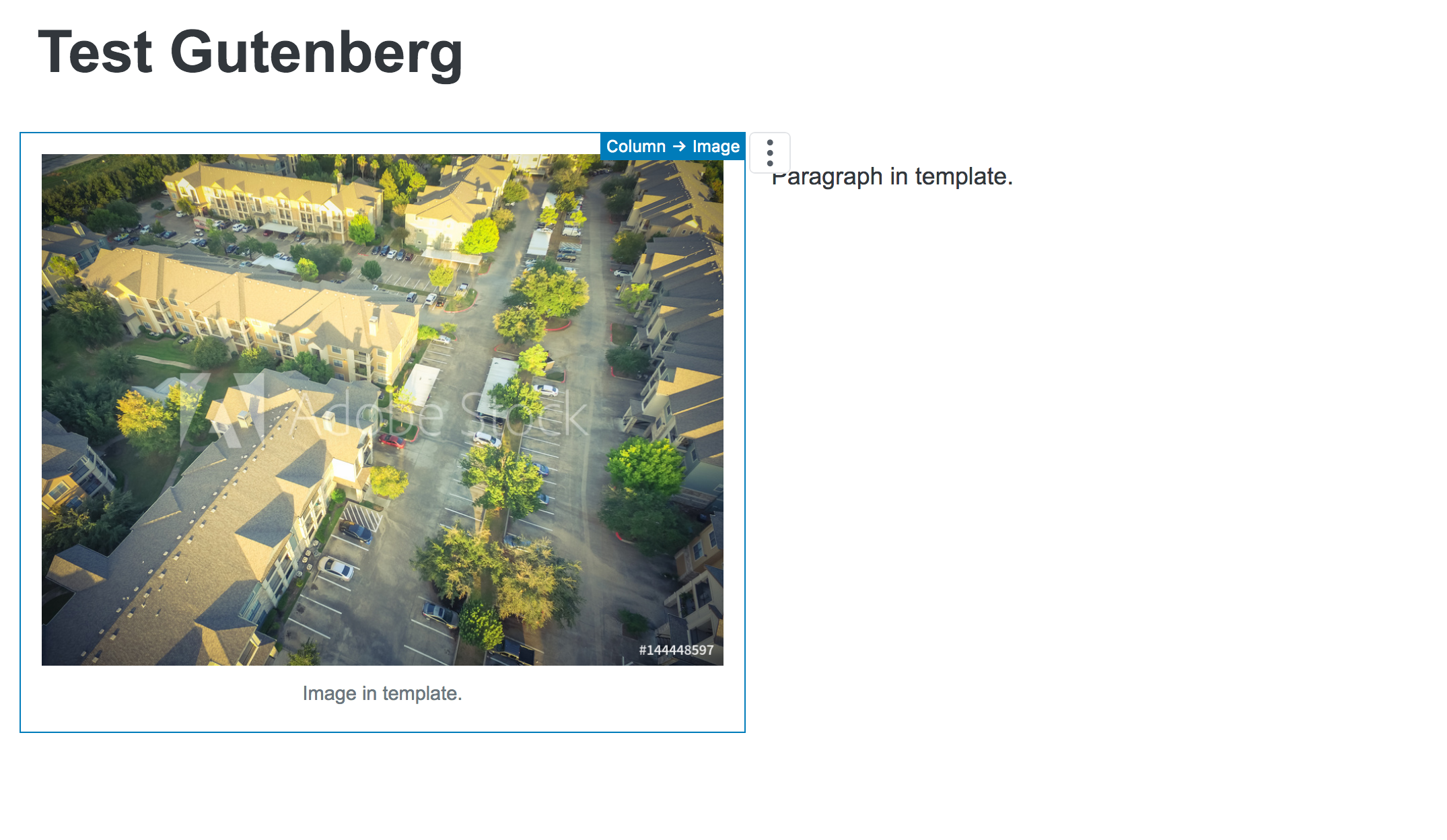
Before New Content
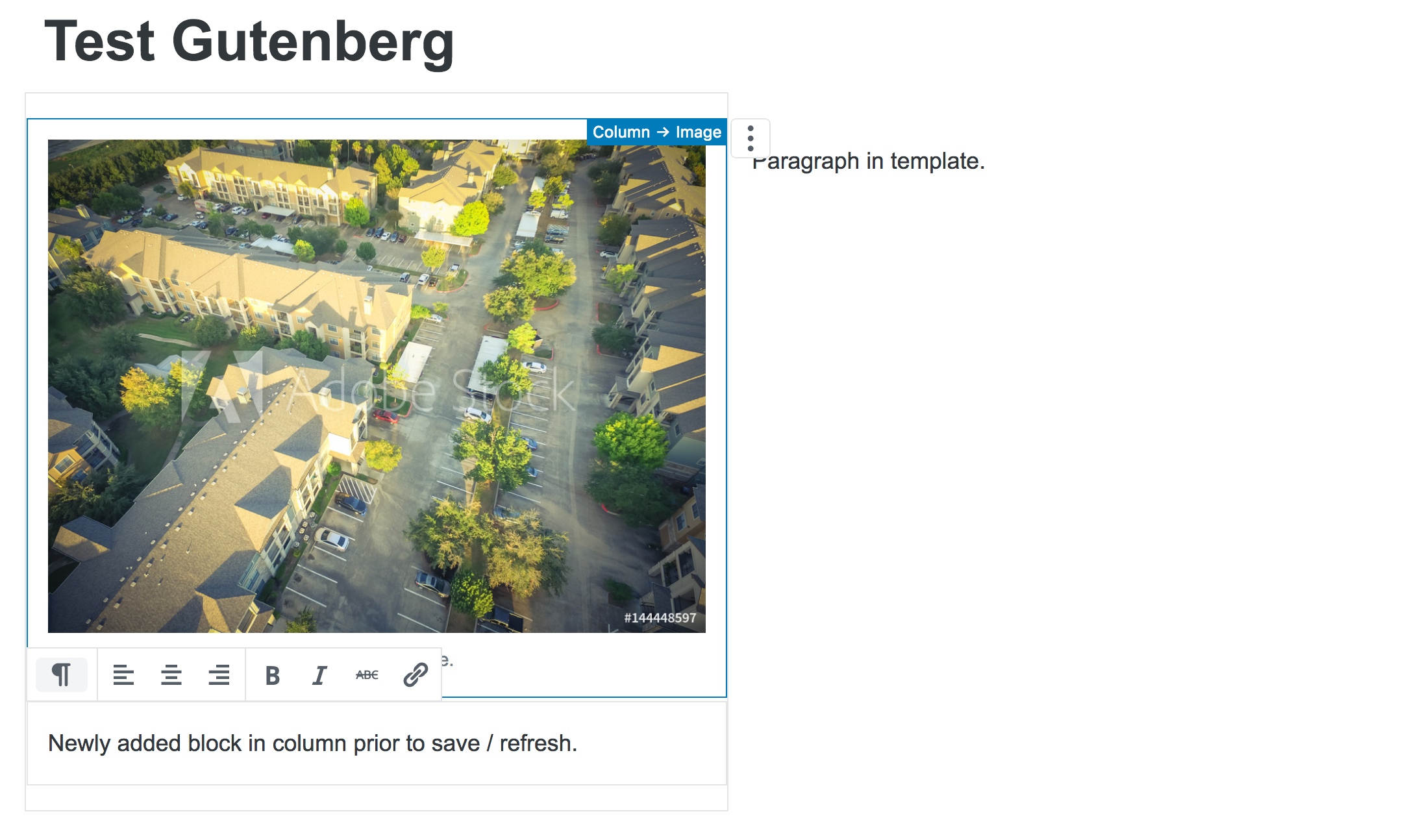
Newly Added Content
After Save
Desktop (please complete the following information):
- OS: [10.13.6]
- Browser [Mozilla Developer Edition]
- Version [62.0b6 (64-bit)]
Additional context
- Gutenberg Version tested on 3.2 / 3.3
 michealengland
All 6 comments
I think I'm experiencing the same issue as the above.
If it helps, my code for the InnerBlocks portion looks like this:
<InnerBlocks
    allowedBlocks={ [
        'core/heading',
        'core/paragraph',
        'core/button',
        'core/list'
    ] }
    template={ [
        [ 'core/heading' ],
        [ 'core/paragraph' ],
        [ 'core/list' ],
    ] }
    templateLock={ false }
/>
If I add a list or button block in the editor and save, those blocks are no longer visible upon refresh.
 brettsmason
on 30 Jul 2018
brettsmason
on 30 Jul 2018
I'm also having the same issue as described above. When I try to set a template, any additional content that is added to the block disappears on refresh. The newly added content is visible on the front end, but does not display in the editor. Here is a video showing the bug.
<InnerBlocks
    template={[
        // Add placeholder blocks
        ['core/heading', {
            content: 'We Build Blocks',
            level: '3',
        }],
        ['core/paragraph', {
            content: 'Lorem ipsum dolor sit amet elit do, consectetur adipiscing, sed eiusmod tempor incididunt ut labore et.'
        }],
        ['atomic-blocks/ab-button', {
            buttonText: 'Find Out More',
            buttonAlignment: 'left',
        }],
    ]}
/>
Another quirk with the template, I can change the text within those placeholder blocks and it will update as expected, but if I try to delete a placeholder block entirely, it will regenerate after save and refresh.
 mikemcalister
on 21 Aug 2018
mikemcalister
on 21 Aug 2018
I'm able to reproduce this problem in a simple test block.
 jorgefilipecosta
on 24 Aug 2018
jorgefilipecosta
on 24 Aug 2018
I ran into a similar issue and accidentally opened a duplicate of this issue with #9349. I'll paste my sample code into here for easy replication of the issue:
const { Fragment } = wp.element;
const {
    InnerBlocks,
} = wp.editor;
const { __ } = wp.i18n;

const ALLOWED_BLOCKS = [ 'core/image' ];
const TEMPLATE = [
    [ 'core/image' ],
    [ 'core/image' ],
    [ 'core/image' ],
];

export const name = 'myplugin/test';

export const settings = {
    title: __( 'Test', 'textdomain' ),
    category: 'layout',
    icon: 'grid-view',
    attributes: {},
    edit: () => {
        return (
            <Fragment>
                <div className="my-blocks-container">
                    <InnerBlocks
                        allowedBlocks={ ALLOWED_BLOCKS }
                        template={ TEMPLATE }
                        templateLock={ false }
                    />
                </div>
            </Fragment>
        );
    },
    save: () => {
        return (
            <div className="my-blocks-container">
                <InnerBlocks.Content />
            </div>
        );
    },
};
The issue is a result of the InnerBlocks component calling synchronizeBlocksWithTemplate() from @wordpress/blocks unconditionally. That function will match the blocks with the template and strip everything that doesn't match. It should instead look at templateLock first and only call the function if its value is not set to 'all'. This would be in line with how the editor globally handles this.
 felixarntz
on 25 Aug 2018
felixarntz
on 25 Aug 2018
@aduth @gziolo I hope you don't mind the tags. I'm having similar issue and I hope you can enlightened us. Thank you very much!
 phpbits
on 5 Sep 2018
phpbits
on 5 Sep 2018
@jorgefilipecosta Thanks for getting this one solved! So excited to see it closed.
michealengland
on 21 Sep 2018
Related issues
 davidAIS
·
129Comments
davidAIS
·
129Comments
 jasmussen
·
74Comments
jasmussen
·
74Comments
 tofumatt
·
86Comments
tofumatt
·
86Comments
 SchneiderSam
·
88Comments
SchneiderSam
·
88Comments
 melchoyce
·
169Comments
melchoyce
·
169Comments