Gun: WebSocket network error: The operation couldn’t be completed. (OSStatus error -9807.)
After testing with http and local, I added my certification for https.
just changing http to https makes some error.
desktop : work fine.(chrome, safari)
but mobile devices has some problems.
android : little bit problem.
ios : cant connect websocket
Especially, I got this error only on ios.
[Error] WebSocket network error: The operation couldn’t be completed. (OSStatus error -9807.) (x4)
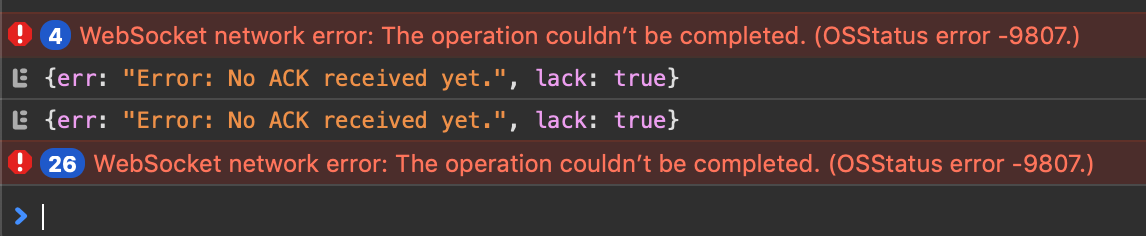
It seems to be related with certification or gundb.
As I mentioned, Everything is work fine with http .
my certification is issued by Let's Encrypt with SHA-256 with RSA Encryption
 huhsame
All 12 comments
Here is my server code.
var debug = require('debug')('aframe-gundb:server');
var fs = require('fs');
var app = require('../app');
var https = require('https');

const options = {
  key: fs.readFileSync('./keys/privkey.pem'),
  cert: fs.readFileSync('./keys/fullchain.pem')
};

var Gun = require('gun');

var server = https.createServer(options, app);
var gun = Gun({web: server});
server.listen( 3001 );
and it is constructor.
const gun = Gun( window.location.href + 'gun')
Thanks for the server code, it's much appreciated. However more importantly would be the client code, to see how the connection is set up.
 bugs181
on 8 Mar 2019
bugs181
on 8 Mar 2019
For your constructor, it may need a preceding forward slash. Like this:
const gun = Gun( window.location.href + '/gun')
No.
I got this error.
[Error] WebSocket connection to 'wss://192.168.1.62:3001//gun' failed: Unexpected response code: 400 (x4)
huhsame
on 8 Mar 2019
I'm wondering if this is a bug in Gun, which uses the ws library. I'm curious if you could change this to wss. In the Gun constructor of your setup, could you try adding Gun({ WebSocket: require("wss") })
bugs181
on 8 Mar 2019
After adding wss option ,
var gun = Gun({web: server, wss: require("wss")});
there are more errors including original one.

and it still doesnt work
and with WebSocket option,
var gun = Gun({web: server, WebSocket: require("wss")});
it cant run server.
s.web = new opt.WebSocket.Server(ws);
                         ^

TypeError: opt.WebSocket.Server is not a constructor
Apologies, looks like this is something in the Gun library itself (or some other issue I'm missing). We will have to wait for someone else to offer help.
bugs181
on 8 Mar 2019
Quick added info:
@huhsame 's Error in Mac is belows
| Security SecureTransport.h | errSSLXCertChainInvalid | -9807 | Invalid certificate chain.
-- | -- | -- | -- | --
Platform | Framework | Error Name | Error Code | Description
-- | -- | -- | -- | --
| Security SecureTransport.h | errSSLXCertChainInvalid | -9807 | Invalid certificate chain.
 Dletta
on 8 Mar 2019
Dletta
on 8 Mar 2019
Thanks @Dletta @bugs181 for helping reply to people on issues. You guys are life savers.
Hmmm.
Maybe another idea is try to run a standalone websocket server (no GUN) and see if connecting still has problems? If it doesn't, then we know it's a problem with how GUN hands off the certificate (I don't have any special code tho that does this).
And @huhsame WELCOME TO THE COMMUNITY!!!! :D :)
 amark
on 19 Mar 2019
amark
on 19 Mar 2019
@huhsame after passing require('wss') to the NodeJS GUN WebSocket param, it looks like it is NOT inheriting require('ws')'s .Server(options) API. Which seems like a problem with wss.
Is there another possibility the issue is the // in 'wss://192.168.1.62:3001//gun' in Browser? what happens if 'wss://192.168.1.62:3001/gun' (?)
@huhsame given your EPIC demos I just noticed on Twitter (you never tagged me! :O I only accidentally stumbled across them and retweeted today) I assume you got this working?
Gonna assume I can close (also, cause I know notabug.io , Internet Archive, and others have secure websockets working, and I have some local PANIC tests that use self-signed HTTPS working [tho tablets don't let self-signed certs, here https://github.com/amark/gun/blob/master/test/https/test.js#L8-L12 ]) so I know secure websockets themselves with GUN is not broken, tho clearly something odd is going on with -9807 ? any new input on that ?) if you have new info on how you got around it, could you update docs or leave a follow up comment here (or re-open)?
amark
on 10 May 2019
I have some issue like this and have you fix this issue?
 wllcpp
on 9 May 2020
wllcpp
on 9 May 2020
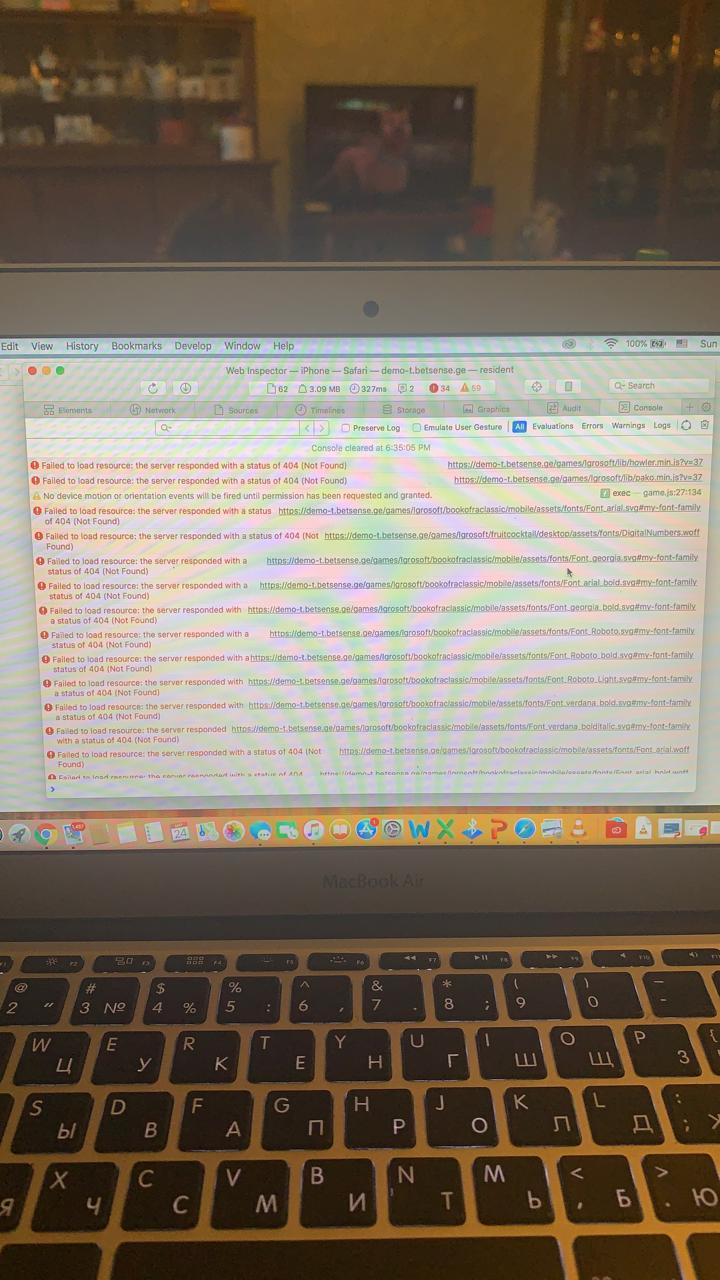
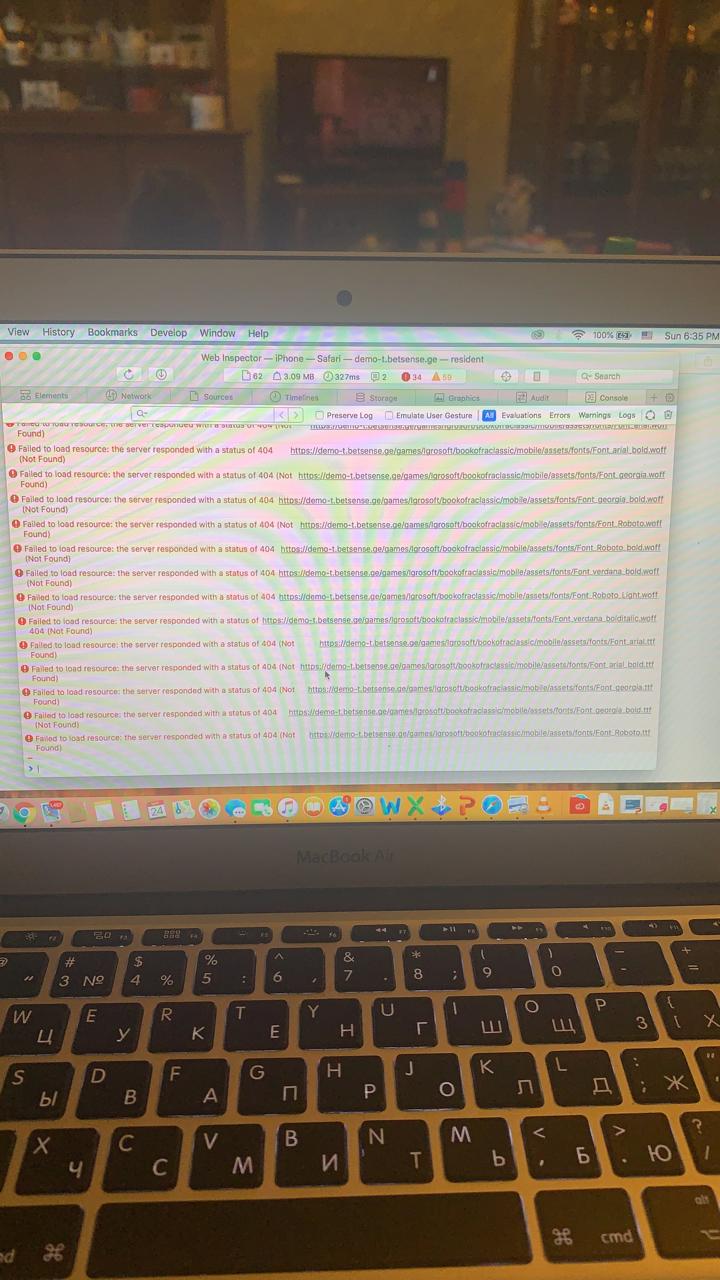
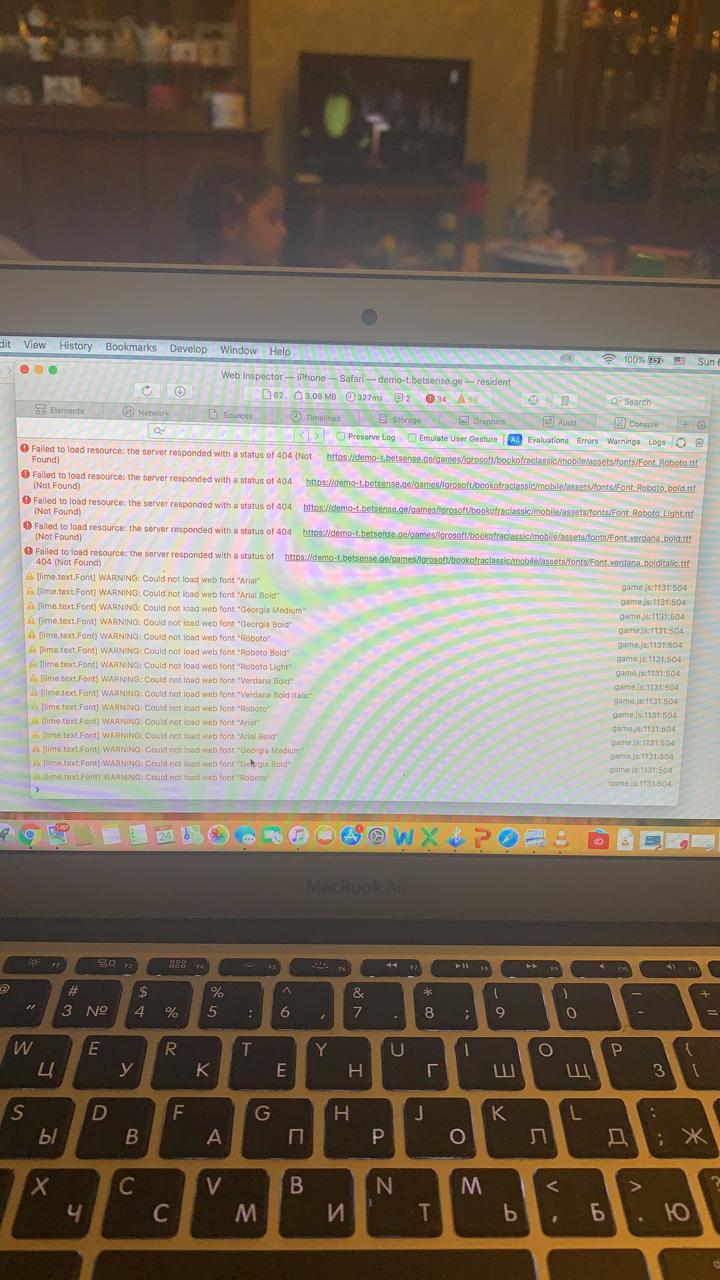
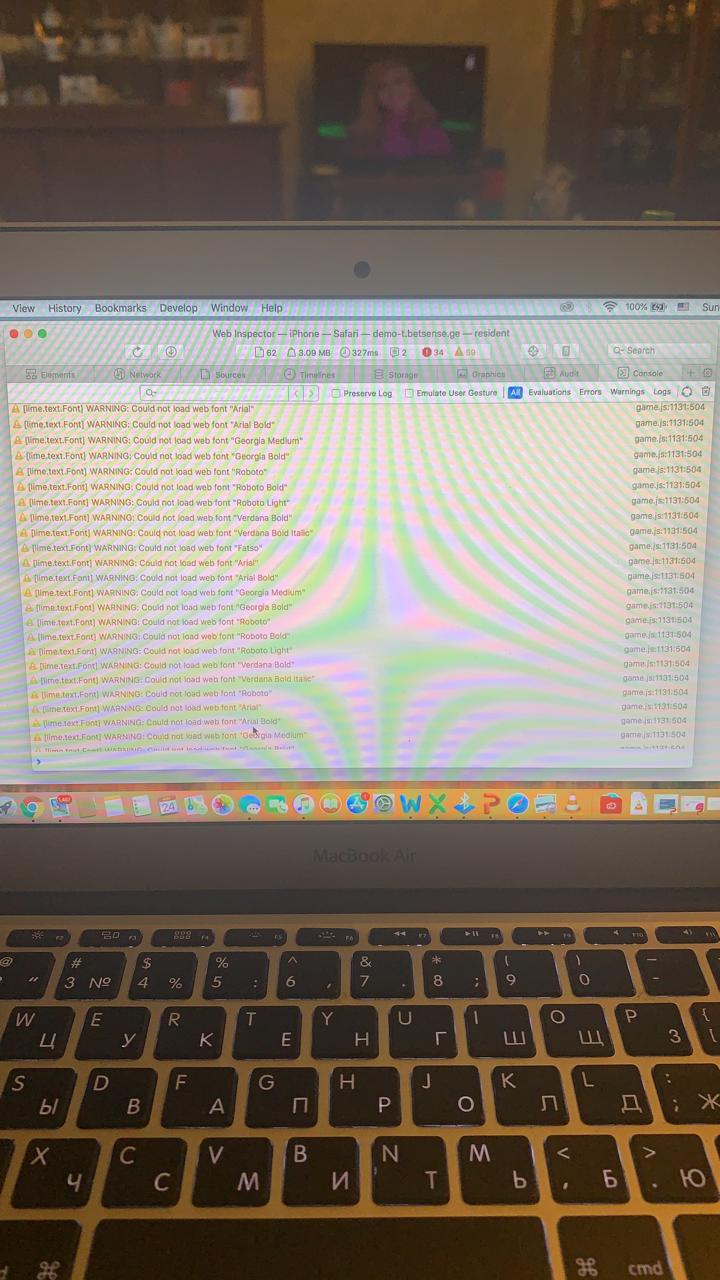
hi can your help
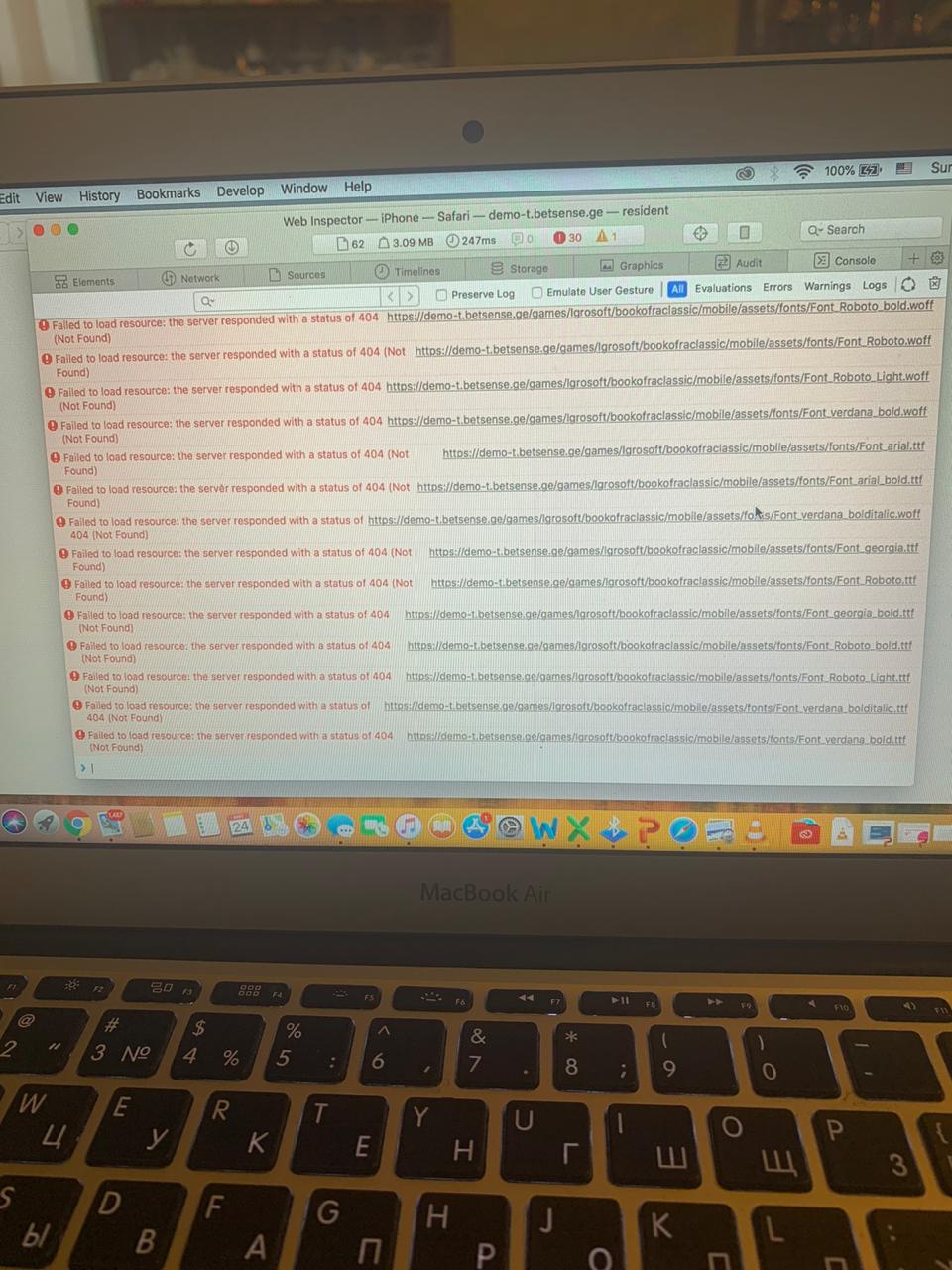
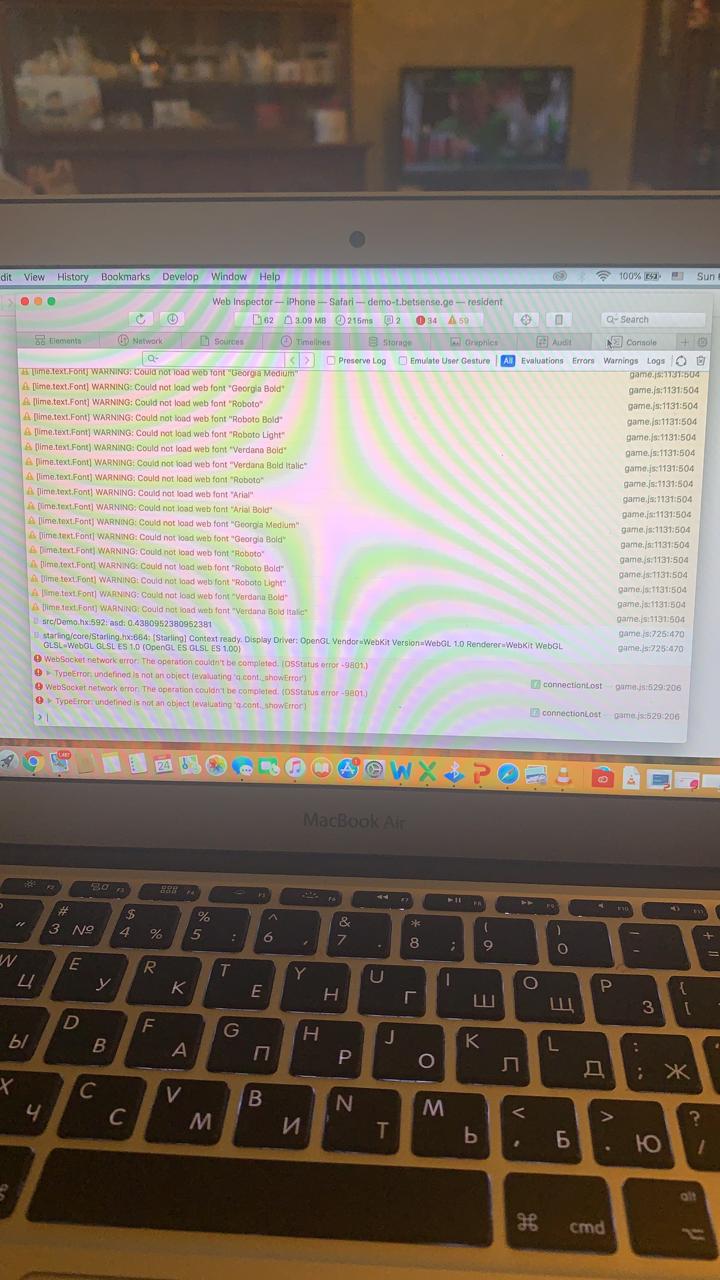

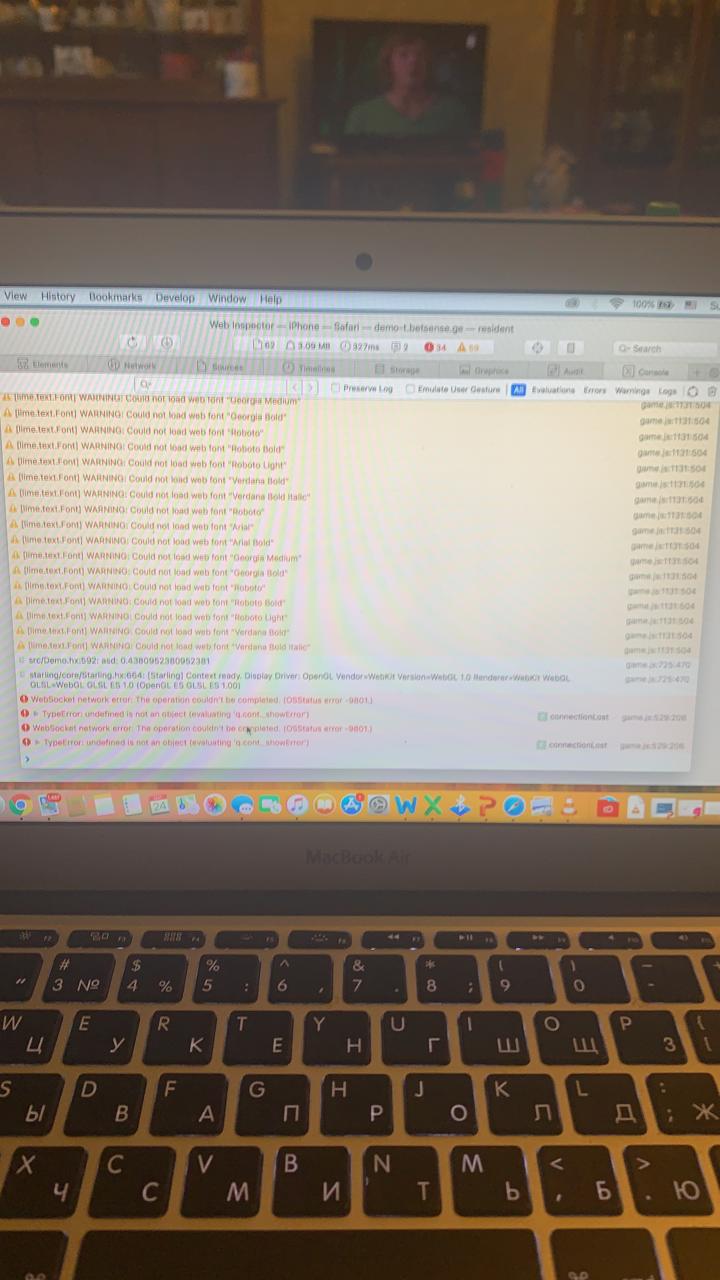
 JemalJiquri
on 28 May 2020
JemalJiquri
on 28 May 2020
Related issues
 linonetwo
·
4Comments
bugs181
·
3Comments
linonetwo
·
4Comments
bugs181
·
3Comments
 biocrypto730
·
5Comments
biocrypto730
·
5Comments
 terrybleger
·
5Comments
amark
·
3Comments
terrybleger
·
5Comments
amark
·
3Comments