Greenlight: Landing page Customization
Hi
I install bigbluebutton on my VPS, it is working fine and installed as per instruction provided on https://www.youtube.com/watch?v=D1iYEwxzk0M&t=3s.
After feeling issues with customization I found on link to update https://github.com/bigbluebutton/greenlight/issues/1112
and perform following steps
1- Clone the github repo onto your machine
2- cd ~/greenlight
3- cp sample.env .env
4- gem install bundler
5- bundle install
6- cat ./greenlight.nginx | sudo tee /etc/bigbluebutton/nginx/greenlight.nginx
after I do
1: docker-compose down
2: cd ..
3: mv greenlight/ greenlight-old/
4: cp ~/greenlight-old/.env ~/greenlight/.env
5: sudo cp -r ~/greenlight-old/db ~/greenlight/
6: cd ~/greenlight
7: docker-compose down
8: docker-compose up -d
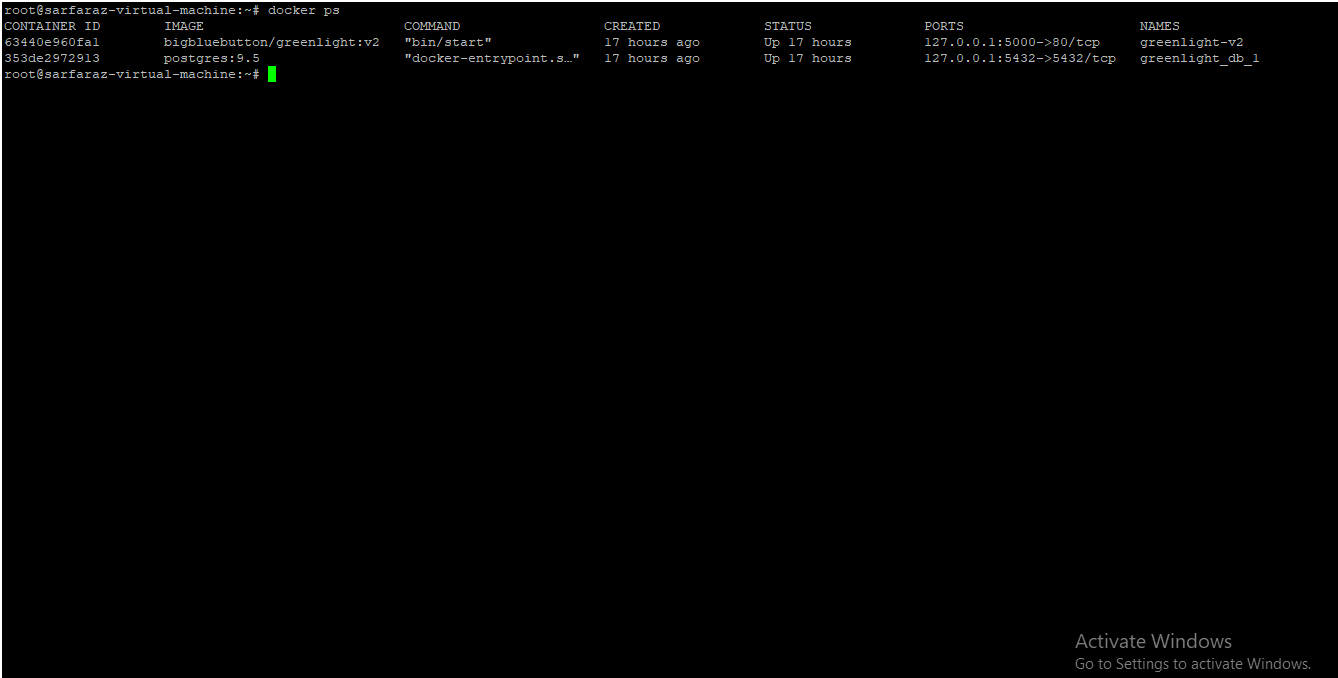
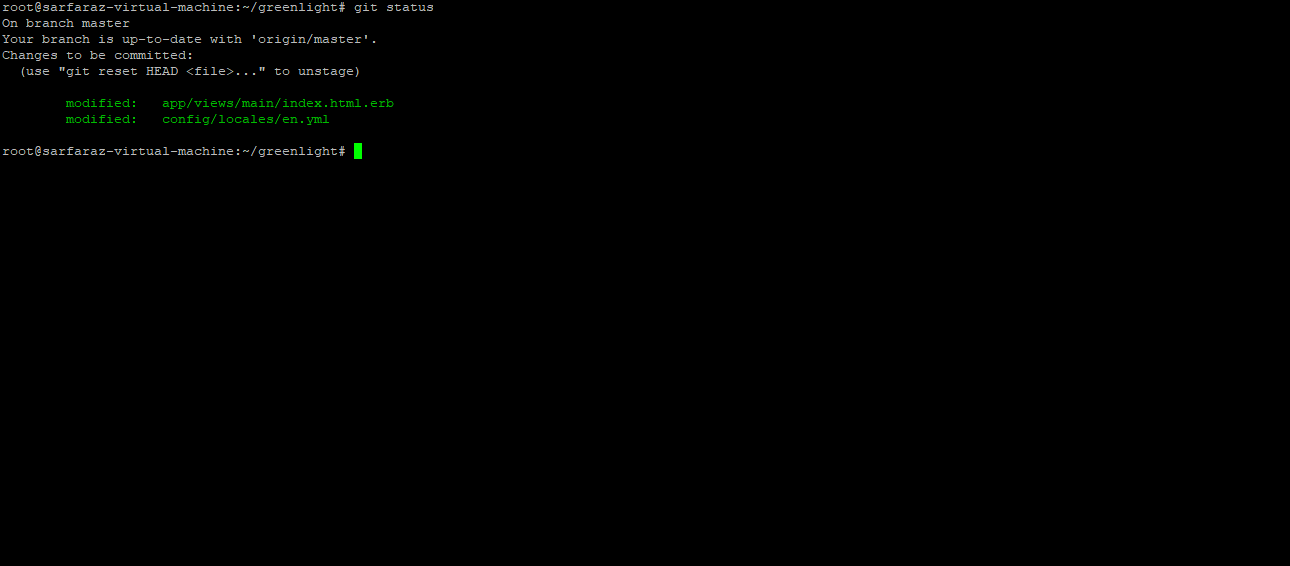
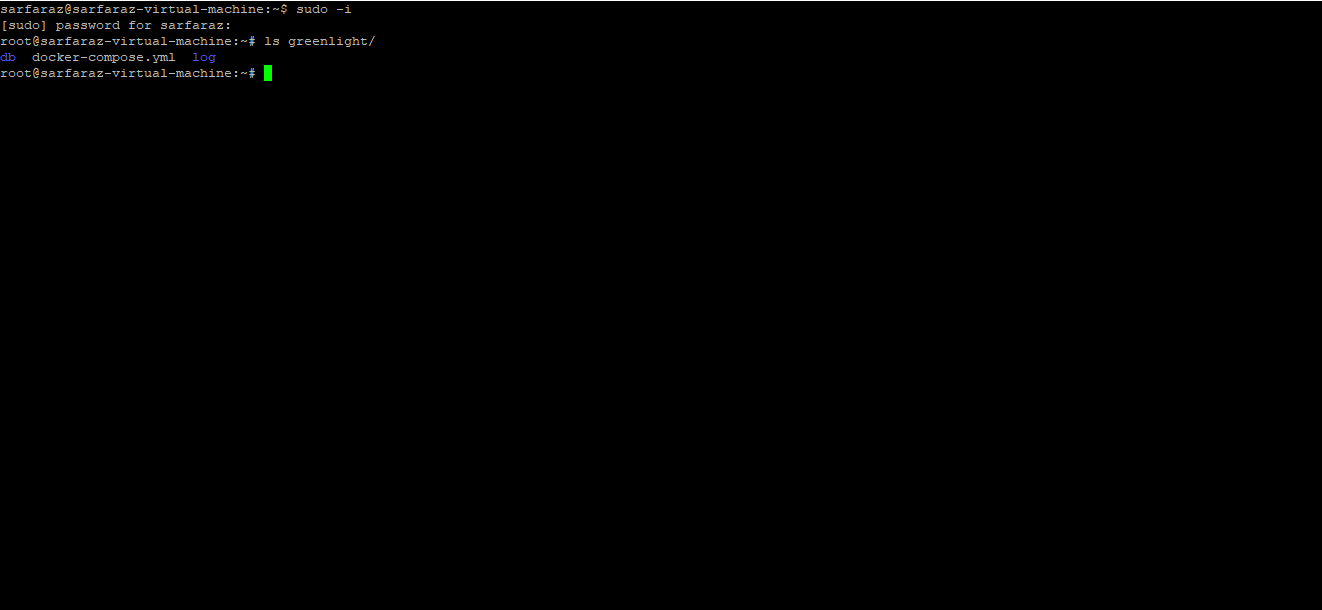
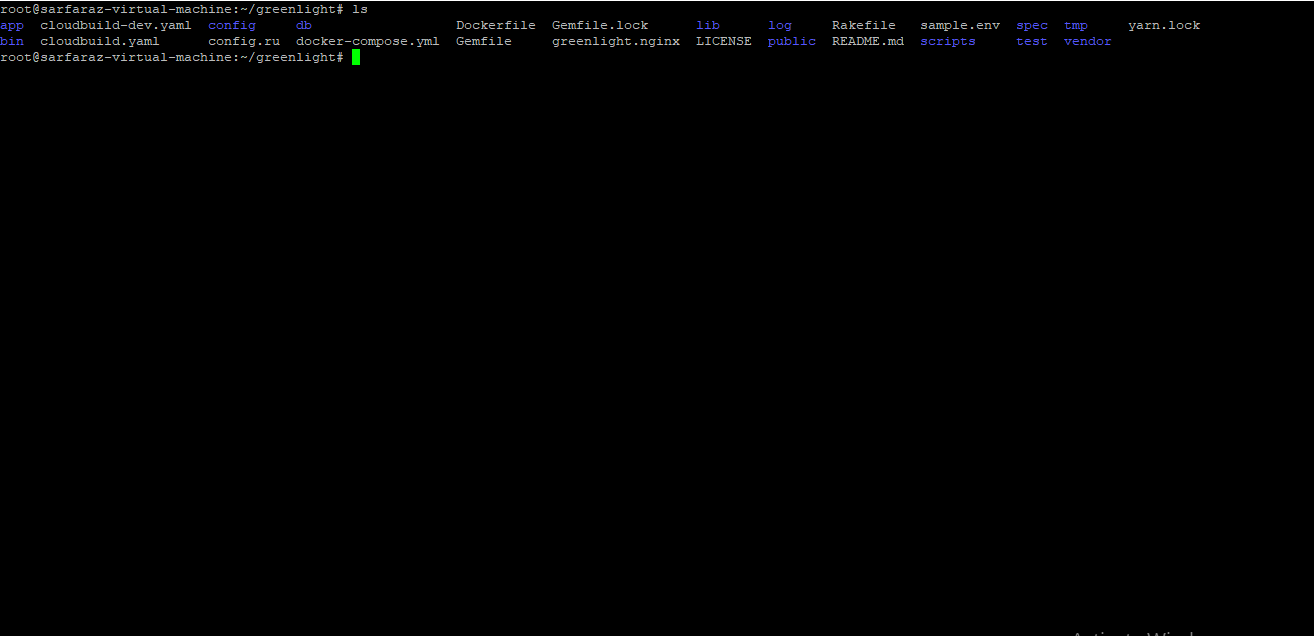
But unable to customize any page. Kindly let me know where I do mistake, second greenlight full files also showing in ~/greenlight folder as per attachment.
 sarzali07
All 9 comments
it is wrong... finally i found the way.... after almost 1 month....
 dragossido
on 5 Apr 2020
dragossido
on 5 Apr 2020
you forgot ./scripts/image_build.sh
dragossido
on 5 Apr 2020
ps i discovered you need to do a new realase any change
dragossido
on 5 Apr 2020
Thanks @dragossido with little struggling I find out to resolve this issue.
sarzali07
on 5 Apr 2020
i am happy you solved
dragossido
on 6 Apr 2020
Hi @sarzali07 Glad you can find a solution, could you share your solution please
Regards
 KurJay
on 25 May 2020
KurJay
on 25 May 2020
it is wrong... finally i found the way.... after almost 1 month....
can you share, Regards
KurJay
on 25 May 2020
Yes.
1) start with a clean ubuntu
2) install only big blue button
3) install doker and doker compose
4) follow costum greenlight install (gitclone)
at this point you have copy of greenlight in your server
5) install "nano" on the server (i personally prefer to vim)
6) open with nano the files in greenlight language folder
7) find the lines you want change for the landing page
8) louinch doker compose e give a name to your "distro" of greenlight
9) change the file docker-composer in green light putting the name of your distro
DONE!
it is wrong... finally i found the way.... after almost 1 month....
can you share, Regards
dragossido
on 25 May 2020
Thanks I will Try and Get Back To Your
Regards
KurJay
on 25 May 2020
Related issues
 simonschweizer
·
4Comments
simonschweizer
·
4Comments
 iangilmour
·
5Comments
iangilmour
·
5Comments
 bijism
·
4Comments
bijism
·
4Comments
 bvdlingen
·
3Comments
bvdlingen
·
3Comments
 tarunb999
·
5Comments
tarunb999
·
5Comments