Graphql-engine: Error on voyager view
I got this message when I trying to open voyager view in my hasura app with heroku.
Error: abort(7). Build with -s ASSERTIONS=1 for more info.
    at Array.n.listeners.<computed> (https://graphql-engine-cdn.hasura.io/console/assets/channel/beta/v1.0/vendor.js.gz:1:3828515)
    at Worker.<anonymous> (https://graphql-engine-cdn.hasura.io/console/assets/channel/beta/v1.0/vendor.js.gz:1:3828346)
 edsonbonfim
All 16 comments
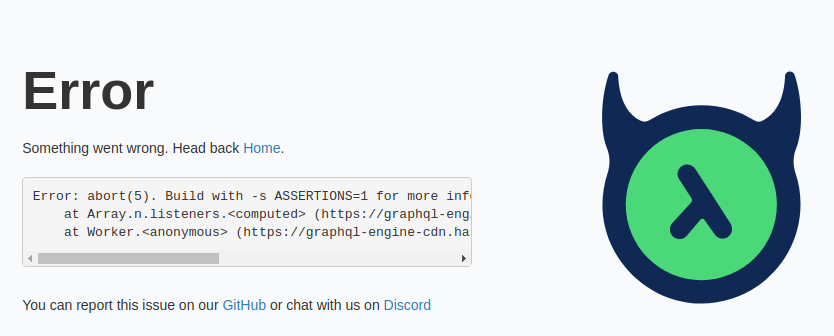
This message is all that I have. I've deploy my app with heroku.
edsonbonfim
on 2 Dec 2019
I get the same issue.
 stefan1968
on 11 Dec 2019
stefan1968
on 11 Dec 2019
I have the same issue in big projects with many tables. For small projects every thing is working fine.
 mnlbox
on 11 Dec 2019
mnlbox
on 11 Dec 2019
I have a similar issue. Also occurs on voyager view, but different row numbers.
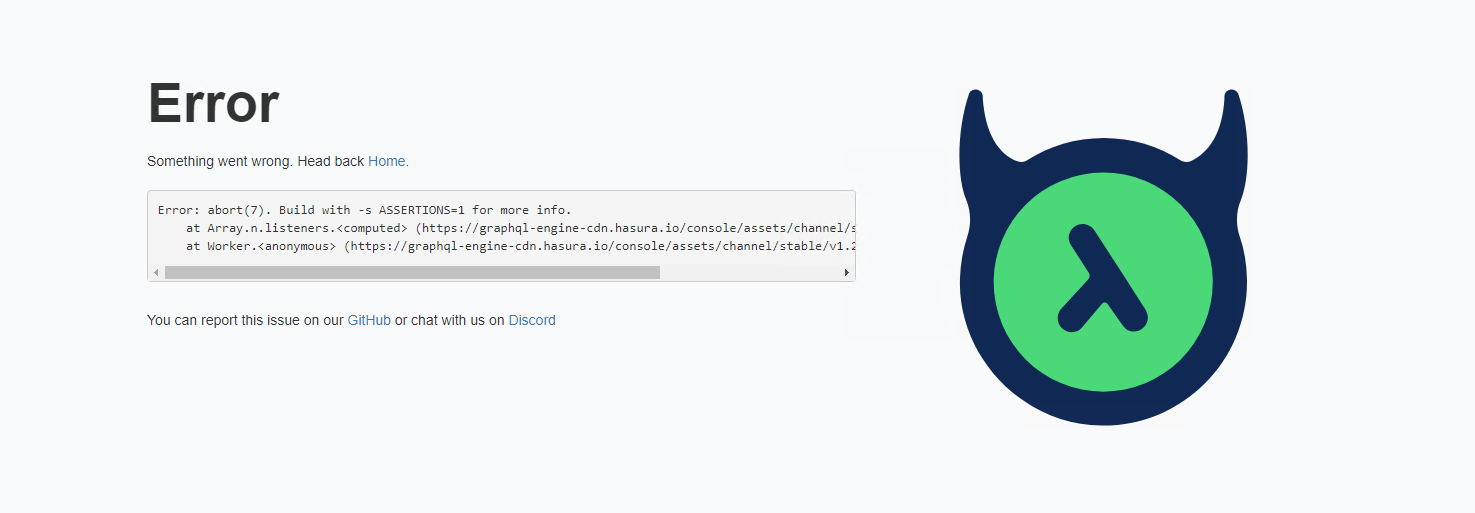
Error: abort(7). Build with -s ASSERTIONS=1 for more info.
    at Array.n.listeners.<computed> (https://graphql-engine-cdn.hasura.io/console/assets/channel/stable/v1.0/vendor.js.gz:1:3832520)
    at Worker.<anonymous> (https://graphql-engine-cdn.hasura.io/console/assets/channel/stable/v1.0/vendor.js.gz:1:3832351)
I'm running Hasura in Docker, which is connected to PostreSQL outside of docker, which is connected to MySQL (via Foreign Data Wrappers). GraphQL queries are working fine.
 PeterDraex
on 18 Jan 2020
PeterDraex
on 18 Jan 2020
Same error on a project with 40+ tables.
Error: abort(7). Build with -s ASSERTIONS=1 for more info.
at Array.n.listeners.<computed> (https://graphql-engine-cdn.hasura.io/console/assets/channel/stable/v1.0/vendor.js.gz:1:3832520)
at Worker.<anonymous> (https://graphql-engine-cdn.hasura.io/console/assets/channel/stable/v1.0/vendor.js.gz:1:3832351)
I tried to upload the introspection query result on https://apis.guru/graphql-voyager and it works (it takes 10 seconds to render).
 DevSnap
on 3 Feb 2020
DevSnap
on 3 Feb 2020
same issue here with hasura running in docker and 60 tables with very little data. Though left sidebar seems to be displayed correctly for <1 sec before error occurs.
Error:
e/</n.listeners[a]@https://graphql-engine-cdn.hasura.io/console/assets/channel/stable/v1.0/vendor.js.gz:1:3832109
e/<@https://graphql-engine-cdn.hasura.io/console/assets/channel/stable/v1.0/vendor.js.gz:1:3831940
 tpurschke
on 16 Feb 2020
tpurschke
on 16 Feb 2020
I have a similar issue, but different error, but I think we are all experiencing the same thing (or some of us) and a proposed workaround/solution:
Error: Maximum call stack size exceeded
    at Array.n.listeners.<computed> (https://graphql-engine-cdn.hasura.io/console/assets/channel/beta/v1.2/vendor.js.gz:1:5523135)
    at Worker.<anonymous> (https://graphql-engine-cdn.hasura.io/console/assets/channel/beta/v1.2/vendor.js.gz:1:5522964
)
The issue is likely related to resource usage in Voyager and there is guidance in this issue around raising limits (https://github.com/APIs-guru/graphql-voyager/issues/129).
Is there a way we could expose the two config items for the embedded Voyager as a Hasura configuration variable (even if someone can give me some guidance has to how to do that or even just where to start in the codebase I'd be happy to submit a PR, just reduce that barrier to entry for me so I can prioritize it :) - I am not a Hasura expert on internals and I don't know Rust, either, but I do know JS pretty well...)?
I know the schema works well and isn't too big as pasting in the introspection query SDL directly into Voyager works just fine, so it's possible with the right limits.
 24601
on 9 Apr 2020
24601
on 9 Apr 2020
Hi @24601,
The solution suggested in https://github.com/APIs-guru/graphql-voyager/issues/129 is strictly related to the voyager code. Stack and heap sizes are hardcoded in the voyager code.
 beerose
on 13 Apr 2020
beerose
on 13 Apr 2020
Hi @24601,
The solution suggested in APIs-guru/graphql-voyager#129 is strictly related to the voyager code. Stack and heap sizes are hardcoded in the voyager code.
Thanks, @beerose, yes, they're hard coded (🤦).
So I have thought of just doing a custom build, patching, and calling it good, which I may do, but I am curious if there is any interest in having this process exposed through standard Hasura variables/config methods, I could think of a few ways this could be done, I was erring on the side of externalizing their hard-coded variables (hopefully they'd accept a PR for something fixing something as obtuse as hard coded config w/o an override) and then having the Hasura changes in GraphiQL that render the button pass values of config vars (LIke HASURA_CONSOLE_VOYAGER_XXXX).
But if this kind of PR would never be accepted I don't want to waste our time if we're going to be stuck running custom builds.
Any thoughts on if this is something worth looking at?
24601
on 13 Apr 2020
Got this error today in voyager view
Error: syntax error in line 151285 scanning a HTML string (missing '>'? bad nesting? longer than 16384?)
String starting:<<TABLE ALIGN="LEFT" BORDER="0" CELLBORDER="1" CELLSPACING="0" CELLPADDING="5">


    at Array.n.listeners.<computed> (https://graphql-engine-cdn.hasura.io/console/assets/channel/stable/v1.1/vendor.js.gz:1:3890992)
    at Worker.<anonymous> (https://graphql-engine-cdn.hasura.io/console/assets/channel/stable/v1.1/vendor.js.gz:1:3890821)
 soneymathew
on 14 Apr 2020
soneymathew
on 14 Apr 2020
Same today with 1.2.0.
 jadiaheno
on 5 May 2020
jadiaheno
on 5 May 2020
@beerose @edsonbonfim Hey, Can anyone please list here steps to reproduce the error?
 Ckbhatia
on 21 May 2020
Ckbhatia
on 21 May 2020
@Ckbhatia the best way to reproduce this would be to start Hasura Console and create multiple test tables. As I know this issue occurs when there are more than ~40 tables.
Here are the instructions on how to run Console locally.
beerose
on 22 May 2020
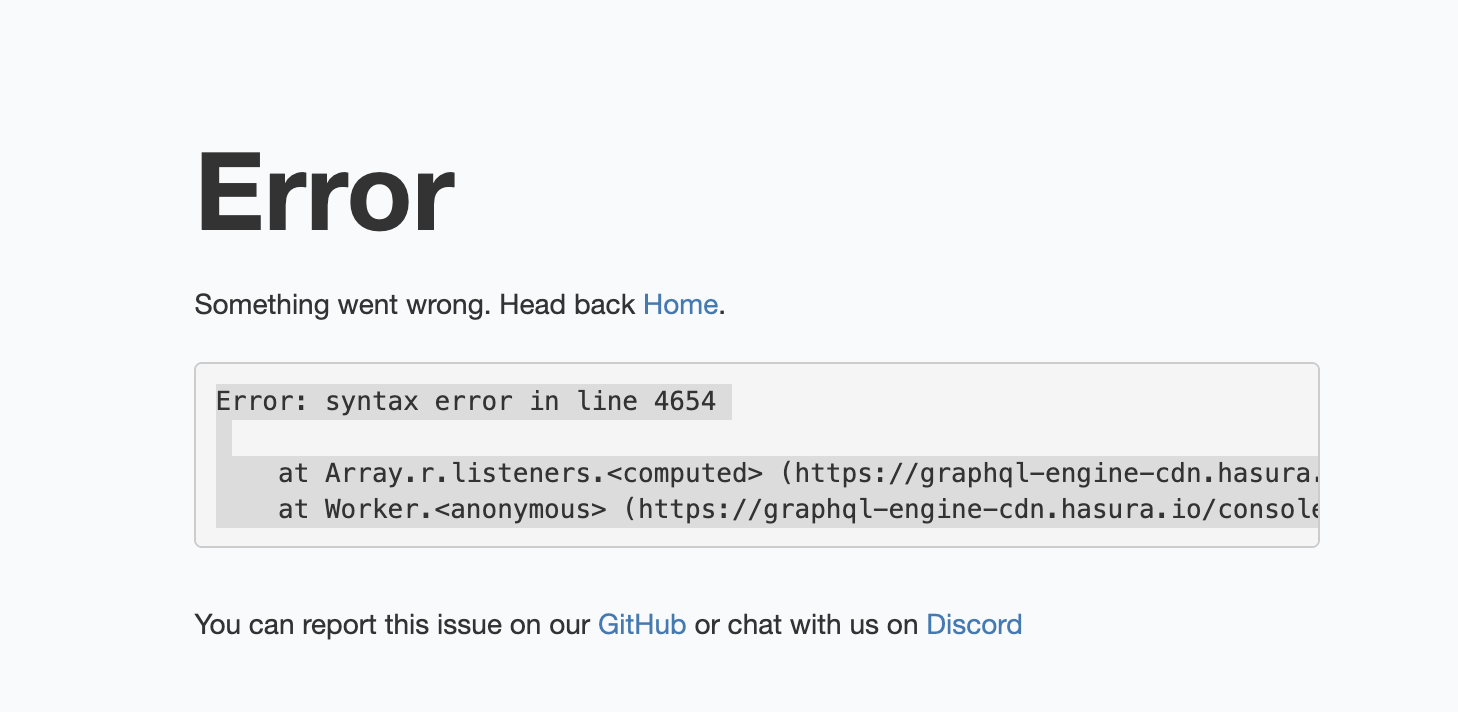
Got: Error: syntax error in line 4654
at Array.r.listeners.<computed> (https://graphql-engine-cdn.hasura.io/console/assets/channel/stable/v1.3/vendor.js.gz:1:6855882)
at Worker.<anonymous> (https://graphql-engine-cdn.hasura.io/console/assets/channel/stable/v1.3/vendor.js.gz:1:6855711)
 airstep
on 12 Oct 2020
airstep
on 12 Oct 2020
I met same error when running Hasura in Azure docker container.
Error: abort(7). Build with -s ASSERTIONS=1 for more info.
    at Array.r.listeners.<computed> (https://graphql-engine-cdn.hasura.io/console/assets/channel/stable/v1.3/vendor.js.gz:1:6932448)
    at Worker.<anonymous> (https://graphql-engine-cdn.hasura.io/console/assets/channel/stable/v1.3/vendor.js.gz:1:6932277)
 zorro-lp
on 23 Nov 2020
zorro-lp
on 23 Nov 2020
please
 TejasQ
on 2 Dec 2020
TejasQ
on 2 Dec 2020
Related issues
 EmrysMyrddin
·
3Comments
EmrysMyrddin
·
3Comments
 marionschleifer
·
3Comments
marionschleifer
·
3Comments
 bogdansoare
·
3Comments
bogdansoare
·
3Comments
 rikinsk-zz
·
3Comments
rikinsk-zz
·
3Comments
 coco98
·
3Comments
coco98
·
3Comments
Most helpful comment
I have the same issue in big projects with many tables. For small projects every thing is working fine.