Grapesjs: [QUESTION]: How can I create block with background image with behavior like built-in "image"?
Hello, I'm trying to create block with background image (similar to Grapedrop Image Box). I added new component like this:
  domc.addType('image-block', {
    extend: 'image',
    model: {
      defaults: function() {
        return {
          name: 'Background Image',
          type: 'image-block',
          tagName: 'div',
          void: false,
          droppable: true,
          resizable: true
        }
      }
    },
    view: {
      tagName: 'div',
      updateSrc: function() {
        const { model, em } = this;
        const srcResult = model.getSrcResult();
        const style = model.getStyle();
        const isDefaultSrc = model.isDefaultSrc();
        const url = "url('".concat(srcResult, "')");

        if (srcResult) {
          model.addStyle({
            '__bg-type': 'img',
            'background-image': isDefaultSrc && style['background-image'] || url,
            'background-size': style['background-size'] || 'cover',
            'background-position': style['background-position'] || 'center center',
            'background-attachment': style['background-attachment'] || 'scroll',
            'background-repeat': style['background-repeat'] || 'no-repeat'
          });

          em.trigger('component:toggled');
        }
        this.$el[srcResult ? 'removeClass' : 'addClass'](this.classEmpty)
      },
      onRender: function() {
        this.updateSrc()
      }
    }
  })
And also I added block:
  bm.add('image-block', {
    label: 'Background Image',
    category: 'Basic',
    content: {
      name: 'Background Image',
      type: 'image-block',
      activeOnRender: 1,
      style: {
        height: '200px'
      }
    }
  })
But unfortunatelly I cannot drop any block inside of it:
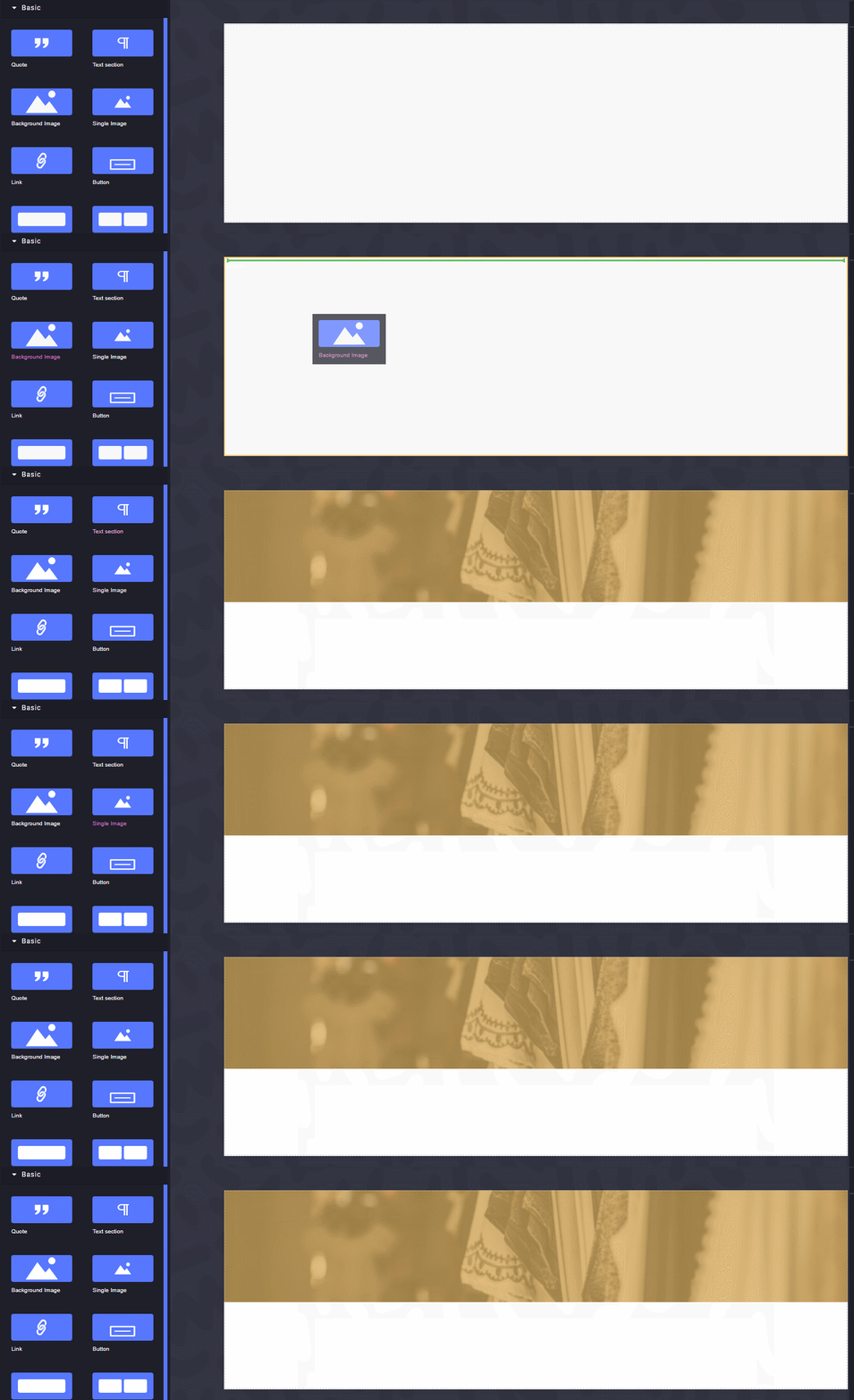
Grapedrop Image Box has the same issue. Is it possible to drop elements inside of such compoent?
 kuhelbeher
All 2 comments
@kuhelbeher because, ultimately, it is still an image. It's not for use/override the way you want because in the back-end code (look at both image component model and view) https://github.com/artf/grapesjs/blob/dev/src/dom_components/view/ComponentImageView.js#L55 and https://github.com/artf/grapesjs/blob/dev/src/dom_components/model/ComponentImage.js#L83 are still very much ties together. It's better that you create a wrapper component and execute command open-assets in onActive of the view. Hint, see issue - https://github.com/artf/grapesjs/issues/2250
 noogen
on 5 Apr 2020
noogen
on 5 Apr 2020
@noogen Thanks for advise, implemented it like this:
  const domc = editor.DomComponents

  domc.addType('image-block', {
    extend: 'default',
    model: {
      defaults: function () {
        return {
          name: 'Background image',
          type: 'image-block',
          tagName: 'div',
          void: false,
          droppable: true
        }
      }
    },
    view: {
      init () {
        this.listenTo(this.model, 'active', this.onActive)
        this.listenTo(this.model, 'change:src', this.updateImage)
      },
      events: {
        dblclick: 'onActive'
      },
      onActive () {
        editor.runCommand('open-assets', {
          target: this.model,
          types: ['image'],
          accept: 'image/*'
        })
      },
      updateImage (model, url) {
        if (url) {
          const style = model.getStyle()

          model.setStyle({
            'background-image': style['background-color'] || `url("${url}")`,
            'background-size': style['background-size'] || 'cover',
            'background-position': style['background-position'] || 'center center',
            'background-repeat': style['background-repeat'] || 'no-repeat',
            'min-height': style['min-height'] || '200px'
          })
        }
      }
    }
  })

  const bm = editor.BlockManager

  bm.add('image-block', {
    label: 'Background Image',
    category: 'Basic',
    content: {
      type: 'image-block',
      activeOnRender: true,
      style: {
        'background-image': `url('${window.origin}/images/image-placeholder.png')`,
        'min-height': '200px',
        'background-size': 'cover',
        'background-position': 'center center',
        'background-repeat': 'no-repeat'
      }
    }
  })
Related issues
 chrisedington
·
31Comments
chrisedington
·
31Comments
 bungambohlah
·
14Comments
bungambohlah
·
14Comments
 kamleshkatpara
·
17Comments
kamleshkatpara
·
17Comments
 pierreozoux
·
27Comments
pierreozoux
·
27Comments
 cmcintosh
·
29Comments
cmcintosh
·
29Comments
Most helpful comment
@kuhelbeher because, ultimately, it is still an image. It's not for use/override the way you want because in the back-end code (look at both image component model and view) https://github.com/artf/grapesjs/blob/dev/src/dom_components/view/ComponentImageView.js#L55 and https://github.com/artf/grapesjs/blob/dev/src/dom_components/model/ComponentImage.js#L83 are still very much ties together. It's better that you create a wrapper component and execute command
open-assetsinonActiveof the view. Hint, see issue - https://github.com/artf/grapesjs/issues/2250