Grapesjs: [QUESTIONS] How to apply the style changes to the ID instead of the class?
Hi,
I have two elements with the same classes. I want to apply style changes with style manager to one of these two elements. I add ID but the style applies to the class not to the ID.
What can I do?
 abozhinov
All 6 comments
At the Style Manager painel, you have a way to select/unselect to which css selectors (classes or id)
you want to apply the styling.
Click on a block and open the Style Manager panel. You will see all selectors applied to that block.
 arthuralmeidap
on 21 Feb 2019
arthuralmeidap
on 21 Feb 2019
Thanks ... The UI is not user-friendly.
abozhinov
on 21 Feb 2019
@abozhinov
Thanks ... The UI is not user-friendly.
Suggestions are not prohibited...
 artf
on 22 Feb 2019
artf
on 22 Feb 2019
@artf
I think the problem is in the ICON. I edit the sources code and replace it with SVG also rewrite the style.
Do I have an option to replace the TEMPLATE for each section without editing the source code?
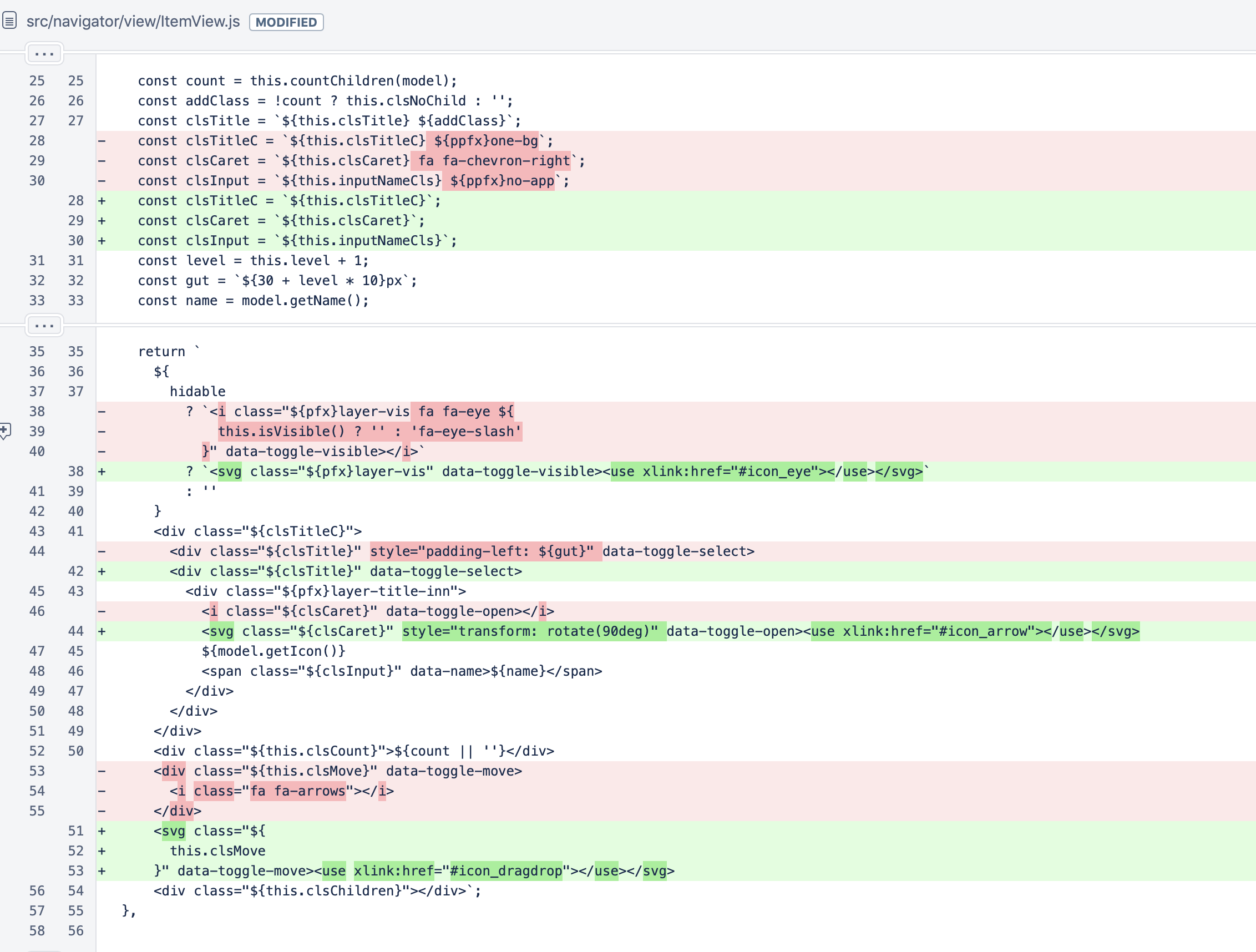
The framework is great I really love it :)
abozhinov
on 22 Feb 2019
No, unfortunately, editing templates of the UI it's not yet possible but we hope to achieve it one day
artf
on 22 Feb 2019
This thread has been automatically locked since there has not been any recent activity after it was closed. Please open a new issue for related bugs.
![lock[bot] picture](https://avatars1.githubusercontent.com/in/6672?v=4&s=40) lock[bot]
on 22 Feb 2020
lock[bot]
on 22 Feb 2020
Related issues
 ionic666
·
3Comments
ionic666
·
3Comments
 alibouaziz
·
3Comments
alibouaziz
·
3Comments
 Geczy
·
3Comments
Geczy
·
3Comments
 krunal039
·
3Comments
krunal039
·
3Comments
 tribulant
·
3Comments
tribulant
·
3Comments