Google-play-music-desktop-player-unofficial-: Login Issues
Checklist:
[x] I have checked that there are no issues with similar or the same content
YOU SHOULD CHECK CLOSED ISSUES ASWELL
- [x] I have checked the FAQ (https://github.com/MarshallOfSound/Google-Play-Music-Desktop-Player-UNOFFICIAL-/wiki/FAQ) and the answer I am looking for is not there
- [x] I have double checked and can reproduce the issue
*OS: MAC OS Catalina 10.15.1 *
GPMDP Version: 4.6.1
Issue Descriptions: Can't login any more
**Steps to Reproduce:
- Delete your data folder ~/Library/Application Support/Google Play Music Desktop Player. I did it because got stucked on Loading your library screen)
- Open app and try to login
- Login fails with info that my browser is not secure for logging in:
Couldn't sign you in
You are trying to sign in from a browser or app that doesn't allow us to keep your account secure.
Try using a different browser. Learn more

P.S. I tried to disable 2 factor auth for the google account but it didn't help
debug_info.zip
 betmakh
All 17 comments
👋 Thanks for opening your first issue here! If you're reporting a 🐞 bug, please make sure you include steps to reproduce it. We get a lot of duplicate issues on this repo, so please double check now that your issue has not already been solved or doesn't have an open issue already.
To help make it easier for us to investigate your issue, please follow the contributing guidelines and ensure the issue template was filled out.
![welcome[bot] picture](https://avatars.githubusercontent.com/in/4141?v=4&s=40) welcome[bot]
on 28 Nov 2019
welcome[bot]
on 28 Nov 2019
Same problem for me here, with macOS 10.15.1 Catalina
I'm stuck on
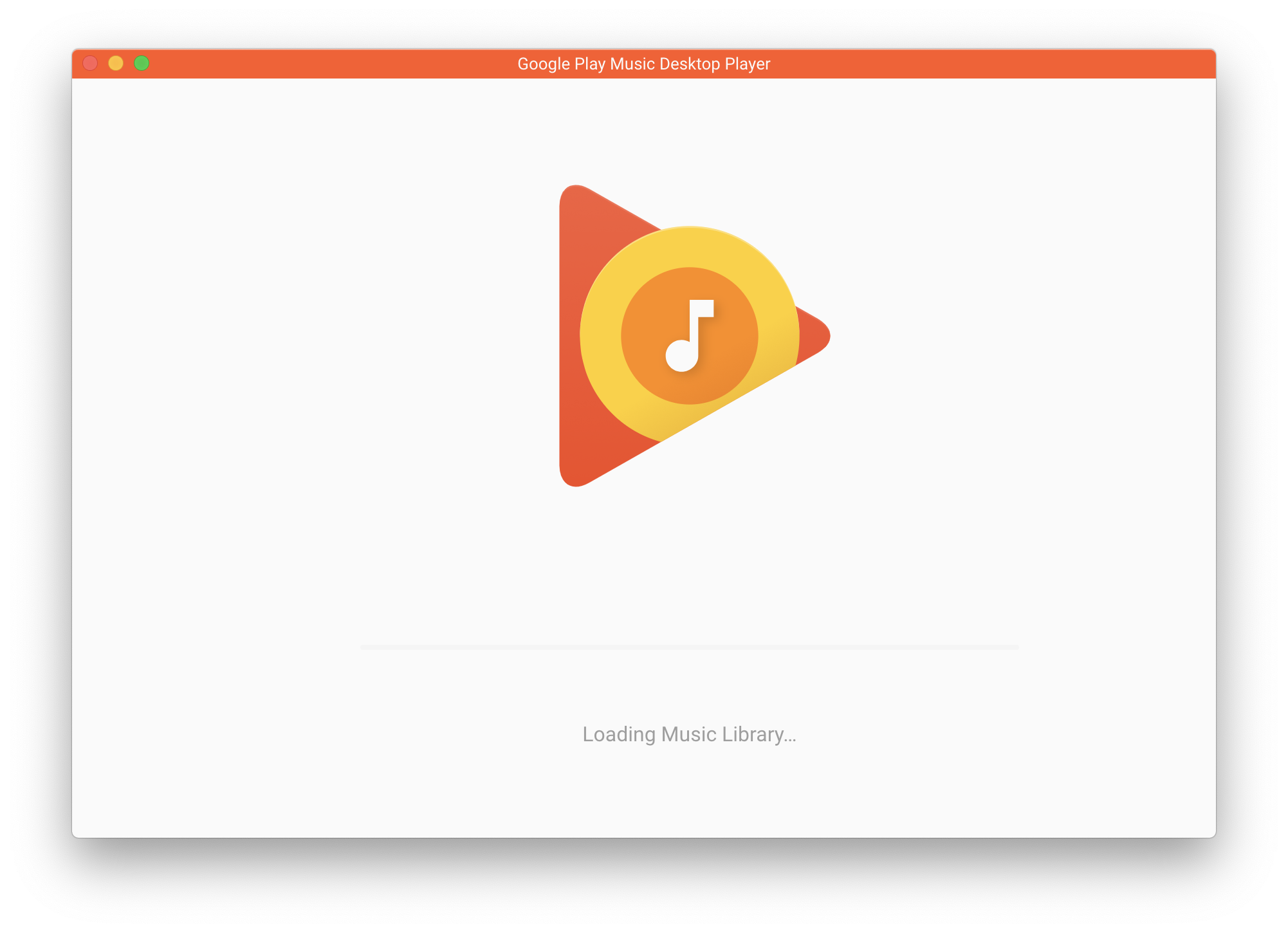
- tried to delete my ~/Library/Application Support/Google Play Music Desktop Player directory.
- Logged me in again
- Stuck on the same screen again
UPDATE :
Ok maybe this thread is a duplicate of my problem : https://github.com/MarshallOfSound/Google-Play-Music-Desktop-Player-UNOFFICIAL-/issues/3660
For lazy OS X users: https://3667-40008106-gh.circle-artifacts.com/0/home/circleci/project/dist/installers/darwin/Google%20Play%20Music%20Desktop%20Player.zip
May become dead in the future, I don't know how long Circle retains artifacts.
 Mallox51
on 28 Nov 2019
Mallox51
on 28 Nov 2019
same here But Linux Mint 19
 rijnhard
on 28 Nov 2019
rijnhard
on 28 Nov 2019
The CI build fix the splashscreen hang but I can't use the scrollbar (mouse wheel works).
 conradfr
on 29 Nov 2019
conradfr
on 29 Nov 2019
Confirm, same problem here, Linux Mint 19.2
 rembk4y
on 29 Nov 2019
rembk4y
on 29 Nov 2019
Same for me on Mint 19.2 and RHEL 7
 JeffLCoughlin
on 29 Nov 2019
JeffLCoughlin
on 29 Nov 2019
Also a problem on Windows 10
 kroppt
on 30 Nov 2019
kroppt
on 30 Nov 2019
Windows 7 also. I have uninstalled for the time being.
 chasfh
on 30 Nov 2019
chasfh
on 30 Nov 2019
Same, Xubuntu 16.04.6 LTS, GPMDP 4.6.1 Debian 64-bit *.deb
 AntonioMichaelAlvarez
on 30 Nov 2019
AntonioMichaelAlvarez
on 30 Nov 2019
Couldn't sign you in
You are trying to sign in from a browser or app that doesn't allow us to keep your account secure.
Try using a different browser. Learn more
Same issue. Windows 10.
 danryandesigns
on 1 Dec 2019
danryandesigns
on 1 Dec 2019
Confirm, same problem: macOS 10.15.1 Catalina
 8simsim8
on 1 Dec 2019
8simsim8
on 1 Dec 2019
I am closing this in favor of the pinned #3545. It appears to be now effecting more of you now that we are closer to the end of the year deadline that Google was imposing, but in theory is fixed in the next release.
 jostrander
on 1 Dec 2019
jostrander
on 1 Dec 2019
I am closing this in favor of the pinned #3545. It appears to be now effecting more of you now that we are closer to the end of the year deadline that Google was imposing, but in theory is fixed in the next release.
Hi @jostrander I checked the thread and pr. I also pulled the code change which should fix the issue and rebuilt project locally but it does not fix the issue.
After checking the project's code and electron docs: https://electronjs.org/docs/api/webview-tag I think the issue here is that app uses
I think the Issue should remain open
Thanks
betmakh
on 4 Dec 2019
@betmakh The issue is indeed that the application uses the web view tag. Unfortunately there is no other way for us to integrate with GPM and YTM as far as authentication goes. We are simply injecting functionality into the existing web apps that Google provides via the web frame.
I'm not sure why the latest changes didn't fix the issue for you, unless Google has changed the way they check for third party "browsers" again. Either way it should be tracked in the existing issue, IMO.
jostrander
on 4 Dec 2019
Same issue on Windows 10.
 aachowhan
on 8 Dec 2019
aachowhan
on 8 Dec 2019
Same issue here (Windows 10 / Chrome 78.0.3904.108
 Recif2
on 13 Dec 2019
Recif2
on 13 Dec 2019
I found a solution to the same issue for me with this post on the related thread linked above.
 mojhale
on 21 Dec 2019
mojhale
on 21 Dec 2019
Related issues
 ivko1950
·
4Comments
ivko1950
·
4Comments
 kfk2312
·
3Comments
kfk2312
·
3Comments
 amgrider
·
3Comments
amgrider
·
3Comments
 greghesp
·
3Comments
greghesp
·
3Comments
 Turbotailz
·
4Comments
Turbotailz
·
4Comments
Most helpful comment
Confirm, same problem: macOS 10.15.1 Catalina