Google-play-music-desktop-player-unofficial-: Google Play Music Desktop Player crashes immediately
OS:
Ubuntu Disco Dingo 19.04
GPMDP Version:
4.6.0 and 4.6.1
Issue Descriptions:
The Player crashes on startup : fish: “google-play-music-desktop-player” terminated by signal SIGSEGV (Address boundary error)
Steps to Reproduce:
Install the version 4.6.1 on Ubuntu 19.04 and start it.
 Hunsu
Hunsu
All 35 comments
👋 Thanks for opening your first issue here! If you're reporting a 🐞 bug, please make sure you include steps to reproduce it. We get a lot of duplicate issues on this repo, so please double check now that your issue has not already been solved or doesn't have an open issue already.
To help make it easier for us to investigate your issue, please follow the contributing guidelines and ensure the issue template was filled out.
![welcome[bot] picture](https://avatars.githubusercontent.com/in/4141?v=4&s=40) welcome[bot]
on 16 Feb 2019
welcome[bot]
on 16 Feb 2019
Segementation fault on OpenSUSE immediately after launch.
 PadreAdamo
on 17 Feb 2019
PadreAdamo
on 17 Feb 2019
I was having this problem with 4.6.1 (downloaded .deb file) on Ubuntu Cosmic Cuttlefish 18.10, but I was getting this error on the command line:
google-play-music-desktop-player: error while loading shared libraries: libgconf-2.so.4: cannot open shared object file: No such file or directory
After installing gconf2 the problem went away, and the application is able to start and run normally.
 shannonlucas
on 18 Feb 2019
shannonlucas
on 18 Feb 2019
Can reproduce this on current Debian Unstable. Last systemcalls in strace were:
futex(0x7ffff4e67f58, FUTEX_WAKE_PRIVATE, 2147483647) = 0
futex(0x7ffff4e67f58, FUTEX_WAKE_PRIVATE, 2147483647) = 0
madvise(0x3948e0129000, 4096, MADV_DONTNEED) = 0
getrandom("\x4d", 1, GRND_NONBLOCK)     = 1
stat("/etc/gnutls/default-priorities", 0x7fffffffd580) = -1 ENOENT (No such file or directory)
statfs("/sys/fs/selinux", 0x7fffffffd560) = -1 ENOENT (No such file or directory)
statfs("/selinux", 0x7fffffffd560)      = -1 ENOENT (No such file or directory)
openat(AT_FDCWD, "/proc/filesystems", O_RDONLY|O_CLOEXEC) = 3
fstat(3, {st_mode=S_IFREG|0444, st_size=0, ...}) = 0
read(3, "nodev\tsysfs\nnodev\trootfs\nnodev\tr"..., 1024) = 412
read(3, "", 1024)                       = 0
close(3)                                = 0
madvise(0x3948e0148000, 8192, MADV_DONTNEED) = 0
access("/etc/selinux/config", F_OK)     = 0
--- SIGSEGV {si_signo=SIGSEGV, si_code=SEGV_ACCERR, si_addr=0xa4fa30} ---
+++ killed by SIGSEGV +++
GDB Backtrace delivers:
(gdb) bt
#0  0x0000000000a4fa30 in  ()
#1  0x00007ffff7d852b2 in node::http2::Http2Session::Callbacks::Callbacks(bool) ()
    at /usr/share/google-play-music-desktop-player/libnode.so
#2  0x00007ffff7d85375 in  () at /usr/share/google-play-music-desktop-player/libnode.so
#3  0x00007ffff7fe430a in call_init
    (l=<optimized out>, argc=argc@entry=1, argv=argv@entry=0x7fffffffd698, env=env@entry=0x7fffffffd6a8)
    at dl-init.c:72
#4  0x00007ffff7fe4406 in call_init (env=0x7fffffffd6a8, argv=0x7fffffffd698, argc=1, l=<optimized out>)
    at dl-init.c:30
#5  0x00007ffff7fe4406 in _dl_init (main_map=0x7ffff7ffe190, argc=1, argv=0x7fffffffd698, env=0x7fffffffd6a8)
    at dl-init.c:119
#6  0x00007ffff7fd60ca in _dl_start_user () at /lib64/ld-linux-x86-64.so.2
#7  0x0000000000000001 in  ()
#8  0x00007fffffffda67 in  ()
#9  0x0000000000000000 in  ()
 stettberger
on 18 Feb 2019
stettberger
on 18 Feb 2019
Happened to me with google-play-music-desktop-player-4.6.1-1.x86_64 on Fedora 29 Linux kernel 4.20.6-200.fc29.x86_64. Output of strace google-play-music-desktop-player at https://pastebin.com/ZGx9dttZ
 fultonj
on 20 Feb 2019
fultonj
on 20 Feb 2019
Experiencing similar on a stock xubuntu 18.10 install here
 nullabletype
on 27 Feb 2019
nullabletype
on 27 Feb 2019
Same here on openSUSE Tumbleweed. I am guessing it is something to do with the Electron version used as I have random issues that are similar to this with older Electron versions.
[1] 3797 segmentation fault (core dumped) google-play-music
:EDIT: After looking at your package.json, I am 99% sure it is the Electron version used. Please update the Electron version to 3.x or newer.
 simoniz0r
on 2 Mar 2019
simoniz0r
on 2 Mar 2019
If I'm not mistaken this has been fixed by a version bump of electron in the master branch. We just need a new release for it to be live.
 jostrander
on 3 Mar 2019
jostrander
on 3 Mar 2019
Please make a new release regardless of new features. I (and any other user on a distro newer than Ubuntu 18.04) cannot use this program at all as is.
simoniz0r
on 3 Mar 2019
Out of my control unfortunately, only @marshallofsound holds the keys to publish new releases.
jostrander
on 3 Mar 2019
Well actually my desktop holds the release keys, and that machine is currently on a ship on it's way from Australia to Canada 😄 I'll make a new release as soon as I can 👍
Closing this out as it is (a) a duplicate and (b) fixed on master
 MarshallOfSound
on 3 Mar 2019
MarshallOfSound
on 3 Mar 2019
@simoniz0r FWIW you can use the assets from CI on master as a temporary workaround
MarshallOfSound
on 3 Mar 2019
@simoniz0r FWIW you can use the assets from CI on master as a temporary workaround
I'm not entirely sure what you're talking about here? I tried looking here, but I can't find anywhere to download assets.
simoniz0r
on 4 Mar 2019
@simoniz0r Any news for a new release? I can't seem to find the assets either.
 Alphare
on 8 Mar 2019
Alphare
on 8 Mar 2019
I found it after some poking around through other issues here.
You have to go here, login, click on the latest build there, and then click the assetst tab.
simoniz0r
on 8 Mar 2019
@simoniz0r Ha, I mentioned you instead of @MarshallOfSound, but that works too. Thanks!
Alphare
on 11 Mar 2019
Any update on this possibly being pushed to the main site for .deb? I installed using deb packages and prefer to keep it that way since I wrote some automation to configure my desktop. I can always rewrite the task to pull from GITHUB rather than deb but I prefer not to.
 oh4
on 7 Jul 2019
oh4
on 7 Jul 2019
Any update on this possibly being pushed to the main site for .deb? I installed using deb packages and prefer to keep it that way since I wrote some automation to configure my desktop. I can always rewrite the task to pull from GITHUB rather than deb but I prefer not to.
Ok, so I found the deb repo here: https://github.com/MarshallOfSound/Google-Play-Music-Desktop-Player-UNOFFICIAL-/blob/master/docs/Installation_On_Debian.md so I removed the manual .deb package and installed using the repo. That worked, however, it's version 4.4.0 instead of 4.6.1. When can we expect the repo to contain the latest build?
oh4
on 7 Jul 2019
It would be better if we could just get a release that fixes this. This has been broken for quite a few months now... not everyone in the world is using LTS Ubuntu and can wait months for a fix. @MarshallOfSound please release a new version that contains this fix.
simoniz0r
on 7 Jul 2019
Bump, would love an update on when this will see official release. Thank you!
 Flinlock
on 31 Jul 2019
Flinlock
on 31 Jul 2019
Bump, and thanks @oh4 !
 aaroncv3
on 1 Sep 2019
aaroncv3
on 1 Sep 2019
I get Segmentation fault (core dumped) on 19.04 with the 4.6.1 deb .
Unfortunately the Snap package has also stopped working because I switched to Wayland from Xorg, but that is a Snap issue.
If you need a working package just use the Snap version.
 nekdolan
on 16 Sep 2019
nekdolan
on 16 Sep 2019
@nekdolan check out my latest comment for a workaround
oh4
on 17 Sep 2019
@oh4 thanks, I guess that would work. I found another google play music player so I'm good.
nekdolan
on 18 Sep 2019
@oh4 thanks, I guess that would work. I found another google play music player so I'm good.
What's the other player you found?
Flinlock
on 18 Sep 2019
nekdolan
on 18 Sep 2019
I don't understand why a new release hasn't been made yet. I get that you don't have a lot of time or whatever, but you already have a working release built... you just have to upload it here.
simoniz0r
on 18 Sep 2019
That is incorrect @simoniz0r , the release build in the other issue is broken.
jostrander
on 18 Sep 2019
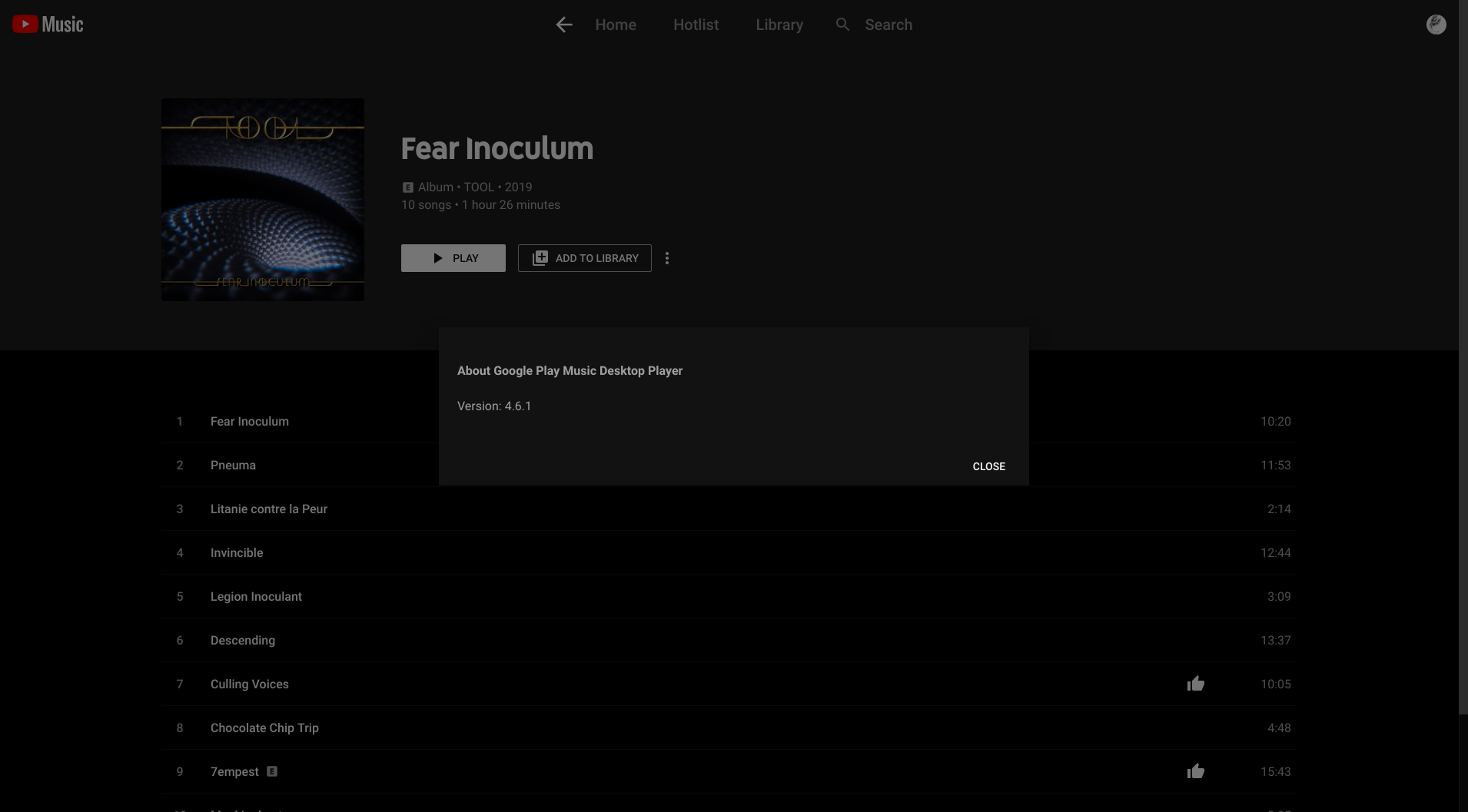
The release from circleci works fine for me on openSUSE Tumbleweed.
simoniz0r
on 18 Sep 2019
At the very least, please put a link in your readme to the latest circleci build as they are not at all intuitive to find, and many people are unable to use this program at all without them.
simoniz0r
on 18 Sep 2019
This seems to happen on Arch suddendly:
"terminated by signal SIGSEGV (Address boundary error)"
 fosspill
on 9 Oct 2019
fosspill
on 9 Oct 2019
I'm getting the same on Manjaro. I just installed it via AUR.
~: gpmdp
[1]    32522 segmentation fault (core dumped)  gpmdp
~: pacman -Q gpmdp
gpmdp 4.6.1-2
 AlbertCloete
on 16 Nov 2019
AlbertCloete
on 16 Nov 2019
@AlbertCloete the issue is already resolved. AUR build uses an outdated release (since there were no releases with that fix included). Consider this comment for a workaround.
 ngseer
on 17 Nov 2019
ngseer
on 17 Nov 2019
when will another release be released? I assume the pc has arrived in canada and this has been an issue for a long time.
I see an open issue for 4.7 but why not release 4.6.2 or 4.6.1-3?
 JAicewizard
on 17 Nov 2019
JAicewizard
on 17 Nov 2019
We're still waiting for a new release.
 AlexWayfer
on 11 Dec 2019
AlexWayfer
on 11 Dec 2019
Related issues
 logictom
·
4Comments
logictom
·
4Comments
 xnaas
·
4Comments
xnaas
·
4Comments
 wilomgfx
·
3Comments
wilomgfx
·
3Comments
 GeraldNDA
·
3Comments
GeraldNDA
·
3Comments
 Gimbergsson
·
3Comments
Gimbergsson
·
3Comments
Most helpful comment
This seems to happen on Arch suddendly:
"terminated by signal SIGSEGV (Address boundary error)"