Godot: Unexpected "shadows" with SS reflections
Godot version:
Godot Engine v3.1.2.stable.custom_build
OpenGL ES 3.0 Renderer: GeForce GTX 970/PCIe/SSE2
OS/device including version:
Linux 5.4.7-arch1-1
Issue description:
A reddit commenter pointed out some unusual visual artifacts in my game with SS reflections. It almost appears that a mesh is casting shadows over the reflections, but there's no light source behind the mesh that would be casting those shadows.
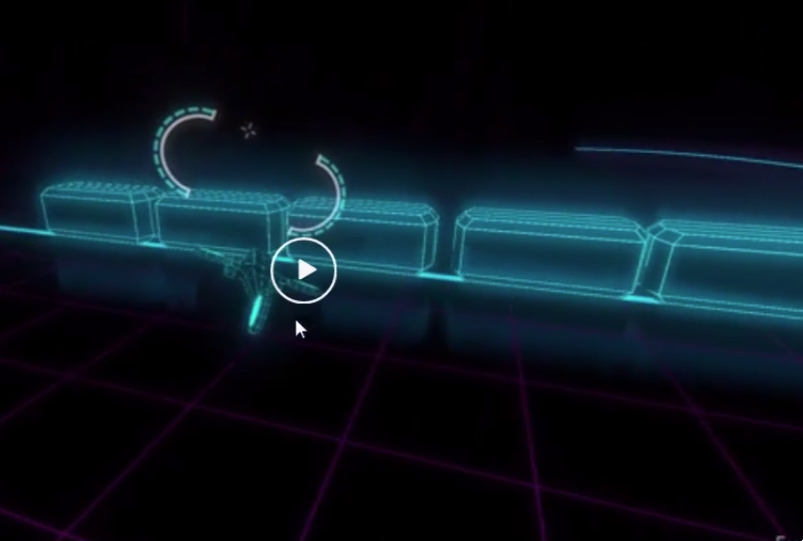
Possibly related to https://github.com/godotengine/godot/issues/9017, https://github.com/godotengine/godot/issues/15527, https://github.com/godotengine/godot/issues/17995
Steps to reproduce:
- Create a plane with a
SpatialMaterialthat hasroughness=0,metallic=1 - Create a cube with a
SpatialMaterialthat hasemission=4 - In the environment, set
Background.mode=CustomColor=black, and enableSS Reflections - The cube should reflect off the plane
- Add another MeshInstance and move it around between the cube and the camera
- Note that it blocks parts of the reflection, even if it is not between the cube and the plane
Minimal reproduction project:
example.zip
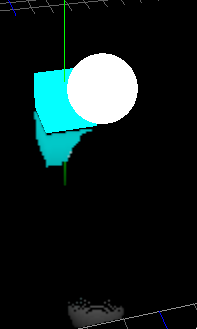
^^^ note that the sphere is well above the cube in this picture, but it is taking a "chunk" out of the reflection.
 rcorre
All 6 comments
Glad to see you were able to isolate and replicate the issue!
Here is a quick gif from your project that shows it in action.
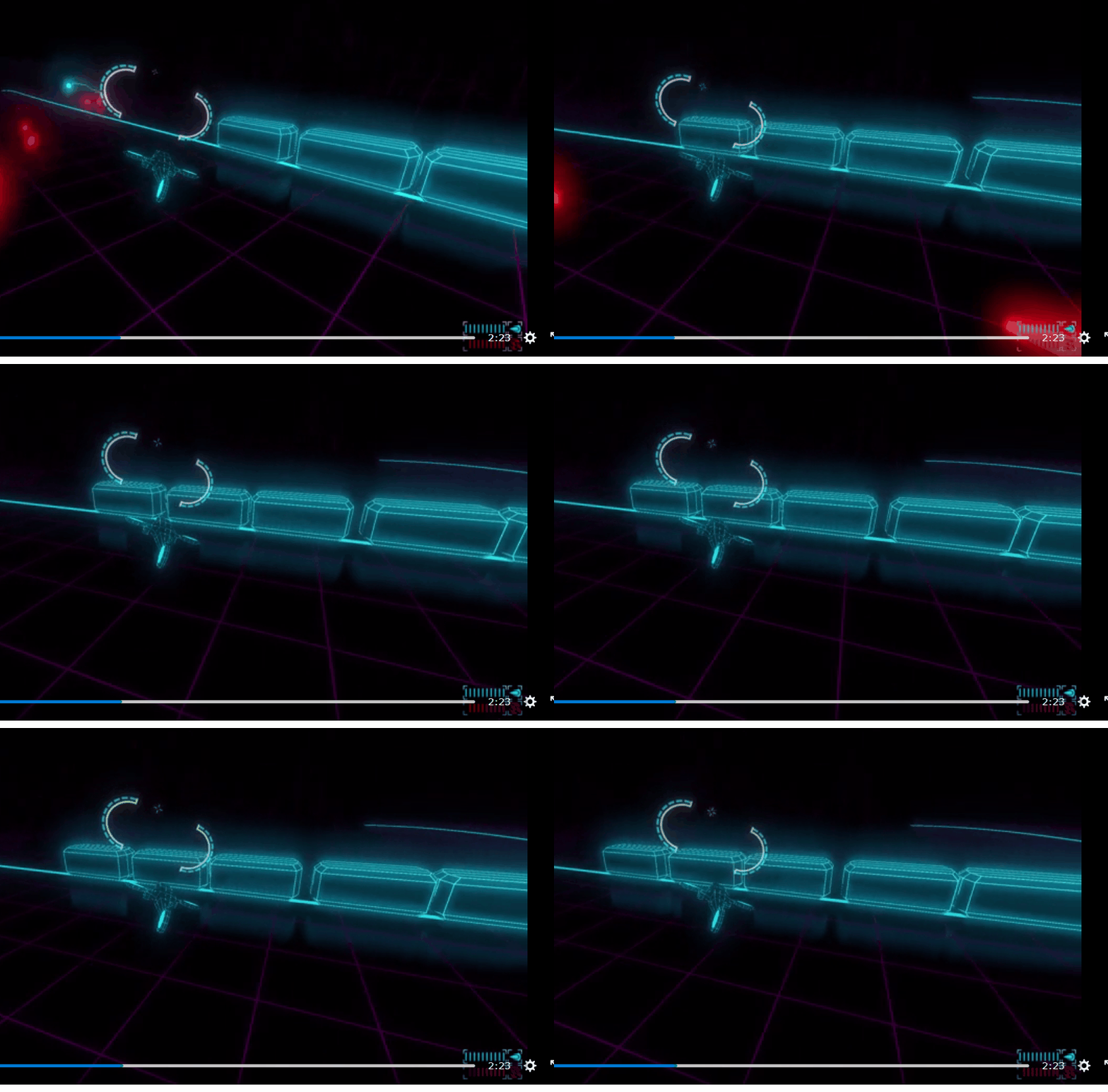
I noticed even the laser beams in your video cause the same effect.
 golddotasksquestions
on 5 Jan 2020
golddotasksquestions
on 5 Jan 2020
I'm not sure if this is a bug or a limitation of the screen-space reflection algorithm. In the screenshot with the white sphere and cyan cube, it looks like the reflection is short on the right side of the screenshot because the cyan cube is only partly visible on that side. In other words, SSR can't reflect what's being occluded by other geometry.
Out of curiosity, does this still occur if you disable Rendering > Quality > Depth Prepass > Enable in the Project Settings?
 Calinou
on 6 Jan 2020
Calinou
on 6 Jan 2020
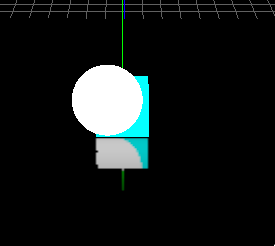
Rendering > Quality > Depth Prepass > Enable does not change it. Setting no_depth_test on the sphere does (though isn't a viable solution), and setting depth_draw_mode to Never produces a different effect:
rcorre
on 6 Jan 2020
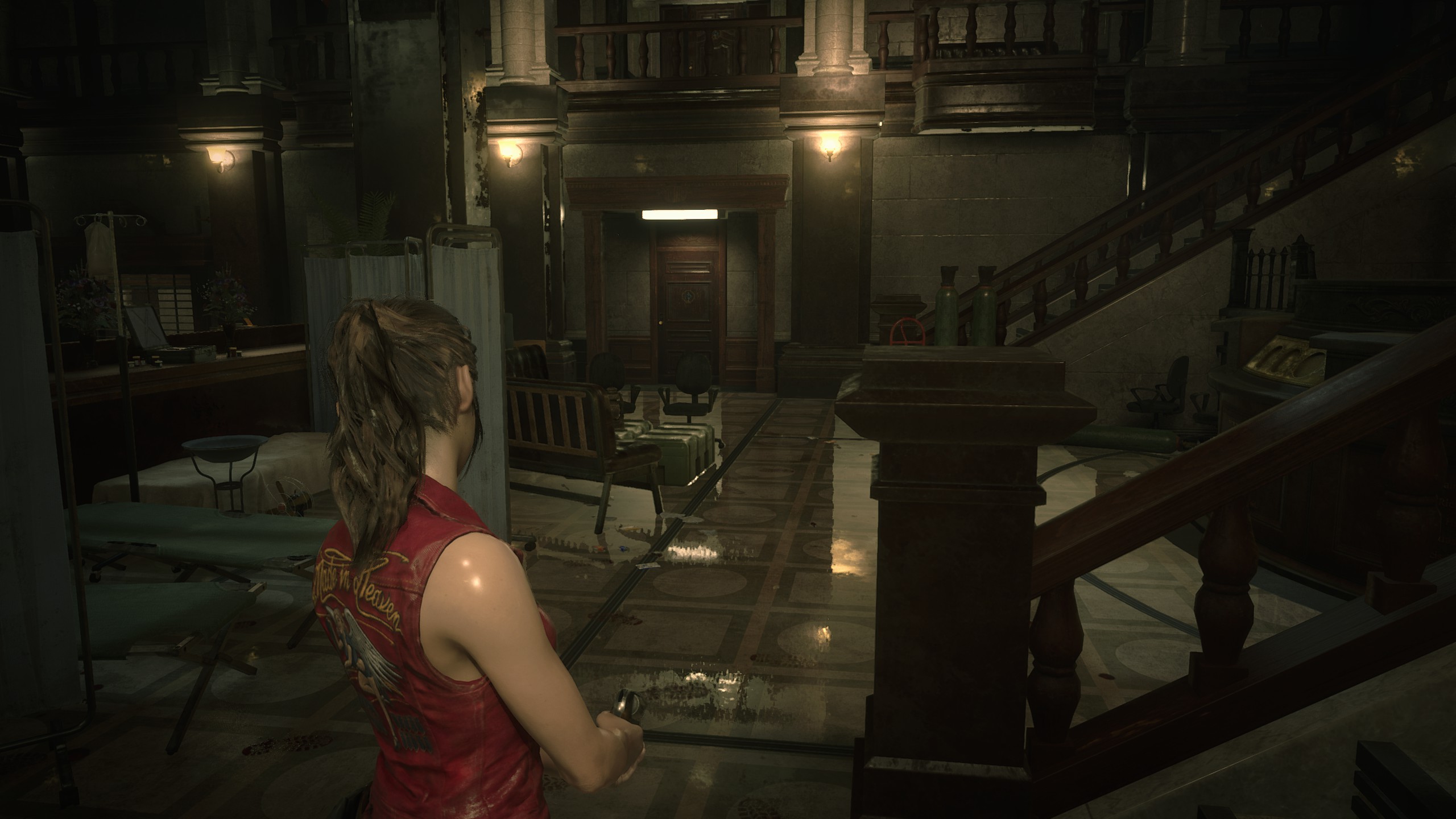
That's a limitation on how SS Reflections work, not even big budget games like RE2 Remake found a way to get around it.
 Janders1800
on 6 Jan 2020
Janders1800
on 6 Jan 2020
Makes sense, feel free to close if this is just considered an implementation limitation that we're unlikely to fix in Godot. At least in my game, I consider it pretty minor, I never even noticed it without @golddotasksquestions's eagle eye!
rcorre
on 7 Jan 2020
We should improve the documentation to mention such limitations. I'll try to do this ASAP.
Calinou
on 7 Jan 2020
Related issues
 SleepProgger
·
3Comments
SleepProgger
·
3Comments
 bojidar-bg
·
3Comments
bojidar-bg
·
3Comments
 Spooner
·
3Comments
Spooner
·
3Comments
 rgrams
·
3Comments
rgrams
·
3Comments
 testman42
·
3Comments
testman42
·
3Comments
Most helpful comment
I'm not sure if this is a bug or a limitation of the screen-space reflection algorithm. In the screenshot with the white sphere and cyan cube, it looks like the reflection is short on the right side of the screenshot because the cyan cube is only partly visible on that side. In other words, SSR can't reflect what's being occluded by other geometry.
Out of curiosity, does this still occur if you disable Rendering > Quality > Depth Prepass > Enable in the Project Settings?