Godot version:
d6abb52dba5c471e8bfe47a2f2d0c236c85c0652 (Vulcan)
OS/device including version:
Windows 10 1903
Issue description:
Get stuck when trying to open (a) the project:
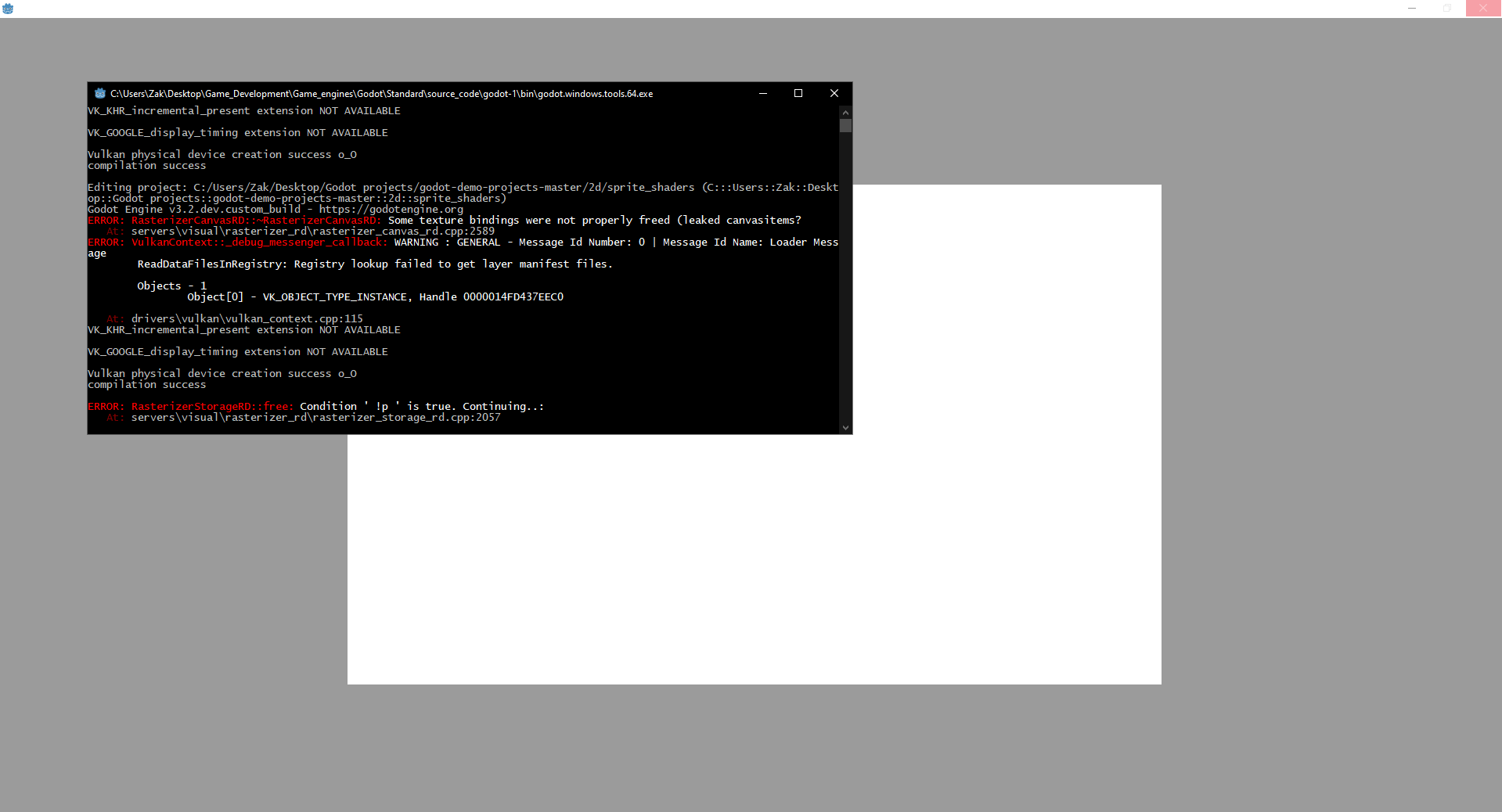
Steps to reproduce:
Happens with any project for me and since this is the 10th time (:grin:) i compile Vulcan to test it ( just wanted to test 2D, which from what i understand is ready) though i could create an issue this time!
 zaksnet
All 10 comments
What is you graphics card and drivers?
Seems that drivers are too old or just doesn't support some Vulkan extension yet
 qarmin
on 13 Nov 2019
qarmin
on 13 Nov 2019
@qarmin can't believe I forgot to add my graphics card in the post :persevere:.
It's Intel HD Graphics 620 and as seen in https://vulkan.gpuinfo.org/ it supports Vulcan. My drivers are on the latest version 26.20.100.7372
zaksnet
on 13 Nov 2019
I'm not sure but probably Godot need support of Vulkan 1.1.127(https://github.com/godotengine/godot/commit/fe2bac39b0d2d58c584343e4b2c315957a1af45b) but this drivers only provide 1.1.120 (http://www.geeks3d.com/20191031/intel-graphics-driver-26-20-100-7372-released-vulkan-1-1-120/)
You can try compile Godot with this commit https://github.com/godotengine/godot/commit/5271e79896447208e83f960b3c4febe5e6584c40 because this require Vulkan API 1.1.113 which should be supported by your graphics card
qarmin
on 13 Nov 2019
I was wrong. I just checked and I have Vulkan 1.1.114 on GTX 970 and Ubuntu 19.10 and everything works fine.
qarmin
on 13 Nov 2019
Error seems to be from the validation layers initialization, and likely they are not available in the client drivers.
Missing validation layers probably shouldn't affect anything, but try installing Vulkan SDK anyway, at least it should give more verbose run-time error messages from the VK_EXT_debug_report layer.
 bruvzg
on 13 Nov 2019
bruvzg
on 13 Nov 2019
Error seems to be from the validation layers initialization, and likely they are not available in the client drivers.
Missing validation layers probably shouldn't affect anything, but try installing Vulkan SDK anyway, at least it should give more verbose run-time error messages from theVK_EXT_debug_reportlayer.
@bruvzg , After installing the Vulkan SDK I'm getting the exact same errors :/. Should i add the VK_EXT_debug_report extension somewhere in the code?
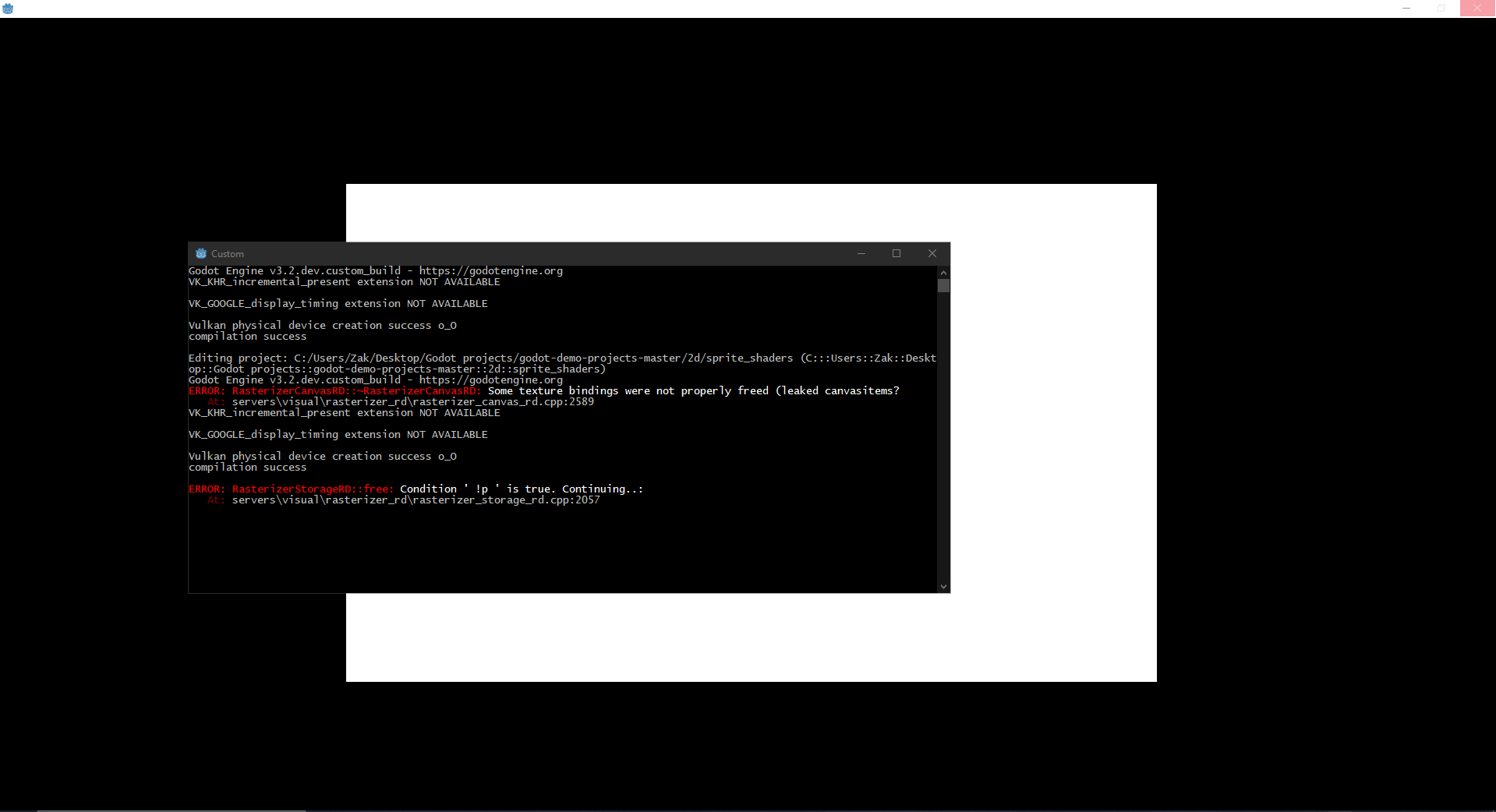
Also installed the runtime:
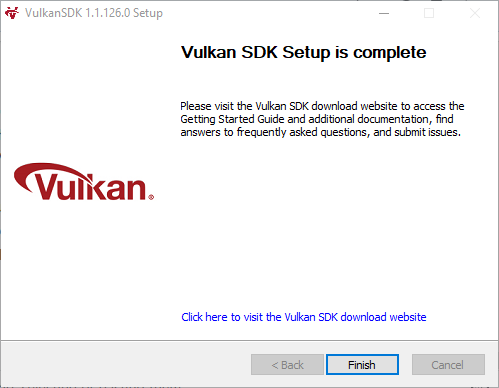
zaksnet
on 13 Nov 2019
It should be loaded by default (looks like there's no "registry lookup failed" warning on the last screenshot, so layers are loaded).
bruvzg
on 13 Nov 2019
Do you use GLES3 in project.godot? For me it crashes with GLES2, maybe that's the issue (it also showed leaks).
 LinuxUserGD
on 14 Nov 2019
LinuxUserGD
on 14 Nov 2019
Do you use GLES3 in project.godot? For me it crashes with GLES2, maybe that's the issue (it also showed leaks).
Only valid values for the video driver are "GLES2" and "Vulkan", but if it's set to any invalid value, like "GLES3" for example, if will fallback to "Vulkan".
If it's set to "GLES2", Godot will try to actually use GLES2 driver (which is not ported to use new features and currently is non-functional in the vulkan branch). No vulkan or Rasterizer*RD errors should be visible in this case.
bruvzg
on 14 Nov 2019
Closing as this is an old issue about the incomplete and unstable Vulkan branch.
If you can still reproduce this issue in today's master branch, please open a new issue.
 akien-mga
on 7 Oct 2020
akien-mga
on 7 Oct 2020
Related issues
 kirilledelman
·
3Comments
kirilledelman
·
3Comments
 Zylann
·
3Comments
Zylann
·
3Comments
 bojidar-bg
·
3Comments
bojidar-bg
·
3Comments
 blurymind
·
3Comments
blurymind
·
3Comments
 rgrams
·
3Comments
rgrams
·
3Comments