Godot-proposals: Unfold inspector sections when dragging something over it
Describe the project you are working on:
Not related to any project.
Describe the problem or limitation you are having in your project:
When assigning a texture to e.g. a button, the textures are folded behind a Textures section. If you are dragging a texture before unfolding it, you must drop it, unfold and then do it again. This is also true for dragging nodes or other resources.
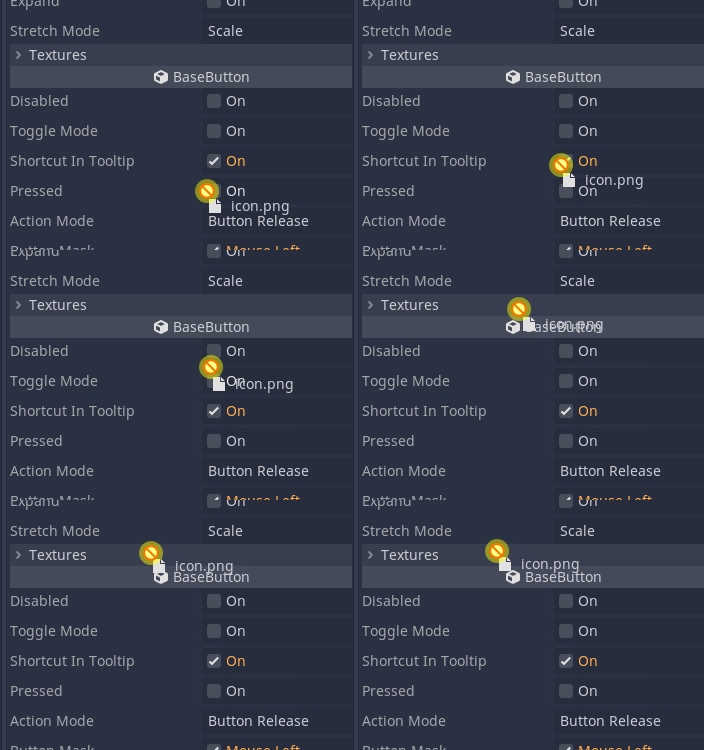
Describe the feature / enhancement and how it helps to overcome the problem or limitation:
When dragging a file or node over an inspector section, it opens up and allows the the underlying fields to be assigned.
Describe how your proposal will work, with code, pseudocode, mockups, and/or diagrams:
I have made an early version showing how it would work:
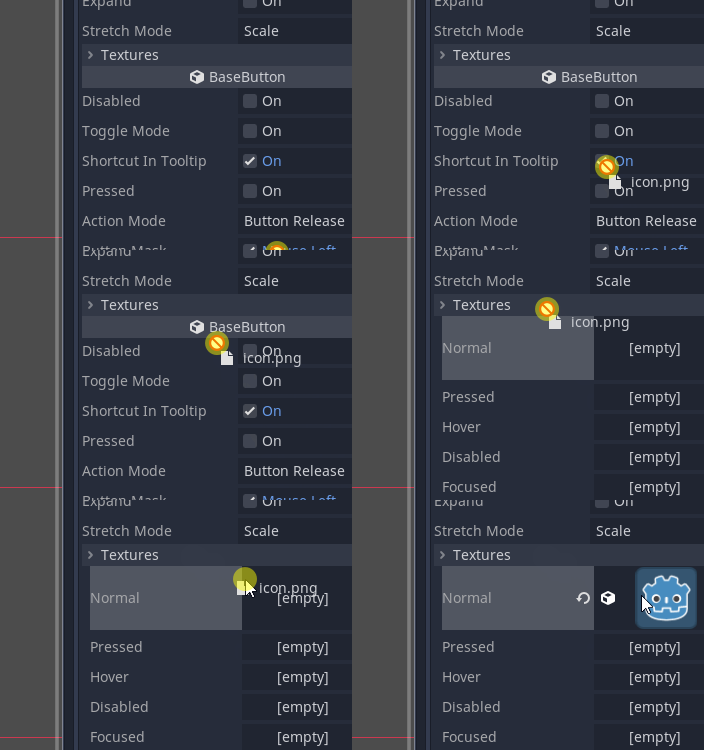
It could be expanded by not instantly opening up a section, but waiting for a certain duration. Other suggestions are welcome.
If this enhancement will not be used often, can it be worked around with a few lines of script?:
I'm not sure if this could be easily scripted, but I imagine this feature will be used quite often regardless.
Is there a reason why this should be core and not an add-on in the asset library?:
Basic usability feature
 hinlopen
All 5 comments
I think it should just unfold after holding something on it for a while (half a second or so). If it would expand directly, when you drag something over it, you'd have very much unfold sections and then it's work-intensive to fold them again. Oh yes, you already wrote that. Nevertheless here's someone who wants it only if this is the case 😄
 MaaaxiKing
on 18 Jun 2020
MaaaxiKing
on 18 Jun 2020
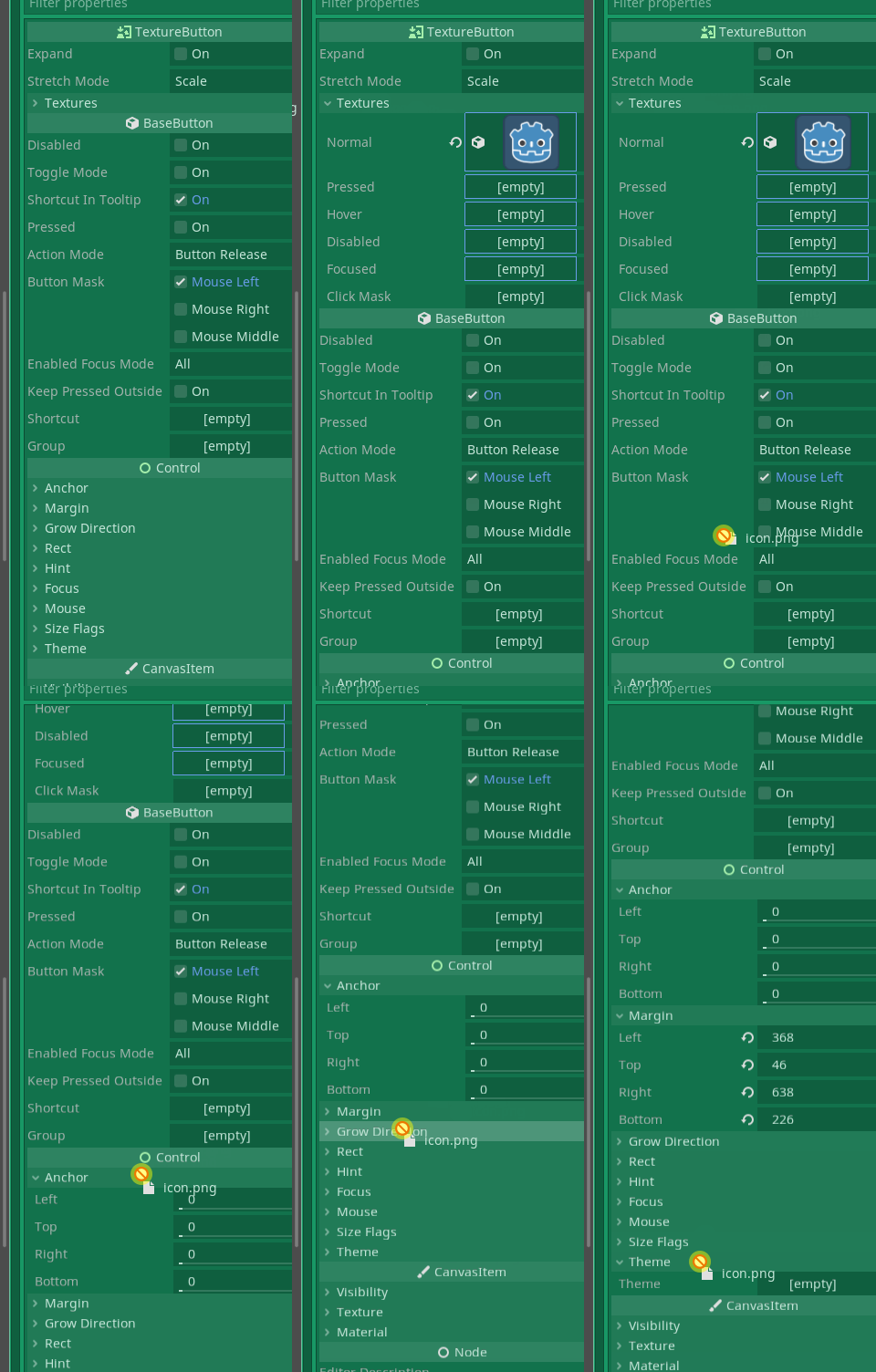
With this change it becomes a little more complex. When waiting you also need to give feedback that you are hovering over it.
hinlopen
on 19 Jun 2020
Yes, it needs a little bit of delay, not half a second, but at least 0.1 or 0.2 seconds. Otherwise, if you hover over the inspector vertically, you're going to expand everything which would be very annoying.
 groud
on 19 Jun 2020
groud
on 19 Jun 2020
In the gif above the delay is set at 1 second, because 0.5 already felt a little too quick.
hinlopen
on 19 Jun 2020
I think 1 second is far too long. The point is only to avoid doing something the user does not expect, but it should still stay a little bit more responsive.
Anyway, that can be tuned later on. :)
groud
on 19 Jun 2020
Related issues
 rainlizard
·
3Comments
rainlizard
·
3Comments
 SpyrexDE
·
3Comments
SpyrexDE
·
3Comments
 sprite-1
·
3Comments
sprite-1
·
3Comments
 SleepProgger
·
3Comments
SleepProgger
·
3Comments
 wijat
·
3Comments
wijat
·
3Comments
Most helpful comment
I think it should just unfold after holding something on it for a while (half a second or so). If it would expand directly, when you drag something over it, you'd have very much unfold sections and then it's work-intensive to fold them again. Oh yes, you already wrote that. Nevertheless here's someone who wants it only if this is the case 😄