Godot-proposals: Allow users to completely preview animation by scolling when dragging the timeline timestamp
Describe the project you are working on:
Projects using the AnimationPlayer
Describe the problem or limitation you are having in your project:
I often click-drag on the timeline to quickly preview only sections of the animation or in the speed I need to check animation. This is very common behavior in pretty much any Software with animation capabilities and a timeline. Godot allows this, but only for the currently displayed time range. If I click and drag further outside the displayed range, I would expect the animation panel to start scrolling along until I move my cursor back into the displayed timeline or release my LMB.
Describe how this feature / enhancement will help you overcome this problem or limitation:
It would help me preview animations that don't fit on my Animation Panel.
Show a mock up screenshots/video or a flow diagram explaining how your proposal will work:
This is what currently happens:
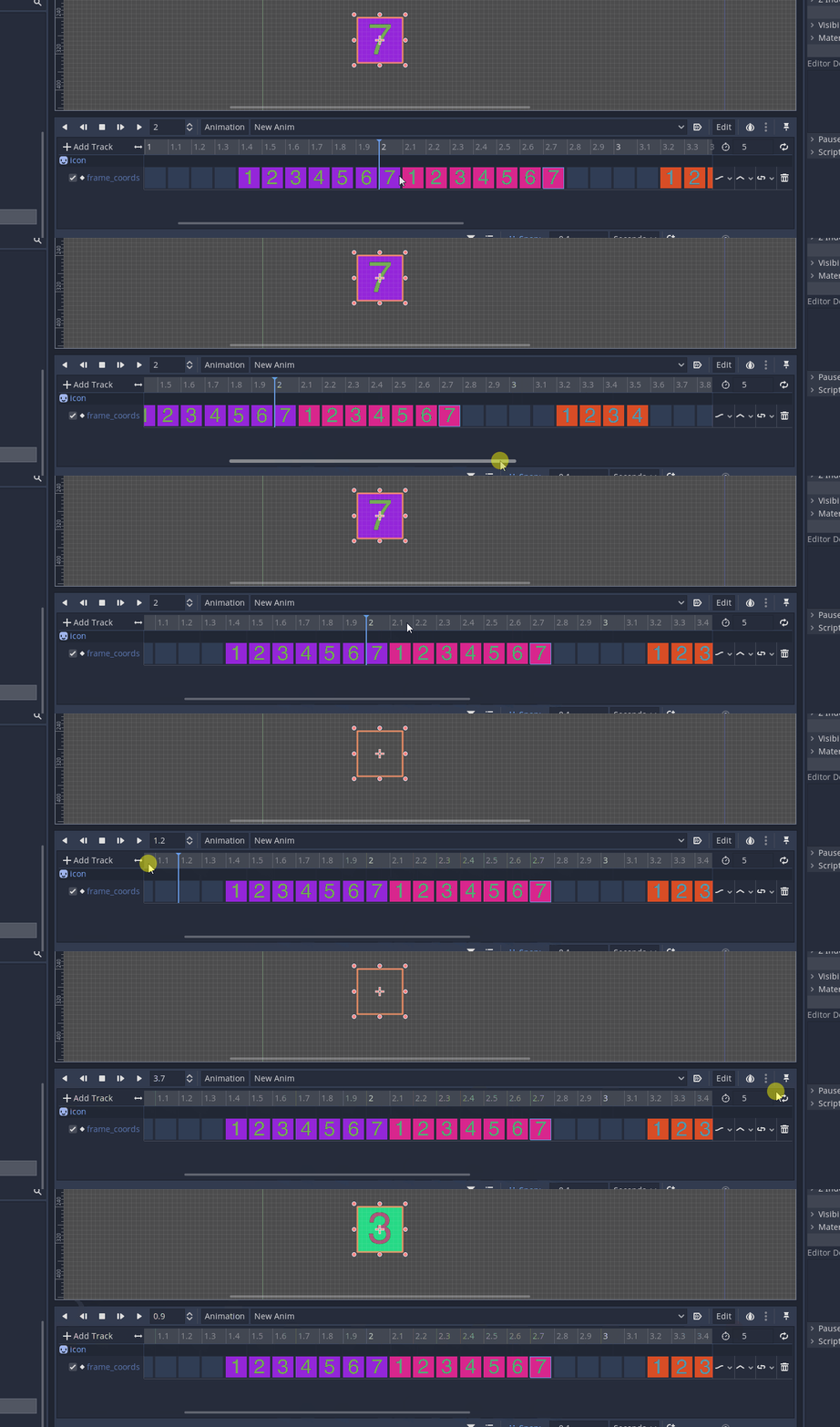
I would expect it to start scrolling as soon as I drag the mouse outside the timeline.
Describe implementation detail for your proposal (in code), if possible:
I don't know how to code this.
If this enhancement will not be used often, can it be worked around with a few lines of script?:
It's very common behavior for animators.
Is there a reason why this should be core and not an add-on in the asset library?:
It's a small but relevant UX improvement.
 golddotasksquestions
All 4 comments
This works perfectly fine in 3.0.6 btw:

probably not "perfect", but it was working more less
golddotasksquestions
on 12 Dec 2019
If this was working before and then broke, you could post an issue directly on https://github.com/godotengine/godot/ as a regression bug.
 asheraryam
on 15 Dec 2019
golddotasksquestions
on 15 Dec 2019
asheraryam
on 15 Dec 2019
golddotasksquestions
on 15 Dec 2019
Closing this in favor of godotengine/godot#34362 as it's indeed a regression.
 KoBeWi
on 16 Nov 2020
KoBeWi
on 16 Nov 2020
Related issues
 davthedev
·
3Comments
davthedev
·
3Comments
 wijat
·
3Comments
wijat
·
3Comments
 regakakobigman
·
3Comments
regakakobigman
·
3Comments
 WilliamTambellini
·
3Comments
WilliamTambellini
·
3Comments
 SleepProgger
·
3Comments
SleepProgger
·
3Comments
Most helpful comment
This works

perfectly finein 3.0.6 btw:probably not "perfect", but it was working more less