Go-swagger: Path parameter with request body
Request body is not shown with following spec. What am I doing wrong?
// swagger:operation PATCH /v1/users/{id} users userUpdate
// ---
// summary: Updates user's contact information
// description: Updates user's contact information -> first name, last name, mobile, phone, address.
// parameters:
// - name: id
//   in: path
//   description: id of user
//   type: int
//   required: true
// - name: request
//   in: body
//   description: Request body
//   required: true
//   schema:
//     "$ref": "#/definitions/UserUpdate"
// responses:
//   "200":
//     "$ref": "#/responses/userResp"
RequestBody is empty.

Just downloaded go-swagger using go-get.
generate spec
 ribice
👍1
All 4 comments
How is your model defined?
This works perfectly:
// Create area request
// swagger:model createAreaRequest
type createAreaRequest struct {
    Name string
    ControllerID uint
}
And annotation to operation:
// swagger:operation POST /areas Areas areas
// ---
// summary: Create new area
// description: Creates new area with specified parameters
// parameters:
// - name: area
//   in: body
//   description: area parameters
//   schema:
//     "$ref": "#/definitions/createAreaRequest"
//   required: true
// responses:
//   "200":
//     "$ref": "#/responses/areaResponse"
//   "400":
//     "$ref": "#/responses/badRequestError"

 ElMaxo
on 3 Sep 2018
ElMaxo
on 3 Sep 2018
👀1
Can you adding another parameter, e.g. id from my example?
ribice
on 3 Sep 2018
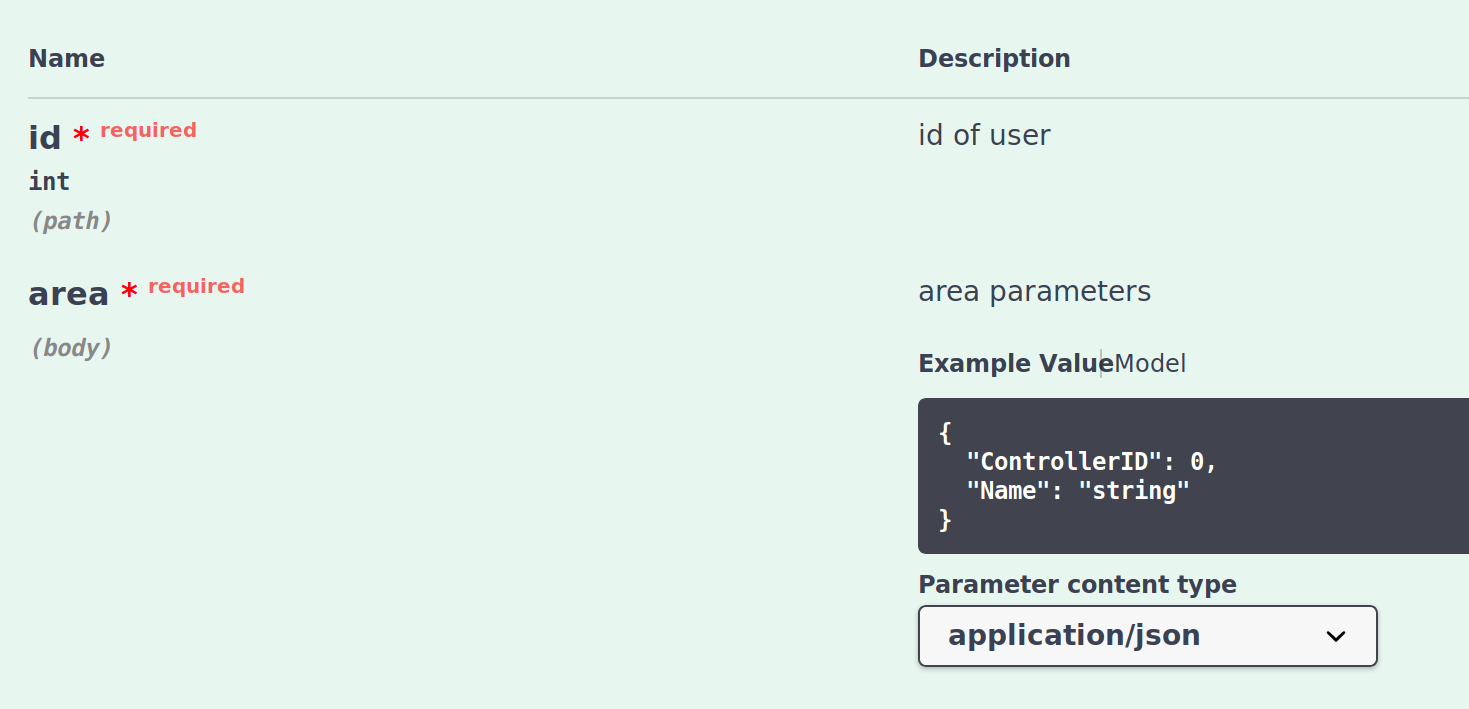
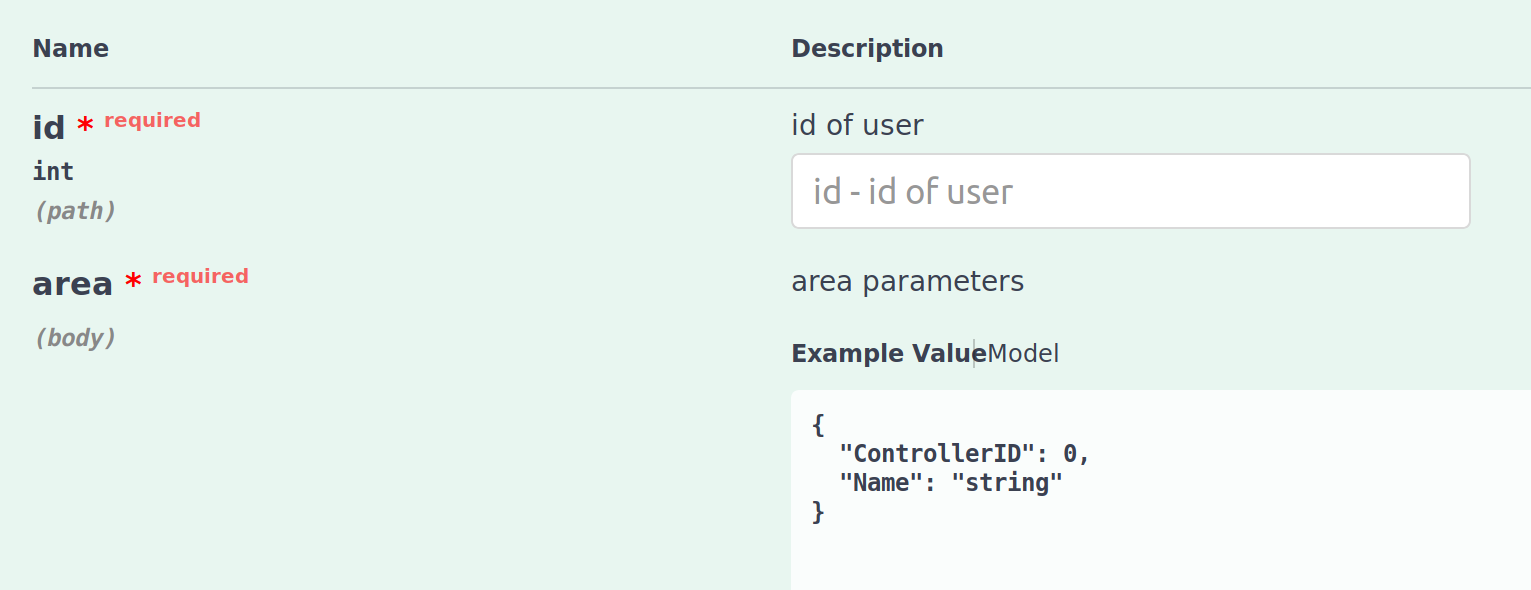
It works too. Just added id from your example
// - name: id
//   in: path
//   description: id of user
//   type: int
//   required: true
Before pressing Try it out button

After Try it out button pressed (fields are displayed), example model value is in body field, but changing to model structure view is not available until you press Cancel, it is normal, as far as i know
ElMaxo
on 3 Sep 2018
Now that I'm looking at it, I think I was using swagger:parameters instead of swagger:model for this one.
Works as expected when using swagger:model. Thanks!
ribice
on 5 Sep 2018
👀2
Was this page helpful?
0 / 5 - 0 ratings
Related issues
 alihalabyah
·
4Comments
alihalabyah
·
4Comments
 flier
·
5Comments
flier
·
5Comments
 ikouchiha47
·
4Comments
ikouchiha47
·
4Comments
 Ragnar-BY
·
3Comments
Ragnar-BY
·
3Comments
 CuBiC3D
·
3Comments
CuBiC3D
·
3Comments