Gns3-gui: gns3 vm in newest version doesnt connect when using hyper-v
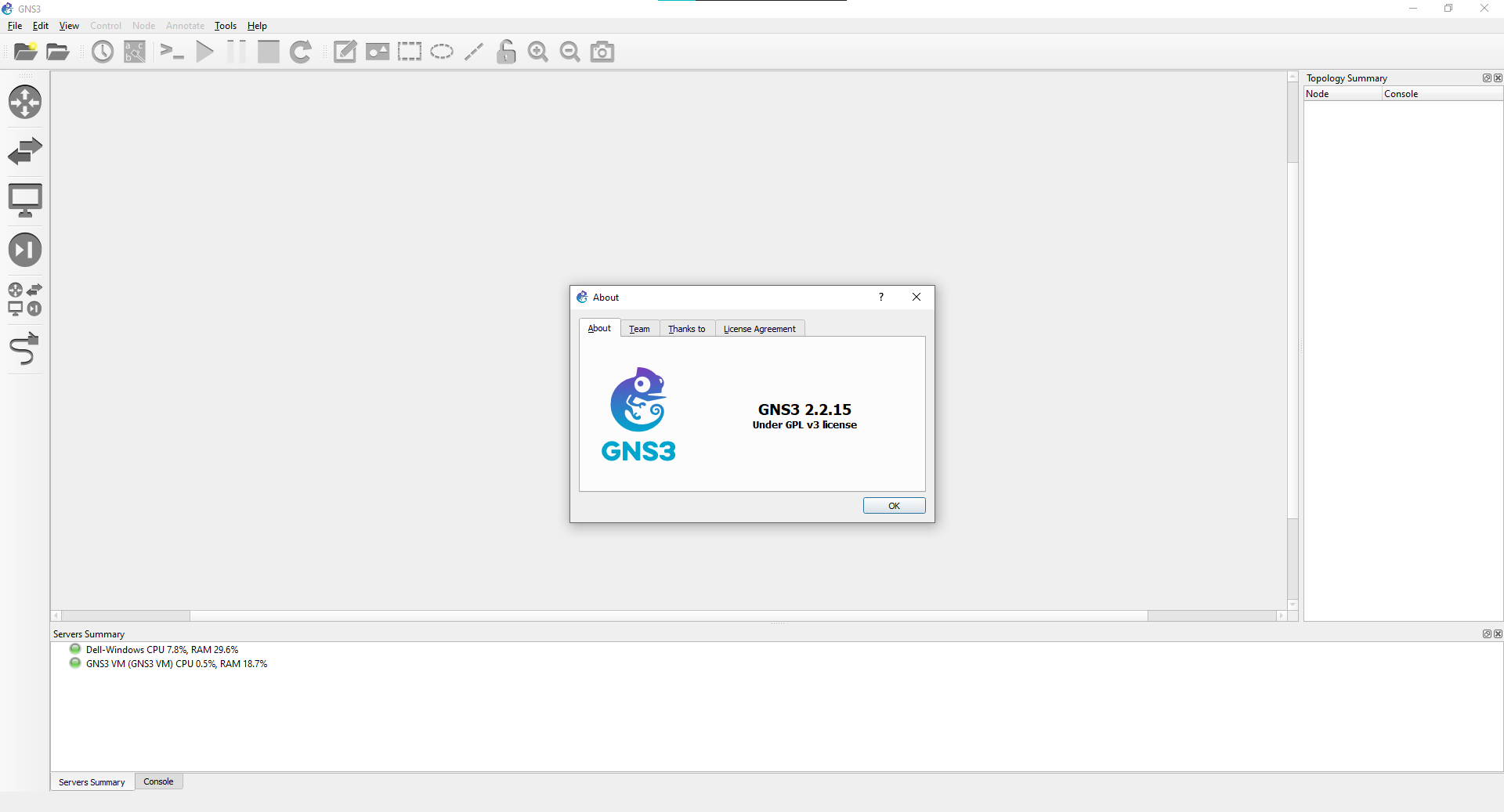
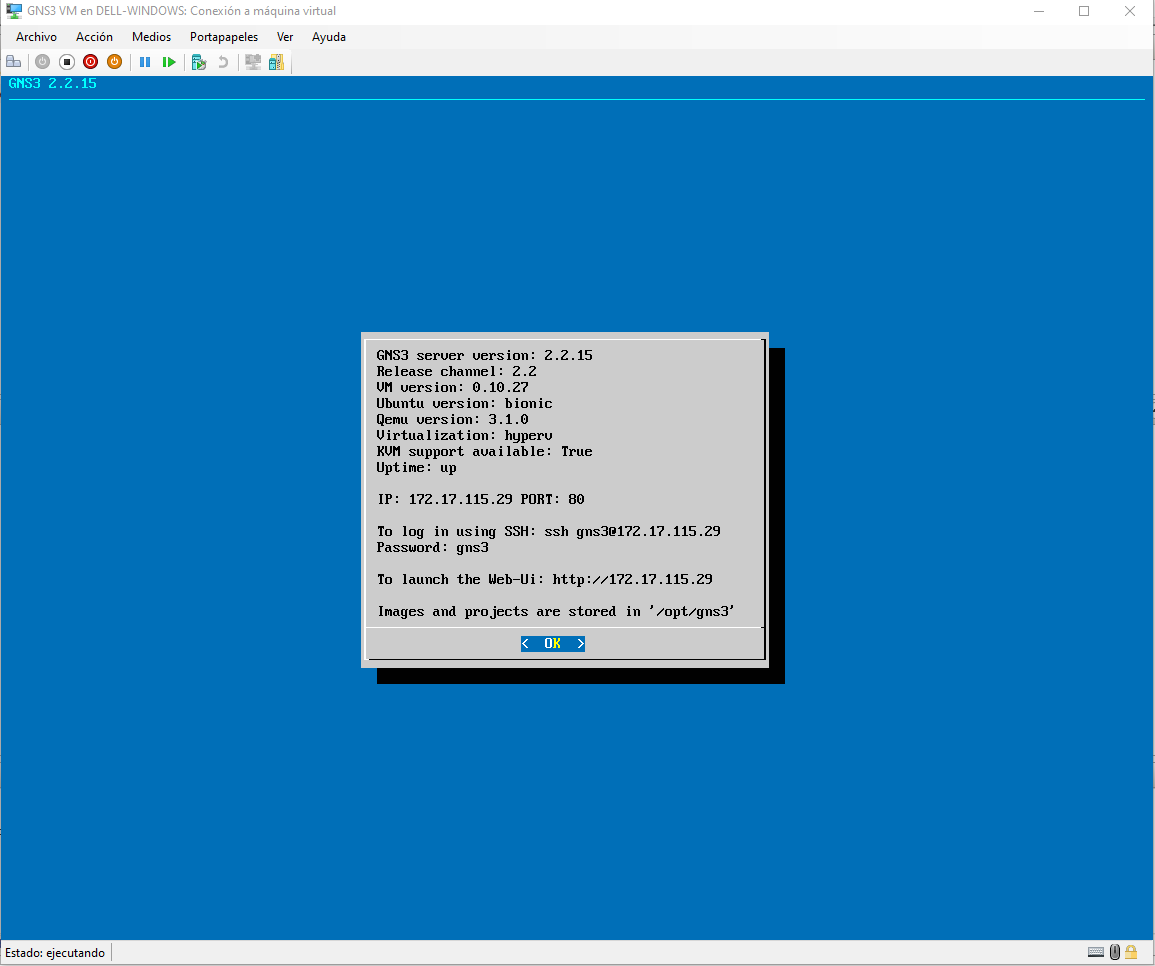
when i use gns gui the newest version and gns3 vm for hyper-v newest version it cant connnect
 legendcodermartino1245
All 9 comments
https://www.gns3.com/community/featured/the-new-hyper-v-based-gns3-vm this looks the same as my issue but in my case i cant do the workaround described here
legendcodermartino1245
on 25 Sep 2020
Similar problem here.
https://www.gns3.com/community/support/can-gns3-gui-connect-with-hyper-v-gns3-vm
GNS3-GUI can not connect with Hyper-V GNS3 VM.

 Mario156090
on 9 Oct 2020
Mario156090
on 9 Oct 2020
Please try to connect to the GNS3 VM and start a shell, then type the following commands:
sudo apt update
sudo apt install --yes --install-recommends linux-generic-hwe-18.04
sudo apt install --yes linux-virtual-hwe-18.04 linux-cloud-tools-virtual-hwe-18.04 linux-tools-virtual-hwe-18.04
Finally, reboot and this should work.
 grossmj
on 12 Oct 2020
grossmj
on 12 Oct 2020
Please try to connect to the GNS3 VM and start a shell, then type the following commands:
sudo apt update
sudo apt install --yes --install-recommends linux-generic-hwe-18.04
sudo apt install --yes linux-virtual-hwe-18.04 linux-cloud-tools-virtual-hwe-18.04 linux-tools-virtual-hwe-18.04
Finally, reboot and this should work.
Thank's a lot, I installed that commands and works perfectly now.
Mario156090
on 12 Oct 2020
Thank's a lot, I installed that commands and works perfectly now.
Perfect, thanks for the confirmation, this will be fixed by default in the next release.
grossmj
on 12 Oct 2020
One more confirmation that the commands work perfectly. I had exact situation with newest version gns3 vm stuck at starting.
 mlakhaney
on 4 Nov 2020
mlakhaney
on 4 Nov 2020
Thank's a lot, I installed that commands and works perfectly now.
Perfect, thanks for the confirmation, this will be fixed by default in the next release.
New GNS3 2.2.16 with same error but the suggested packets are correct now. :(

@grossmj
Mario156090
on 5 Nov 2020
Also experiencing this on 2.2.16 after attempting the suggested fix @grossmj. Edit: Can connect as a remote server, but not automatically.

 victoreebel
on 19 Nov 2020
victoreebel
on 19 Nov 2020
Experiencing this issue on 2.2.16, attempted the suggested fix as well, but still stuck: GNS3 VM is starting (GNS3 VM). Can connect and interact with the VM fine.
 Reverendheat
on 23 Nov 2020
Reverendheat
on 23 Nov 2020
Related issues
 SayFireworks
·
6Comments
SayFireworks
·
6Comments
 sachinsebastian
·
7Comments
sachinsebastian
·
7Comments
 jingle0927
·
5Comments
jingle0927
·
5Comments
 Raizo62
·
8Comments
grossmj
·
4Comments
Raizo62
·
8Comments
grossmj
·
4Comments