Gliden64: Hi Resolution Textures not correct
Not sure if I'm doing something wrong here.
https://www.youtube.com/watch?v=GzqV2tMBwuU&feature=youtu.be
 theboy181
All 44 comments
I guess you used old texture pack for SSB. As I remember the pack contains textures with wrong aspect, e.g. with 4x width and 2x height. Such textures will not work correctly with GLideN64.
 gonetz
on 22 Feb 2015
gonetz
on 22 Feb 2015
I grab this pack from emulation64. Is there somewhere else?
theboy181
on 22 Feb 2015
What Aspect are supported?
4X4 8X8 16X16?
Must the files be equal in size?
 Nes-player4Life
on 22 Feb 2015
Nes-player4Life
on 22 Feb 2015
HD texture size must be power of two of the original texture size, that is 2X. 4X etc. Koolsmoky wrote detailed instruction how to make good working texture pack.
I don't know about good texture pack for SSB.
gonetz
on 22 Feb 2015
Andross wont have his way with me!
:)
Will you be supporting the same method used in Glide64? this pack seems to work with these type of formats used in SSB HD texture pack.
theboy181
on 22 Feb 2015
I'm all for correctly sized files but without odd formats most of the packs will become unusable.
sure it's the pack designers fault but there are some otherwise professional packs that will become unpleasant to play.
Nes-player4Life
on 22 Feb 2015
I will not add any special code to fix errors in texture packs.
Koolsmoky wrote special test, which checks that texture pack corresponds to all specifications and requirements. Well made packs (that is the ones, which pass Koolsmoky's test) must works correct.
gonetz
on 23 Feb 2015
The issue is that the textures that are mirrored or flipped are not working. I think this is not correct? (please issue links to Koolsmoky) some textures are treated like a checkerboard, and this is not working.
This will require that all textures that do this to be re-made and this will lead to extremely large textures taking up memory. I have started to fix textures for SSB but I'm finding that new method might actually not work. Lets say that a texture for an eye is flipped and that the texture is called to wink. With this method you wouldn't be able to have the 1 eye wink.
Unless I'm missing something?? Please provide more details on how your HD textures will work. I think once you implement dumping I might be able to see what is going on.
theboy181
on 23 Feb 2015
Where is Koolsmoky´s test avaiable?
 Predator82Germany
on 23 Feb 2015
Predator82Germany
on 23 Feb 2015
GLideN64 is powered by the same GlideHQ texture module as Glide64, so you may use Glide64 for texture dumping. HD texture must be power of two of the original texture. If original texture is not mirrored or flipped, HD texture also must not be mirrored or flipped.
Koolsmoky´s test is named test_hq.exe and was posted somewhere on emutalk.
I can't find it among my files. Building it from sources is is tricky and I don't have necessary libs.
You better ask texture artists about it .
gonetz
on 23 Feb 2015
After updating more textures I have found that it is impossible to texture correctly with these changes. some textures that are used in more than one location can not be made to fit both places without alignment issues.
Example is the brick texture used in SSB levels. if you correctly make the texture fit one wall it will stretch incorrectly on the next.
theboy181
on 24 Feb 2015
Let's do a simple test:
- Put in the texture pack original brick texture dumped by RiceVideo or Glide64. You may put a mark on it to be sure that the plugin uses texture from the texture pack, not from the ROM. Does this texture work correctly in all places?
- If test 1 passes, make 2X texture from the original one - just stretch its width and height two times in any graphics editor. Put it in the pack and check how it works. If it works, check 4X variant.
If both tests pass, the problem is with your new brick texture.
gonetz
on 25 Feb 2015
Ill back down.. you are correct the textures I have are not the proper sizes.
theboy181
on 25 Feb 2015
Couldn't stay away from this issue..
I'm using Glide64 for PJ to dump textures from the Peach Castle Stage.
for some reason one of the textures that was dumped came out in a resolution of 48x64

When I take this texture and apply it in Glide64 (without any changes) the texture doesn't properly wrap to the moving bridge, but looks ok on the cog.
If resize the texture to 64x64 and add the missing bricks to the image it adds more bricks to the moving bridge but somewhat looks like it should.
[Should look like this no texture added]

[ripped texture (48x64) no changes]

[texture changed to 64x64 with added bricks to fill the new size]

However, when I use the default texture (48x64) in GLideN64 it doesn't work either. If I resize it to 64x64 it still doesn't work, but resizing to 64x64 works in Glide64 did.
[ 64x64 texture]

I'm using this texture (64x64)

Something isn't right, and I am unsure if its GLideN64 or something I'm not doing right?
theboy181
on 27 Feb 2015
Trying to work with the tree texture in the above pictures, and I can change it in Glide64, but it will not display at all in GLideN64. Dumped as a 48x32 texture

theboy181
on 1 Mar 2015
Why closed? Did you sort it out?
gonetz
on 1 Mar 2015
Nope. Must have clicked wrong button. Can you look into this? I just can't seem to find any information on how to texture properly
theboy181
on 1 Mar 2015

theboy181
on 11 Sep 2016

gonetz
on 21 Sep 2016
btw, is the problem still actual?
gonetz
on 21 Sep 2016
Needs testing
theboy181
on 22 Sep 2016
@theboy181 I fixed several issues with HD textures recently. Please re-test with my latest master build.
gonetz
on 7 Apr 2017
I will test this Sunday.
theboy181
on 7 Apr 2017
@gonetz What do you consider your master build?
Link?
theboy181
on 10 Apr 2017
Latest link in #1364
https://drive.google.com/file/d/0B0YqMPjGo3B2Y3R2ZEJxZXZsTHc/view?usp=sharing
gonetz
on 10 Apr 2017
Can you please make it so the hotkeys only work when you have the window active? Im going to fix the bad textures in MK64 and I will let you know what issues arise.

theboy181
on 10 Apr 2017

theboy181
on 10 Apr 2017

theboy181
on 10 Apr 2017
@gonetz

The texture Dumps for the OK at the bottom right hand corner are acting weird. Is it normal for GLideN64 to dump textures with garbage pixels? Im having to manipulate quite a bit for the texture packs I am creating.
theboy181
on 13 Apr 2017
GLideN64 follows Rice video algorithms for dumping and loading textures. All cases of discrepancy with Rice should be investigated. Unfortunately I don't have enough time for that. It would be great if someone else look at it.
gonetz
on 14 Apr 2017
@gonetz I hope you will tune a few things with HD textures.
For example, I have been re-texturing MK64 Menus to HD, and its going well except, textures like the green arrow L OPTION R DATA keep gettign new CRC's.
This means that I have to copy and make several identical versions of the same texture. This (bug?) can be reproduced by updating a texture then, going into the game and quiting back to the menu.
Depending on how you enter the menu (how you get there) will create new CRC's. Im sure that the ROM only as one texture, so this must be some error that the plugin is doing.
Would there be any performance benefits in eliminating new CRC creations? I know this would reduce the time it takes to make HD textures.

Multiple files of the same texture shown above.
theboy181
on 14 Apr 2017
Current Progress
https://youtu.be/vHrSMrOZV4E?t=25
theboy181
on 14 Apr 2017
I guess there is a bug in texture size calculations. Plugin takes more data than necessary, and random garbage around useful data causes wrong checksum. It need to be investigated, but I don't know when I will be able to look at it.
gonetz
on 15 Apr 2017
@gonetz Thanks for letting me know. I will take a break from working on this any further. I would hate to waste time if there will be improvements down the road.
I think this feature (polished) will bring some good attention to GLideN64.
theboy181
on 15 Apr 2017
@gonetz have you had time to log into the old GLideN64 forums?
theboy181
on 15 Apr 2017
@theboy181 I made several fixes in hires textures support. Please test and report the current state of this issue.
gonetz
on 15 Nov 2017
@gonetz Tested on the latest master posted on WIP Builds 3 and on the build posted on issue #1662, same results on both (altough other texture packs were improved by the later, like Super Smash Bros.):
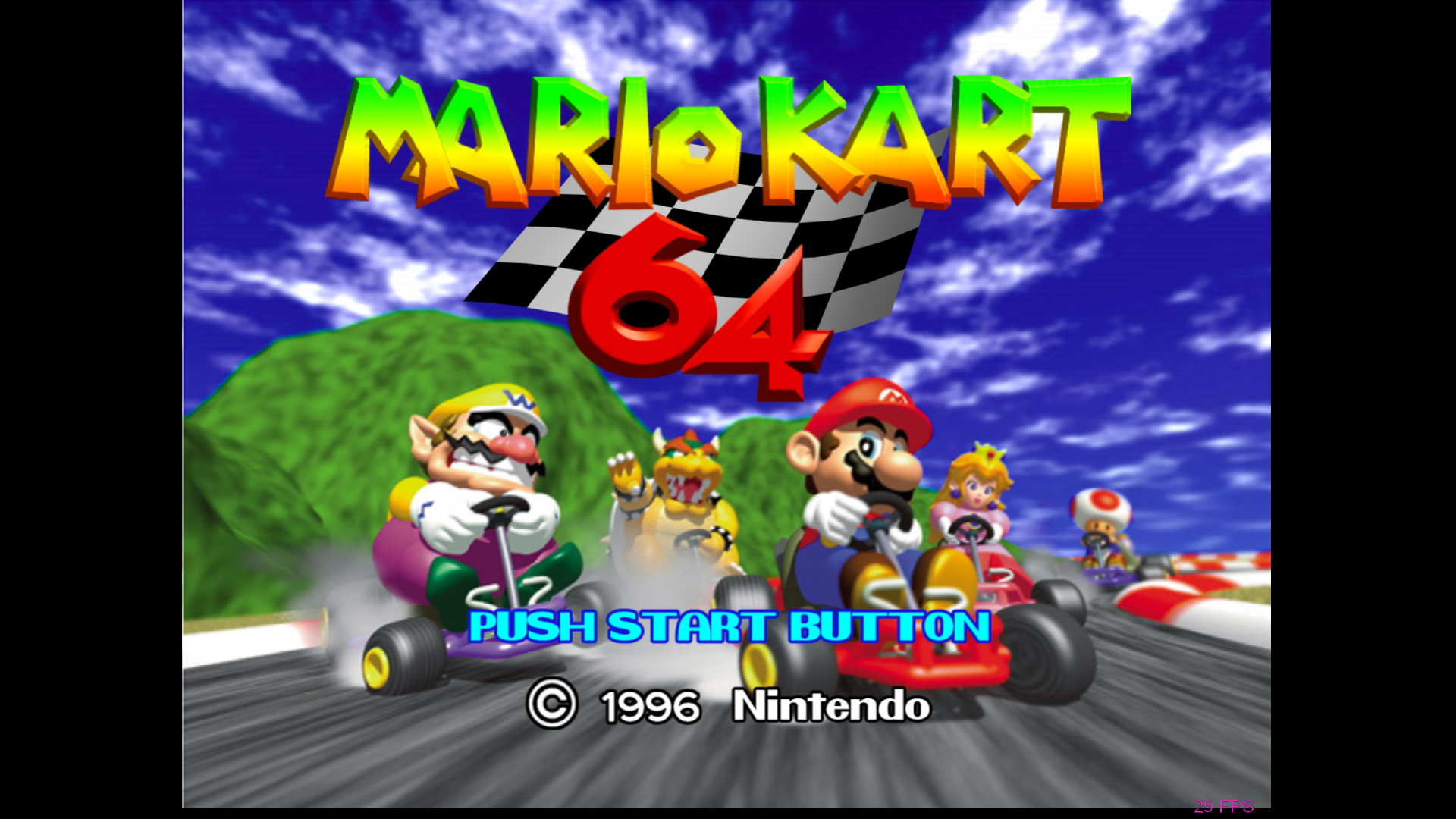
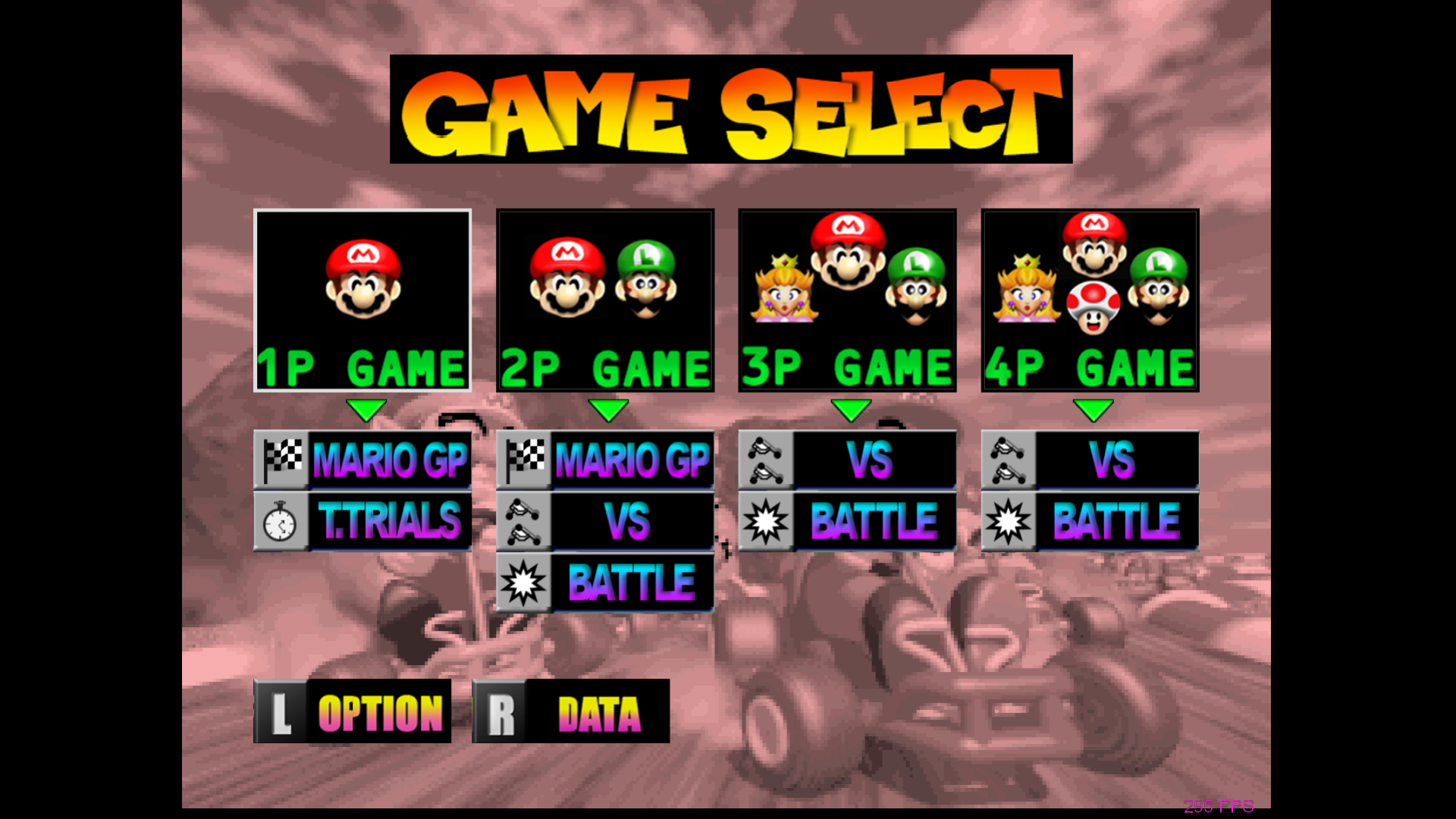
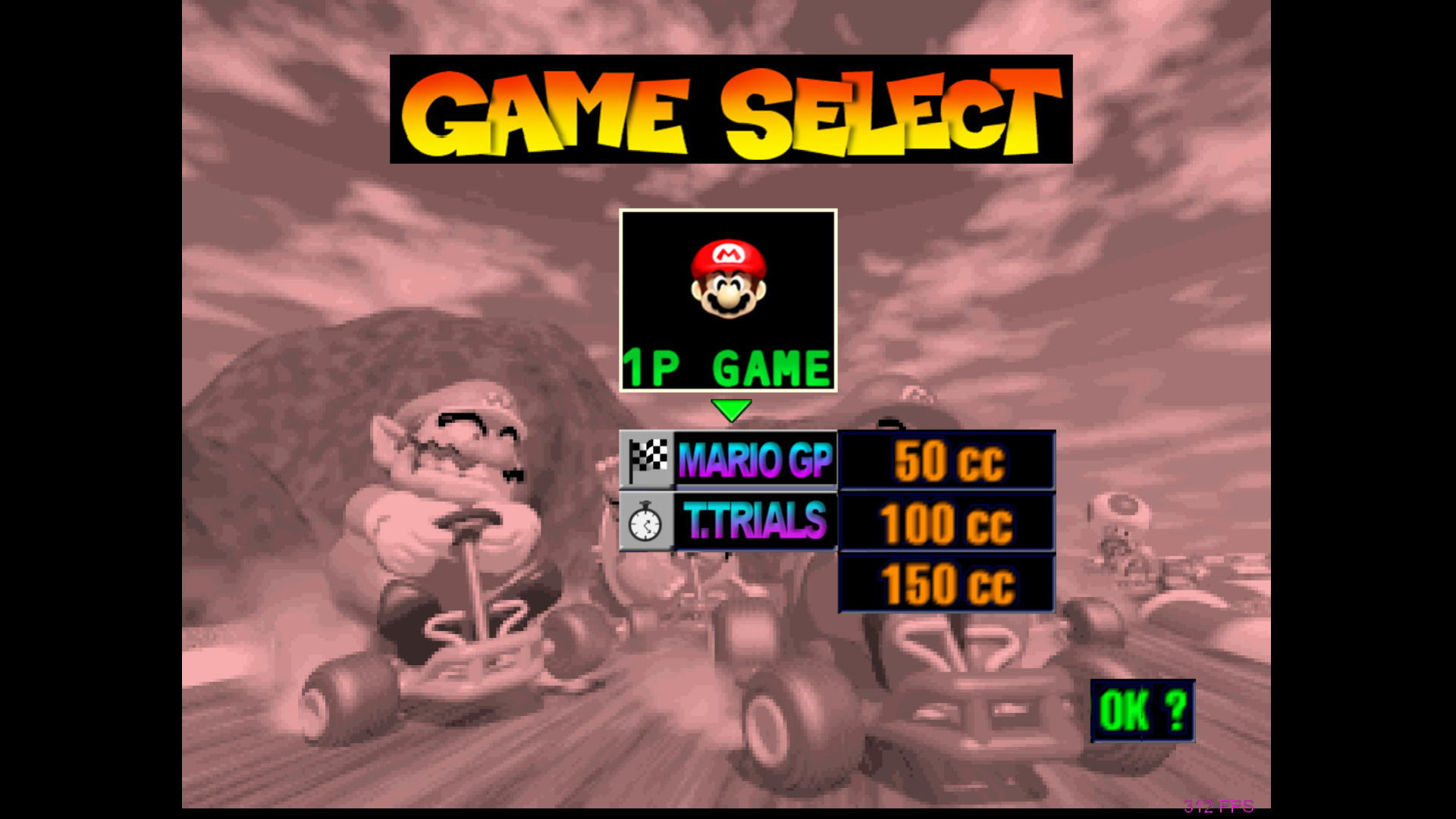
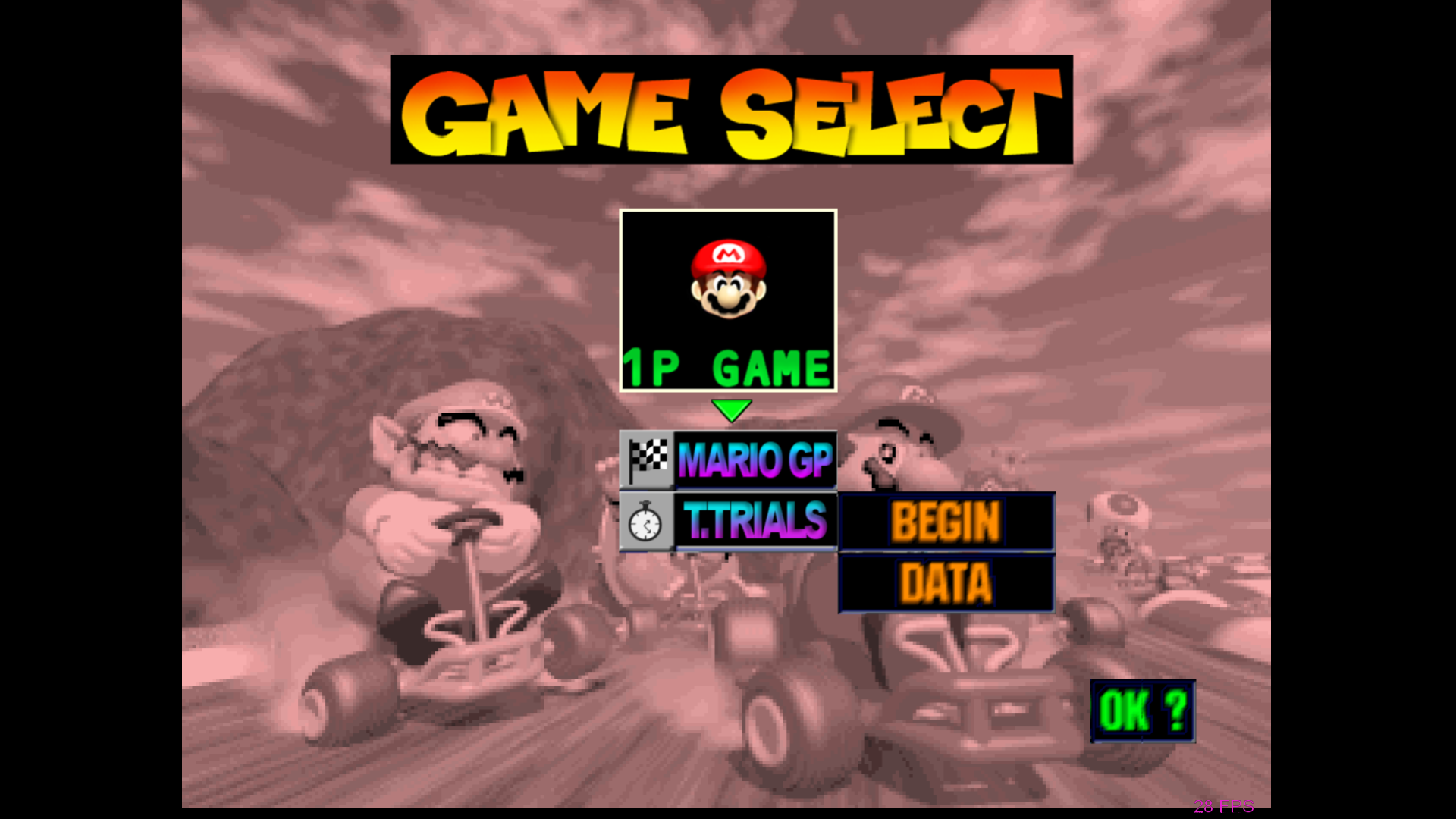
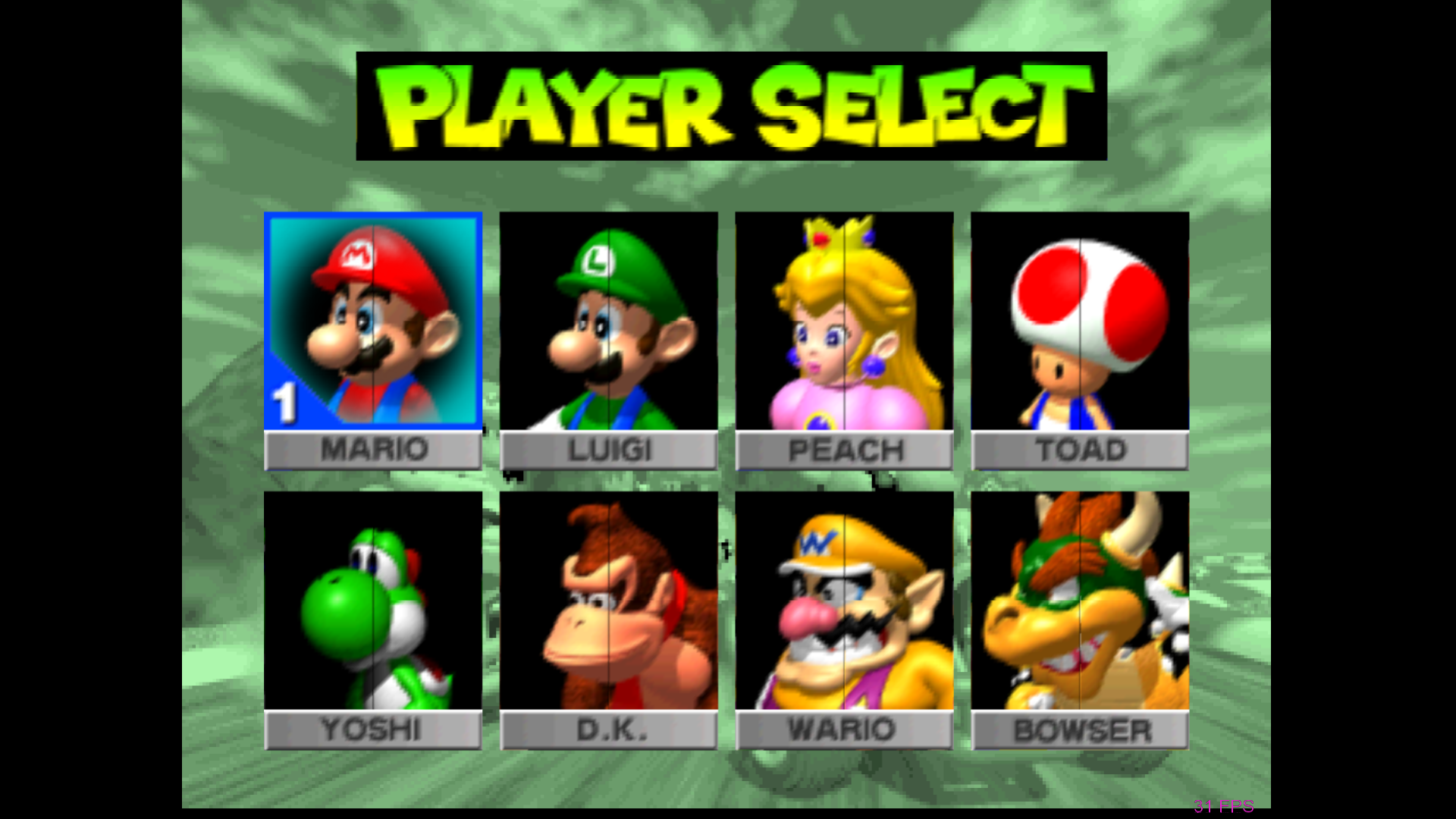
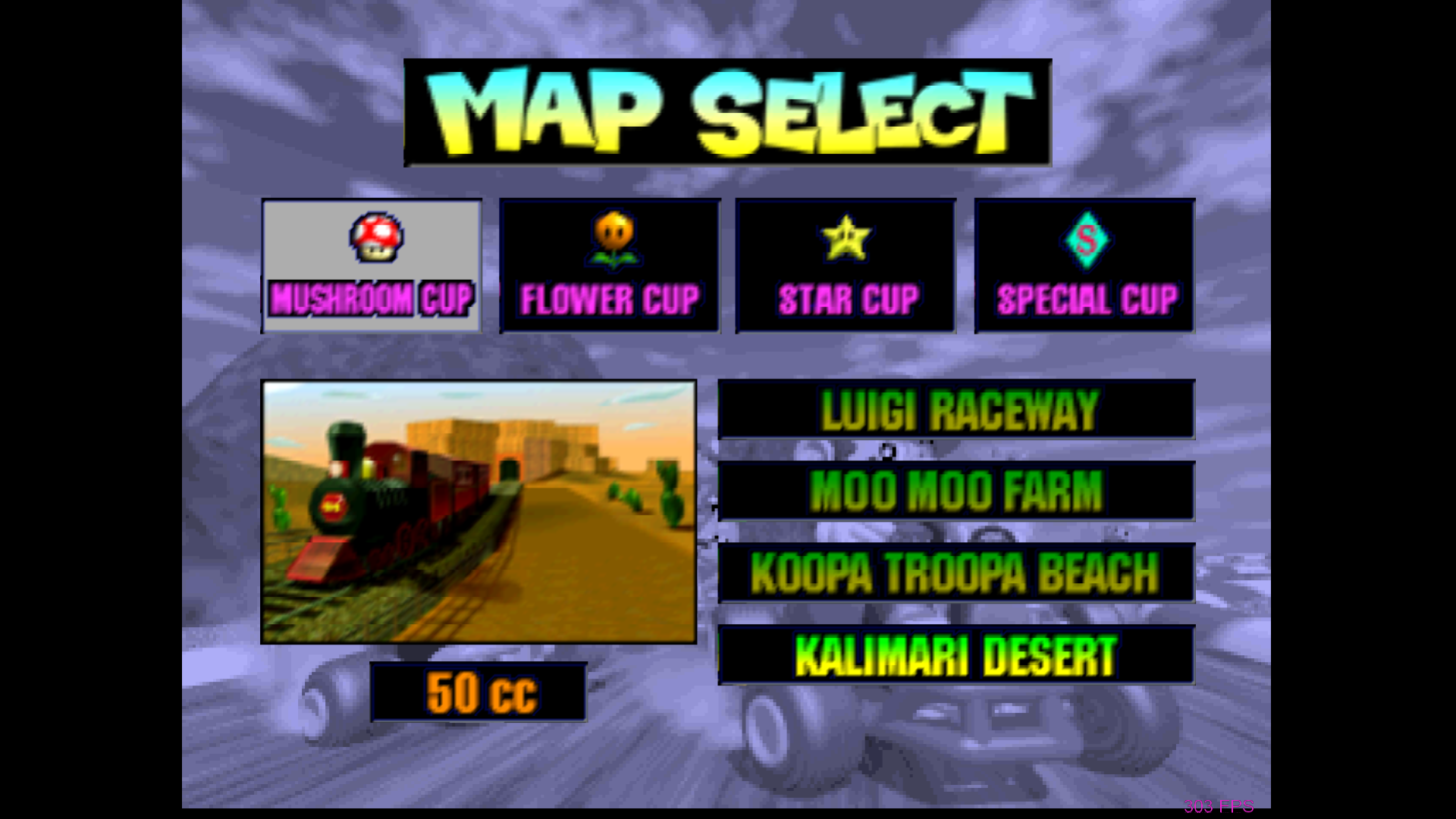
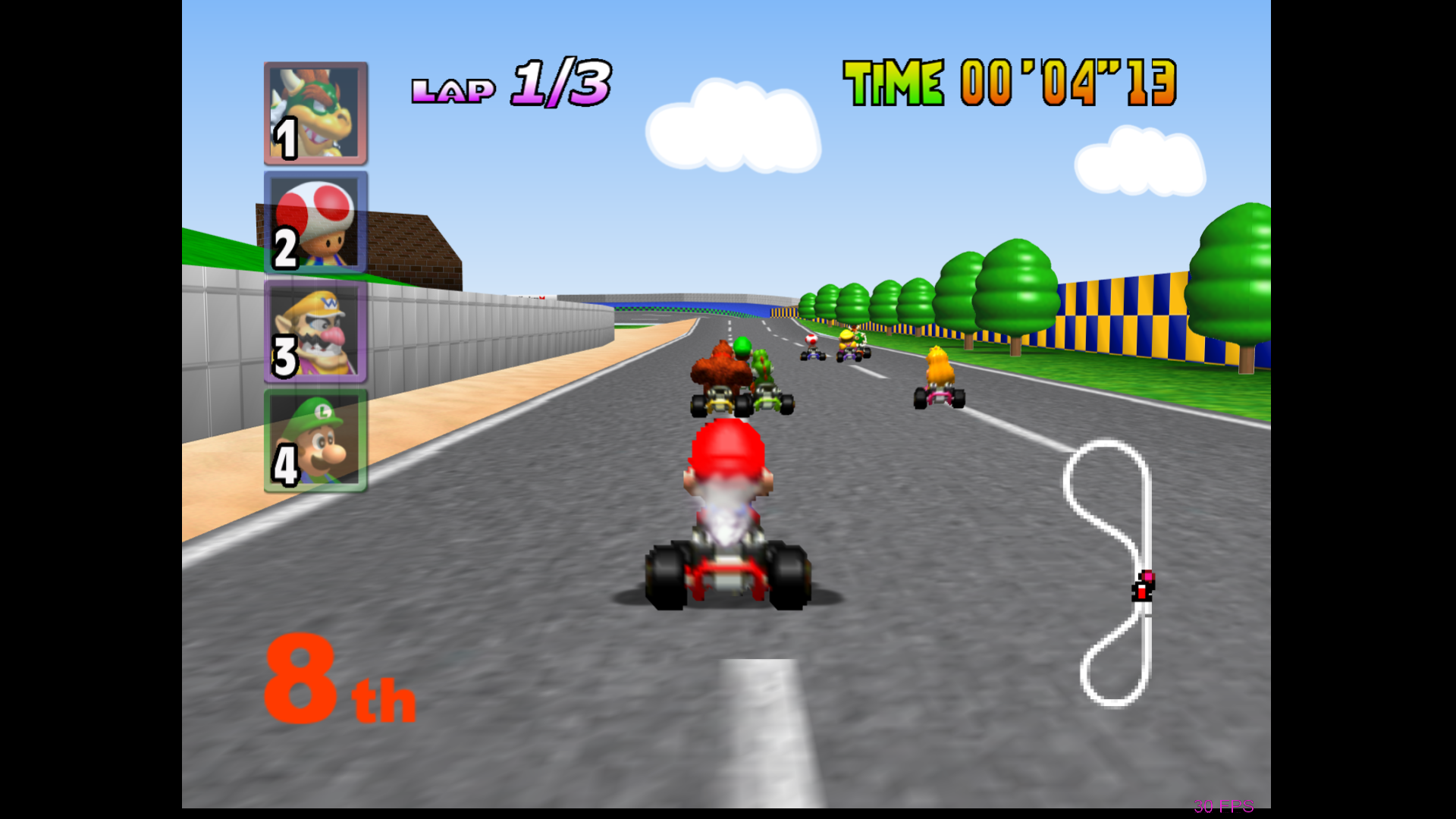
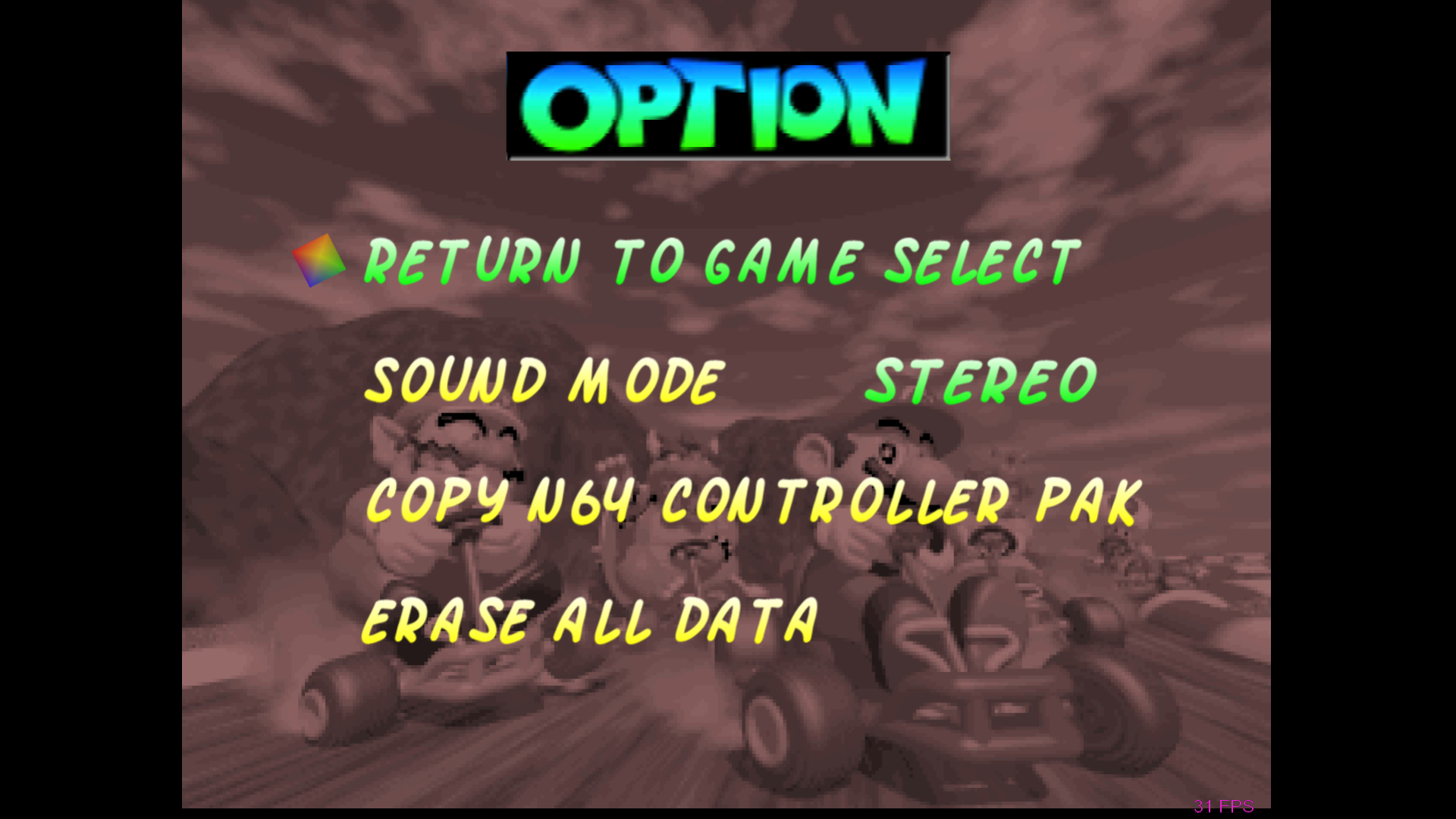
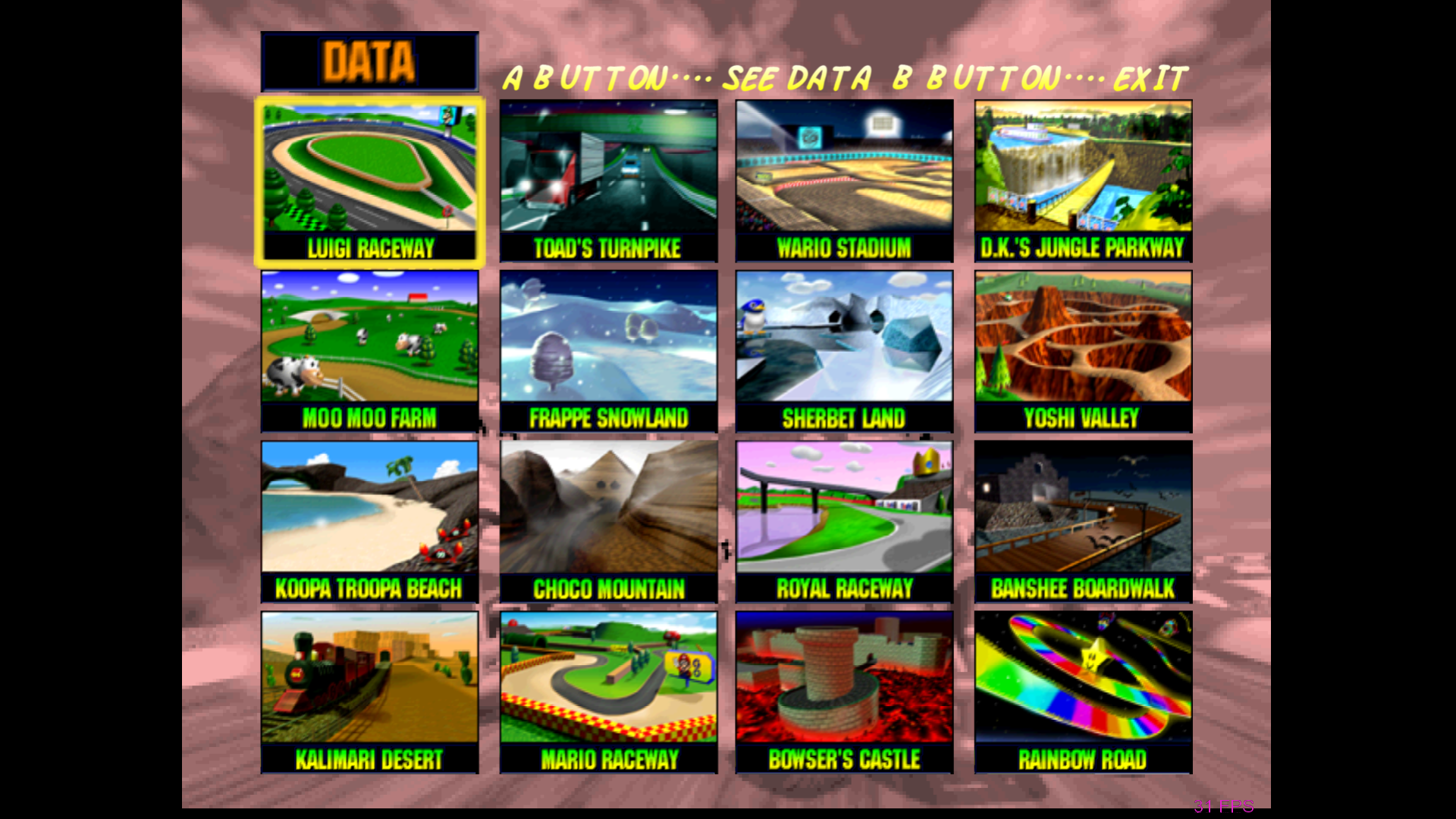
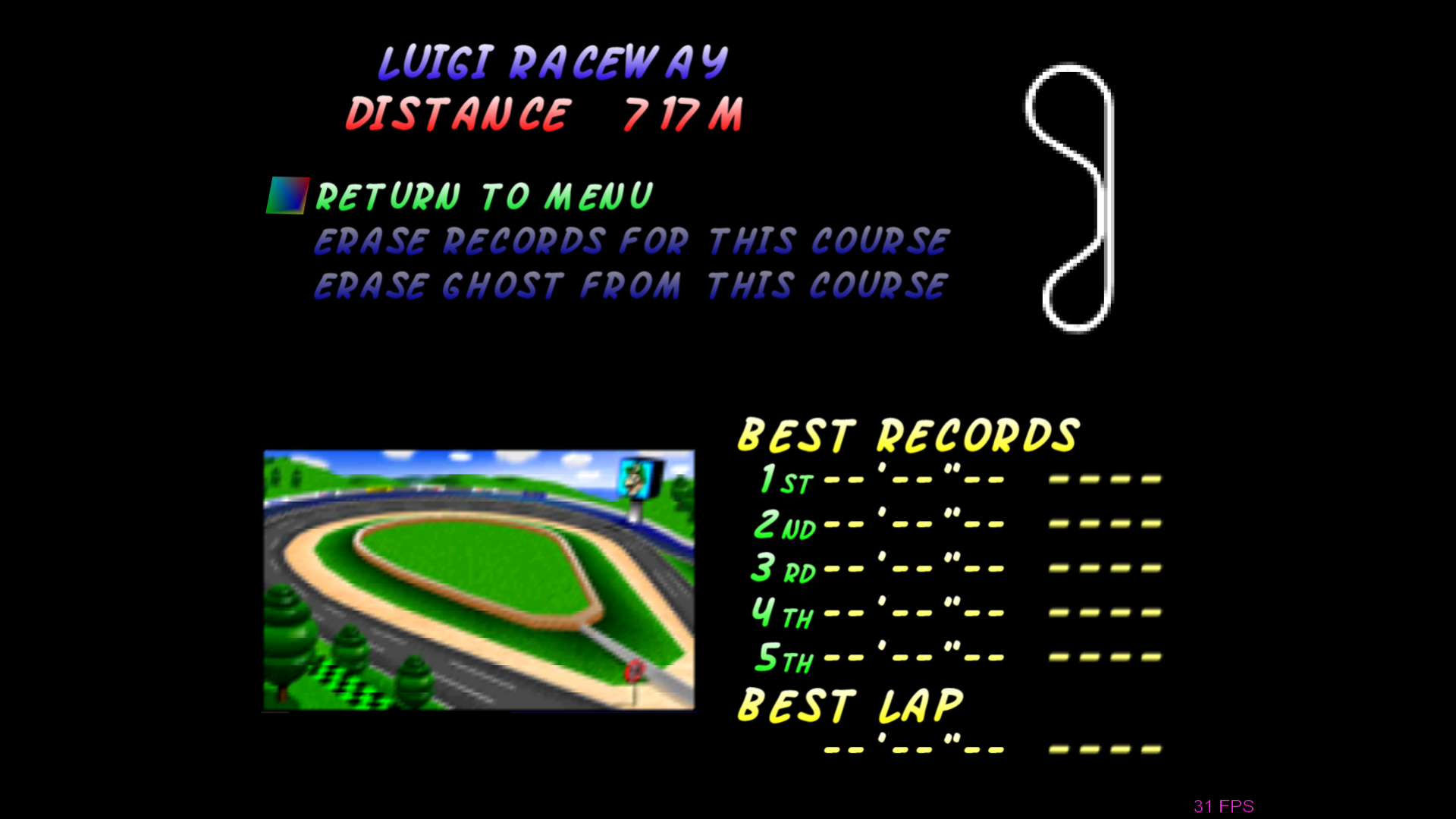
Tried to include all menus.
 DonelBueno
on 16 Nov 2017
DonelBueno
on 16 Nov 2017
If the new fixes lock the crc to just one per texture (and I hope they do), you will need to find out what the textures output name is and change that textures name acordningly.
I will test this weekend, and hopefully gonetz will provide the fixes if any are needed.
theboy181
on 16 Nov 2017
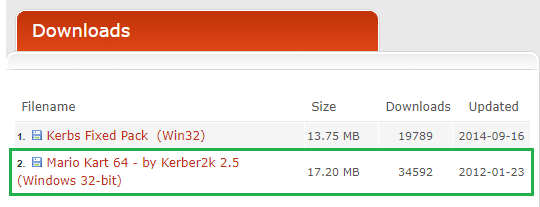
@theboy181 I'm using the highlighted pack, should I use the other one?
Another question, how do I use a .dat texture pack with this GFX plugin?
DonelBueno
on 16 Nov 2017
I’m not sure about his pack. I have created my own pack and that’s when I noticed that Gliden64 spit out new CRC when you navigate the menu. I’ll upload my pack it gonetz fixes the issue.
theboy181
on 16 Nov 2017
Oh, I thought you were using the same pack, my bad.
Great to know you're going to upload it =)
And what about .dat texture packs? Do you know how to use them with this plugin?
DonelBueno
on 16 Nov 2017
.dat texture packs are incompatible with GLideN64. There are decoders from .dat back to rice format, but this conversion is not lossless. Use only packs in rice format for testing (that is each texture is a separate .png file), or .htc files from safe sources.
gonetz
on 17 Nov 2017
Ah, too bad.
Do you intend to implement .dat support someday?
DonelBueno
on 17 Nov 2017
Why? You always may create native GLideN64 cache file from original texture pack. Using .dat or .htc as DRM protection is a bad idea, these formats are not disigned for that.
gonetz
on 18 Nov 2017
Related issues
 Dorzalty
·
20Comments
Dorzalty
·
20Comments
 IceLancerSR
·
15Comments
IceLancerSR
·
15Comments
 NurioHin
·
10Comments
NurioHin
·
10Comments
 Nerrel
·
8Comments
Nerrel
·
8Comments
 olivieryuyu
·
12Comments
olivieryuyu
·
12Comments
Most helpful comment