Givewp: Can't add a new custom currency with My Custom Functions
User Story
As an admin, I want to add a new currency to the plugin so that I can display my country currency to users
Current Behavior
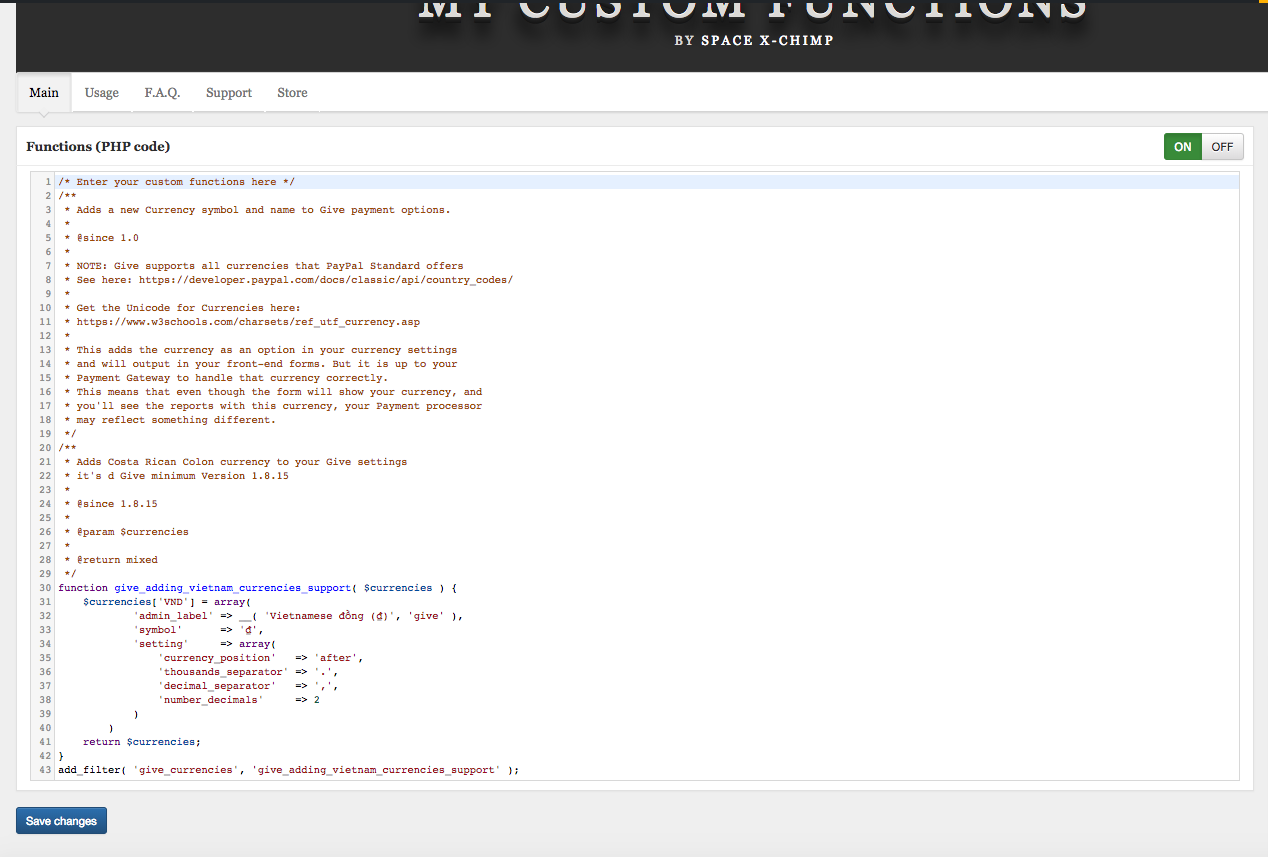
I currently can't add a new currency to the plugin. When I'm using this code with the plugin "My Custom Functions"
/* Enter your custom functions here */
/**
 * Adds a new Currency symbol and name to Give payment options.
 *
 * @since 1.0
 *
 * NOTE: Give supports all currencies that PayPal Standard offers
 * See here: https://developer.paypal.com/docs/classic/api/country_codes/
 *
 * Get the Unicode for Currencies here:
 * https://www.w3schools.com/charsets/ref_utf_currency.asp
 *
 * This adds the currency as an option in your currency settings
 * and will output in your front-end forms. But it is up to your
 * Payment Gateway to handle that currency correctly.
 * This means that even though the form will show your currency, and
 * you'll see the reports with this currency, your Payment processor
 * may reflect something different.
 */
/**
 * Adds Costa Rican Colon currency to your Give settings
 * it's required Give minimum Version 1.8.15
 *
 * @since 1.8.15
 *
 * @param $currencies
 *
 * @return mixed
 */
function give_adding_vietnam_currencies_support( $currencies ) {
    $currencies['VND'] = array(
            'admin_label' => __( 'Vietnamese đồng (₫)', 'give' ),
            'symbol'      => '₫',
            'setting'     => array(
                'currency_position'   => 'after',
                'thousands_separator' => '.',
                'decimal_separator'   => ',',
                'number_decimals'     => 2,
            ),
        ),
    return $currencies;
}
add_filter( 'give_currencies', 'give_adding_vietnam_currencies_support' );
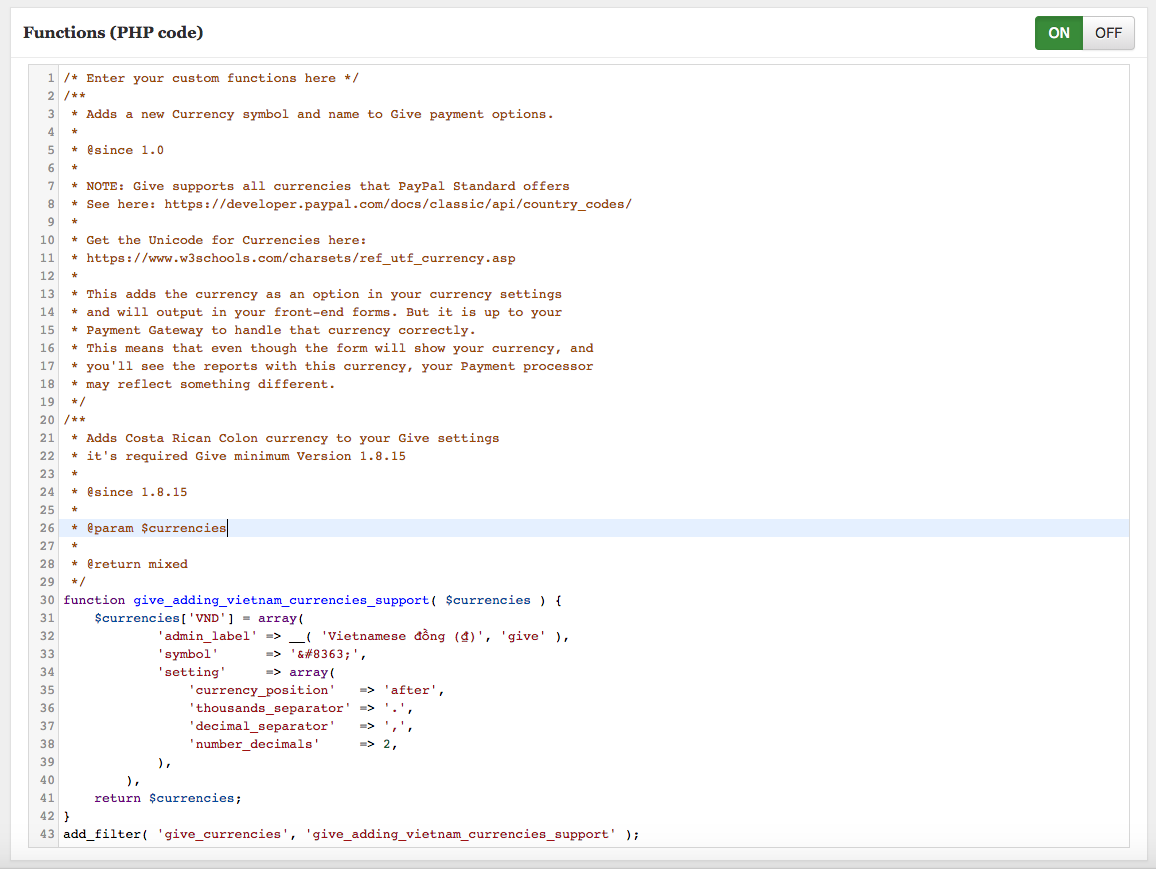
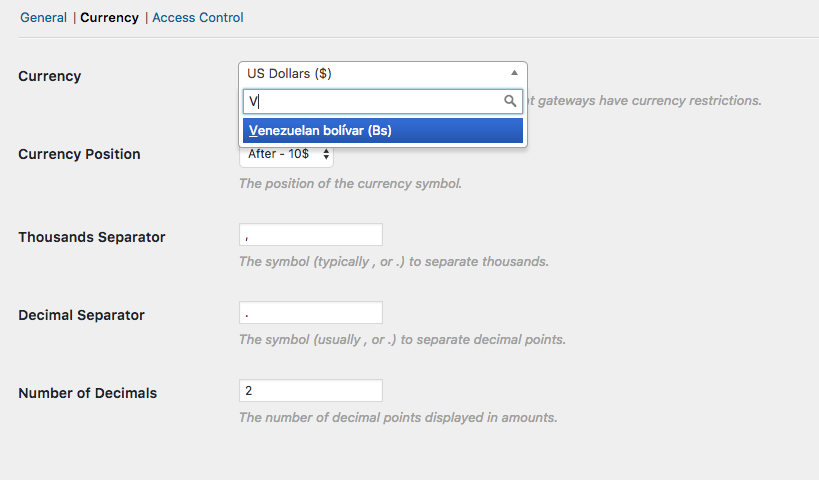
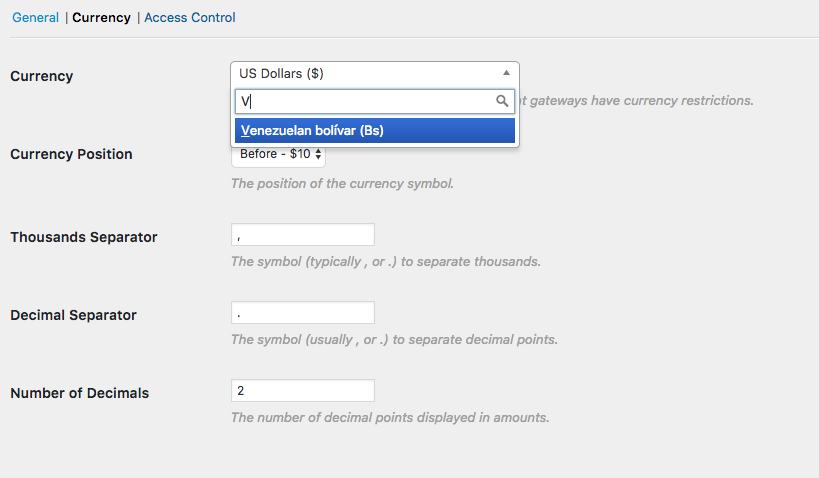
Expected Behavior
I expect the new currency was added by me should show in the list currencies.
Possible Solution
I can go to plugin folder and hard code new currency but with a new update, it will be lost.
 andyngdz
All 10 comments
@itanhduy There is a typo in your code. Can you fix it and test again?
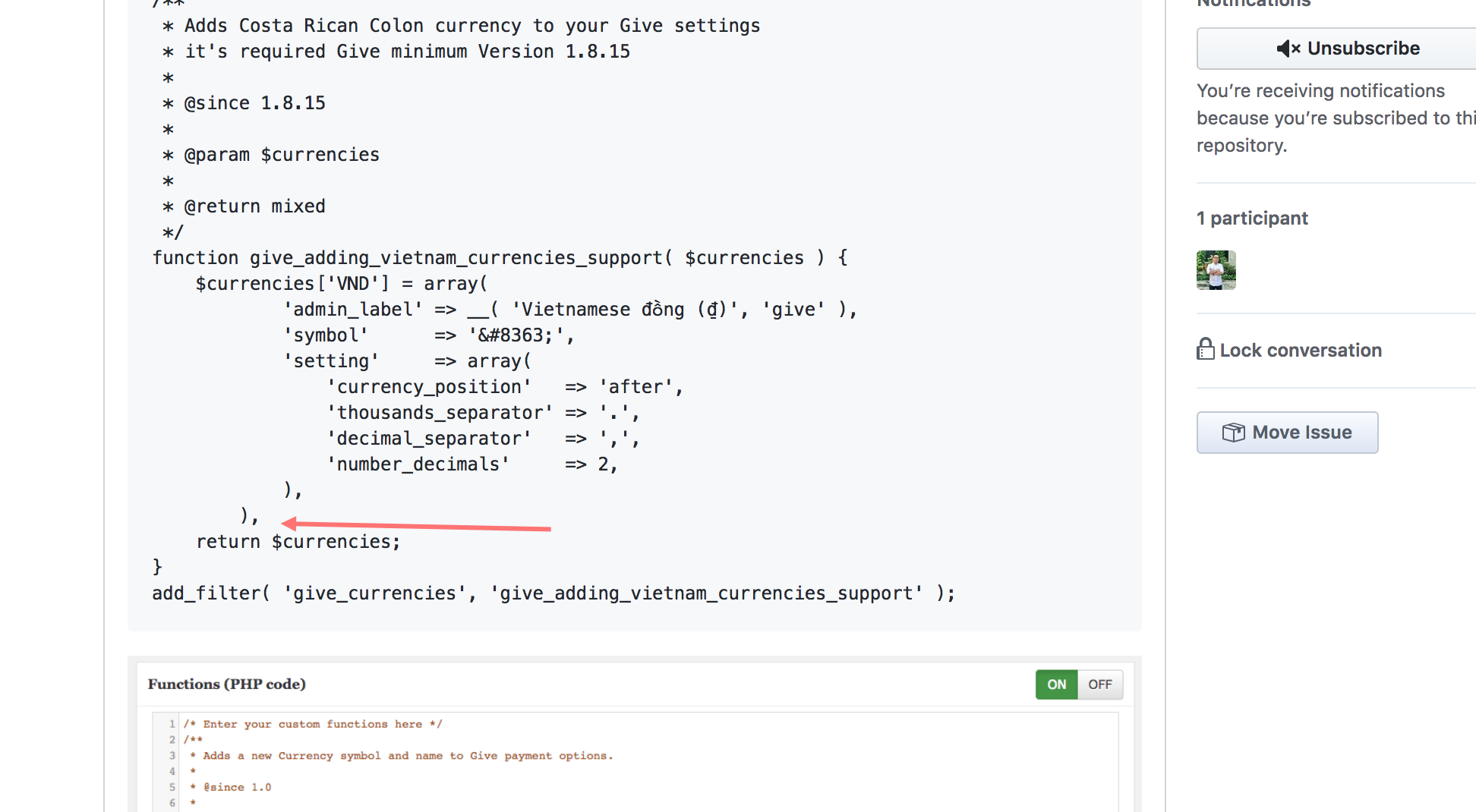
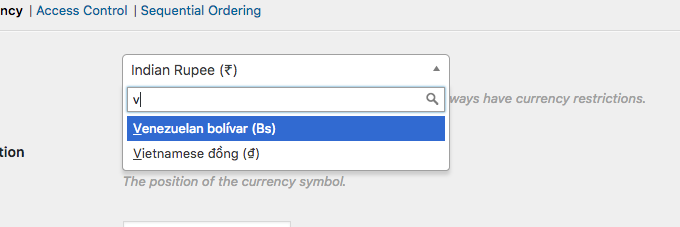
After fix, it is working fine for me:
 ravinderk
on 23 Mar 2018
ravinderk
on 23 Mar 2018
@itanhduy I proposed to add support for this currency in core https://github.com/WordImpress/Give/issues/2945
ravinderk
on 23 Mar 2018
OMG! I was mistaken. Thanks a lot, @ravinderk.
andyngdz
on 23 Mar 2018
Hi @ravinderk . It's so weird. It didn't work on my side. I'm using child-theme. Has it made the issue?
andyngdz
on 23 Mar 2018
@itanhduy In which file did you add this code, functions.php?
ravinderk
on 23 Mar 2018
@ravinderk
I'm using plugin My Custom Functions:
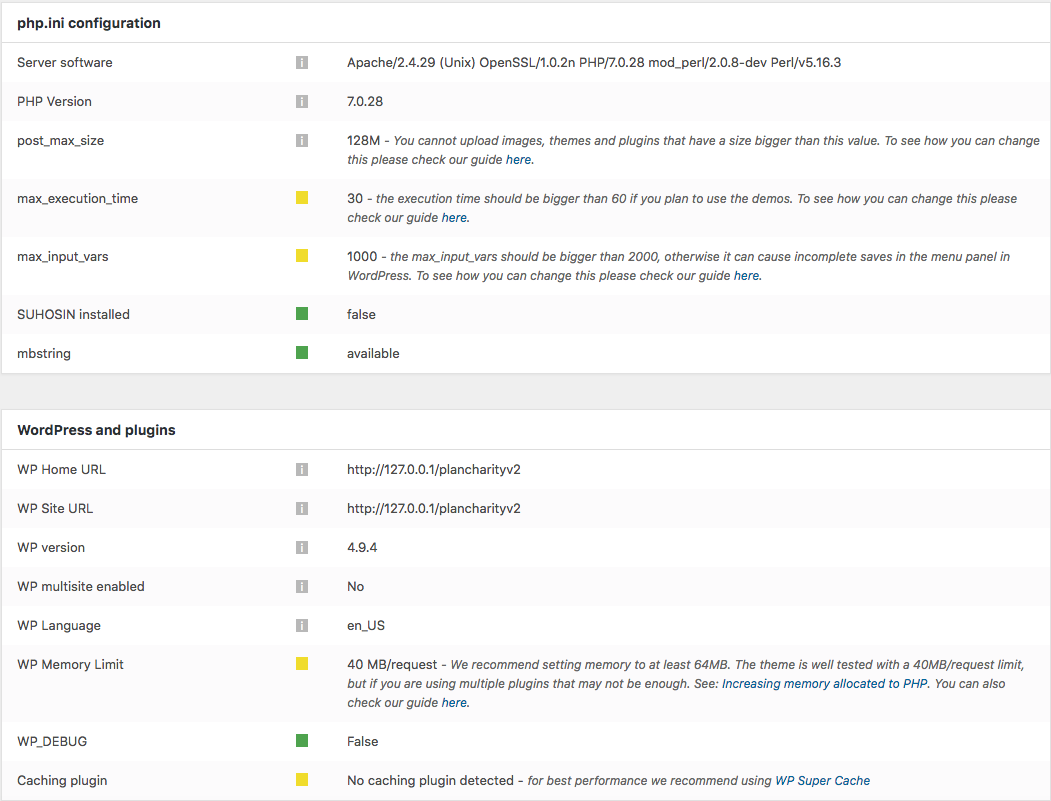
GiveWP's version: 2.0.6
Wordpress: 4.9.4

andyngdz
on 23 Mar 2018
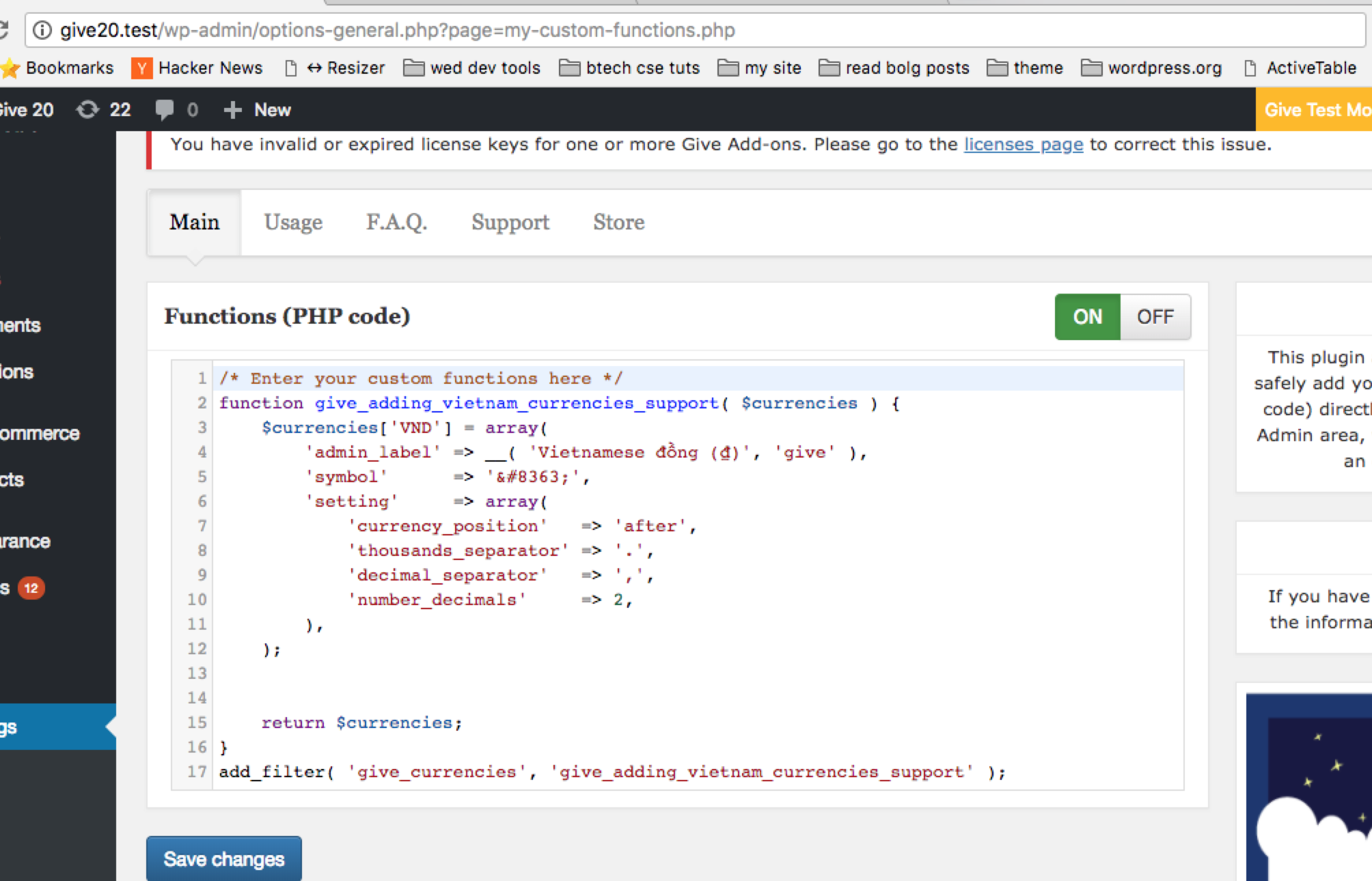
@itanhduy It is working fine for me.
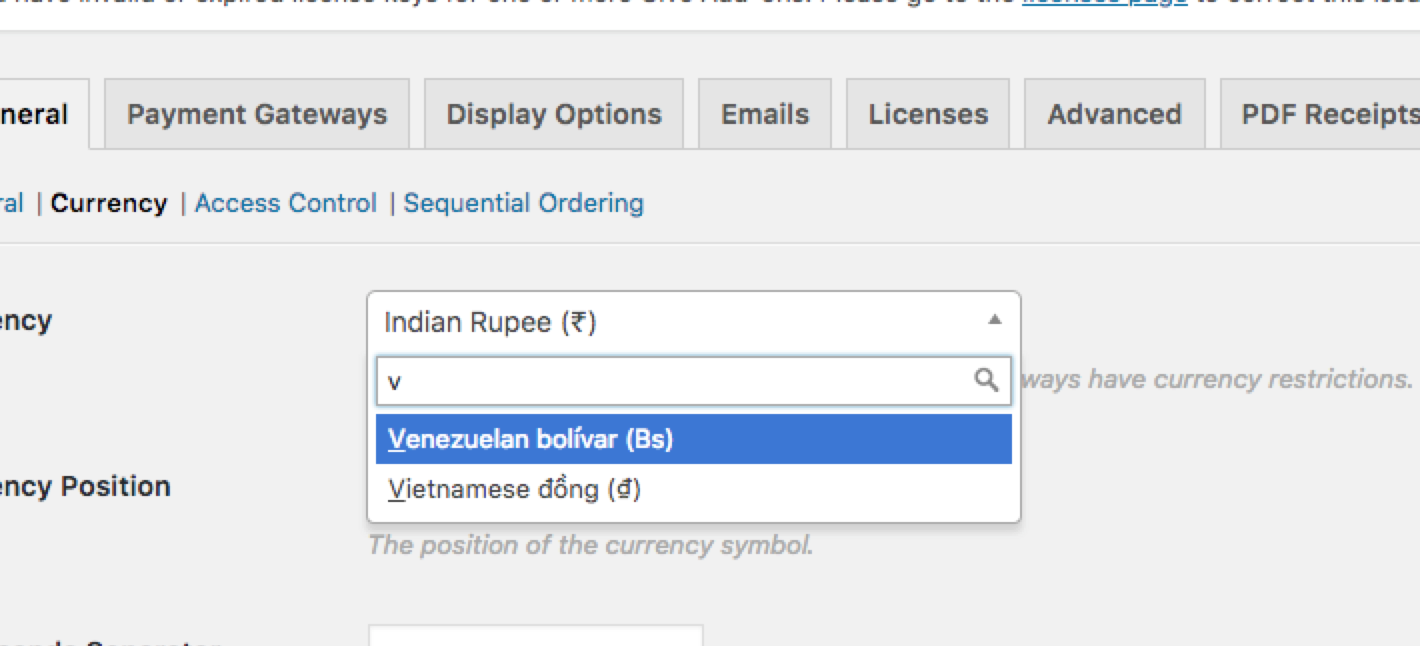
ravinderk
on 23 Mar 2018
@itanhduy Please fix typo in your code.
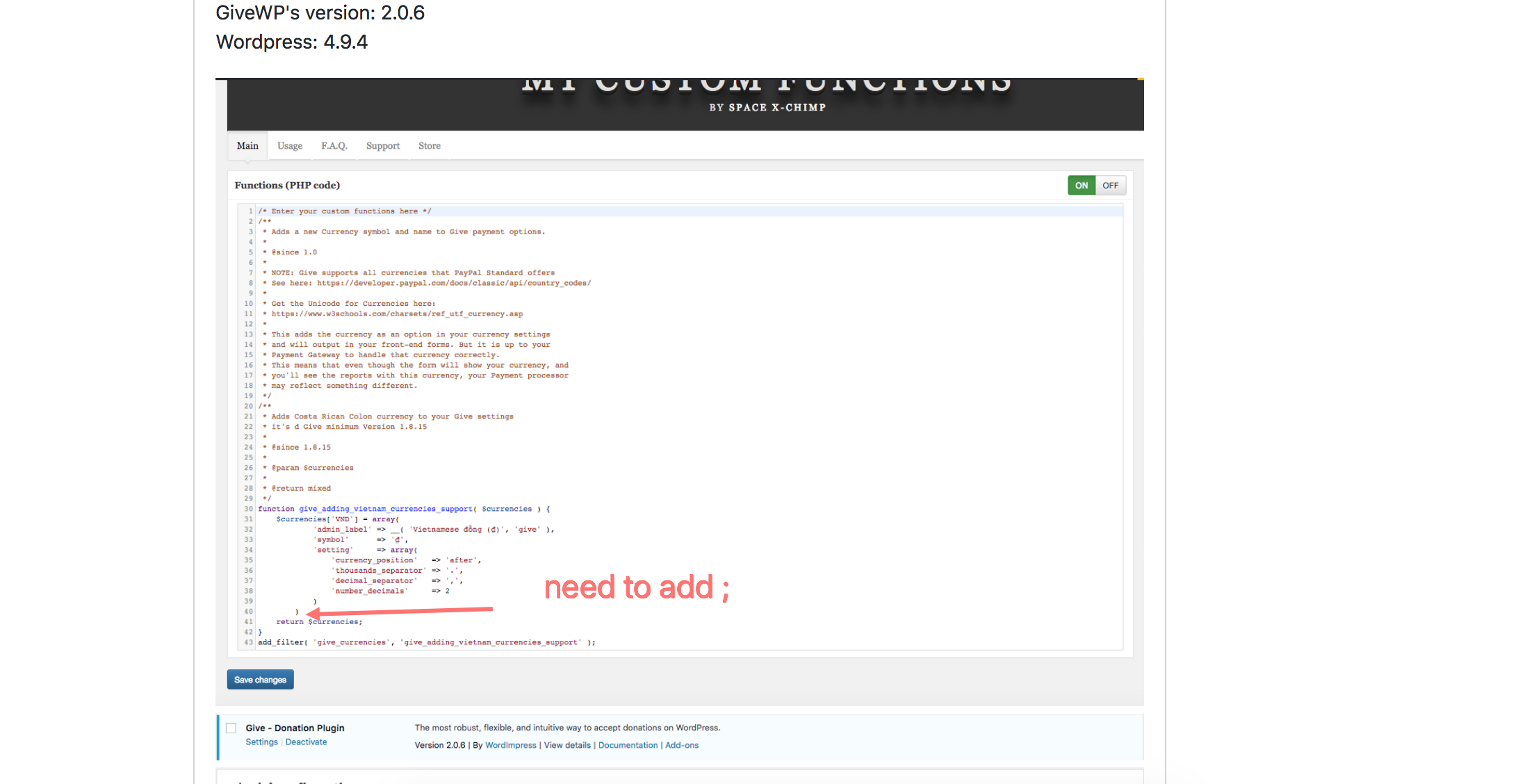
ravinderk
on 23 Mar 2018
@ravinderk
It worked. Thank you ;)
I would like to share my mistake. I forgot to enable this plugin. change STOP to START.
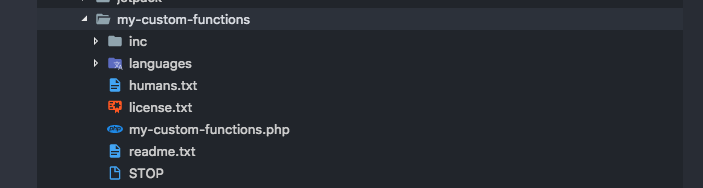
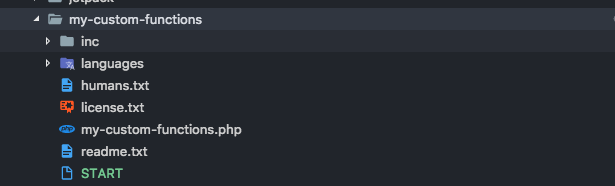
andyngdz
on 23 Mar 2018
@itanhduy Glad, it worked.
ravinderk
on 23 Mar 2018
Related issues
ravinderk
·
3Comments
 DevinWalker
·
3Comments
DevinWalker
·
3Comments
 mathetos
·
4Comments
mathetos
·
4Comments
 henryholtgeerts
·
3Comments
henryholtgeerts
·
3Comments
 vukvukovich
·
4Comments
vukvukovich
·
4Comments
Most helpful comment
@ravinderk
It worked. Thank you ;)
I would like to share my mistake. I forgot to enable this plugin. change STOP to START.