Gitpod: [Java] `jshell` doesn't work (no user input possible)
Describe the bug
When you try to run jshell, the CLI starts, but then refuses to take any user input:

Even ^C or ^D don't work, the only way to kill it is to open another Terminal and run killall jshell.
Originally reported here.
To Reproduce
- In any Gitpod workspace, run
sdk use java 9.0.4-open(install if necessary) - Run
jshell - Try to type anything into it. Nothing works.
Expected behavior
jshell should work.
I wonder if this is a bug with https://github.com/eclipse-theia/theia or even https://github.com/xtermjs/xterm.js.
 jankeromnes
All 8 comments
As a workaround, I found that you can pipe commands to it:
$ echo "/help" | jshell
Picked up JAVA_TOOL_OPTIONS: -Xmx2254m
|  Welcome to JShell -- Version 9.0.4
|  For an introduction type: /help intro

jshell> /help
|  Type a Java language expression, statement, or declaration.
|  Or type one of the following commands:
[...]
$
It runs the command and then exits, giving back control of the Terminal.
jankeromnes
on 17 Oct 2019
@jankeromnes can you send a repo with it installed
 JesterOrNot
on 17 Oct 2019
JesterOrNot
on 17 Oct 2019
@JesterOrNot jshell is part of Java by default (at least Java 9). The reproduction instructions work in every Gitpod workspace.
jankeromnes
on 17 Oct 2019
Sorry my bad!
JesterOrNot
on 17 Oct 2019
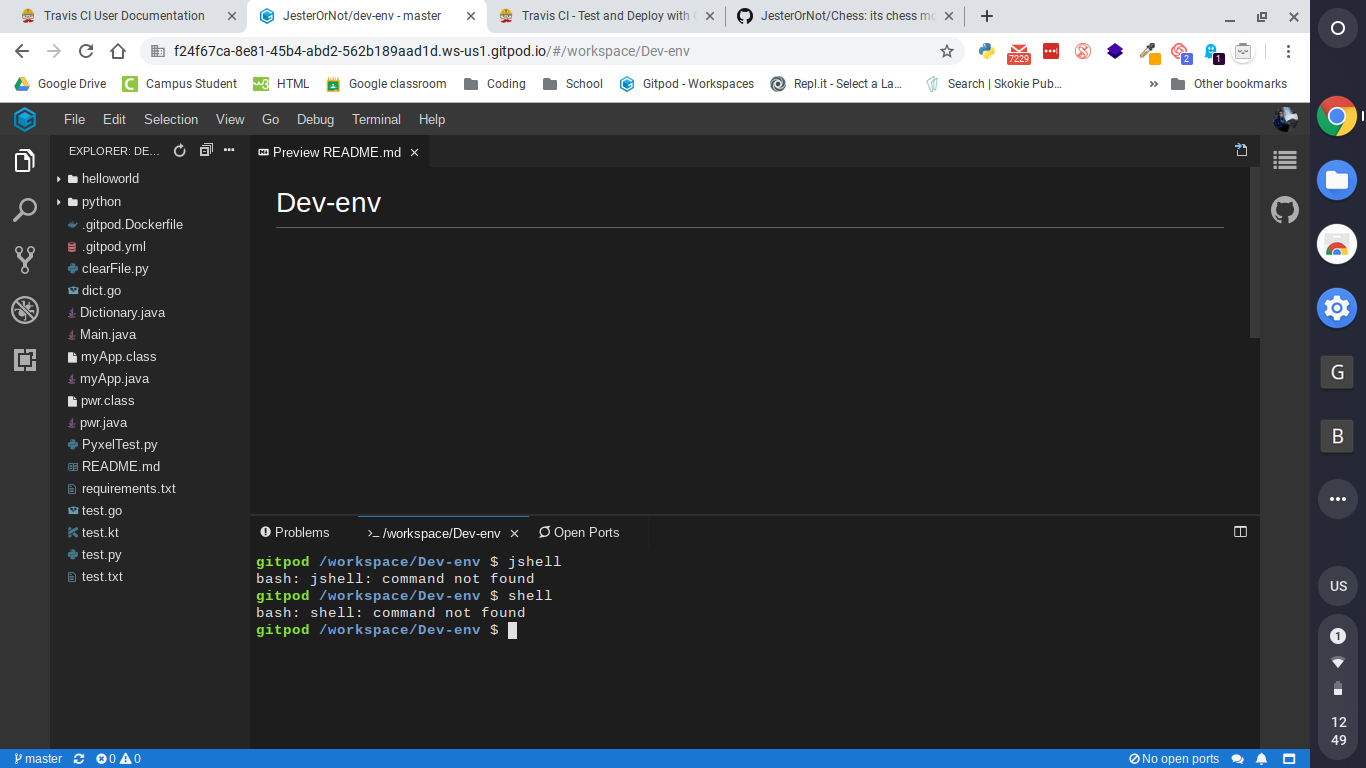
It doesn't seem to be there
JesterOrNot
on 17 Oct 2019
Ah, so it's not in the default Java version.
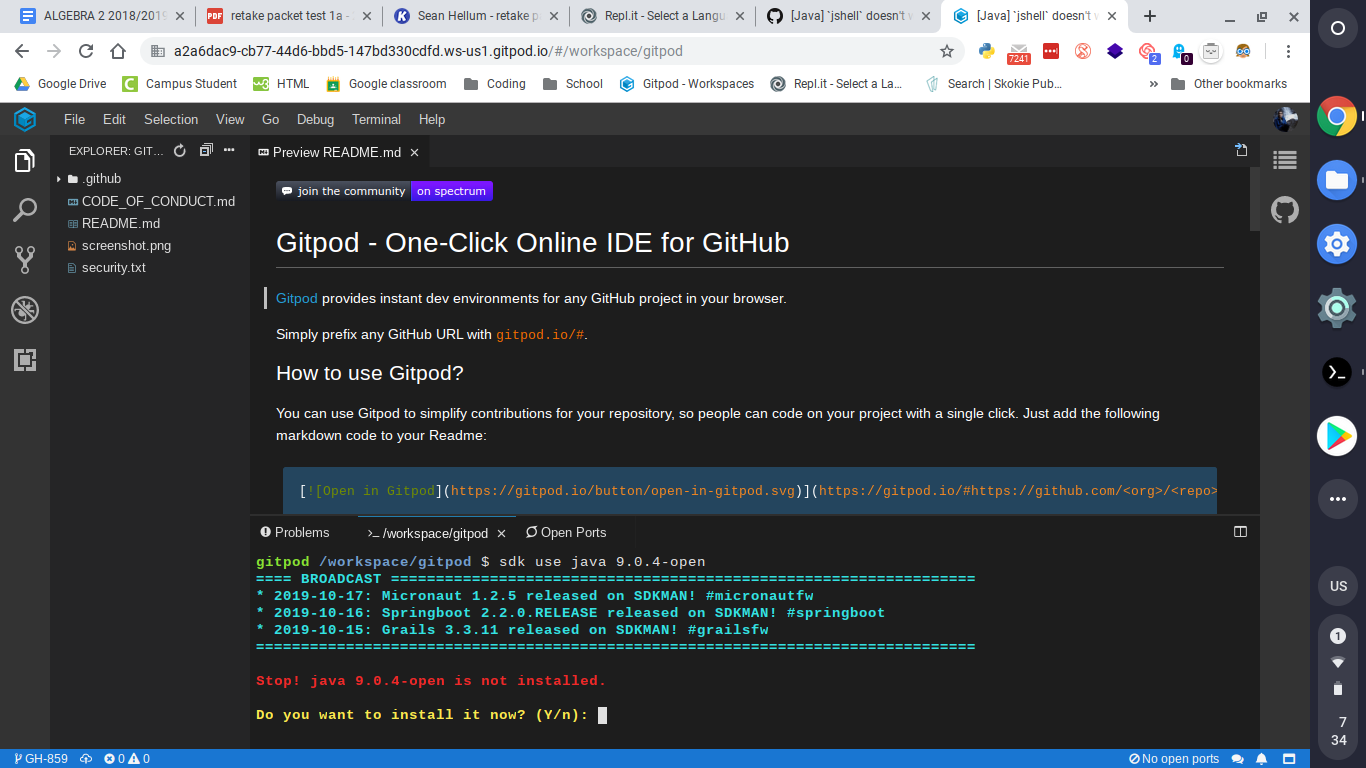
But if you run sdk use java 9.0.4-open first, you'll have jshell.
jankeromnes
on 17 Oct 2019
JesterOrNot
on 18 Oct 2019
Then you can press Enter to install Java 9. :)
jankeromnes
on 18 Oct 2019
Related issues
 bytekast
·
3Comments
bytekast
·
3Comments
 ColbyWTaylor
·
3Comments
ColbyWTaylor
·
3Comments
 tekumara
·
3Comments
tekumara
·
3Comments
 Kreyren
·
3Comments
ColbyWTaylor
·
3Comments
Kreyren
·
3Comments
ColbyWTaylor
·
3Comments