Far right (opposite reaction button). Tap and prefill text with @mention text. Maybe long press to mention _and_ quote?
Bug Report Dump (Auto-generated)
Version 1.18.0 (1519059961)
Device: iPhone X (iOS 11.2.2)
TestFlight: true
 rnystrom
All 6 comments
I prefer just quoting. If you are responding to someone in an issue, there's a high chance they are subscribed anyway, so they will receive a notification regardless of them being mentioned or not.
 BasThomas
on 20 Feb 2018
BasThomas
on 20 Feb 2018
@BasThomas The thing I like about the mention though is it provides some context for the discussion.
Maybe we could do something like automatically insert some form of visual representing where the quote came from 😛
See below:
_BasThomas_:
I prefer just quoting.
 SD10
on 20 Feb 2018
SD10
on 20 Feb 2018
Fair point. At that point I would prefer to @mention anyway - to provide context as you said. It wouldn't hurt either (you'll get the notification regardless) and making it bold/italic to mimic something feels even weirder. 😛
BasThomas
on 20 Feb 2018
I am taking this 😊
 jdisho
on 15 Mar 2018
jdisho
on 15 Mar 2018
Adding the reply button on far right of the reaction button is a problem when it comes to the case when a lot of reactions are there. Moreover, when you have an iPhone SE. Too cluttered
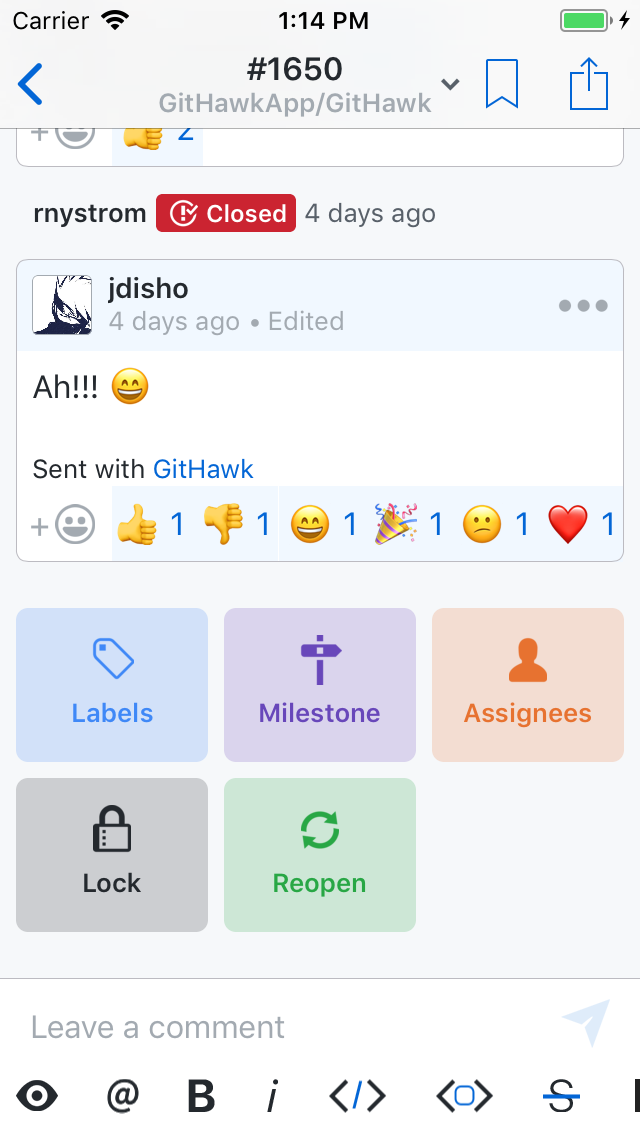
I have two suggestions regarding this:
Replyis in the action sheet likeEdit,Delete,Share.- Swipe from right to left on comment cell to Reply. ❤️
Let me know what do you think @rnystrom
jdisho
on 18 Mar 2018
@jdisho let’s go with putting reply (“reply” btw 😉 ) in the action sheet menu. It’d be fun to convert that menu to a context menu anyways where we can add icons.
Sent with GitHawk
rnystrom
on 18 Mar 2018
Related issues
 jessesquires
·
3Comments
jessesquires
·
3Comments
 rizwankce
·
3Comments
rnystrom
·
3Comments
rnystrom
·
3Comments
BasThomas
·
3Comments
rizwankce
·
3Comments
rnystrom
·
3Comments
rnystrom
·
3Comments
BasThomas
·
3Comments
Most helpful comment
I am taking this 😊