Great application Ryan! Just discovered it recently and love it.
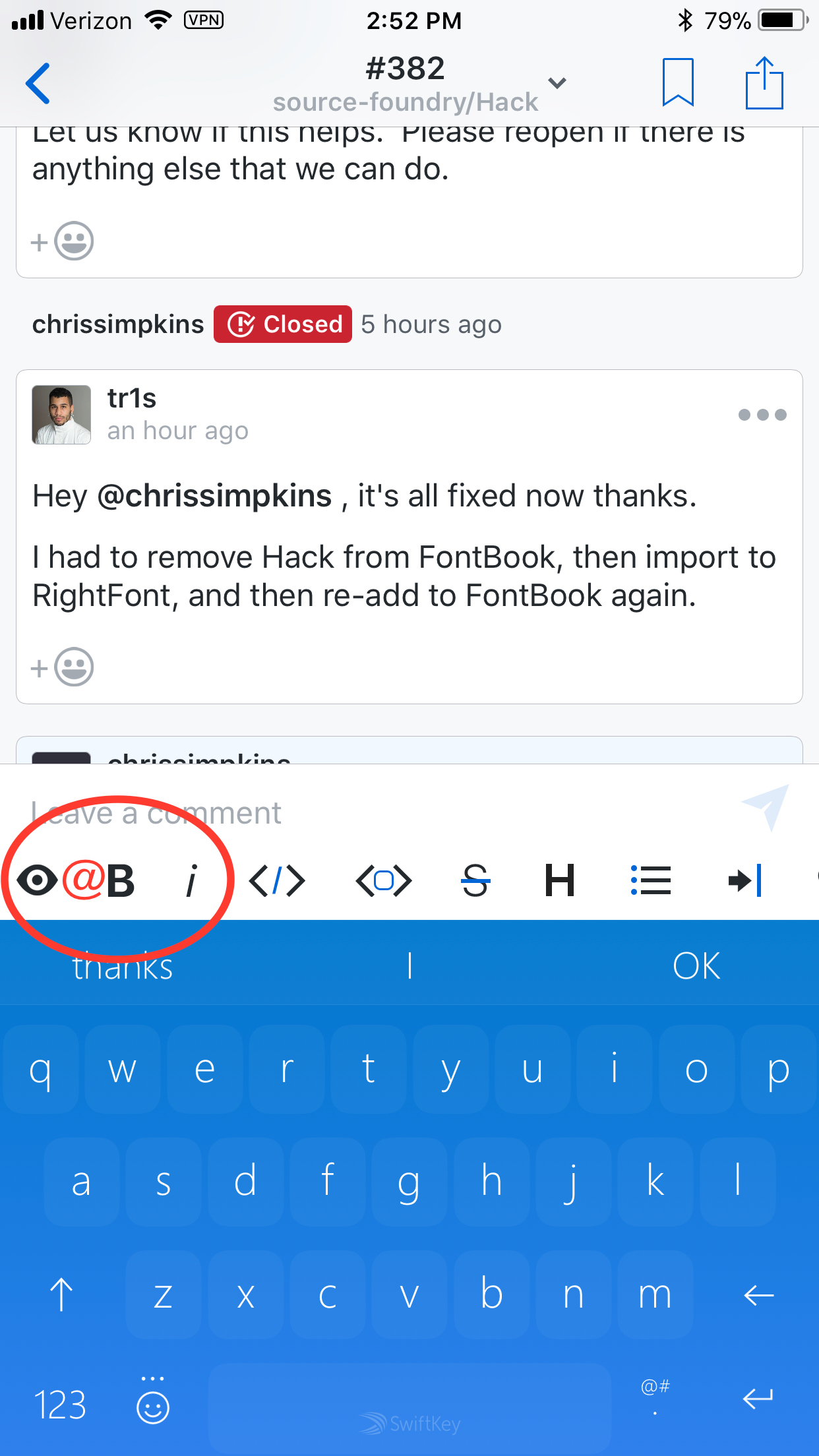
This is a request for an optional @ symbol in the shortcut bar. Some 3rd party keyboards make this commonly used character less accessible than it should be for GitHub...
 chrissimpkins
All 4 comments
That's actually a quite interesting idea - we could then use the normal keyboard again with the return key. One downside I see is that the markdown bar would get (more) confusing: it would house preview, markdown shortcuts, image upload and @ / # (for when we implement #219)
 BasThomas
on 30 Jan 2018
BasThomas
on 30 Jan 2018
I am speaking from absolutely no iOS dev experience here so take with a grain of salt because I have no idea about the amount of effort required. Can you implement a customizable bar that allows users to select what they want to appear there from a set of useful formatting shortcuts, preview launcher, and symbols?
chrissimpkins
on 30 Jan 2018
One downside I see is that the markdown bar would get (more) confusing
I agree with this but I also have some ideas to make typing code easier. Possibly short cuts for:
< >, { }, [ ], and ( ) that when you press them it nests you inside of them. This is because typing code examples on my phone is a nightmare.
Maybe we could add a button to the markdown bar that toggles to a different set of buttons?
 SD10
on 30 Jan 2018
SD10
on 30 Jan 2018
I’m down with this idea! I’d actually love to have the return key back. Great start task if someone wants to pick this up. Should be as easy as adding it here. The asset already exists. Just make sure to change the keyboard type in IssuesViewController while you're at it!
Sent with GitHawk
 rnystrom
on 30 Jan 2018
rnystrom
on 30 Jan 2018
Related issues
 viktorgardart
·
3Comments
BasThomas
·
3Comments
BasThomas
·
3Comments
viktorgardart
·
3Comments
BasThomas
·
3Comments
BasThomas
·
3Comments
 rizwankce
·
3Comments
rizwankce
·
3Comments
 jessesquires
·
3Comments
jessesquires
·
3Comments