Githawk: Missing NSPhotoLibraryAddUsageDescription
in __TCCAccessRequest_block_invoke_2.85
- Number of crashes: 1
- Impacted devices: 1
There's a lot more information about this crash on crashlytics.com:
https://fabric.io/githawk/ios/apps/com.whoisryannystrom.freetime/issues/5a5e82868cb3c2fa63f95a9f?utm_medium=service_hooks-github&utm_source=issue_impact
 rnystrom
All 4 comments
Trying to access user data w/out permissions. Maybe after denying photo access?
rnystrom
on 17 Jan 2018
@rnystrom I'm unable to access that Fabric link but I was able to reproduce a TCC crash that is likely the same issue.
In iOS 11, there is a new permission for adding photos (write access) to a User's Photo library. The crash is occurring because GitHawk is missing the Info.plist entry for NSPhotoLibraryAddUsageDescription. More info here
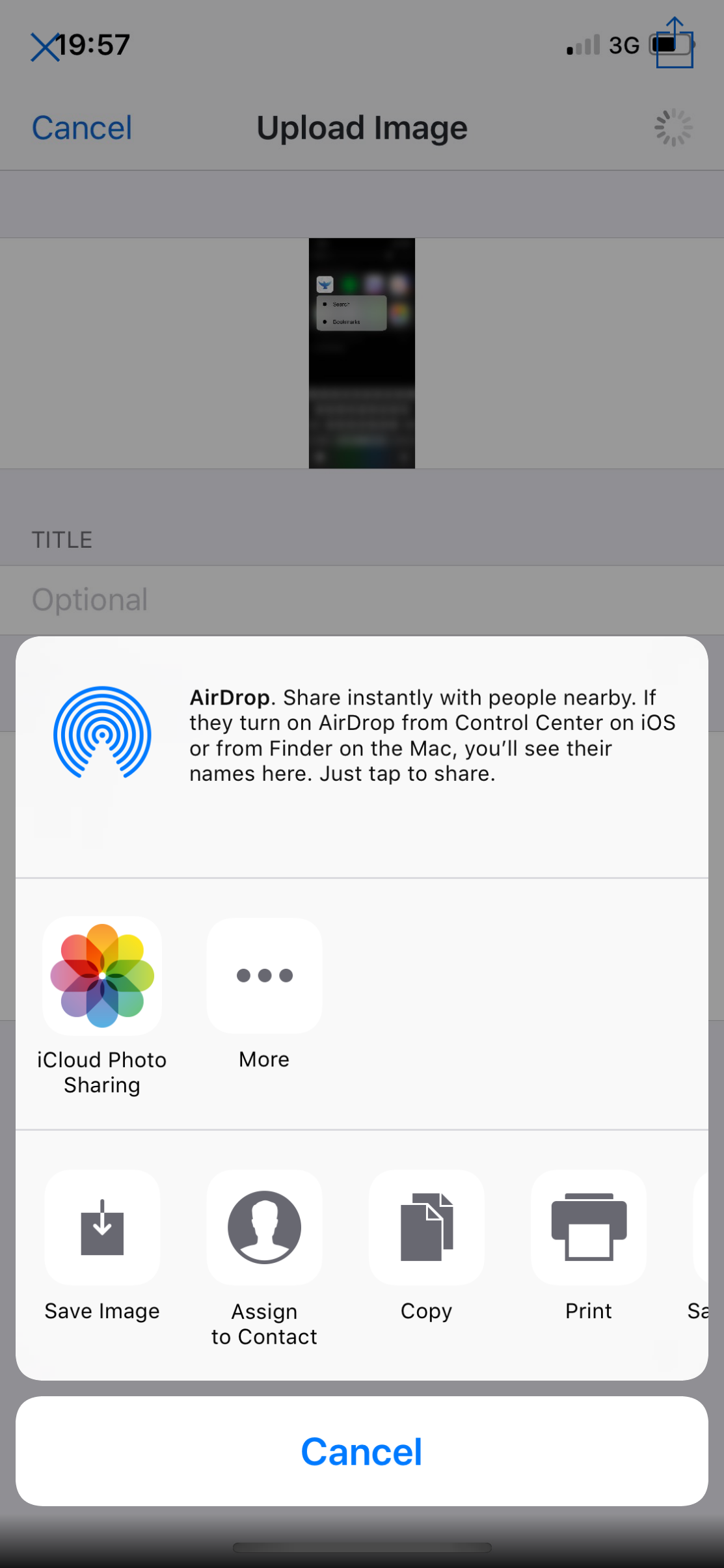
Steps to Reproduce (iOS 11)
- Find a PR or Issue that has an image in the body or one of the comments.
- Tap on the image
- Tap the Share button in the top right corner
- Tap "Save Image"
- Observe the app crashes with the following log:
This app has crashed because it attempted to access privacy-sensitive
data without a usage description.  The app's Info.plist must contain an
NSPhotoLibraryAddUsageDescription key with a string value explaining
to the user how the app uses this data.
I hope this helps and I'll attach a screenshot in this comment for easier access.
 ajfigueroa
on 17 Jan 2018
ajfigueroa
on 17 Jan 2018
Public Link: http://crashes.to/s/ff1e99fe37d
 Sherlouk
on 17 Jan 2018
Sherlouk
on 17 Jan 2018
That crash looks the same as one I've seen at work.
There is no useful information in it unfortunately minus that it affects iOS 11 only (so far).
I'm pretty confident the crash is due to the missing NSPhotoLibraryAddUsageDescription key 👍
ajfigueroa
on 17 Jan 2018
Related issues
 BasThomas
·
3Comments
BasThomas
·
3Comments
 weyert
·
3Comments
BasThomas
·
3Comments
BasThomas
·
3Comments
rnystrom
·
3Comments
weyert
·
3Comments
BasThomas
·
3Comments
BasThomas
·
3Comments
rnystrom
·
3Comments
Most helpful comment
@rnystrom I'm unable to access that Fabric link but I was able to reproduce a TCC crash that is likely the same issue.
In iOS 11, there is a new permission for adding photos (write access) to a User's Photo library. The crash is occurring because GitHawk is missing the Info.plist entry for
NSPhotoLibraryAddUsageDescription. More info hereSteps to Reproduce (iOS 11)
I hope this helps and I'll attach a screenshot in this comment for easier access.