Ghost: Pages do not show CTA (banner) upon changes to "Post Access"
Issue Summary
Pages do not respond to changes to "Post Access", maybe because they are "Post" and not Page" access 😊
To Reproduce
- Install Lyra, Turn ON and set up Members in Labs
- Create a page
- Change "Post access" for the page from public to members-only or paid-members-only
- The page continues to be public
Technical details:
- Ghost Version: 3.5.0
- Node Version: 10.19
- Browser/OS: Brave/Chrome/Safari/Opera
- Database: MySQL
 pateskinasy
All 5 comments
Hi @pateskinasy , I'm not sure what you mean by The page continues to be public. The page is supposed to stay accessible to the public, but it's contents should not be visible (just like for the posts). I've tested it quickly and seems to work as expected. I'll close this issue for now, but feel free to reopen in case I'm misunderstanding something :smiley:
 naz
on 11 Feb 2020
naz
on 11 Feb 2020
Thanks for reverting @gargol.
My bad, I mistook the page "continuing to be public" with the lack of a CTA (subscribe / become paid-member banner) to either "subscribe" or "become a paid member".
Anyway, it seems there is still an issue here though. I've adjusted also the title of this issue to help others going through the same find this in future.
In other words, I do not get a CTA when a page is made "Members-only" or "Paid-members only"
To reproduce:
Public Pages --> it works
- Install Lyra, Turn ON and set up Members in Labs
- Create a page
- Make "Post access" for the page public
- Make sure the page has contents on the body
- Check if contents are available to public and members
- All good here, it works
Members-only Pages --> issue
- Install Lyra, Turn ON and set up Members in Labs
- Create a page
- Make "Post access" for the page "members only"
- Make sure the page has contents on the body
- Check if contents are available to public and members
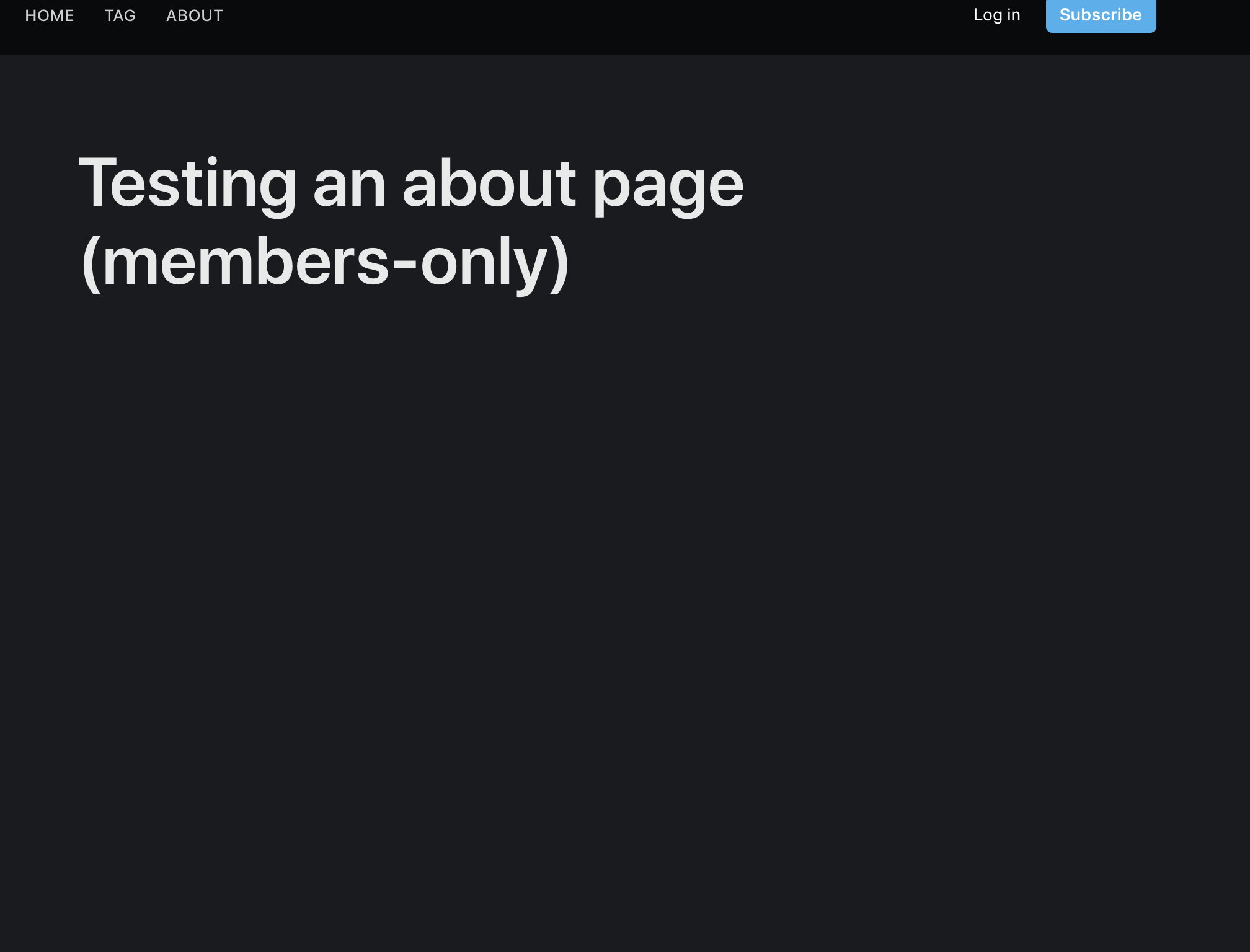
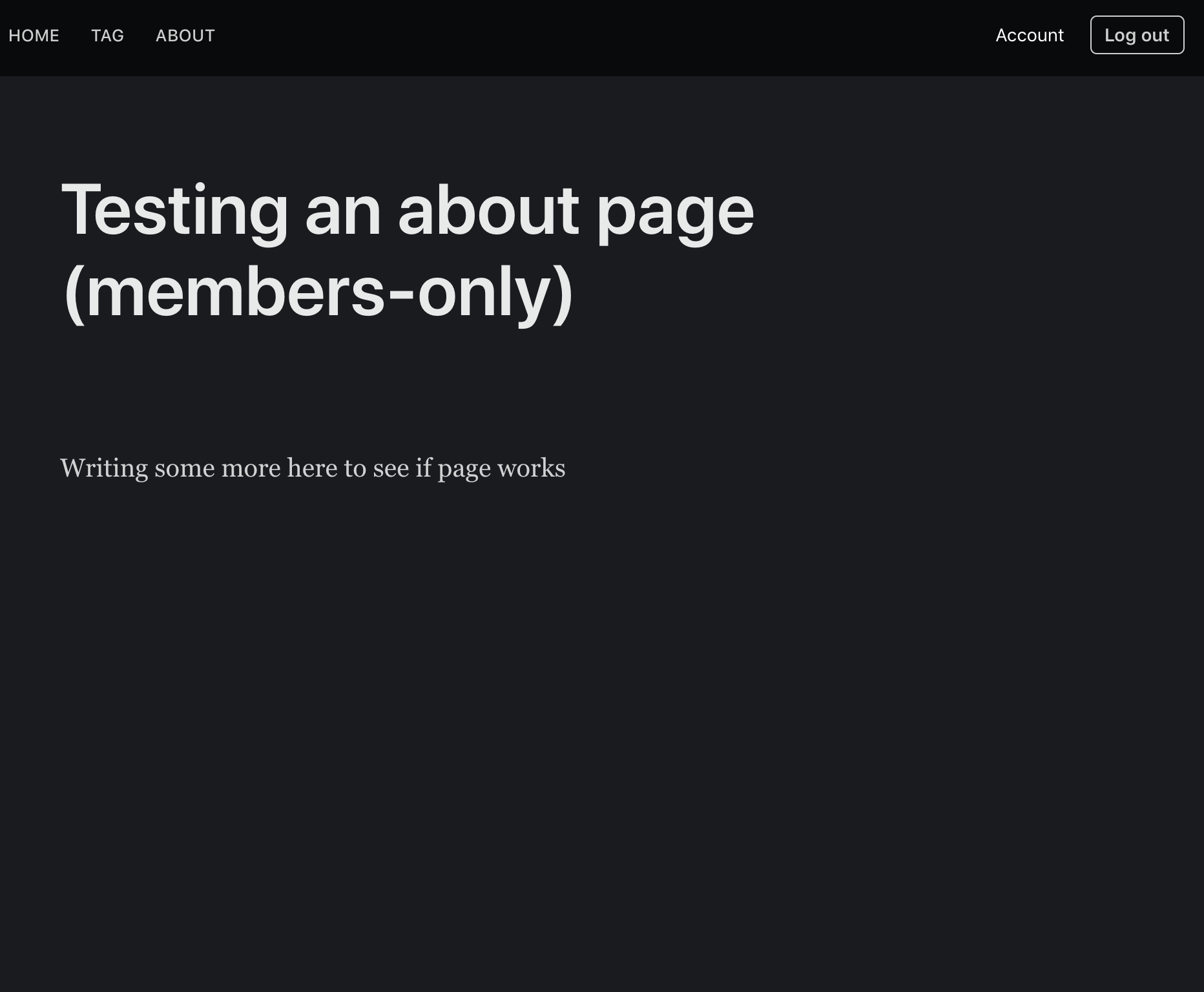
- No contents are visible (only title) but most importantly, no CTA (banner) to sign up
Below: Not logged-in member sees (no content but NO CTA to subscribe seen) <-- issue
Below: Logged-in member sees (sees content --> all OK)
Paid-members only Pages --> issue
- Install Lyra, Turn ON and set up Members in Labs
- Create a page
- Make "Post access" for the page "paid-members only"
- Make sure the page has contents on the body
- Check if contents are available to public and members
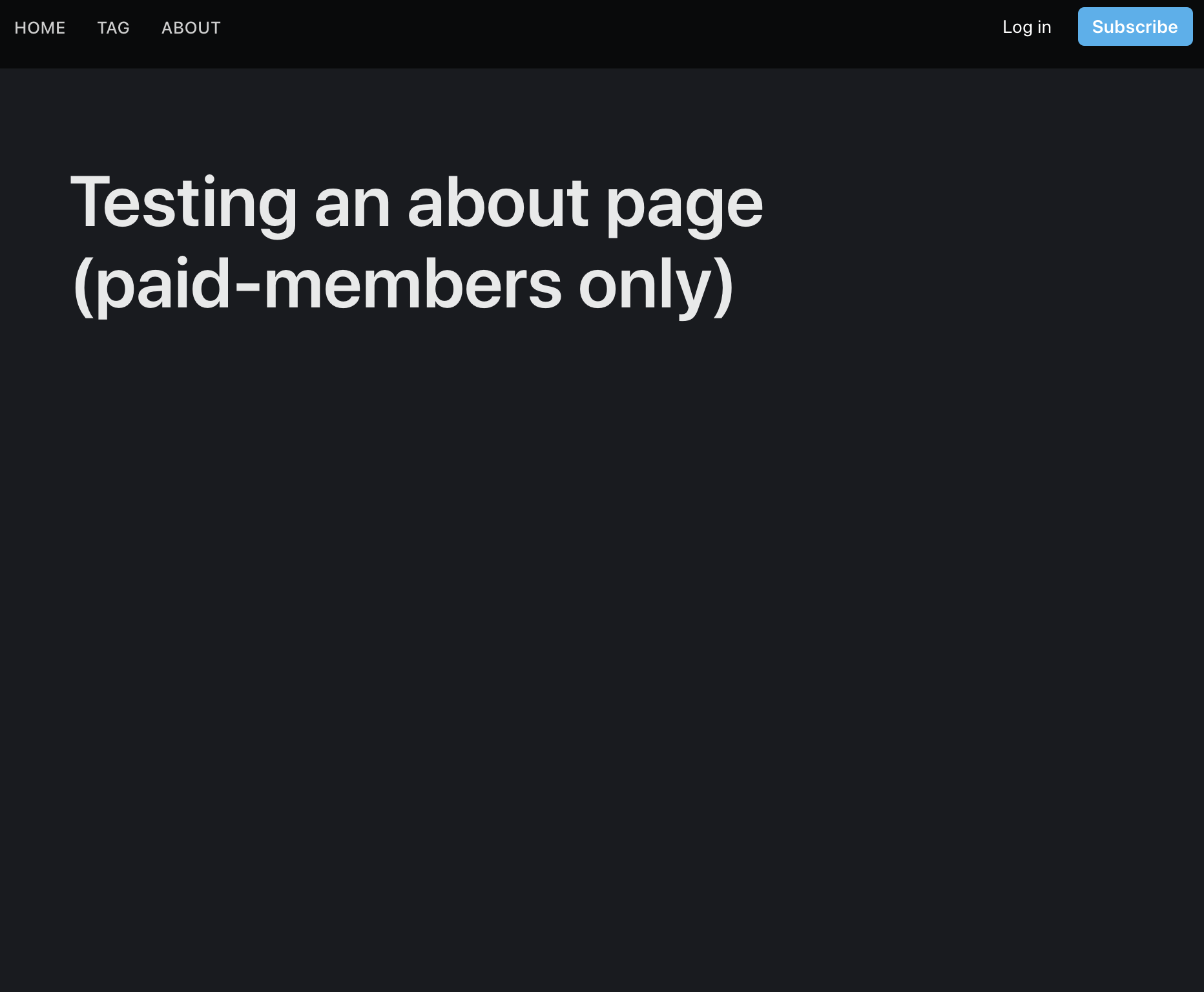
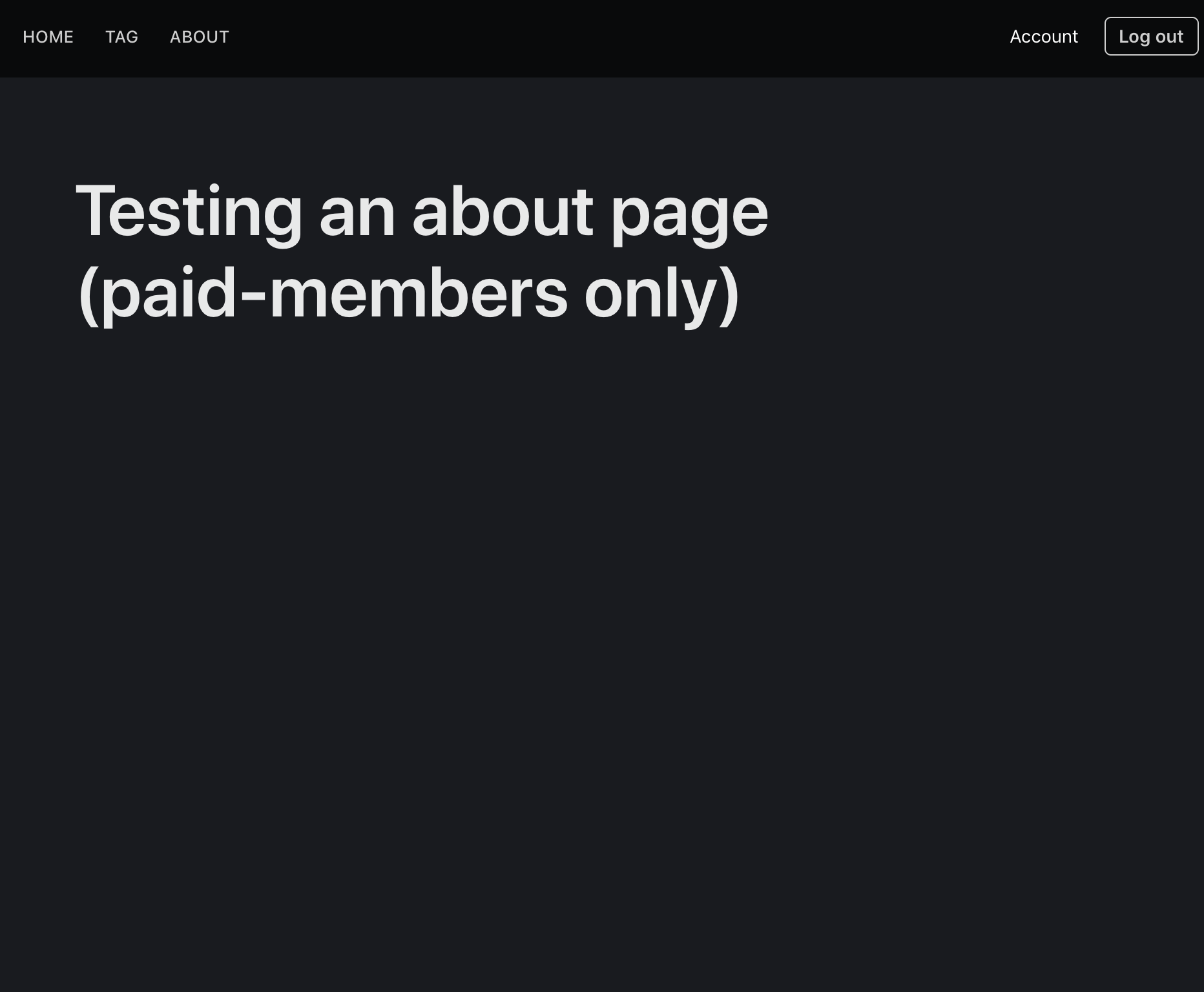
- No contents are visible (only title) but most importantly, no CTA to sign up, nor to become paid member
Below: Not logged-in member sees (no content but NO CTA (banner) to subscribe seen) <-- issue
Below: Logged-in member sees (no content but sees no CTA (banner) to become a paid member) <-- issue
pateskinasy
on 11 Feb 2020
Might be related to https://github.com/TryGhost/Ghost/issues/11574
naz
on 13 Feb 2020
This issue has been automatically marked as stale because it has not had recent activity. It will be closed if no further activity occurs. Thank you for your contributions.
![stale[bot] picture](https://avatars3.githubusercontent.com/in/1724?v=4&s=40) stale[bot]
on 13 May 2020
stale[bot]
on 13 May 2020
The Lyra theme is not set up to show CTAs in it's page.hbs. You can modify the theme to suit your needs if you require member-only pages with CTAs, perhaps taking some clues from the theme's post.hbs.
Closing as this is not a server-side bug but a specific theme issue.
 kevinansfield
on 13 May 2020
kevinansfield
on 13 May 2020
Related issues
 fueko
·
3Comments
fueko
·
3Comments
 shadowbottle
·
3Comments
shadowbottle
·
3Comments
 HenryMarshall
·
4Comments
HenryMarshall
·
4Comments
 jaguart
·
3Comments
jaguart
·
3Comments
 rishabhgrg
·
3Comments
rishabhgrg
·
3Comments
Most helpful comment
The Lyra theme is not set up to show CTAs in it's page.hbs. You can modify the theme to suit your needs if you require member-only pages with CTAs, perhaps taking some clues from the theme's post.hbs.
Closing as this is not a server-side bug but a specific theme issue.