Gb-studio: Scenes and sprites aren't displaying.
I have come across a strange bug, in that my project scenes and sprites do not display whatsoever.
I have tried different things, such as multiple installations and trying both 32-bit and 64-bit, installer and standalone variants, and yet any project file I create, there is simply no display of my assets, and thus I have to guess where my collisions are going. Even in the sections other than the main editor, the assets aren't visible, and yet when the game is run through the built-in emulator, they are displayed.
I have no idea how I can help reproduce this error, as I haven't seen any other case of this, I don't know if it is my current computer :/. This has only happened recently, and when I updated to 1.2.1, it was initially fine, with that only happening when I wasn't connected to the internet, however it now happens regardless of an internet connection or not, and I am confused as to why. Again, it could be an error with the hardware I'm running, but this isn't a long-standing issue with the program, and I am hoping there is some solution to my issue.
Screenshots:
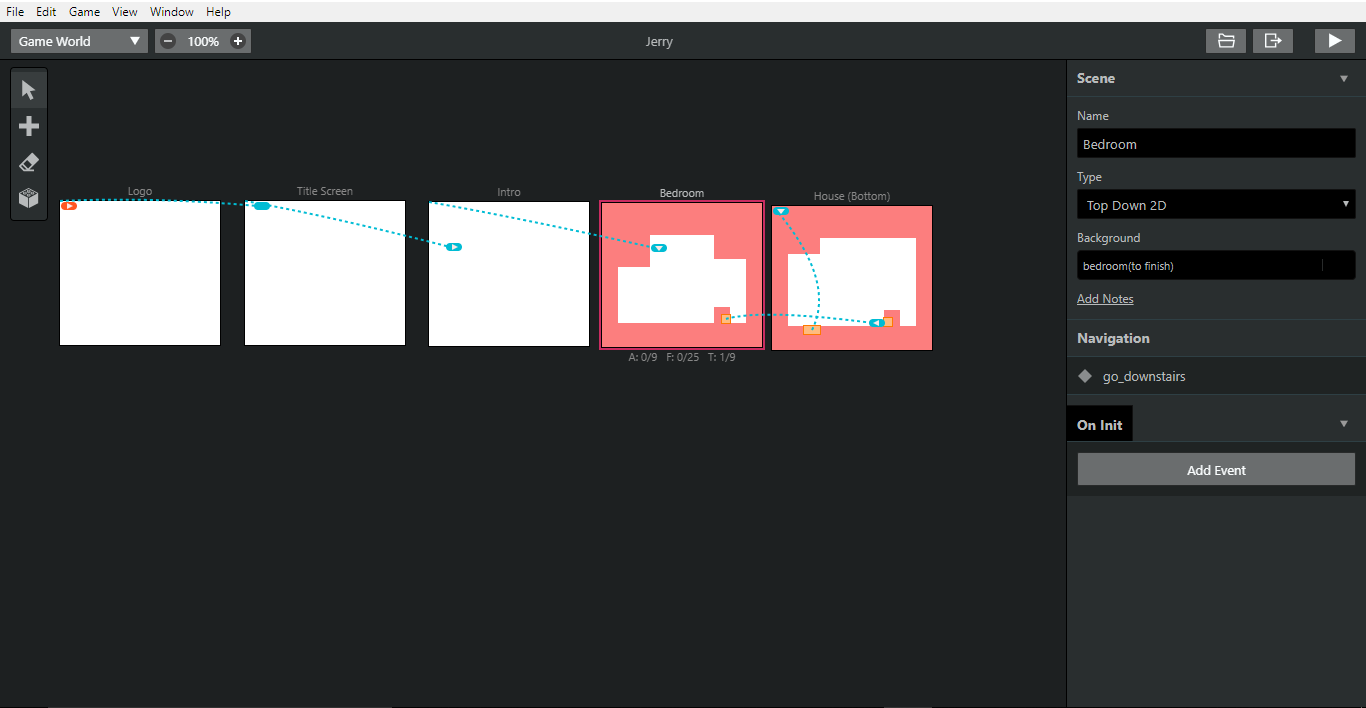
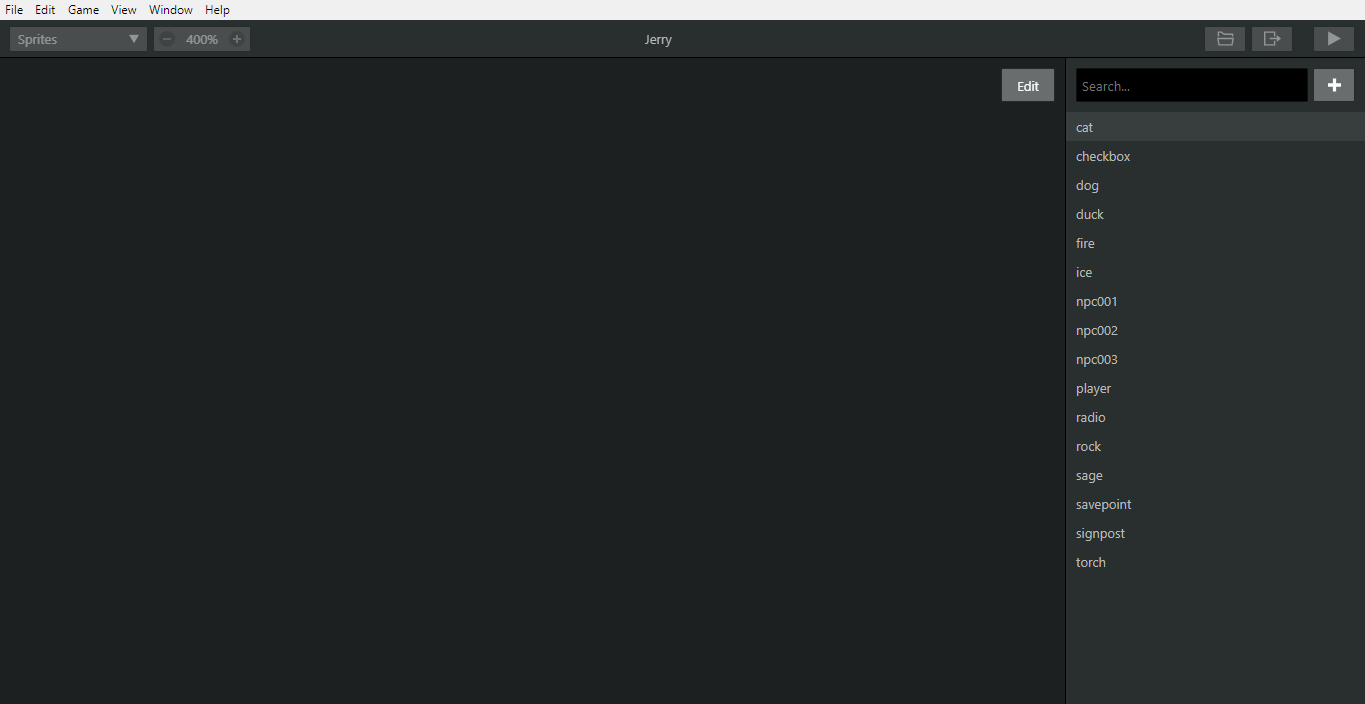
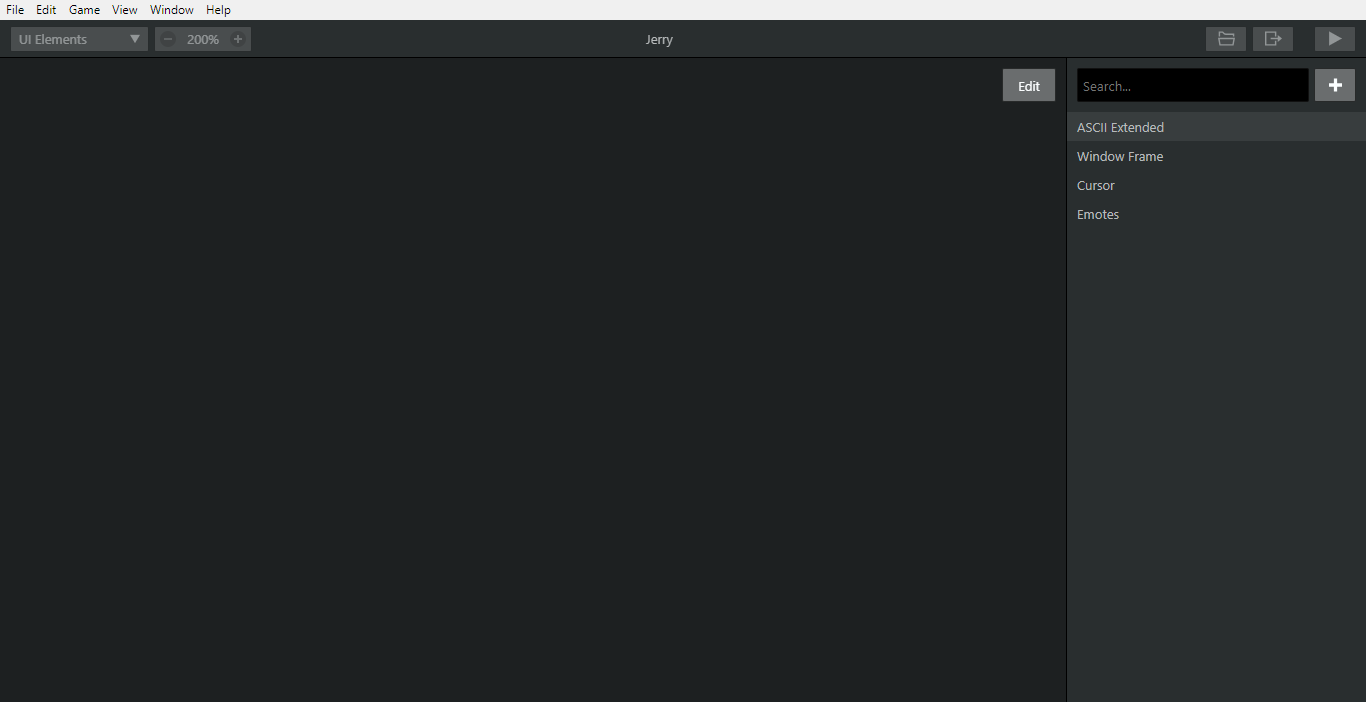
The OS and Application Version are as follows:
- OS: Windows 10
- App version 1.2.1
 rockinraccoongames
All 8 comments
Looks like missing files, is your project in a drop box and synced on demand?
Try copying the project folder and opening that/checking the assets inside.
If the assets look fine outside of gbstudio, we'd need a zip of your project folder to test.
 RichardULZ
on 14 Jun 2020
RichardULZ
on 14 Jun 2020
Looks like missing files, is your project in a drop box and synced on demand?
Try copying the project folder and opening that/checking the assets inside.
If the assets look fine outside of gbstudio, we'd need a zip of your project folder to test.
Thanks for commenting! I saved my project folder into a 'Game Projects' folder, and the assets are present are viewable perfectly fine outside of gbstudio, previews and in Photos.
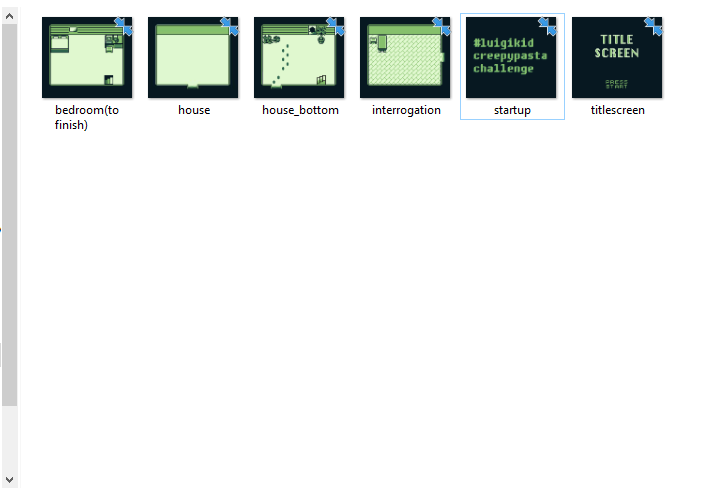
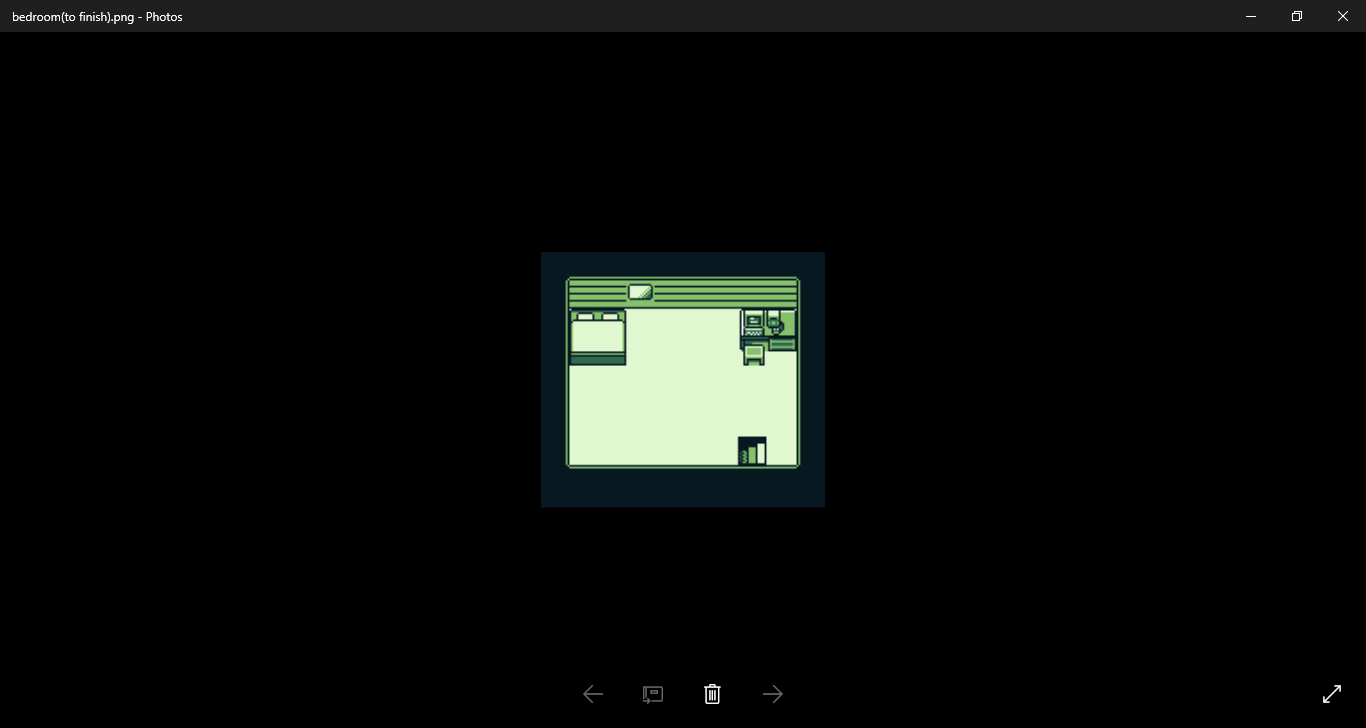
As mentioned in my last statement, when running the game in the built-in emulator, everything is visible as it should be too, this display error is just in the editor itself:
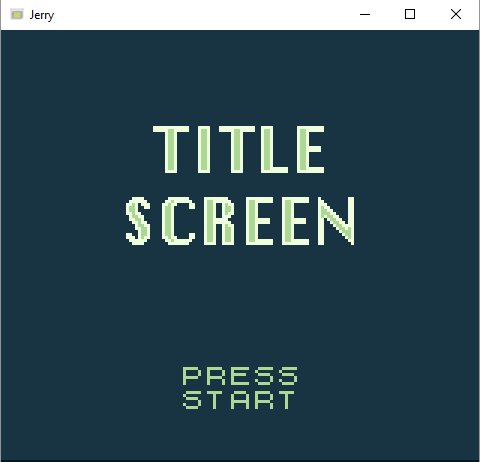
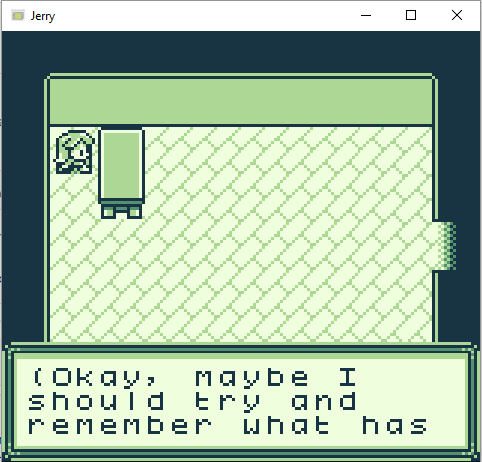
So concerning the backgrounds and sprite assets, they're all viewable outside of the editor. I'll upload my project folder for you to test and try and find a solution. And thanks again for seeing to this issue :)
Jerry.zip
rockinraccoongames
on 16 Jun 2020
A quick update:
I started a new project file, and the editor is now refusing to show that I have any sprites/background that aren't pre-made.
Here are the folders, to which I was starting a Legend of Zelda-inspired game. First is the Sprites folder:

Next is from the Background folder:
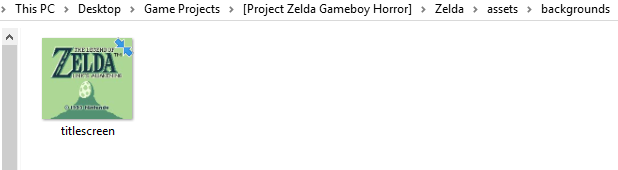
And then here are the respective sections in the actual program:
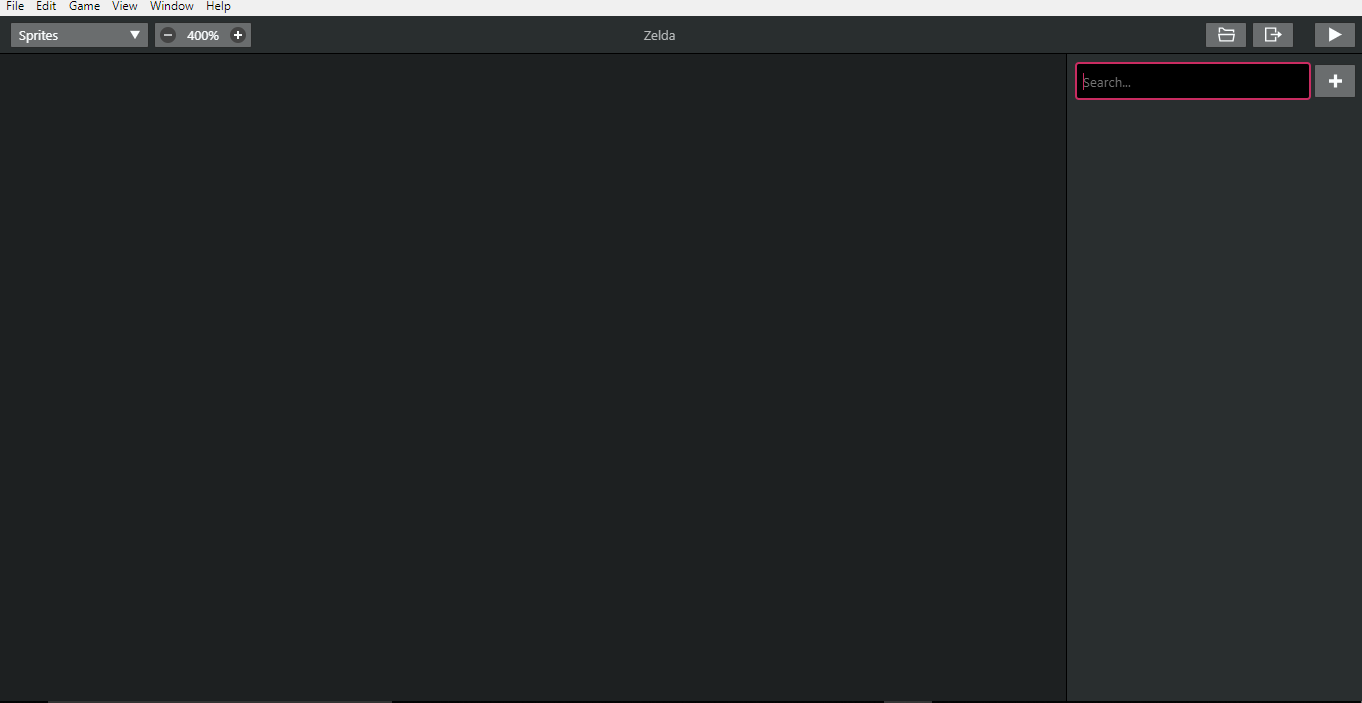
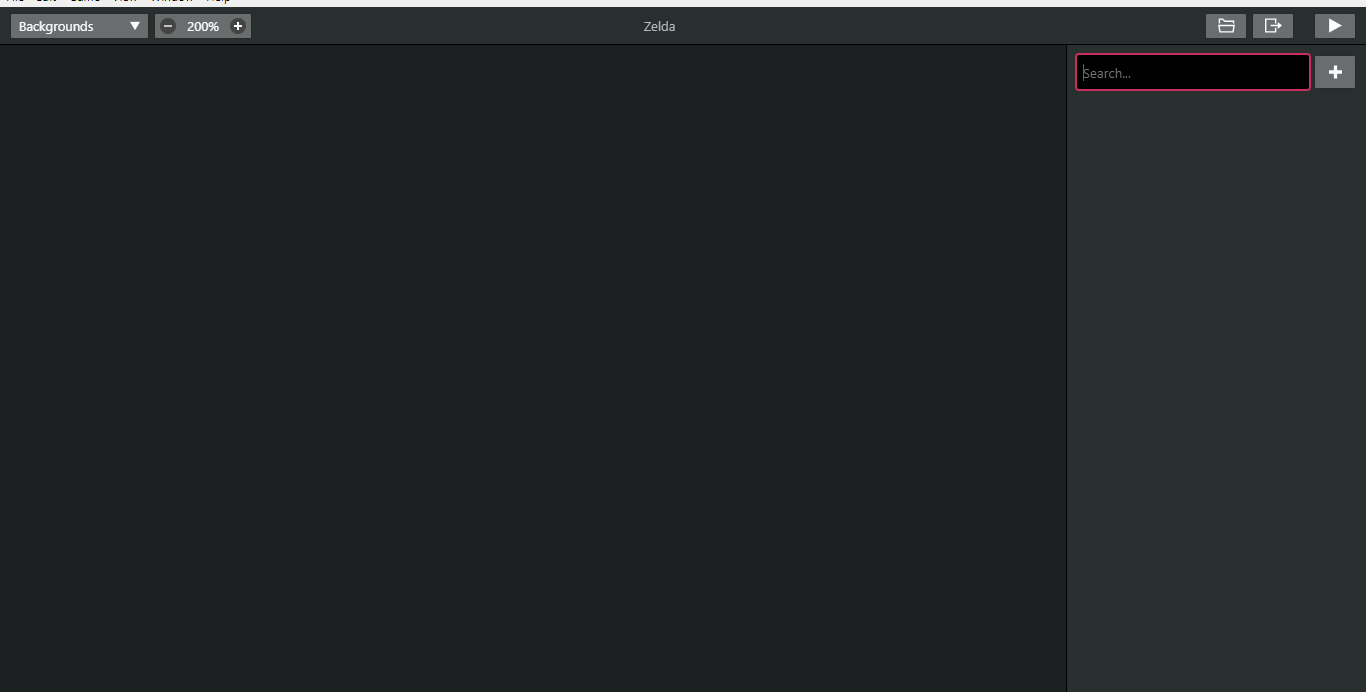
I have constantly refreshed the assets pages using CTRL-SHIFT-R and still, nothing. I'm thoroughly confused as to why the program is seemingly getting worse over time :/
rockinraccoongames
on 21 Jun 2020
That is very odd, i've just opened your jerry.zip project and everything shows fine in the editor, tested on 1.2.1 and a dev build.
Perhaps try grab a dev build from https://github.com/chrismaltby/gb-studio#development-builds just to double check.
Also, curious if you used a zip or the installer for gbstudio, if they were working earlier, perhaps it's somehow corrupted and needs re downloading?
All your files are being compressed on disk (the 2 arrows on the icons), but i wouldn't expect that to be the issue, perhaps something more odd, like free disk space, or simply too long of a file path/weird characters in your user?
They Shouldn't be the issue, but you never know... i'd try copying the project folder somewhere lower level and opening it from there if a fresh copy doesn't work.
RichardULZ
on 22 Jun 2020
That is very odd, i've just opened your jerry.zip project and everything shows fine in the editor, tested on 1.2.1 and a dev build.
Perhaps try grab a dev build from https://github.com/chrismaltby/gb-studio#development-builds just to double check.Also, curious if you used a zip or the installer for gbstudio, if they were working earlier, perhaps it's somehow corrupted and needs re downloading?
All your files are being compressed on disk (the 2 arrows on the icons), but i wouldn't expect that to be the issue, perhaps something more odd, like free disk space, or simply too long of a file path/weird characters in your user?
They _Shouldn't_ be the issue, but you never know... i'd try copying the project folder somewhere lower level and opening it from there if a fresh copy doesn't work.
I legit moved it to the desktop where the shortcut is and it seems to be working again! I'm so confused, but thank you Richard for your help and advice...although I can't believe something so minor fixed my problem |:/
rockinraccoongames
on 23 Jun 2020
So you moved the project to the desktop and that solved the editor issues?
Would you be able to experiment with moving it back or renaming folders to reproduce the issue?
Seems like the [ ] characters or length of file path might be the issue, can't be username if it worked on the desktop, if we can find the cause we might be able to add a warning.
RichardULZ
on 24 Jun 2020
I will try experimenting with it a little, I'll let you know the results :)
On Wed, 24 Jun 2020 at 06:54, Richard Ziegler notifications@github.com
wrote:
So you moved the project to the desktop and that solved the editor issues?
Would you be able to experiment with moving it back or renaming folders to
reproduce the issue?
Seems like the [ ] characters or length of file path might be the issue,
can't be username if it worked on the desktop, if we can find the cause we
might be able to add a warning.—
You are receiving this because you modified the open/close state.
Reply to this email directly, view it on GitHub
https://github.com/chrismaltby/gb-studio/issues/434#issuecomment-648606659,
or unsubscribe
https://github.com/notifications/unsubscribe-auth/AP6BBWZDP6XLBBFVYQB5GHDRYGIJHANCNFSM4N4WE3RQ
.
rockinraccoongames
on 28 Jun 2020
Jeez, I haven't commented in a while xD
Yeah, as it seems, it was a folder structure and naming issue. Thanks for the advice @RichardULZ
rockinraccoongames
on 22 Sep 2020
Related issues
 wrt0302
·
5Comments
wrt0302
·
5Comments
 Veund
·
3Comments
Veund
·
3Comments
 uKomodo
·
5Comments
uKomodo
·
5Comments
 darkhog
·
6Comments
darkhog
·
6Comments
 timsamoff
·
4Comments
timsamoff
·
4Comments