Under an endpoint /random I would like to serve a random image from my photo blog. I tried the createPage() approach in gatsyby-node.js, however, the randomness is decided at build time as I understand this, so this endpoint would always show the same image. Next, I tried fetching a list of all image ids (see below) and pass it as context to the react component:
exports.createPages = ({ graphql, actions }) => {
  const { createPage } = actions

  return graphql(`
    {
      allImageSharp {
        nodes {
          id
        }
      }
    }
  `).then(result => {
    const imageIds = // get all node[].ids from result
    createPage({
      path: `/random`,
      component: path.resolve(`./src/components/random.js`),
      context: {
        imageIds
      },
    })
  })
}
Now it should be the component's responsibility to select a random id from imageIds and fetch the corresponding image. Unfortunately, I'm unable to make page queries and static queries work to accept a random variable.
In random.js, a query like this won't work as I pass an array of ids instead of a random id (which I don't want to determine at build time).
query RandomImage {
    imageSharp(id: { eq: $imageIds[randomIndex] }) {
      id
      original {
        src
      }
    }
  }
Finally, i tried to generate a random uuid and tried something like this:
query RandomImage {
    allImageSharp(
      filter: {
          id: { lt: $randomUuid }
      }
      limit: 1
    ) {
      id
      original {
        src
      }
    }
  }
But here lt/gt is for some reason not supported in this query.
Any help on how to fetch a random image is much appreciated. Thanks!
 mohoff
All 9 comments
@mohoff i've picked up on your issue and if you don't mind i'll write up a detailed solution for your issue tomorrow as it's almost 2am where i'm at. Do you mind waiting a bit?
 jonniebigodes
on 6 May 2019
jonniebigodes
on 6 May 2019
@jonniebigodes sounds great, thanks!
mohoff
on 6 May 2019
@mohoff sorry for the delay in the response, based on your information at hand, below are the steps i took solve your issue.
- Created a new Gatsby website based on the hello world starter, choose this to keep the reproduction simple.
- Added the minimal necessary dependencies, namely,
gatsby-image,gatsby-transformer-sharp,gatsby-plugin-sharpandgatsby-source-filesystem. - Created
gatsby-config.jswith the following content:
module.exports={
    plugins:[
        `gatsby-transformer-sharp`,
        `gatsby-plugin-sharp`,
        {
            resolve:`gatsby-source-filesystem`,
            options:{
                name:`images`,
                path:`./src/assets`
            }
        }
    ]
}
Created the folder
assetsundersrcand added some images i usually use to reproductions. the content is now this:
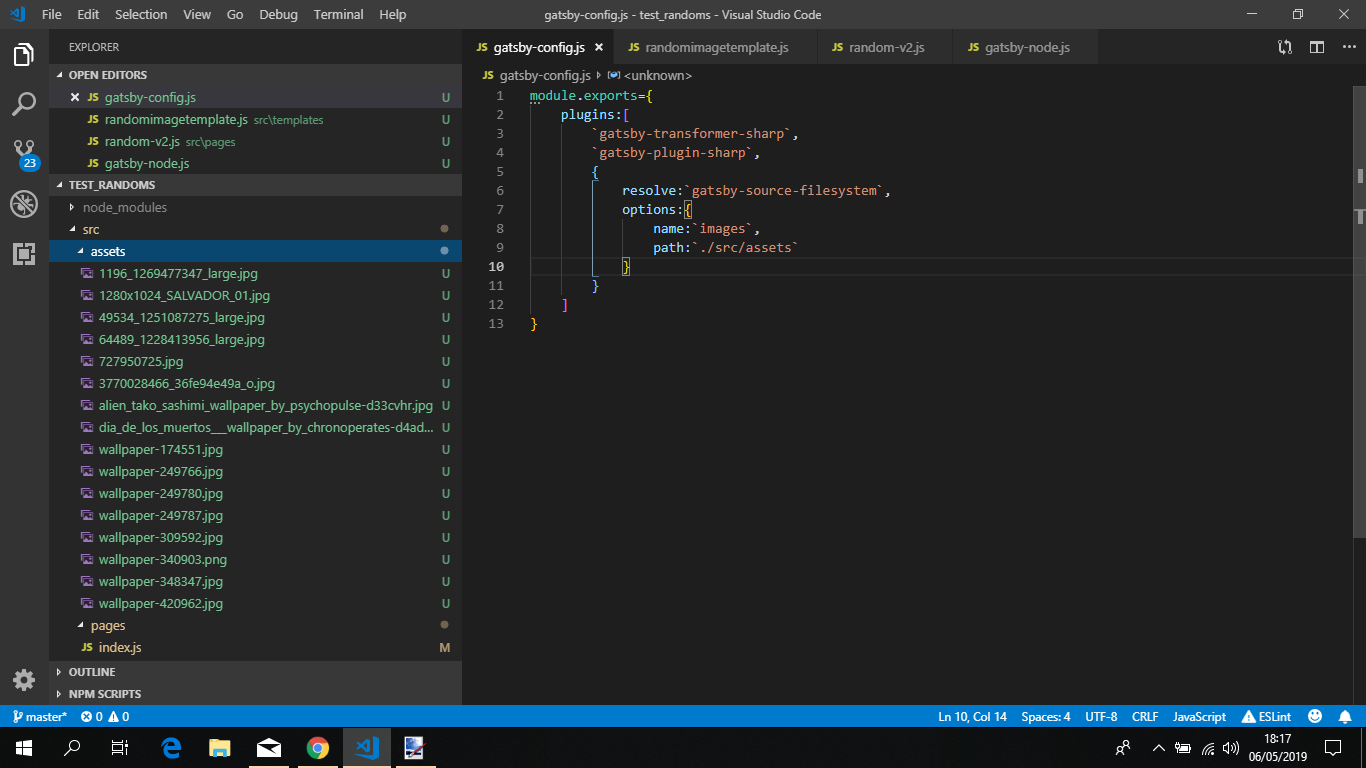
Now going to enumerate both approaches used, based on your description, using
gatsby-node.jsand a template. Starting fromgatsby-node.jswith a template.- Created
gatsby-node.jswith the following content:
exports.createPages = ({ graphql, actions }) => {
    const {createPage}= actions

    return graphql(
        `
        {
            allImageSharp {
              edges {
                node {
                  id
                  fluid {
                    src
                    srcSet
                    sizes
                    aspectRatio
                    originalName
                  }
                }
              }
            }
          }
        `
    ).then(result=>{
        if (result.errors){
            throw result.errors

        }

        createPage({
            path:`/random-v1/`,
            component:require.resolve('./src/templates/randomimagetemplate.js'),
            context:{
                images:result.data.allImageSharp.edges
            }
        })
    })
}
Key thing to take from this, i'm fetching all the images a priori, and then inject them using Gatsby's special prop context, notice that i'm not using graphql fragments, as you can't use them on this side of the spectrum, on the "server" side of things. The elements being extracted from fluid are the minimum ones to make the gatsby-image work with fluid images.
- Created a template called
randomimagetemplate.js, under./src/templateswith the following content:
import React from "react"
import Image from "gatsby-image"

const randomGenerator = (min, max) => {
  return Math.floor(Math.random() * (max - min + 1)) + min
}
export default props => {
  const { pageContext } = props
  const { images } = pageContext

  const randomPosition = randomGenerator(0, images.length - 1)

  const randomImage = images[randomPosition].node
  return (
    <div style={{ margin: "0.85rem" }}>
      <Image fluid={randomImage.fluid} />
    </div>
  )
}
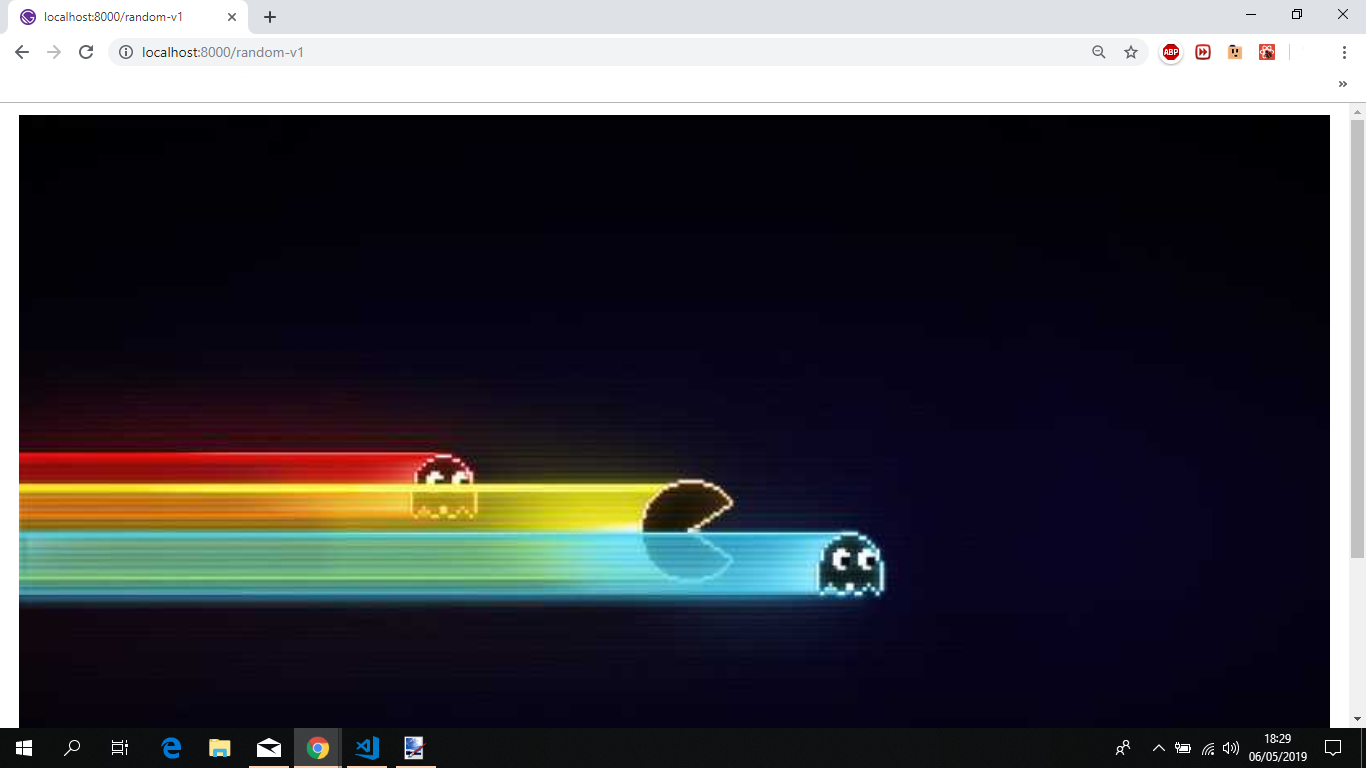
- Issuing
gatsby developyelds the following result
- Refreshing the page yelds the following:

Now for the page approach.
- Created a new page called
random-v2.jsunder thepagesfolder, with the following code:
import React from "react"
import Image from "gatsby-image"
import { StaticQuery, graphql } from "gatsby"

const randomGenerator = (min, max) => {
  return Math.floor(Math.random() * (max - min + 1)) + min
}

export default ({ data }) => (
  <StaticQuery
    query={graphql`
      {
        allImageSharp {
          edges {
            node {
              id
              fluid {
                ...GatsbyImageSharpFluid
              }
            }
          }
        }
      }
    `}
    render={data => {
      const { allImageSharp } = data
      const { edges } = allImageSharp
      const randomPosition = randomGenerator(0, edges.length - 1)
      const randomizedImage = edges[randomPosition].node
      return (
        <div style={{ margin: "0.85rem" }}>
          <Image fluid={randomizedImage.fluid} />
        </div>
      )
    }}
  />
)
Issuing
gatsby developand opening uphttp://localhost:8000/random-v2yelds the same result. Refreshing the page will fetch a new image.Issuing
gatsby build && gatsby serve, to get a production build and serve it under the internal Gatsby server yelds the same results. Each endpoint/path, yelds the same result. At each refresh will fetch a random image.- Expanded the reproduction to incorporate
gatsby-plugin-offline, transforming mygatsby-config.jsinto:
module.exports={
    plugins:[
        `gatsby-transformer-sharp`,
        `gatsby-plugin-sharp`,
        `gatsby-plugin-offline`,
        {
            resolve:`gatsby-source-filesystem`,
            options:{
                name:`images`,
                path:`./src/assets`
            }
        }
    ]
}
- Re-issued
gatsby developand opening up each endpoint will fetch each image at every refresh. The same after issuinggatsby build && gatsby serveonce again.
One thing regarding this
Now it should be the component's responsibility to select a random id from imageIds and fetch the corresponding image. Unfortunately, I'm unable to make page queries and static queries work to accept a random variable.
Static queries will not accept variables/arguments, more on that here.
Feel free to provide feedback, so that we can close this issue, or continue to work on it till a solution is found.
jonniebigodes
on 6 May 2019
Wow, thanks a lot, @jonniebigodes ! I will try these out soon. Two quick follow-ups:
Isn't it a performance issue to always fetch all images in the first query? Imagining hundreds of images including base64 representations, svg, etc...
Unrelated to this issue, but I wondered how the plugin
gatsby-plugin-offlineworks when you're dealing with (again) hundreds of images. With the example of fluid images, what would this plugin download more for offline use compared to not using this plugin?
Again, thanks a lot for this detailed write-up!
mohoff
on 6 May 2019
@mohoff no need to thank, glad i could help out.
Regarding your follow up questions.
For the first one, i'm a little biased here, In this ecosystem i'm a strong supporter of separation of concerns. I would rather spend a little more time fetching the images a priori with gatsby-node.js and supply the data via the Gatsby special prop context and leave the template as it's a React component to do it's job, which is to render what i want. Probably other people would offer different opinions, now it's entirely up to you choose what suits your needs, based on what you intend to accomplish with your Gatsby website.
Regarding your second question i expanded my reproduction to contain the gatsby-offline-plugin, to prove that it would work with the inclusion of this plugin. I'm knowledgeable of Gatsby, but i'm not fully familiar with all the options and capabilities of the said plugin. My take on it is that will fetch the content and store it, cache it so that it works no matter the case. You can read more on the plugin here and i'll leave it to more knowledgeable people in here to correct me if i'm wrong or further expand on the said question.
jonniebigodes
on 6 May 2019
When showing a random image just represents a very small feature of an otherwise linear image blog, the gatsby-config.js approach seems less performant. Isn't this a significant fetch overhead every time the user loads the blog, even he doesn't visit the /random endpoint?
Thanks again!
mohoff
on 7 May 2019
@mohoff In a nutshell, no, the data is fetched during the build process, either locally or in a CDN, when the Gatsby build pipeline reaches that stage, the api is invoked and the relative data is fetched and injected to that page under that endpoint.
With that, i'm avoiding running a graphql query on a page/component, and then waiting for the results to come in and then generate a random number and display the image associated with it. Instead i'm just generating a random number based on the length of the array, retrieve the data based on random number and show the image. But it's up to you to choose the way you want to proceed. I left both examples as a means to achieve the same result.
jonniebigodes
on 8 May 2019
Hiya!
This issue has gone quiet. Spooky quiet. 👻
We get a lot of issues, so we currently close issues after 30 days of inactivity. It’s been at least 20 days since the last update here.
If we missed this issue or if you want to keep it open, please reply here. You can also add the label "not stale" to keep this issue open!
As a friendly reminder: the best way to see this issue, or any other, fixed is to open a Pull Request. Check out gatsby.dev/contributefor more information about opening PRs, triaging issues, and contributing!
Thanks for being a part of the Gatsby community! 💪💜
![gatsbot[bot] picture](https://avatars2.githubusercontent.com/in/12849?v=4&s=40) gatsbot[bot]
on 29 May 2019
gatsbot[bot]
on 29 May 2019
@mohoff going to close this as it's answered
jonniebigodes
on 29 May 2019
Related issues
 jimfilippou
·
3Comments
jimfilippou
·
3Comments
 signalwerk
·
3Comments
signalwerk
·
3Comments
 mikestopcontinues
·
3Comments
mikestopcontinues
·
3Comments
 rossPatton
·
3Comments
rossPatton
·
3Comments
 KyleAMathews
·
3Comments
KyleAMathews
·
3Comments
Most helpful comment
@mohoff sorry for the delay in the response, based on your information at hand, below are the steps i took solve your issue.
gatsby-image,gatsby-transformer-sharp,gatsby-plugin-sharpandgatsby-source-filesystem.gatsby-config.jswith the following content:Created the folder

assetsundersrcand added some images i usually use to reproductions. the content is now this:Now going to enumerate both approaches used, based on your description, using
gatsby-node.jsand a template. Starting fromgatsby-node.jswith a template.gatsby-node.jswith the following content:Key thing to take from this, i'm fetching all the images a priori, and then inject them using Gatsby's special prop
context, notice that i'm not using graphql fragments, as you can't use them on this side of the spectrum, on the "server" side of things. The elements being extracted fromfluidare the minimum ones to make thegatsby-imagework with fluid images.randomimagetemplate.js, under./src/templateswith the following content:gatsby developyelds the following resultNow for the page approach.
random-v2.jsunder thepagesfolder, with the following code:Issuing
gatsby developand opening uphttp://localhost:8000/random-v2yelds the same result. Refreshing the page will fetch a new image.Issuing
gatsby build && gatsby serve, to get a production build and serve it under the internal Gatsby server yelds the same results. Each endpoint/path, yelds the same result. At each refresh will fetch a random image.gatsby-plugin-offline, transforming mygatsby-config.jsinto:gatsby developand opening up each endpoint will fetch each image at every refresh. The same after issuinggatsby build && gatsby serveonce again.One thing regarding this
Static queries will not accept variables/arguments, more on that here.
Feel free to provide feedback, so that we can close this issue, or continue to work on it till a solution is found.