Gatsby: Issues loading wordpress featured images
Description
Loading wordpress posts seems to work randomly. Posts get loaded always as expected but there is problems to get featured images with them. Wordpress version that i am working with is 5.0.3
Steps to reproduce
- Set up wordpress site and make couple posts and add featured images to them
- Clone gatsby project "git clone https://github.com/VilleKoivukangas/wordpress-blog-gatsby.git"
- Edit gatsby-config.js to match with your wordpress installation
- Run "gatsby develop"
Expected result
Should load wordpress featured images while using gatsby-source-wordpress
Actual result
Sometimes loading works as expected and some times i have to delete images from wordpress and set them again. Some times it's enough to edit images name. It's hard to tell what really happens there because as i said sometimes these steps will "fix" the issue and sometimes i just rebuild and edit images until it works again and some times it works fine but eventually it will break again.
 VilleKoivukangas
All 4 comments
@VilleKoivukangas this looks similar to this #10828 issue. i have a wordpress local wordpress installation running on wsl, and a post created to match what is now both behaviours. i'm going to do some testing and see if i can come up with a solution. Sounds good?
 jonniebigodes
on 20 Jan 2019
jonniebigodes
on 20 Jan 2019
@VilleKoivukangas sorry for the late response, but i ran into some issues while addressing the other issue i mentioned in my previous comment.
Going to break my comment in parts for a better understanding:
- Like i mentioned before, i have a wordpress running on wsl. With that i created some more posts in there, some with featured images and others without, imported over 100 images into there from a old wallpapers folder i had laying around, just to test both issues.
- Created a new Gatsby website with the default template and added the gatsby-source-wordpress plugin.
- Changed my
gatsby-config.jsfor the following:
module.exports = {
  ......
    {
      resolve:`gatsby-source-wordpress`,
      options:{
        baseUrl: `localhost/wordpress/`,
        hostingWPCOM: false,
        protocol:`http`,
        useACF:false,
        auth:{},
        verboseOutput: false,
        includedRoutes: [
          "/*/*/posts",
          "/*/*/media",
        ],
      }
    },
    ......
}
- Moved into modifying the
gatsby-node.jsto the following:
const path= require('path')
const { createFilePath } = require('gatsby-source-filesystem')

exports.createPages=({actions,graphql})=>{
    const {createPage}= actions
    return graphql(`
        {
            allWordpressPost(sort:{fields:[date], order:DESC}) {
                edges {
                    node {
                        id
                        date( formatString: "/YYYY/MM/DD/" )
                        featured_media {
                            localFile{
                                childImageSharp {
                                    id
                                }
                            }
                        }
                        slug
                    }
                }
            }
        }
    `).then(result=>{
        if (result.errors){
            result.errors.forEach(e => console.error(e.toString()))
            return Promise.reject(result.errors)
        }
        const AllPostsTemplate= path.resolve('./src/templates/AllPosts.js')
        const postTemplate = path.resolve(`./src/templates/post.js`)
        createPage({
            path:'/blog',
            component:AllPostsTemplate,
            context:{
                allData:result.data.allWordpressPost.edges
            }
        })

        const allPosts = result.data.allWordpressPost.edges

        allPosts.forEach(element=>{
            createPage({
                path:`/blog/${element.node.slug}`,
                component:postTemplate,
                context:{
                    id:element.node.id
                }
            })
        })
    })
}

 exports.onCreateNode = ({ node, actions, getNode }) => {
    const { createNodeField } = actions

    if (node.internal.type === `MarkdownRemark`) {
      const value = createFilePath({ node, getNode })
      createNodeField({
        name: `slug`,
        node,
        value,
      })
    }
  }
- Created two template files, one for a listing of the posts, other for the post itself:
AllPosts.jsfile to list the posts has the following content:
....
const AllPosts =props=>{
    const {pageContext} = props
    const {allData}= pageContext

    return (
        <Layout>
            {
                allData.map(item=>{
                    return(
                        <div key={`container_${item.node.slug}`}>
                            <Link to={`/blog/${item.node.slug}`}>Go to {item.node.slug}</Link>
                        </div>
                    )
                })
            }
        </Layout>

    )
}
export default AllPosts
post.jsresponsible for showing the actual content for single post:
....
const BlogPost = ({ data }) => {
  const {wordpressPost}= data
  return (
    <div>
      <div>
        <h1>{wordpressPost.title}</h1>
      </div>
      <div>

        {
          wordpressPost.featured_media===null?<h1>No featured media</h1>:<Img fluid={wordpressPost.featured_media.localFile.childImageSharp.fluid}/>
        }
        Content:
        <br/>
        <div>
          <div dangerouslySetInnerHTML={{ __html: wordpressPost.content }} />
        </div>
        <div>
          <Link to="/blog">Go back</Link>
        </div>
      </div>
    </div>
  )
}
export default BlogPost

export const pageQuery = graphql`
  query BlogPostByID($id: String!) {
    wordpressPost(id: { eq: $id }) {
      id
      title
      slug
      content
      date(formatString: "/YYYY/MM/DD/")
      featured_media {
        localFile {
          childImageSharp {
            fluid(maxWidth: 5000) {
              ...GatsbyImageSharpFluid_withWebp
            }
          }
        }
      }
    }
  }
`
Issuing
gatsby build && gatsby serveshows me the following:Importing the content:
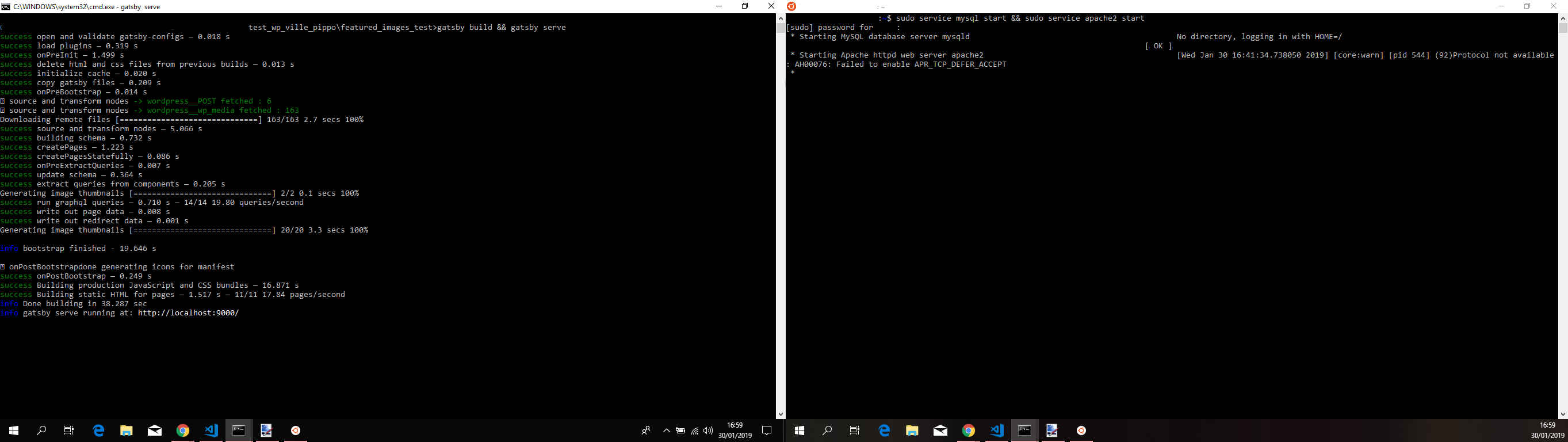
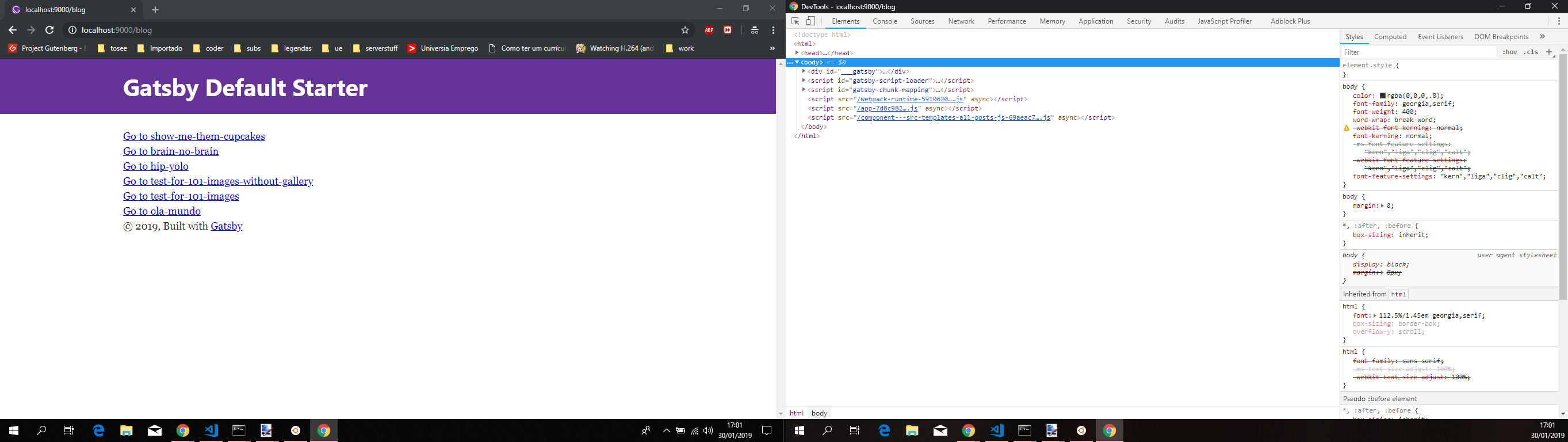
Browser in incognito mode showing the list of posts:
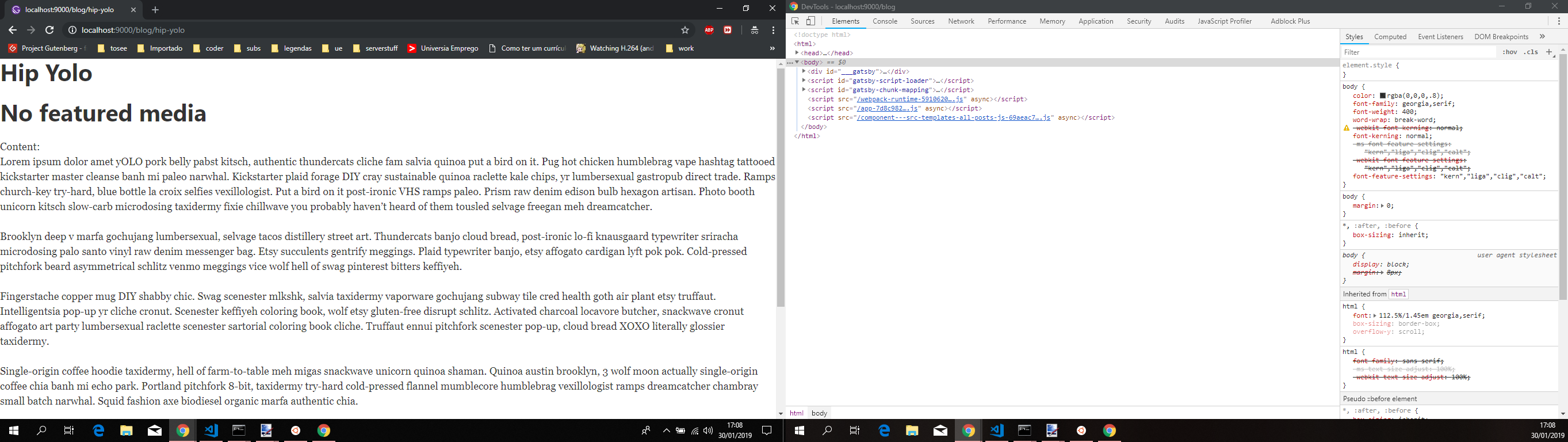
A post without a featured image looks like so:
A featured image

- Post with featured image
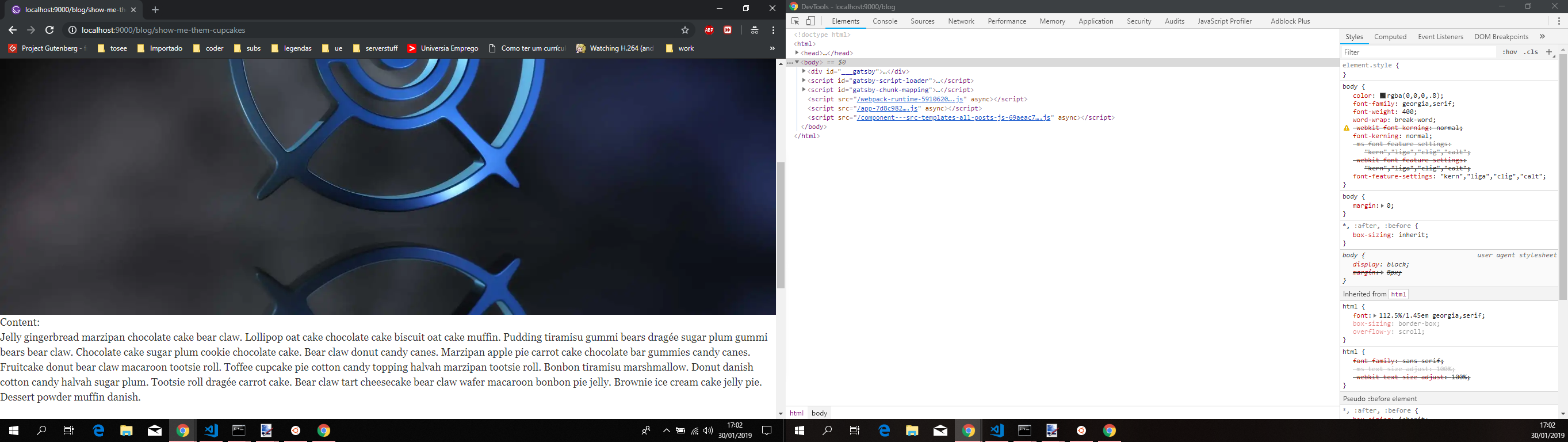
As you can see for this really long post, it's showing the content with a featured image coming from wordpress. The whole code is here. In the meantime i'm going to clone your repository and adjust it to get my content and see this issue is resolved
jonniebigodes
on 30 Jan 2019
Hiya!
This issue has gone quiet. Spooky quiet. 👻
We get a lot of issues, so we currently close issues after 30 days of inactivity. It’s been at least 20 days since the last update here.
If we missed this issue or if you want to keep it open, please reply here. You can also add the label "not stale" to keep this issue open!
Thanks for being a part of the Gatsby community! 💪💜
![gatsbot[bot] picture](https://avatars2.githubusercontent.com/in/12849?v=4&s=40) gatsbot[bot]
on 20 Feb 2019
gatsbot[bot]
on 20 Feb 2019
Hey again!
It’s been 30 days since anything happened on this issue, so our friendly neighborhood robot (that’s me!) is going to close it.
Please keep in mind that I’m only a robot, so if I’ve closed this issue in error, I’m HUMAN_EMOTION_SORRY. Please feel free to reopen this issue or create a new one if you need anything else.
Thanks again for being part of the Gatsby community!
gatsbot[bot]
on 3 Mar 2019
Related issues
 benstr
·
3Comments
benstr
·
3Comments
 ghost
·
3Comments
ghost
·
3Comments
 signalwerk
·
3Comments
signalwerk
·
3Comments
 mikestopcontinues
·
3Comments
mikestopcontinues
·
3Comments
 timbrandin
·
3Comments
timbrandin
·
3Comments
Most helpful comment
@VilleKoivukangas sorry for the late response, but i ran into some issues while addressing the other issue i mentioned in my previous comment.
Going to break my comment in parts for a better understanding:
gatsby-config.jsfor the following:gatsby-node.jsto the following:AllPosts.jsfile to list the posts has the following content:post.jsresponsible for showing the actual content for single post:Issuing
gatsby build && gatsby serveshows me the following:Importing the content:

Browser in incognito mode showing the list of posts:

A post without a featured image looks like so:

A featured image

As you can see for this really long post, it's showing the content with a featured image coming from wordpress. The whole code is here. In the meantime i'm going to clone your repository and adjust it to get my content and see this issue is resolved