Description
I'm not clear how to add the config snippets for Firebase hosting to my project. I searched the docs as well as googled approaches but wasn't able to find info that clarified the solution for me.

In a standard React app you add the scripts to the bottom of the public index.html's body and are good to go.
https://www.gatsbyjs.org/docs/custom-html/#adding-custom-javascript
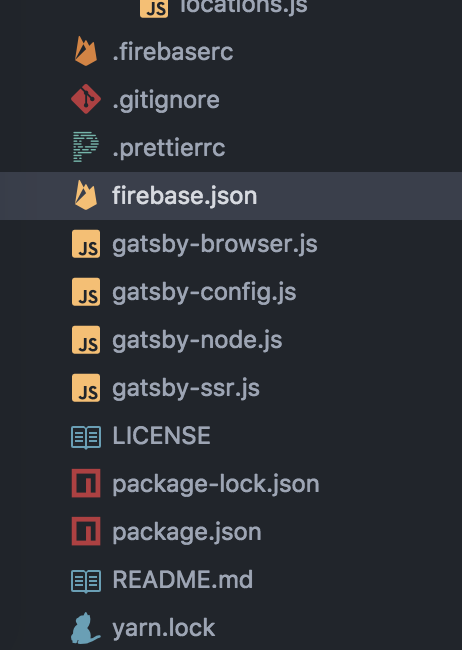
Is the Adding custom Javascript section in the above link what I need to do in this case? I successfully initialized firebase in the project via the command line (below image) but haven't been able to figure out adding the configuration as well.
 will-sparger
All 6 comments
Do you want to use any firebase services in your website or just their hosting? If just for hosting - check this blog post - https://heygrady.com/first-launch/ it seems to have instructions how to setup deployment
 pieh
on 7 Apr 2018
pieh
on 7 Apr 2018
Thanks for the reply Michal.
Just looking to use hosting right now. I reviewed https://heygrady.com/first-launch/ a couple of times actually and it does not address adding the config info I mention in my original post. Additionally, he was using an older version of Gatsby that doesn't align with how it appears to work now (v1.0.0). Specifically:

^ I don't show any deploy script in my package.json but he seemed to have a gh-pages default deploy in his config. He discusses setting up a Firebase account and initializing it via the command line but I have already completed these steps.
When I go to the url generated by Firebase for the project I see the message below which in the past indicated I had not completed configuration. If configuration was fully in place I would see my app homepage.
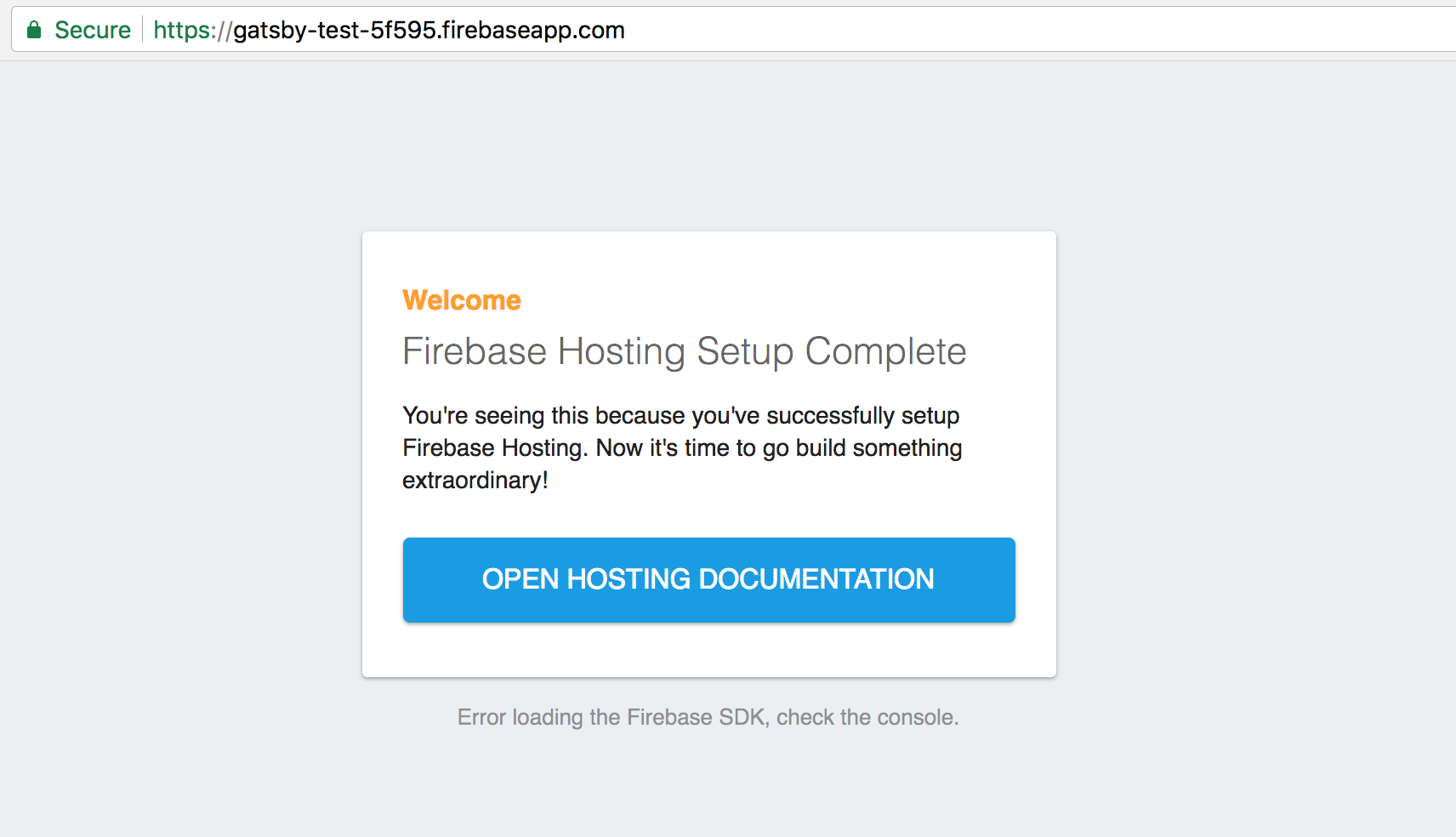
Console error:

Any advice?
will-sparger
on 7 Apr 2018
I went ahead and attempted to add the config scripts to the html.js file per the Adding custom Javascript section of https://www.gatsbyjs.org/docs/custom-html/#adding-custom-javascript
I was able to successfully run gatsby-build but when I deployed the project I now receive the following message on the homepage:
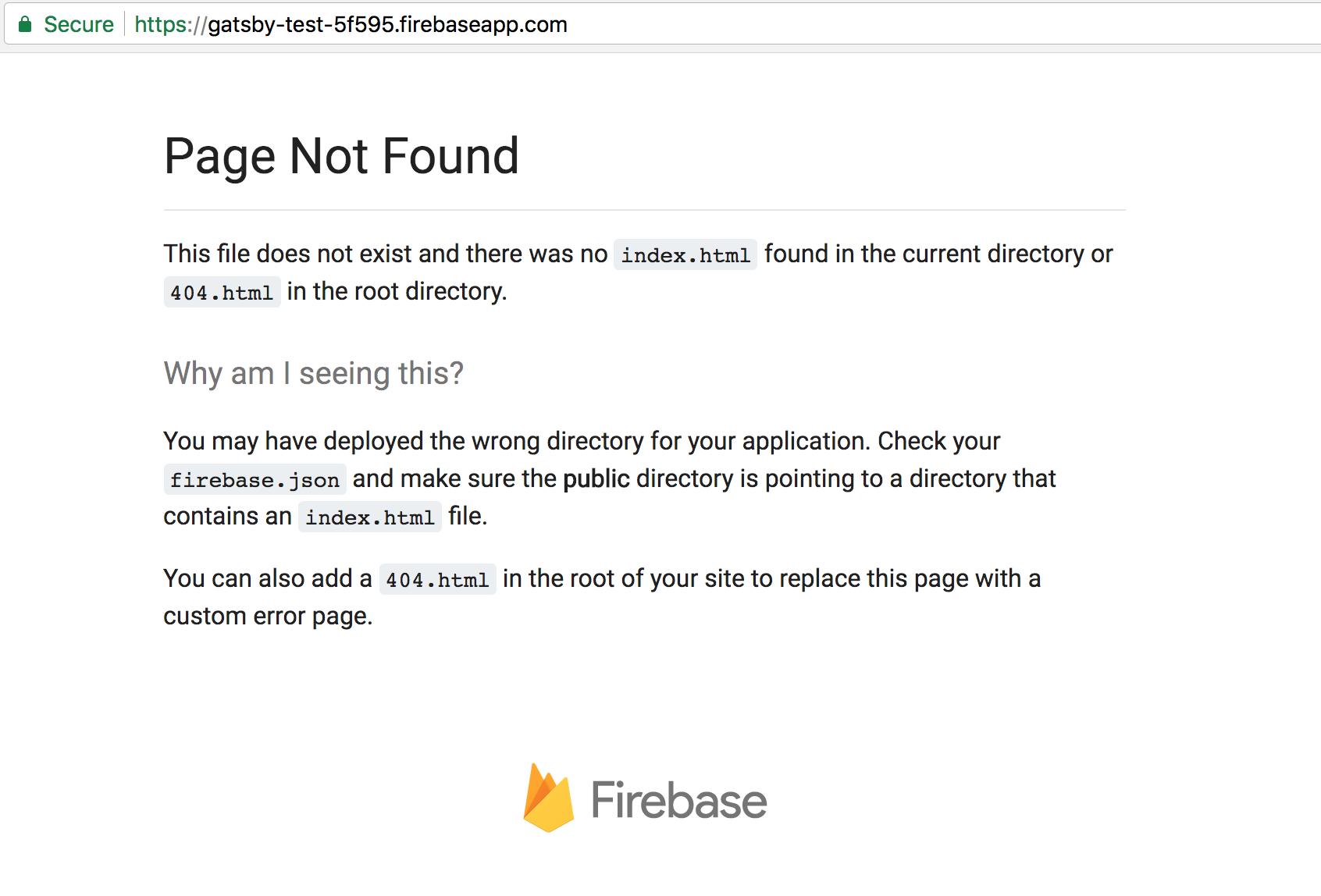
Here is my html.js addition:

And also my firebase.json:

Since there's no index.html for firebase to use in the public folder how can I configure things to have firebase connect properly?
will-sparger
on 7 Apr 2018
For hosting you shouldn't need to include those firebase init scripts - these are to use their services (database, auth, etc) in your web app.
You should have index.html after succesful gatsby build (that is - if you have index file in your project)
pieh
on 7 Apr 2018
Argh I overlooked an error in the build related to the sitemap plugin.
This was preventing the html generation step from completing. I found issue #2407 related to the error but couldn't resolve the problem so I just removed the sitemap plugin. All good now and hosting is working.
Thanks again for your time and clarifications Michal.
will-sparger
on 7 Apr 2018
Glad you got it working.
I'll close this issue as problem was resolved :)
pieh
on 7 Apr 2018
Related issues
 andykais
·
3Comments
andykais
·
3Comments
 signalwerk
·
3Comments
signalwerk
·
3Comments
 3CordGuy
·
3Comments
3CordGuy
·
3Comments
 timbrandin
·
3Comments
timbrandin
·
3Comments
 magicly
·
3Comments
magicly
·
3Comments