Gatsby: Load custom .js on every react route
I've got some custom .js in the /static folder, I want to load this on every react route.
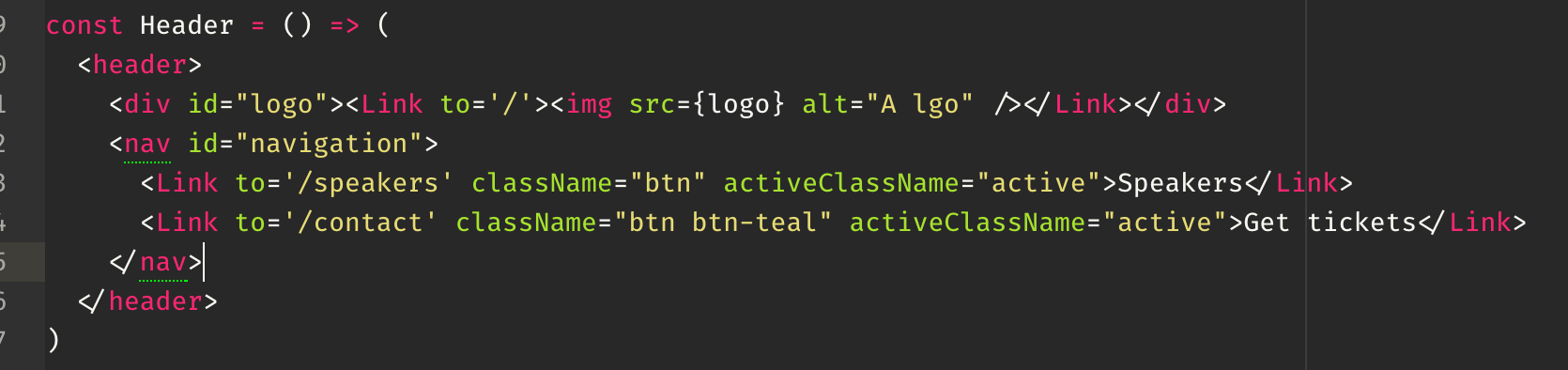
Can anyone point me in the right direction?
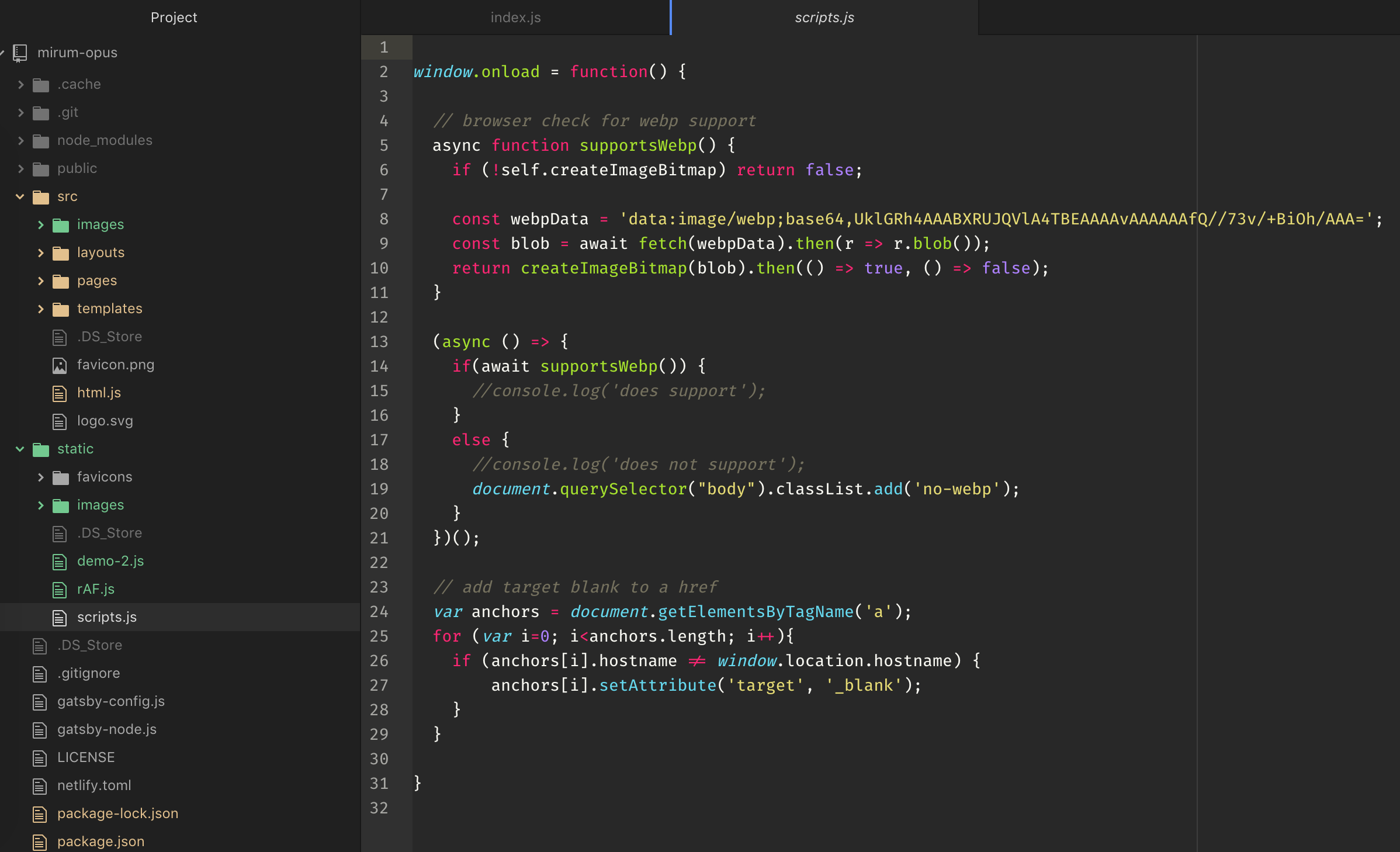
Thanks.
 imshuffling
All 6 comments
You can require it to your gatsby-browser.js file which is loaded into the browser and run on startup.
 KyleAMathews
on 28 Feb 2018
KyleAMathews
on 28 Feb 2018
@imshuffling It also may make sense in this case to use a layout so you only have to define your page structure once.
 jlengstorf
on 1 Mar 2018
jlengstorf
on 1 Mar 2018
Thanks guys.
imshuffling
on 1 Mar 2018
Is there an example project with a working example?
imshuffling
on 1 Mar 2018
@imshuffling This example site uses a layout: https://github.com/gatsbyjs/gatsby/tree/master/examples/using-remark
When you set it up in the layouts folder, Gatsby will automatically wrap your page content with the layout you define. (See the tutorial for specifics about how to set up your layout.)
Under the hood, Gatsby is taking the contents of each page and dropping it into that layout as a children prop. This is a bit of convenience code.
If you _didn't_ use a layout, you could achieve the same effect by creating a Layout React component and importing that to all of your pages (which, of course, is what you were trying to avoid 😄). When I built my personal site, I failed to wrap my head around layouts, so I ended up writing my own Layout component and imported it into all of my templates and pages.
Does that make sense?
jlengstorf
on 1 Mar 2018
Thanks - Yup kinda, thanks for taking the time to write that up!
imshuffling
on 3 Mar 2018
Related issues
 timbrandin
·
3Comments
timbrandin
·
3Comments
 jimfilippou
·
3Comments
jimfilippou
·
3Comments
 dustinhorton
·
3Comments
dustinhorton
·
3Comments
 brandonmp
·
3Comments
brandonmp
·
3Comments
 rossPatton
·
3Comments
rossPatton
·
3Comments
Most helpful comment
You can require it to your
gatsby-browser.jsfile which is loaded into the browser and run on startup.