Gatsby: [gatsby-image 1.0.7] Bug: Images doesn't show on Safari (but chrome OK)
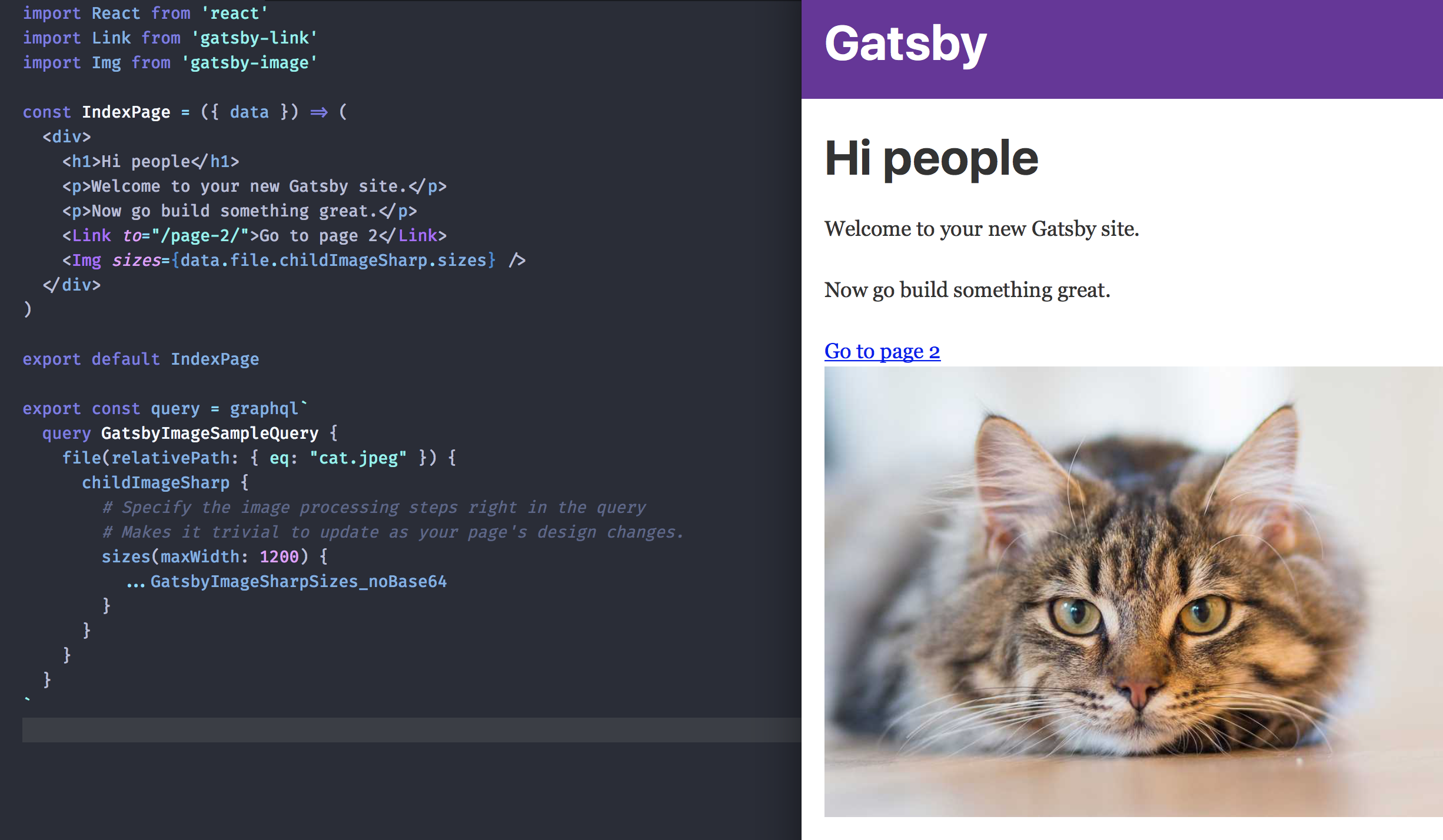
Just have updated to gatsby-image 1.0.7. it's working well in Chrome but in Safari the images aren't showing up. I'm using the sizes option:
              childImageSharp {
                sizes(maxWidth: 1200) {
                  ...GatsbyImageSharpSizes_noBase64
                }
              }
Am I the only one with this bug?
 eur2
eur2
All 5 comments
Could you try [email protected]? I just tried your example query, and it works for me in Safari.
 EmilTholin
on 8 Oct 2017
EmilTholin
on 8 Oct 2017
@EmilTholin Thanks for your reply. Is the lazy-load working for you in Safari?
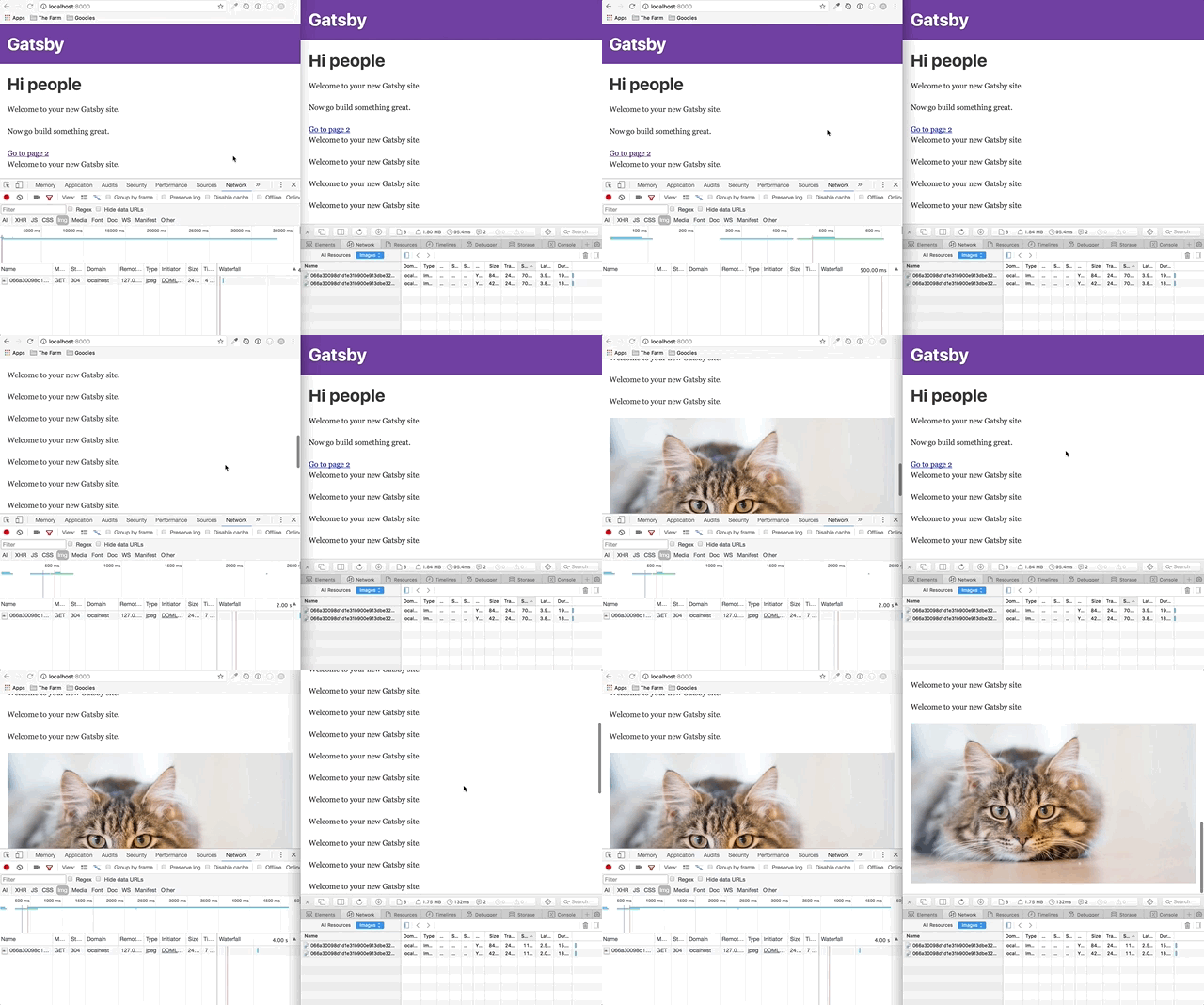
I just have updated to 1.0.9. Now Images are showing up in Safari but the lazyload still doesn't work. It's loading all the images at once. Probably because of the non-supportive intersection-observer in -webkit browsers.
Now If I add a Int-Obs polyfill like this package , the images aren't showing up in Safari… here is the html result:
<div class=" gatsby-image-wrapper" style="position: relative; overflow: hidden; z-index: 1;">
<div style="width: 100%; padding-bottom: 72.3%;"></div>
</div>
Interesting. It does not lazy load in Safari, as you say. I don't know enough about Intersection Observer to say what it could be, sadly. It looks like it is being worked on.
EmilTholin
on 8 Oct 2017
IntersectionObserver is indeed not available without polyfill in stable Safari currently
 Haroenv
on 10 Oct 2017
Haroenv
on 10 Oct 2017
gatsby-image checks for window.IntersectionObserver to be set in order to enable lazy loading so make sure the polyfill is set there.
 KyleAMathews
on 10 Oct 2017
KyleAMathews
on 10 Oct 2017
Related issues
 dustinhorton
·
3Comments
dustinhorton
·
3Comments
 signalwerk
·
3Comments
signalwerk
·
3Comments
 theduke
·
3Comments
theduke
·
3Comments
 timbrandin
·
3Comments
timbrandin
·
3Comments
 brandonmp
·
3Comments
brandonmp
·
3Comments
Most helpful comment
IntersectionObserver is indeed not available without polyfill in stable Safari currently